
UX/UI Design Software That Helps You Deliver Better User Experiences
User expectations are higher than ever. Websites and applications are no longer judged solely by functionality; they are evaluated by how intuitive, engaging, and seamless the experience feels. To meet these expectations, designers rely on powerful UX/UI design software that helps them research, prototype, test, and refine digital products before they reach users.
TL;DR: The right UX/UI design software empowers teams to create intuitive, user-centered digital experiences faster and more efficiently. From wireframing and prototyping to collaboration and usability testing, modern tools streamline every stage of the design process. Selecting the best platform depends on team size, workflow, budget, and project complexity. Combining multiple tools often delivers the strongest results.
UX (User Experience) focuses on how a product feels and functions, while UI (User Interface) centers on visual design and interaction elements. Together, they shape how users perceive and interact with a digital product. The right design software not only enhances creativity but also strengthens collaboration, reduces errors, and accelerates development cycles.
Why UX/UI Design Software Matters
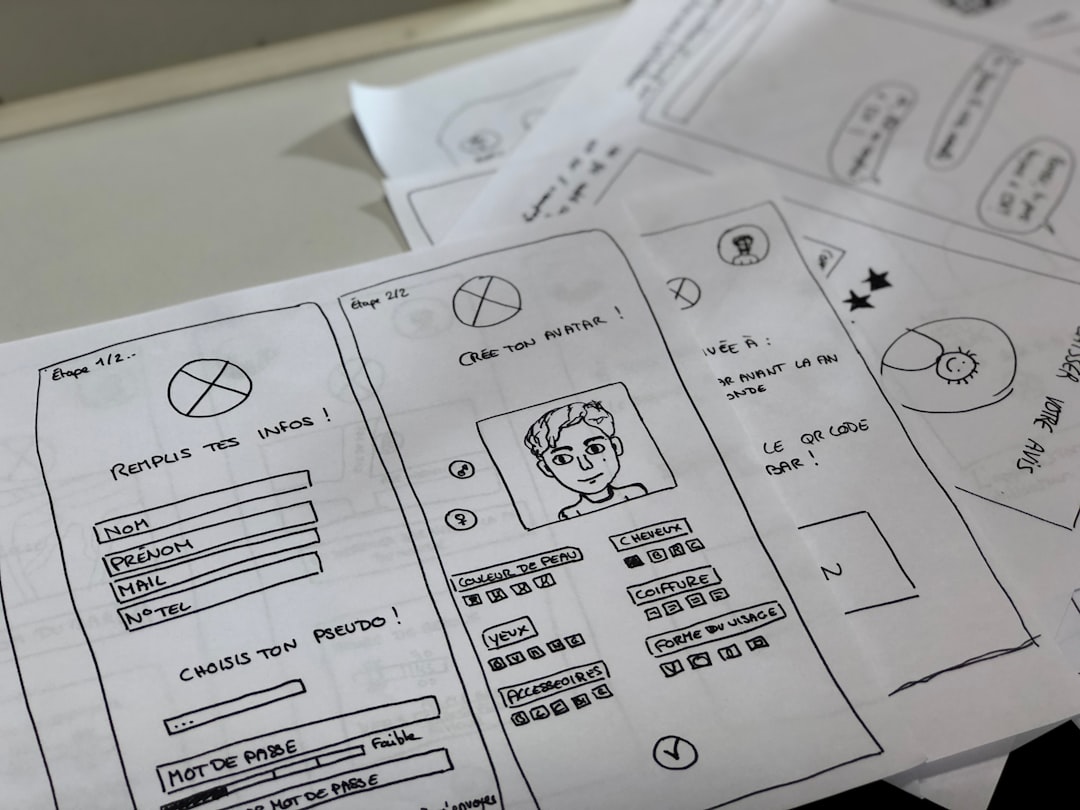
Digital product design involves multiple stages: research, ideation, wireframing, prototyping, testing, and handoff to developers. Without specialized tools, these processes can become fragmented and inefficient.
Modern UX/UI design tools help teams:
- Visualize concepts with wireframes and mockups
- Create interactive, clickable prototypes
- Collaborate in real time
- Maintain consistent design systems
- Conduct usability testing and gather feedback
- Streamline developer handoff with specifications
By centralizing these tasks, teams reduce miscommunication and ensure that the final product aligns with user needs and business goals.
Key Features to Look for in UX/UI Design Software
Not all design tools serve the same purpose. Before choosing software, teams should evaluate core features that directly impact workflow and outcomes.
- Wireframing Capabilities: Quick layout creation for early-stage concepts.
- Interactive Prototyping: Simulating real user flows and transitions.
- Collaboration Tools: Commenting, real-time editing, and shared libraries.
- Design Systems: Reusable components and style guides for consistency.
- Developer Handoff: Code inspection and asset export features.
- User Testing Integration: Feedback collection and usability analytics.
Choosing software that aligns with both project scope and team workflow significantly improves design efficiency.
Top UX/UI Design Tools That Deliver Better Experiences
1. Figma
Figma is widely recognized for its cloud-based collaboration features. Designers can create wireframes, prototypes, and design systems within a single platform while teammates provide real-time feedback.
Strengths:
- Real-time collaboration
- Cross-platform accessibility
- Robust component systems
- Extensive plugin ecosystem
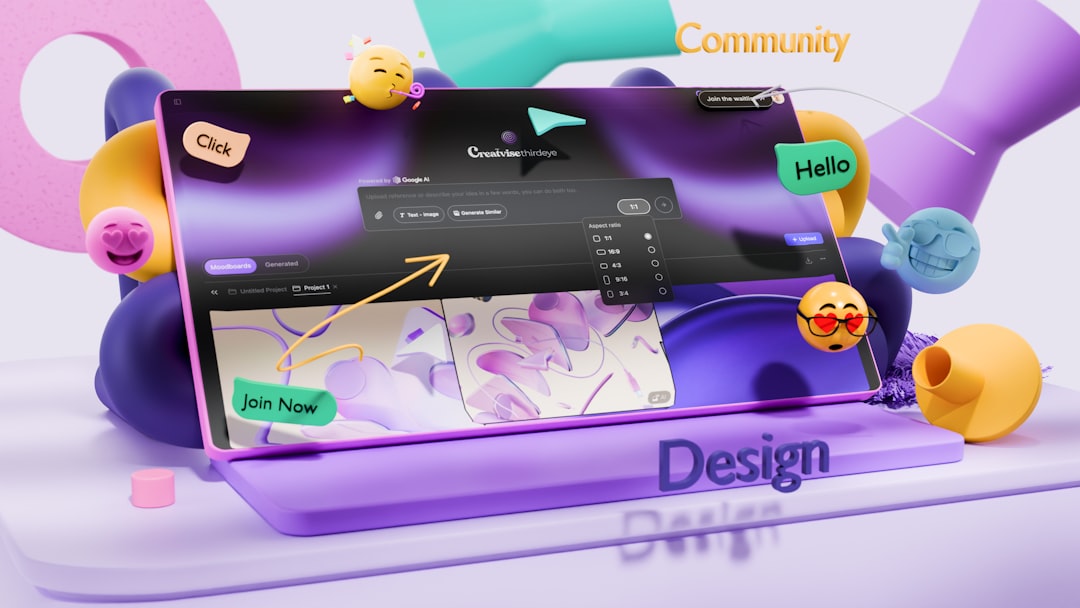
Because it runs in the browser, Figma eliminates version control issues and supports remote teams seamlessly.
2. Adobe XD
Adobe XD integrates smoothly with other creative tools. It enables designers to build interactive prototypes and share them for stakeholder review.
Strengths:
- Intuitive interface
- Voice prototyping features
- Integration with design ecosystems
Its balance of simplicity and capability makes it suitable for both beginners and experienced designers.
3. Sketch
Sketch has long been favored by UI designers, particularly for vector-based interface design. Though primarily used on specific operating systems, it remains popular for its focused feature set and plugin support.
Strengths:
- Clean, streamlined interface
- Strong symbol and component management
- Flexible export options
4. InVision
InVision is known for prototyping and collaboration. It allows teams to transform static screens into interactive prototypes with animations and transitions.
Strengths:
- Advanced animation tools
- Feedback management system
- Design presentation features
5. Axure RP
Axure RP excels at building complex prototypes with conditional logic and dynamic content. It is especially valuable for enterprise-level applications.
Strengths:
- Advanced interaction logic
- Detailed documentation generation
- Powerful user flow simulations
UX/UI Tool Comparison Chart
| Tool | Best For | Collaboration | Prototyping Level | Learning Curve |
|---|---|---|---|---|
| Figma | Remote teams & startups | Excellent (real-time) | Advanced | Moderate |
| Adobe XD | Creative professionals | Strong | Moderate to Advanced | Easy to Moderate |
| Sketch | Interface-focused designers | Moderate | Moderate | Easy |
| InVision | Presentation & feedback | Strong | Advanced animations | Moderate |
| Axure RP | Enterprise projects | Good | Very Advanced | Steep |
How These Tools Improve User Experience
UX/UI design software directly influences the quality of digital experiences in several ways:
1. Faster Iterations
Interactive prototypes enable quick testing of layouts and navigation. Designers can identify usability issues early, preventing costly changes during development.
2. Better Collaboration
Real-time commenting and shared design libraries ensure that stakeholders, developers, and designers stay aligned throughout the project lifecycle.
3. Consistent Design Systems
Maintaining reusable components keeps branding and user interfaces visually consistent across platforms.
4. Data-Driven Improvements
Some platforms integrate usability testing tools that collect user feedback and heatmap data, allowing teams to refine experiences based on real insights. Building on this feedback-driven approach, a jotform alternative can offer more flexible data collection and customization options, helping teams capture more relevant user insights and improve decision-making.
Choosing the Right Tool for Your Team
Selecting UX/UI software should begin with understanding team structure and project requirements. A startup building a simple mobile app may prioritize speed and collaboration. A large enterprise developing internal systems may require advanced logic and documentation features.
Important considerations include:
- Team size and remote collaboration needs
- Budget constraints
- Integration with existing tools
- Scalability for future growth
- Technical complexity of projects
Many organizations combine tools—for example, using one platform for interface design and another for usability testing. This hybrid approach often delivers optimal results.
Emerging Trends in UX/UI Design Software
The landscape of design tools continues to evolve. Several trends are shaping the future of UX/UI software:
- AI-Assisted Design: Automated layout suggestions and design enhancements.
- Voice & AR Prototyping: Designing for immersive and voice-driven experiences.
- Cloud-Native Collaboration: Real-time multi-user editing as a standard feature.
- Integrated Usability Testing: Direct feedback loops within design environments.
As these innovations mature, designers will have even more ways to create efficient, user-centered experiences.
Conclusion
UX/UI design software plays a central role in delivering digital products that users love. From wireframing and prototyping to collaboration and testing, these tools streamline the entire creative process. By selecting software that aligns with team workflows and project goals, organizations can reduce friction, increase efficiency, and produce intuitive digital experiences.
The ultimate goal of UX/UI design is not simply to make interfaces attractive but to ensure that users accomplish tasks effortlessly. With the right tools in place, design teams are better equipped to achieve that mission.
Frequently Asked Questions (FAQ)
1. What is the difference between UX and UI design software?
UX software focuses on research, user flows, wireframing, and usability testing, while UI software emphasizes visual elements like typography, color, and layout. Many modern tools combine both capabilities.
2. Which UX/UI tool is best for beginners?
Tools with intuitive interfaces and strong community support are typically best for beginners. Simplicity, tutorials, and template availability help new designers learn efficiently.
3. Can one tool handle the entire UX/UI process?
Some platforms offer end-to-end functionality, but many teams still use multiple tools to address specialized needs such as advanced prototyping or usability testing.
4. How does UX/UI software improve collaboration?
Modern platforms allow real-time editing, commenting, shared design libraries, and cloud storage, which reduce communication gaps and streamline feedback cycles.
5. Is expensive software always better?
Not necessarily. The effectiveness of a UX/UI tool depends on how well it fits a team’s workflow and project requirements rather than its price alone.
6. Do developers benefit from UX/UI design software?
Yes. Developer handoff features such as code inspection, asset export, and documentation improve communication between designers and engineers, resulting in smoother implementation.
