
BigVu Alternatives: 6 Teleprompter Apps for Scripted Video Recording, Captions, and Professional Presentations

BigVU is not the only solid choice for scripted video recording. Creators, trainers, sales teams, and presenters often get better results from apps with cleaner teleprompters, faster caption tools, or stronger editing workflows. Video is now a daily business tool, with 91% of businesses using video as a marketing tool [source: Wyzowl].
TLDR: The best BigVU alternative depends on the job. PromptSmart Pro suits speakers who want voice-tracking scripts, while Riverside is better for remote interviews and polished clips. A small marketing team recording three 60-second videos per week could save 2 to 4 hours by using an app with built-in captions and templates. For quick social posts, CapCut and VEED are often faster than a full studio workflow.
Best BigVU Alternatives for Scripted Video
BigVU combines a teleprompter, recording, captions, and branding tools. That mix is useful. Still, some users may want smoother script control, better exports, lower pricing, or stronger editing. The catch is, many apps sound similar until the first real recording session. Then the weak spots show up fast.

1. PromptSmart Pro
Best for: speakers, educators, presenters, and trainers.
PromptSmart Pro is known for its VoiceTrack feature. The script follows the speaker’s voice instead of scrolling at a fixed speed. This helps presenters sound more natural. It also reduces panic when a speaker pauses, skips a line, or adds a short comment.
- Pros: voice-based scrolling, strong script control, good for speeches.
- Cons: editing and caption tools are not as broad as full video suites.
It works best for people who care more about delivery than flashy edits.
2. Teleprompter Premium
Best for: solo creators, coaches, and mobile video recording.
Teleprompter Premium keeps things simple. Users can import scripts, adjust scroll speed, record with the camera, and present with fewer distractions. The interface feels less busy than many all-in-one tools.
Honestly, it feels like some apps bury basic script settings under too many menus. This app avoids much of that. It is a practical pick for creators who just need to read cleanly and record fast.
- Pros: easy setup, clean script controls, good mobile workflow.
- Cons: fewer team features and fewer branded video options.
3. Riverside
Best for: podcasts, webinars, interviews, and professional remote recording.
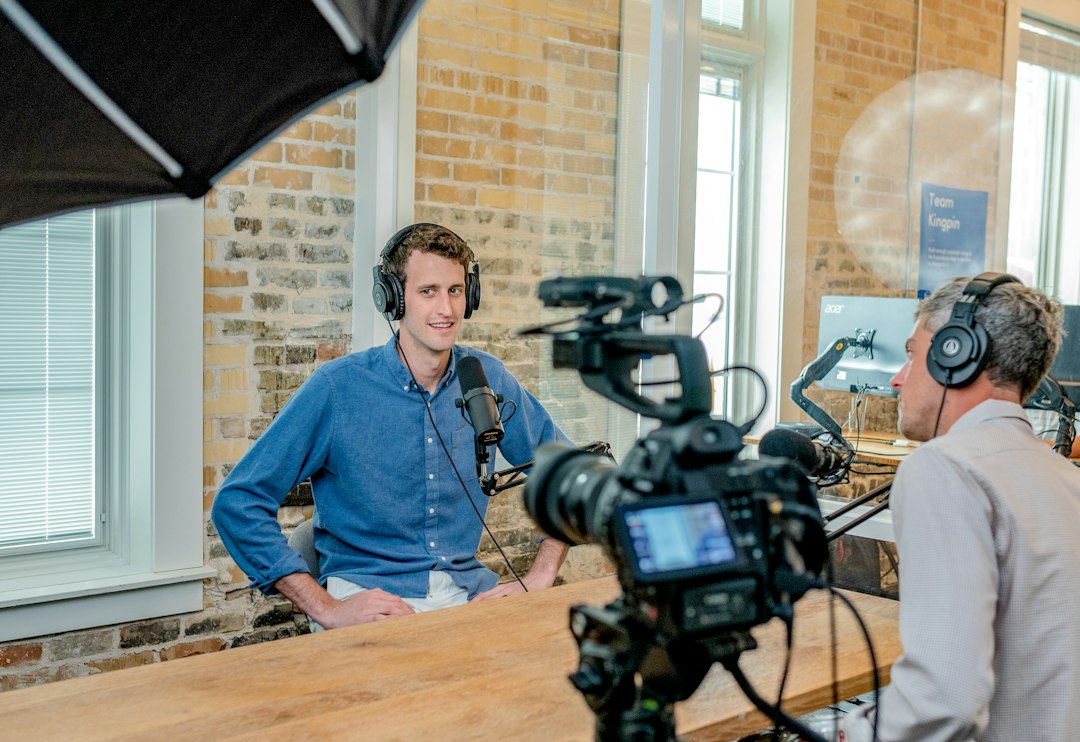
Riverside is more than a teleprompter app. It records high-quality audio and video locally, then uploads the files. That helps when internet quality drops during a remote session. It also includes captions, transcripts, clips, and screen sharing.
For teams that record interviews or thought leadership videos, Riverside can feel more reliable than a pure teleprompter tool. Its text-based editing is also useful. Users can cut sections by editing the transcript.
- Pros: remote recording, transcripts, captions, clips, strong quality.
- Cons: may feel too heavy for simple selfie videos.
4. Descript
Best for: script editing, captions, voice cleanup, and repurposing content.
Descript shines after recording. It turns audio and video into editable text. A creator can delete a sentence from the transcript and remove that part of the video. That saves time, especially for training videos and online courses.
It also offers captions, templates, filler-word removal, and studio sound tools. Descript is not the strongest classic teleprompter option, but it is excellent for people who record scripted content and then need fast edits.
- Pros: text-based editing, captions, audio cleanup, easy repurposing.
- Cons: recording with a scrolling script is not its main strength.
5. VEED
Best for: browser-based recording, subtitles, branded clips, and social videos.
VEED works well for users who want a teleprompter and editor in the browser. It includes screen recording, webcam recording, subtitles, templates, translations, and brand assets. No full desktop setup is required.
Expect to waste time on uploads if the internet connection is weak. That is the tradeoff with browser tools. Still, VEED is strong for teams making short explainers, ads, and internal updates.
- Pros: easy captions, browser access, templates, team-friendly tools.
- Cons: browser performance can vary with large files.
6. CapCut
Best for: TikTok, Reels, Shorts, and quick captioned social videos.
CapCut is popular because it is fast. It gives creators auto captions, effects, templates, background removal, and simple editing tools. It is not a formal teleprompter-first app, but it pairs well with short scripts and quick delivery.
For social media creators, CapCut may be the easiest BigVU alternative. A 30-second talking-head clip can be recorded, captioned, trimmed, and styled in minutes. Its main weakness is professional presentation control. It can feel too casual for sales decks, investor videos, or formal training.
- Pros: fast edits, strong social templates, auto captions, mobile friendly.
- Cons: less suited to polished business presentations.

Which BigVU Alternative Should Teams Pick?
- Best pure teleprompter: PromptSmart Pro.
- Best simple mobile recorder: Teleprompter Premium.
- Best for interviews: Riverside.
- Best for editing scripted video: Descript.
- Best browser tool: VEED.
- Best for social content: CapCut.
The right pick depends on the pain point. If the speaker keeps losing their place, voice tracking matters. If captions take too long, an editor with strong subtitle tools matters more. If the video must look sharp for clients, recording quality and brand controls should come first.
FAQ
What is the best BigVU alternative overall?
PromptSmart Pro is the best choice for teleprompter-focused recording. Riverside is better for remote interviews and studio-style content.
Which app is best for captions?
VEED, Descript, and CapCut are strong caption tools. VEED is good in the browser. Descript is better for editing longer videos.
Which BigVU alternative is best for social media?
CapCut is the fastest option for short social clips. It works well for TikTok, Instagram Reels, and YouTube Shorts.
Is there a good option for professional presentations?
PromptSmart Pro is a strong pick for speeches and presentations. Its voice-following script helps presenters stay calm and sound natural.
Do all BigVU alternatives include a teleprompter?
No. Some tools focus on editing, captions, or remote recording. Buyers should check whether the teleprompter is built in or if a separate recording workflow is needed.
