
What Is a Network Key?
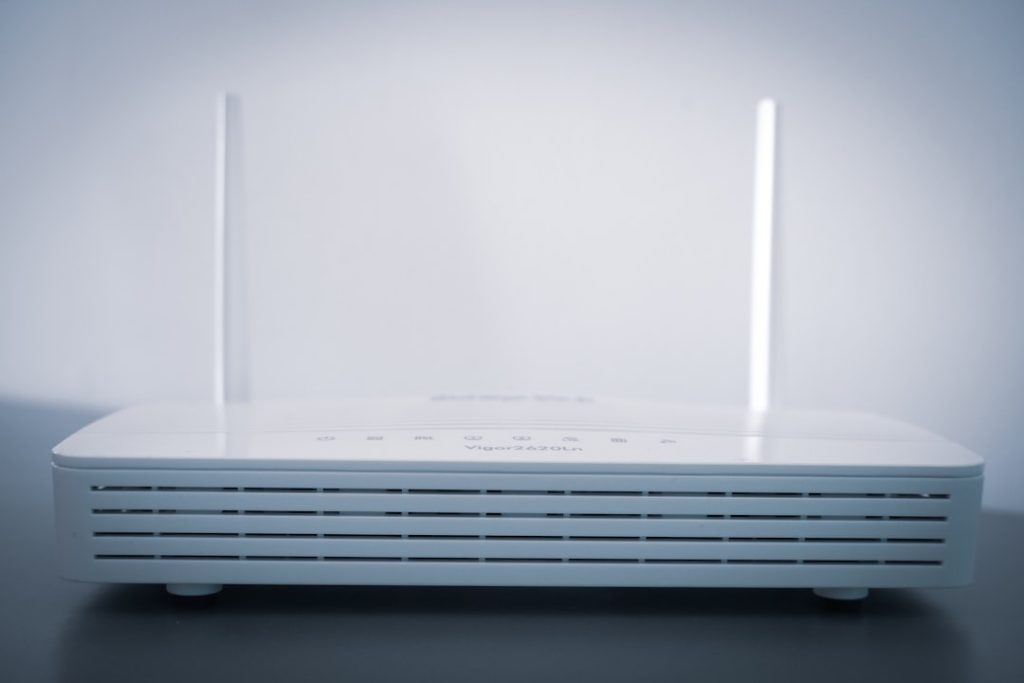
A network key is one of the most common security details people encounter when connecting to Wi-Fi, yet it is also one of the most misunderstood. In practical terms, it is the password or security code that allows a device to join a protected network. More importantly, it helps prevent unauthorized access, protects transmitted data, and supports the overall security of homes, offices, and public environments.
TLDR: A network key is the password or security credential used to connect to a secured Wi-Fi network. It helps keep unauthorized users out and supports encryption so data sent over the network is harder to intercept. Network keys may be called Wi-Fi passwords, security keys, WPA keys, or passphrases depending on the device or router. A strong network key should be unique, difficult to guess, and changed when security risks arise.
What a Network Key Means
A network key is a credential required to authenticate a device before it can access a network. Most people see it when connecting a phone, laptop, smart TV, printer, or other device to a wireless router. If the network is secured, the device asks for a password; that password is the network key.
Although the phrase sounds technical, it usually refers to something familiar: the Wi-Fi password. However, the term can also describe other types of keys used in network security, especially in business or enterprise environments. In everyday use, the network key is the text string you enter to connect to a protected wireless network.
Without a valid network key, a device should not be able to join the network. This simple requirement is one of the first layers of defense against unwanted users, bandwidth theft, spying, and some forms of cyberattack.
Why Network Keys Matter
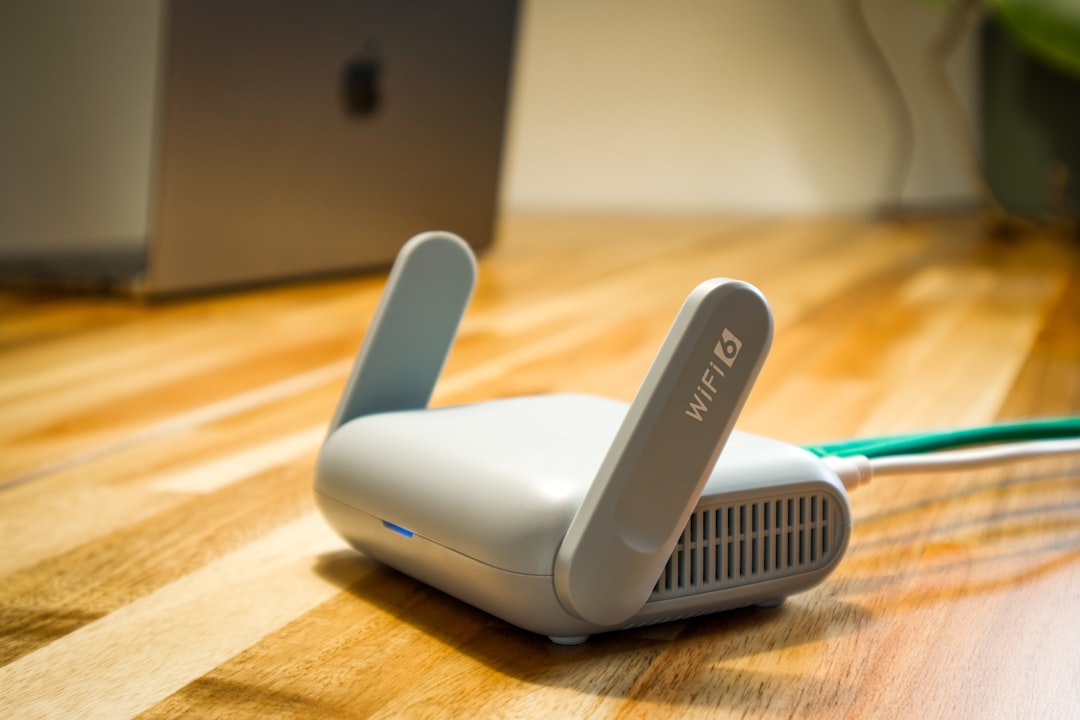
A network key does more than grant access. It is closely tied to encryption, which is the process of scrambling data so that it cannot be easily read by outsiders. When Wi-Fi security is properly configured, the network key helps establish encrypted communication between the router and connected devices.
This matters because wireless signals travel through the air. Unlike a wired connection, which requires physical access to a cable or port, a wireless signal can often be detected from outside a home, office, or building. A weak or exposed network key can allow unauthorized users to connect, monitor traffic, misuse internet service, or attempt to reach other devices on the same network.
For individuals, a compromised network may lead to privacy risks, slower internet speeds, or unauthorized use of online accounts. For businesses, the consequences may be more serious, including data exposure, compliance failures, reputational harm, and financial loss.
Common Names for a Network Key
Different devices, operating systems, and router brands use different labels for the same general concept. You may see a network key referred to as:
- Wi-Fi password
- Wireless password
- Security key
- Network security key
- WPA key or WPA2 key
- Passphrase
- Pre-shared key, often shortened to PSK
These terms are not always identical in advanced technical contexts, but for most home and small office users they point to the same thing: the code needed to connect securely to Wi-Fi.
Network Keys and Wi-Fi Security Standards
Network keys are used alongside Wi-Fi security standards. These standards determine how authentication and encryption are handled. The most common ones include:
- WEP: An older security standard that is now considered insecure. It should be avoided whenever possible.
- WPA: A more secure replacement for WEP, but also outdated compared with newer options.
- WPA2: A widely used standard that remains common and generally secure when paired with a strong password.
- WPA3: The newest major standard, designed to improve protection against password guessing and strengthen encryption.
If your router supports WPA3, it is typically the best choice. If not, WPA2 is still acceptable for many environments, provided the network key is strong. WEP should not be used for any network that needs meaningful protection.
Where to Find a Network Key
Many routers come with a default network key printed on a label, usually on the bottom, back, or side of the device. It may appear next to the network name, also called the SSID. Internet service providers sometimes place the same information on a setup card or inside the customer account portal.
If the default key has been changed, you may be able to find or update it by logging into the router’s administration page. This is usually done through a web browser by entering the router’s local address, such as 192.168.0.1 or 192.168.1.1. The exact address and login details vary by manufacturer and provider.
On devices that have already connected to the network, the saved Wi-Fi password may be viewable through system settings, depending on the operating system and permissions. For example, administrators on a computer may be able to reveal saved network credentials after confirming their identity.

What Makes a Strong Network Key?
A strong network key should be difficult for people and automated tools to guess. Short, common, or predictable passwords are risky, especially if they include personal details such as names, birthdays, addresses, or phone numbers.
Good network keys typically follow these principles:
- Use at least 12 to 16 characters, and longer is better.
- Include a mix of uppercase letters, lowercase letters, numbers, and symbols.
- Avoid dictionary words, famous phrases, and obvious patterns.
- Do not reuse passwords from email, banking, or other accounts.
- Choose something memorable enough to store safely, but not easy to guess.
One practical approach is to use a long passphrase made of several unrelated words, combined with numbers or symbols. Length is especially important because it increases the effort required to crack the key. For example, a long and unusual phrase is usually stronger than a short password with only minor substitutions.
When Should You Change a Network Key?
Changing a network key is not something most people need to do every week, but there are clear situations where it is wise. You should consider updating it when:
- You suspect someone unauthorized has connected to your network.
- You gave the password to a guest, contractor, tenant, or former employee who no longer needs access.
- You are still using the default password from the router label.
- Your router was reset, replaced, or transferred from another location.
- Your current key is short, simple, or reused elsewhere.
After changing the network key, all previously connected devices will need to reconnect using the new password. This can be inconvenient, but it is an important step when access control matters.
Home Networks Compared With Business Networks
In a home network, a single shared Wi-Fi password is common. Everyone in the household uses the same network key, and guests may receive the same key unless a separate guest network is enabled. For many homes, this is acceptable if the password is strong and the router is kept updated.
Business networks often require more control. Instead of one shared key, organizations may use enterprise authentication, where each person signs in with individual credentials. This makes it easier to remove access for one employee without changing the password for everyone. Businesses may also segment networks so that guests, staff, payment systems, and sensitive devices are kept separate.

Common Mistakes to Avoid
Several habits weaken network security even when users believe their Wi-Fi is protected. The most common mistakes include leaving the default key unchanged, writing the password in a public place, using the same key for years without review, or sharing it too freely.
Another mistake is focusing only on the password while ignoring router updates. A strong network key is important, but router firmware should also be updated when security patches are available. Older routers that no longer receive updates may need to be replaced, especially in environments where privacy and reliability are important.
Final Thoughts
A network key is a basic but essential part of wireless security. It controls who can connect to a network and helps support encrypted communication between devices and the router. While the term may appear technical, in most situations it simply means the Wi-Fi password.
Using a strong, unique network key is one of the simplest ways to protect a home or business network. Combined with modern security standards such as WPA2 or WPA3, regular router updates, and careful sharing practices, it forms a dependable foundation for safer connectivity.
