
Did Zelle Go Out of Business? How to Check Official Updates and Compare Payment Infrastructure Providers Like Dwolla and Moov

Zelle has not gone out of business; if your payment failed, the more likely causes are a bank outage, fraud hold, account limit, app issue, or a temporary network problem. Zelle is operated by Early Warning Services, and the network reported more than $1 trillion in payment volume in 2024 across billions of transactions [source: Early Warning]. Still, Zelle does not serve every payment need, especially for businesses that need embedded ACH, wallet infrastructure, custom onboarding, or ledger controls. That is where providers such as Dwolla and Moov enter the conversation.
TLDR: Zelle is not shut down, but individual users can still see failed transfers when a bank blocks a payment, maintenance is underway, or an app session breaks. For example, a customer sending $900 for rent may see a “payment pending” message if the recipient bank is reviewing activity or if daily limits apply. If 20 customers complain at the same time, treat it as a potential incident and check official channels before assuming the network is gone. Businesses should compare Zelle with infrastructure providers like Dwolla and Moov when they need APIs, ACH flows, compliance tooling, or more control over the payment experience.
Why people think Zelle went out of business
The confusion usually starts when a payment stalls. A user opens a banking app, taps Send, and gets an error that says the transfer cannot be completed. That feels alarming, especially when money is involved.
There are also social posts that spread fast after outages. A few screenshots can make a local bank issue look like a national shutdown. Honestly, it feels like payment apps make this worse by giving vague messages such as “try again later” instead of plain reasons.
Zelle is not a standalone wallet in the same way as some consumer payment apps. Most people use it inside their bank’s app. That means the weakest link could be the bank app, online banking login, fraud screening, the user’s debit profile, or the recipient’s enrollment status.
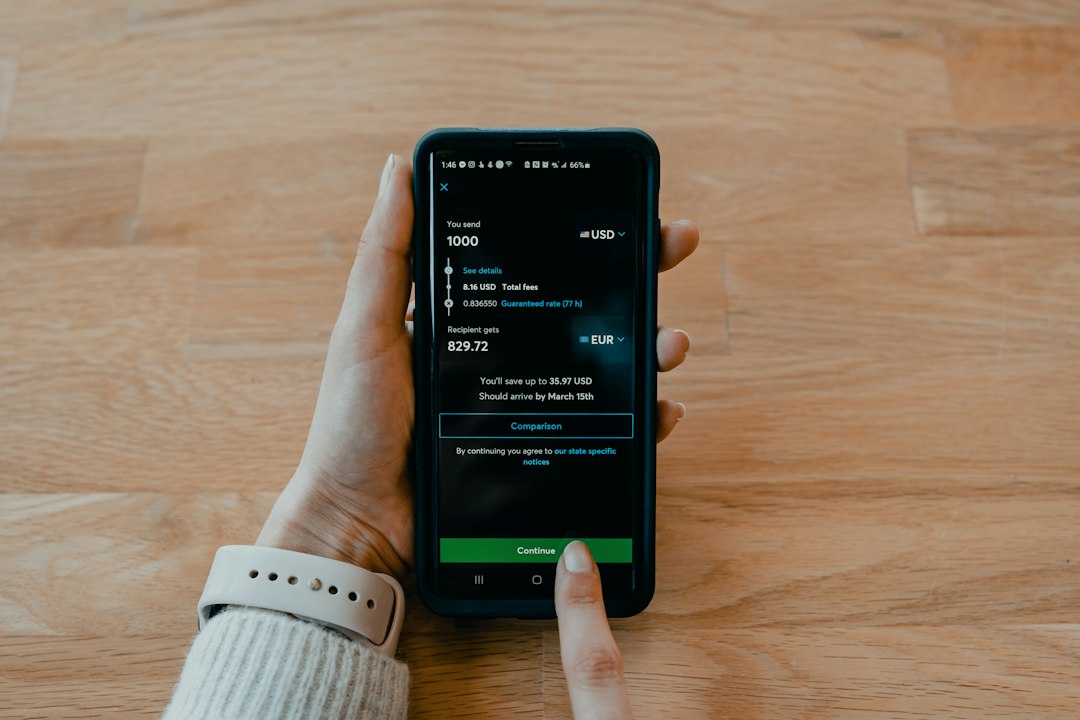
How to check if Zelle is actually down
Use official sources first. Do not rely on random posts unless you are only using them as an early warning sign.
- Check your bank’s status page. Many Zelle problems are bank specific. Search for your bank name plus “service status” or “online banking outage.”
- Check inside your banking app. Banks often post alerts after login, especially for scheduled maintenance.
- Visit Zelle’s official site. Look for service notices, help articles, and enrollment guidance.
- Call your bank’s support number from the official website. Do not call numbers from text messages or social posts.
- Check whether the recipient is enrolled. A payment can fail if the email address or phone number is linked to the wrong account.
- Review limits. Banks set their own Zelle send limits. A failed $2,500 transfer may work as two smaller payments, if your bank allows it.
Expect to waste time on support scripts if the issue sits between your bank and Zelle. Ask direct questions: “Is Zelle unavailable for my account?” “Is there a fraud hold?” “Was the recipient blocked?” “Did the transfer leave my account?”
What to do if a Zelle payment is pending or failed
First, do not send the same payment again unless your bank confirms the first one failed. Duplicate payments are a real risk. That is especially painful with rent, invoices, tuition, or contractor payments.
If the payment shows as pending, check whether the recipient received an enrollment notice. If the recipient is not enrolled, the payment may wait for them to register. If they do not enroll in time, the money may return to your account under your bank’s rules.
If the payment shows as completed, treat it as sent. Zelle payments are often hard to reverse. If you sent money to the wrong person, contact your bank at once. Fast action matters, but recovery is not guaranteed.
Is Zelle the right fit for businesses?
Zelle can work well for simple bank-to-bank consumer payments. It is fast, familiar, and already built into many banking apps. But it is not always the best tool for business payment infrastructure.
Businesses often need more than “send money to a phone number.” They may need customer onboarding, identity checks, ACH debits, reconciliation, webhook events, subaccounts, ledgers, returns handling, and audit trails. Zelle is a payment network for participating banks, not a full custom payments platform for every software use case.
That difference matters. A landlord collecting a few payments from tenants may accept Zelle without much trouble. A property management platform serving 40,000 renters needs reporting, permissions, automated retries, and clear failure codes. Zelle may not offer the level of control that platform teams expect.
Dwolla vs. Moov vs. Zelle: the practical comparison
Zelle is best known for consumer transfers through banks. It is useful when both parties already bank with participating institutions. The user experience can be simple, but the business has limited control over the payment flow.
Dwolla focuses on account-to-account payments, often through ACH and bank transfer APIs. It is commonly considered by companies that need programmable money movement, recurring payments, mass payouts, or an embedded transfer system. Dwolla is usually a better fit when the business wants to build payment features into its own software rather than direct users into a bank app.
Moov offers payment infrastructure with APIs for money movement, card acquiring in some use cases, wallet-style balances, onboarding, and compliance-related workflows. It can suit platforms that need more pieces in one place. That may include marketplaces, fintech apps, payroll tools, and vertical software platforms.

| Provider | Common fit | Main strength | Possible drawback |
|---|---|---|---|
| Zelle | Consumer bank transfers | Fast transfers inside bank apps | Limited business API control |
| Dwolla | ACH and bank payment APIs | Programmable account-to-account payments | Requires integration and compliance planning |
| Moov | Embedded payment platforms | Broader infrastructure in one API model | May be more than a small business needs |
What serious buyers should check before choosing a provider
Do not choose a provider only because a demo looks clean. Payments become messy after launch. Returns happen. Users mistype account numbers. Banks reject debits. Fraud teams freeze activity. Support queues grow.
- Coverage: Can the provider support your customers’ banks, payment types, and states or countries?
- Risk controls: What happens with suspicious activity, chargebacks, ACH returns, and account takeover?
- Compliance role: Who handles KYC, KYB, sanctions checks, and required records?
- Speed: Are same-day ACH, instant payments, or real-time rails available?
- Developer experience: Are the docs clear, with useful errors and stable webhooks?
- Reconciliation: Can finance teams match payments to invoices without manual cleanup?
- Support: Is there a real escalation path when money is stuck?
It drives me crazy when providers show polished dashboards but hide the operational details. Ask for sample error codes, webhook payloads, return scenarios, and settlement timing. If the sales team cannot explain what happens when a $3,200 ACH debit returns after funds were already credited, keep asking.
When Zelle is enough and when it is not
Zelle may be enough for informal, low-complexity transfers between known parties. It can be useful for splitting expenses, paying a babysitter, or sending money to family. It may also fit some small service providers that already accept bank-based payments from trusted customers.
Zelle is usually not enough when your product depends on payments as a core feature. If you need automated onboarding, branded checkout, internal balances, batch payouts, or detailed payment states, look at infrastructure vendors. Dwolla and Moov are two serious options, but they are not interchangeable. Your risk model and product design should drive the choice.

Bottom line
Zelle did not go out of business. A failed Zelle payment is more likely tied to your bank, account status, recipient enrollment, fraud review, or temporary service trouble. Start with official bank alerts, then contact the bank before retrying a payment.
For consumers, Zelle remains a common way to move money between bank accounts. For businesses, the better question is different: Do you need a payment feature, or do you need payment infrastructure? If it is infrastructure, compare Zelle against providers such as Dwolla and Moov with a sharp eye on APIs, risk controls, support, settlement timing, and reconciliation.
