
Canva vs Other Wedding Logo Makers: Which Tool Is Better?
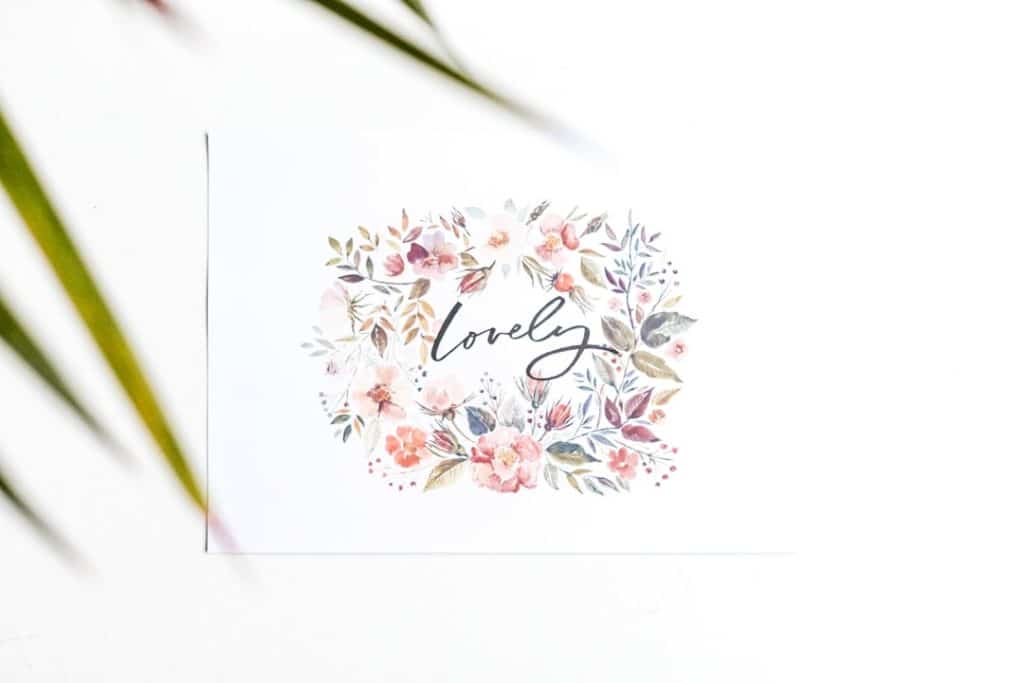
Choosing a wedding logo maker can feel surprisingly important. A small monogram, crest, or custom emblem may appear on invitations, menus, signage, favors, websites, thank you cards, and even dance floor decals. Because it becomes part of the visual identity of the celebration, couples often want a tool that feels easy, flexible, stylish, and affordable. Among the many options available, Canva is one of the most popular choices, but it is not the only one worth considering.
TLDR: Canva is usually the best wedding logo maker for couples who want creative freedom, beautiful templates, and easy matching designs for the rest of their wedding stationery. Other logo makers can be faster if you only need a simple monogram or AI generated logo in minutes. However, many dedicated logo tools offer less flexibility when it comes to editing layouts, colors, typography, and matching wedding materials. For most couples, Canva offers the best balance of style, control, usability, and value.
What Makes a Good Wedding Logo Maker?
A wedding logo is different from a business logo. It does not need to communicate a product, market position, or corporate personality. Instead, it should express a feeling: romantic, modern, rustic, elegant, whimsical, glamorous, vintage, minimalist, or deeply personal. That means the best wedding logo maker should offer more than a generic icon and a name field.
A strong wedding logo tool should include:
- Elegant typography for initials, names, dates, and short phrases.
- Romantic design elements such as florals, wreaths, crests, arches, vines, rings, or watercolor accents.
- Flexible editing so couples can adjust colors, spacing, shapes, and alignment.
- High quality exports suitable for printing and digital use.
- Matching design options for invitations, menus, welcome signs, seating charts, and social graphics.
Since weddings often involve many coordinated materials, a logo maker is more useful when it fits into a larger design workflow. This is where Canva has a clear advantage over many specialized logo generators.
Canva: The All Around Wedding Design Studio
Canva is not only a logo maker; it is a complete online design platform. This is both its biggest strength and, for some users, its only real drawback. Because there are so many features, templates, graphics, fonts, and format options, it can feel broader than a simple wedding logo generator. But for couples who want a polished visual theme across their entire event, that breadth is extremely useful.
With Canva, you can begin with a wedding logo template, a monogram template, or a blank canvas. You can search for styles like boho wedding logo, luxury monogram, floral crest, minimal initials, or watercolor wedding. The platform makes it easy to swap fonts, drag decorative elements, add names, change colors, and resize the design for multiple uses.
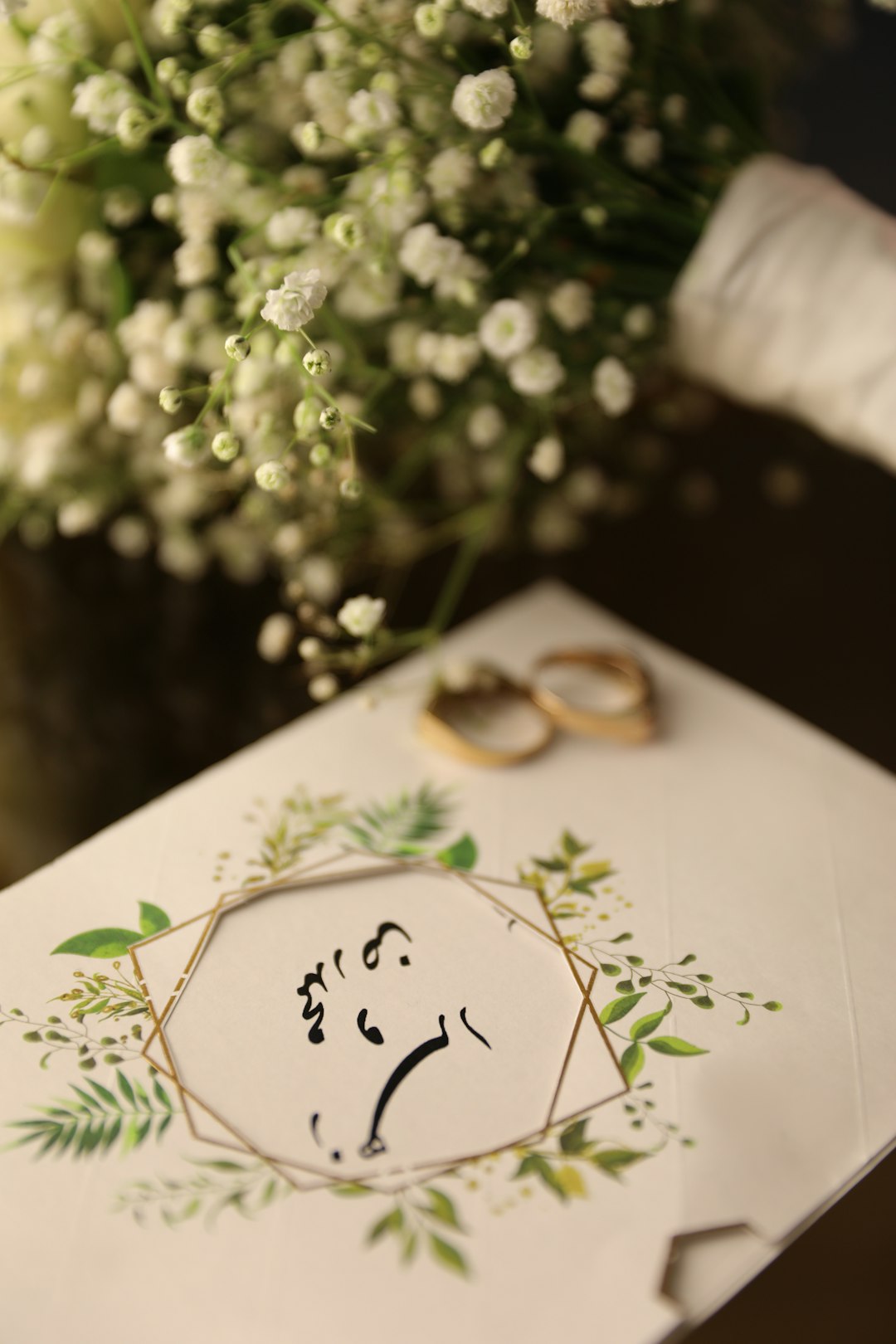
One of Canva’s greatest benefits is that once your wedding logo is finished, you can immediately use it on other designs. Want to place the logo on your invitation? Copy it into an invitation template. Need a welcome sign? Resize the design. Want matching Instagram stories, table numbers, or favor tags? Canva has templates for those too. This makes it especially helpful for couples planning a cohesive wedding aesthetic without hiring a full time designer.
How Canva Performs for Wedding Logos
Canva performs best when the couple has at least a general idea of the mood they want. If you know your wedding is garden inspired, black tie, beachy, rustic, or modern, Canva gives you the tools to explore that direction visually. Its search function is simple, and its template library is large enough to provide many starting points.
The editing experience is also beginner friendly. You do not need design training to create something attractive. You can click text boxes, try font pairings, move illustrations, adjust transparency, and test color palettes. Canva also offers brand style features, background removal, resizing tools, and premium elements for paid users.
However, Canva is not perfect. Because its templates are widely used, some designs can look familiar unless you customize them. A couple who simply changes the names on a template may end up with a logo that feels less personal. The best Canva wedding logos usually come from mixing elements, changing typefaces, adjusting layouts, and choosing colors that match the wedding palette.
Other Wedding Logo Makers: Faster, But Often Less Flexible
Dedicated logo makers can be appealing because they promise speed. Many ask you to enter names, select a style, choose a few icons, and generate options almost instantly. Tools such as Looka, Wix Logo Maker, Tailor Brands, Adobe Express, and FreeLogoDesign may produce clean results with little effort. For couples who need a quick initials based emblem, these tools can be useful.
The main advantage of these platforms is simplicity. Instead of scrolling through thousands of templates, you answer a few questions and receive ready made logo concepts. Some also provide logo packages with different file types, social media versions, and layout variations. If your wedding logo needs are basic, this can save time.
But the limitation is often customization. Many logo makers are designed primarily for businesses, not weddings. Their icons, layouts, and style categories may lean toward professional branding rather than romantic celebration design. You might find elegant script fonts and floral graphics, but the selection is usually narrower than Canva’s wedding focused template ecosystem.
Template Quality and Style Variety
When comparing Canva to other wedding logo makers, style variety is one of the biggest differences. Canva offers designs in many wedding aesthetics: vintage botanical, soft watercolor, classic serif, luxury gold, rustic greenery, celestial, art deco, coastal, modern minimalist, and more. It also contains illustrations, patterns, frames, borders, and decorative flourishes that can be added separately.
AI logo generators and dedicated logo tools may produce polished designs, but they can sometimes feel formulaic. You may see repeated combinations of initials inside circles, simple line icons, or generic wreaths. That may be enough for a small detail on a program or favor label, but it may not feel distinctive enough for a central wedding identity.
Canva’s advantage is not that every template is better. Rather, it gives the user more room to create a design that feels connected to the event. You can combine a hand drawn flower with a formal serif font, add a venue sketch style illustration, or build a crest using individual elements. This freedom helps a logo feel less automated and more personal.
Ease of Use: Which Is More Beginner Friendly?
If “beginner friendly” means fastest possible result, many dedicated logo makers win. A guided logo generator can create options in minutes. You do not have to think much about composition, spacing, or font pairing. The tool makes most decisions for you.
If “beginner friendly” means easy to edit and reuse, Canva is stronger. Its drag and drop editor is intuitive, and the ability to create matching stationery from the same workspace is extremely convenient. Couples do not need to download a logo from one site, upload it elsewhere, and rebuild the visual style from scratch.
The best choice depends on your personality. If you want a tool to make the design decisions, try a logo generator. If you want a tool that lets you explore, personalize, and coordinate everything, Canva is likely the better fit.
Printing and File Quality
Wedding logos often end up in print, so export quality matters. Canva allows downloads in formats such as PNG, JPG, PDF, and SVG for certain users and design types. For printed stationery, PDF Print is especially useful. Transparent background downloads are available with Canva Pro, which is valuable if you want to place your logo over different colored materials.
Some dedicated logo makers provide professional file packages, including vector files, but they may require payment before download. This can be worthwhile if you need the logo for engraving, large signage, vinyl decals, or professional printing. Before choosing any tool, check whether you can export the design in the file type your printer or vendor requires.
For most couples handling invitations, signage, menus, and digital graphics, Canva’s export options are sufficient. For highly specialized uses, such as foil stamping or custom embroidery, you may need a vector file or help from a designer to prepare the artwork.
Cost and Value
Canva offers a generous free plan, and many wedding logo templates can be edited without paying. However, premium fonts, graphics, background transparency, resizing, and some export features may require Canva Pro. For couples making several wedding materials, the paid plan can be a good short term investment.
Other logo makers often let users design for free but charge for downloading usable files. The final cost can vary depending on whether you need only a basic PNG or a full logo package. This model can be fine for a one time logo, but it may offer less value if you also need invitations, RSVP cards, programs, signage, and social posts.
Canva’s value is strongest when you use it as a wedding design hub, not just a logo maker. The more items you create, the more practical it becomes.
Best Use Cases for Canva
- You want a cohesive wedding look across invitations, signage, menus, and digital designs.
- You enjoy customizing fonts, colors, layouts, and decorative elements.
- You need many templates in the same style family.
- You are planning on a budget but still want something polished.
- You want creative control without learning professional design software.
Best Use Cases for Other Wedding Logo Makers
- You need a logo very quickly and do not want to browse templates.
- You prefer guided design where the tool generates options automatically.
- You only need one logo file and not a full stationery suite.
- You want a simple monogram with minimal editing.
- You need a professional logo package and are willing to pay for it.
Final Verdict: Which Tool Is Better?
For most couples, Canva is the better wedding logo maker because it combines attractive templates, flexible editing, and practical wedding design tools in one place. It is especially useful when the logo is part of a bigger visual system, appearing on everything from invitations to reception signage.
Other wedding logo makers are not bad choices. In fact, they can be excellent for couples who want speed, automation, and a simple finished file. If you only need a clean monogram and do not care about building matching materials, a dedicated logo generator may be enough.
Still, weddings are highly personal events, and personalization is where Canva shines. It lets couples experiment with mood, color, typography, and decorative details until the design feels right. The result may not always be as instantly generated as with other tools, but it often feels more intentional.
In the end, the best wedding logo maker depends on how much control you want. Choose a dedicated logo maker if speed is your top priority. Choose Canva if you want a beautiful, flexible, and coordinated wedding identity that can grow from a single logo into an entire celebration style.
