
Biometric Authentication Apps Supporting Face, Fingerprint, And Voice Login
Logging in used to mean typing long passwords. Then forgetting them. Then resetting them. Again. Today, things feel almost magical. You look at your phone. It unlocks. You touch a sensor. You are in. You speak a phrase. Access granted. This is the world of biometric authentication apps. They use your face, fingerprint, or voice to prove you are really you.
TLDR: Biometric authentication apps let you log in using your face, fingerprint, or voice instead of passwords. They are fast, easy, and often more secure than traditional logins. Your unique body features act like a personal key. While not perfect, they are becoming the new standard for apps, banking, and even smart homes.
Let’s break it down in a fun and simple way.
What Is Biometric Authentication?
The word sounds complex. But the idea is simple.
Bio means life. Metric means measurement.
So biometrics means measuring something about your body.
Biometric authentication apps use unique physical traits to confirm your identity. These traits include:
- Face recognition
- Fingerprint scanning
- Voice recognition
No two people have the exact same fingerprint. Or the exact same voice pattern. Even identical twins have slightly different fingerprints. That makes these traits powerful security tools.
Why Are Biometrics So Popular?
Because people are tired of passwords.
Think about it. You are told to:
- Create a long password
- Add numbers
- Add symbols
- Avoid common words
- Never reuse it
That is a lot to remember.
Biometric authentication apps solve this problem. You do not need to remember your face. You do not forget your fingerprint at home. Your voice is always with you.
Here is why users love biometric logins:
- Fast – It takes seconds.
- Convenient – No typing required.
- Secure – Harder to copy than passwords.
- User-friendly – Works for all ages.
Simple. Quick. Smooth.
Face Recognition Apps
Let’s start with your face.
Face recognition apps use your phone’s camera to scan your face. They measure details like:
- The distance between your eyes
- The shape of your jaw
- The curve of your lips
- The depth of your eye sockets
These points are turned into a secure digital map.
When you try to log in again, the app compares your live face to the stored map. If it matches, you are in.
Where is it used?
- Smartphone unlocking
- Banking apps
- Payment approvals
- Secure work apps
Some advanced apps even use 3D face scanning. This makes it harder to trick the system with a photo.
Pros:
- No touch required
- Very fast
- Easy to use in daily life
Cons:
- May struggle in low light
- Face changes (beard, glasses) can affect accuracy
Still, face login feels futuristic. And fun.
Fingerprint Authentication Apps
This one feels almost natural now.
You place your finger on a sensor. Done.
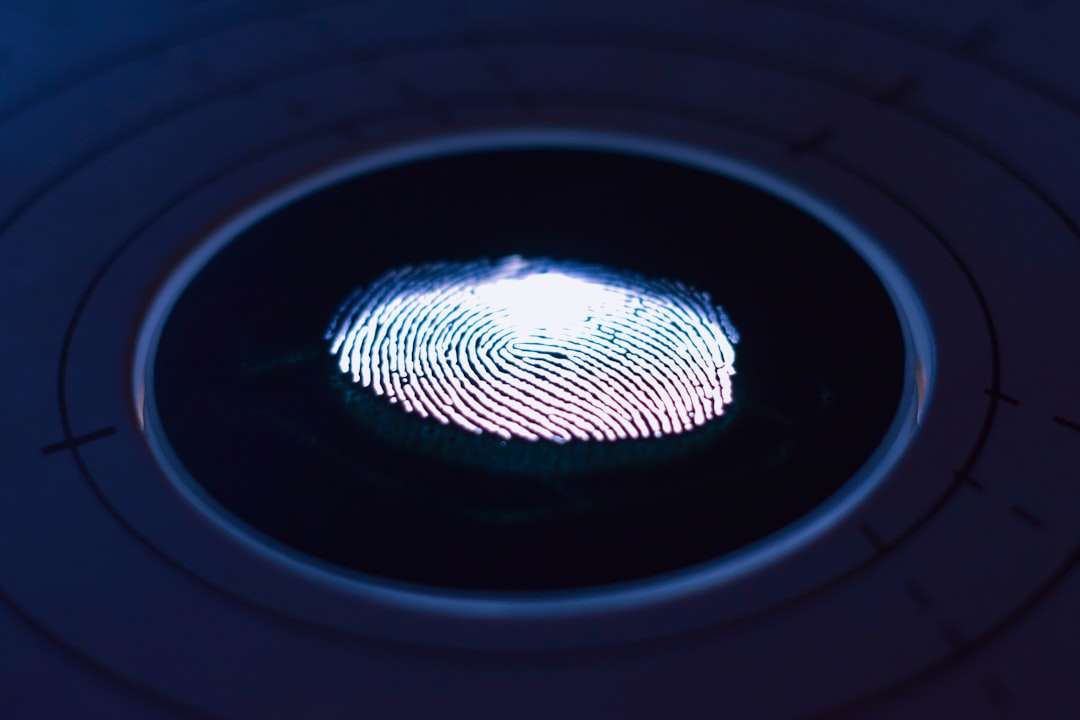
Fingerprint authentication works by scanning the tiny ridges and patterns on your fingertip. These patterns are unique, even between twins.
The app saves an encrypted version of your fingerprint. It does not store a simple picture. Instead, it keeps a secure digital template.
When you press your finger again, the system compares patterns.
If they match, access is granted.
Common Uses:
- Unlocking phones
- Authorizing app downloads
- Bank transactions
- Password managers
Why people like it:
- Works in the dark
- Very accurate
- Quick response time
Limitations:
- Wet or dirty fingers can cause issues
- Requires touch
Fingerprint login is often seen as the sweet spot between security and convenience.
Voice Authentication Apps
Your voice is more unique than you think.
It is shaped by:
- Your vocal cords
- Your throat shape
- Your accent
- Your speaking rhythm
Voice authentication apps analyze tone, pitch, speed, and sound waves. They do not just listen to what you say. They study how you say it.
Some apps require a fixed passphrase. Others use free speech recognition during normal conversation.
Where is voice login useful?
- Phone banking
- Smart home systems
- Customer support verification
- Hands free device access
Benefits:
- No physical contact needed
- Good for accessibility
- Works remotely
Challenges:
- Background noise
- Sore throat or illness
- High quality voice recordings as threats
Even with challenges, voice login is growing fast.
Are Biometric Apps Safe?
This is the big question.
The short answer: They can be very safe when designed correctly.
Most biometric authentication apps:
- Store data in encrypted form
- Keep biometric templates on your device
- Avoid storing actual images or raw recordings
- Use secure hardware chips
This means your fingerprint is not saved as a photo in a gallery. It is converted into mathematical data.
Still, no system is perfect.
If someone steals your password, you can change it. If someone steals biometric data, you cannot change your fingerprint. That is why companies must invest heavily in protection.
Good apps also use multi-factor authentication. That means combining biometrics with something else, like:
- like a PIN code or a secure viber otp, which offers a cost-effective alternative to traditional SMS for secondary verification.
- A security token
- A one time SMS code
This layered approach increases security.
How Businesses Use Biometric Login
It is not just about unlocking phones.
Businesses use biometric authentication apps to:
- Protect customer accounts
- Secure financial transactions
- Prevent identity fraud
- Control employee access
Banks especially love biometrics. Fraud is expensive. Face and fingerprint login reduce fake account access.
Healthcare apps also use biometric login. This protects sensitive patient data.
Even workplaces use facial recognition for entry systems. No keycards needed.
The User Experience Advantage
Security is important. But experience matters too.
Biometric apps remove friction.
No typing. No remembering. No resetting.
This makes users happier.
And happy users stay longer.
For app developers, biometric login can:
- Increase trust
- Reduce abandoned logins
- Improve customer satisfaction
- Lower support requests for password resets
It is a win-win.
What About Privacy?
Privacy concerns are real.
People worry about:
- Where their biometric data is stored
- Who has access to it
- Whether it can be shared
The best biometric authentication apps are transparent. They explain:
- How data is stored
- How it is protected
- When it is deleted
Many systems now store biometric data only on your personal device. Not on company servers. This reduces risk.
Always check app permissions. And use trusted providers.
The Future of Biometric Authentication
The future looks exciting.
New innovations include:
- Behavioral biometrics – How you type or swipe
- Eye scanning – Iris recognition
- Heart rhythm authentication
Imagine logging in just by holding your phone. It recognizes your heartbeat pattern.
Sounds like science fiction. But it is already being tested.
Artificial intelligence will make biometric systems smarter. They will adapt. Learn. Improve accuracy over time.
Final Thoughts
Biometric authentication apps are changing how we log in.
They replace passwords with something more human.
Your face. Your fingerprint. Your voice.
They are fast. Convenient. And increasingly secure.
Of course, no system is perfect. Security requires smart design and responsible use.
But one thing is clear.
The future of login is personal.
And your body might just be the best password you will ever have.
