
Hubstaff Alternatives: 6 Time Tracking and Workforce Management Tools for Productivity Reporting, Attendance, and Remote Teams
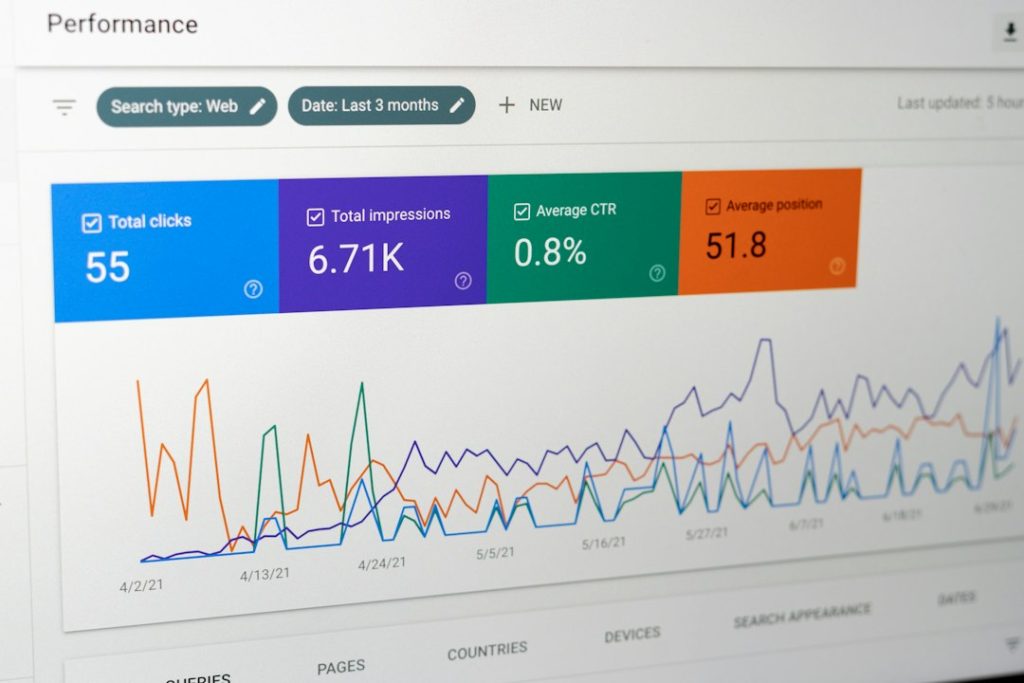
The best Hubstaff alternative depends on what you actually need to prove: hours worked, attendance, project cost, focus time, or remote team output. Remote work is still normal for many office roles; Gallup reports that 52% of remote-capable U.S. employees work hybrid and 27% work fully remote [source: Gallup]. That means managers need clear reports without turning work into constant surveillance.
TLDR: If Hubstaff feels too focused on screenshots and activity tracking, tools like Time Doctor, Toggl Track, Clockify, Harvest, ActivTrak, and Deputy may fit better. For example, a 25-person support team could use Deputy for attendance, Toggl Track for client work, and ActivTrak to spot that meetings are eating 18% of weekly focus time. Pick based on your core problem, not the longest feature list. The wrong tool will create more admin work than insight.
1. Time Doctor: Best for remote team visibility
Time Doctor is the closest Hubstaff match for companies that still want detailed employee time tracking. It tracks work hours, apps, websites, idle time, and projects. Managers can see who is working, what they are working on, and where time goes.
It works well for agencies, virtual assistant teams, development shops, and support teams. The reporting is strong, especially if you need proof of paid hours. The catch is that some workers may find it heavy. Screenshots and activity data can feel invasive if the company culture is already tense.
- Best for: remote teams that bill by the hour
- Useful feature: productivity ratings for apps and websites
- Watch out for: employee pushback if tracking rules are unclear
2. Toggl Track: Best for simple time reporting
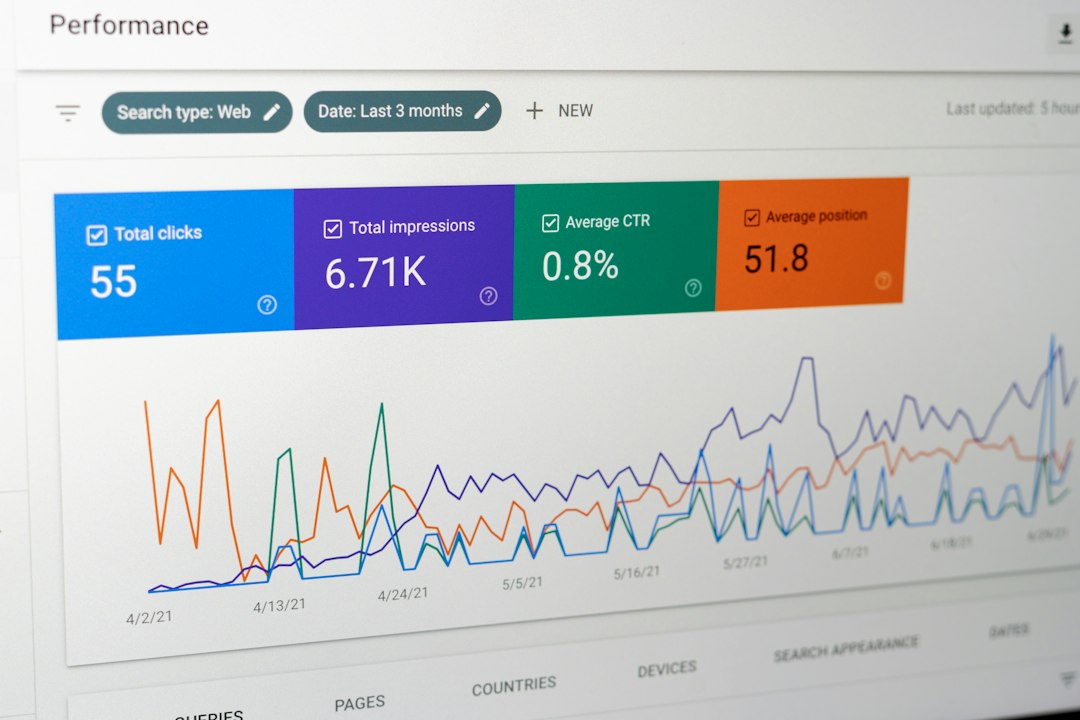
Toggl Track is clean, fast, and easy to like. It is less about watching people and more about tracking work. Users start a timer, tag a project, and move on. That sounds basic, but for many teams, basic is exactly what works.
It is a smart pick for consultants, design teams, writers, developers, and small agencies. Reports are easy to read, and the browser extensions are handy. Honestly, it feels like a relief when a time tracking tool does not require a training session just to log 30 minutes.
- Best for: teams that value trust and clean reports
- Useful feature: project and client profitability reports
- Watch out for: weaker attendance controls than workforce tools
3. Clockify: Best free Hubstaff alternative
Clockify is one of the strongest free options for time tracking. It covers timers, timesheets, projects, tags, reports, and team activity. For startups and lean teams, that is hard to ignore.
Clockify works well when you need structure but do not want to pay for every small feature right away. Managers can see billable hours and team capacity. Employees can track time from desktop, mobile, or browser.
Expect to spend some time setting up projects and permissions. If you skip that step, reports can get messy fast. Still, Clockify is a practical choice for teams that want time data without a big software bill.
- Best for: budget-conscious teams
- Useful feature: free time tracking for unlimited users
- Watch out for: reports depend on clean setup habits
4. Harvest: Best for agencies and invoicing
Harvest is built for teams that connect time to money. It combines time tracking, project budgets, expenses, and invoices. If client billing is your main headache, Harvest can cut down a lot of back-and-forth.
It is especially useful for agencies and professional service firms. A project manager can see when a retainer is close to running over. Finance can turn tracked time into an invoice without chasing five spreadsheets.
Harvest is not the best choice if you want deep employee monitoring. That is not its job. It is better for healthy teams that need accurate billing and budget control.
Image not found in postmeta
5. ActivTrak: Best for productivity analytics
ActivTrak is less focused on timesheets and more focused on work patterns. It shows focus time, app usage, workload balance, and productivity trends. This is useful when leaders want to fix bottlenecks rather than count every minute.
For example, ActivTrak can show that a team spends too much time in chat tools or context switching between 40 apps a week. That kind of insight can lead to better meeting rules, clearer processes, or fewer interruptions.
It drives me crazy when tools call everything “productivity” without context. ActivTrak is better than most here because it helps separate busy work from useful work. Still, you need clear policies. People should know what is tracked and why.
- Best for: analyzing focus, workload, and burnout risk
- Useful feature: productivity trend dashboards
- Watch out for: less suitable for client billing workflows
6. Deputy: Best for attendance and shift teams
Deputy is a better fit when attendance matters more than desktop activity. It handles scheduling, clock-ins, breaks, timesheets, leave, and labor cost controls. That makes it strong for retail, hospitality, healthcare, field teams, and service businesses.
Remote teams can use it too, especially if they have set shifts. Managers can confirm attendance, fill schedule gaps, and reduce payroll errors. Employees can check schedules from a phone instead of asking a manager for the third time this week.
- Best for: shift-based teams and attendance tracking
- Useful feature: scheduling plus time clock tools
- Watch out for: not built for deep project profitability reporting
How to choose the right Hubstaff alternative
Start with the report you need most. If you need proof of hours, try Time Doctor. If you need simple project time, Toggl Track is easier. If price is the blocker, Clockify is the safe first test. If billing matters, Harvest is built for it. If you need productivity patterns, ActivTrak is stronger. If attendance and shifts are the issue, Deputy wins.
Also think about team trust. A tool can improve clarity, or it can make good employees feel watched. Share the tracking rules before rollout. Explain what managers will see. Explain what they will not see. That one step can prevent a lot of noise later.
Best overall pick: Toggl Track for simple reporting, Time Doctor for remote oversight, and Deputy for attendance-heavy teams. The right choice is the one your team will actually use every day.
