
7 Best AI Tools Designers Actually Use and Love
Every designer relies on a set of creative tools to complete daily tasks more quickly and efficiently. With the rise of AI, this toolkit has expanded, offering new ways to streamline the design process.
Some AI tools, like DepositPhotos AI, are multi-functional—handling everything from creative editing to image generation—while others, like VistaCreate, excel at a single task. Yet both are commonly used in real design projects to save time and boost creativity.
If you want to discover more AI tools for designers, this article is for you. Here, you’ll find a curated list of AI-powered solutions creators trust for their projects. Each one offers something unique, whether it’s generating color palettes, enhancing image quality, or instantly removing backgrounds.
Why are AI tools important for designers?
In recent years, AI design tools have significantly changed design practice. Visual creators can now explore ideas faster, automate routine tasks, and focus more on creativity and experimentation. But if you’re still unsure about the role of AI in design, the numbers speak for themselves.
- According to the 2025 State of AI in Design report, AI has improved the workflow for 89% of designers.
- The same report found that AI enhances ideation for 72% of designers, helping them overcome creative blocks more quickly.
- Figma’s 2025 AI report shows that over half of designers (54%) feel AI improves the quality of their creative output.
- In the same report, Figma notes that more than 80% of designers and developers see AI skills as essential for future success in their roles.
- According to Superside, AI helps their team generate three times more unique ad designs without additional time or cost.
7 best AI tools for designers—creative vs. support tools
Creative AI tools for designing
1. VistaCreate
VistaCreate is one of the best AI tools for designers, combining an intuitive interface with powerful AI features built to speed up creative workflows. It allows users to produce social media graphics, marketing materials, and presentations quickly and efficiently.
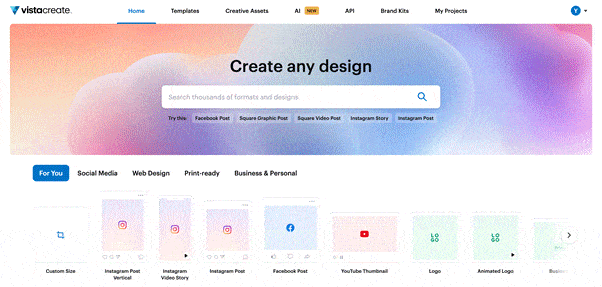
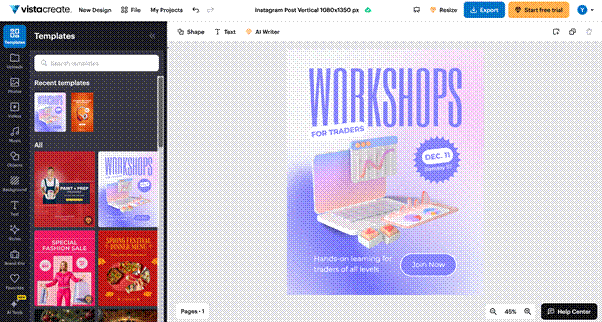
To begin with, VistaCreate lets you choose a design format based on your project. Whether it’s an Instagram post, YouTube thumbnail, or email header, you’ll find a wide selection of ready-to-use templates in the correct sizes.
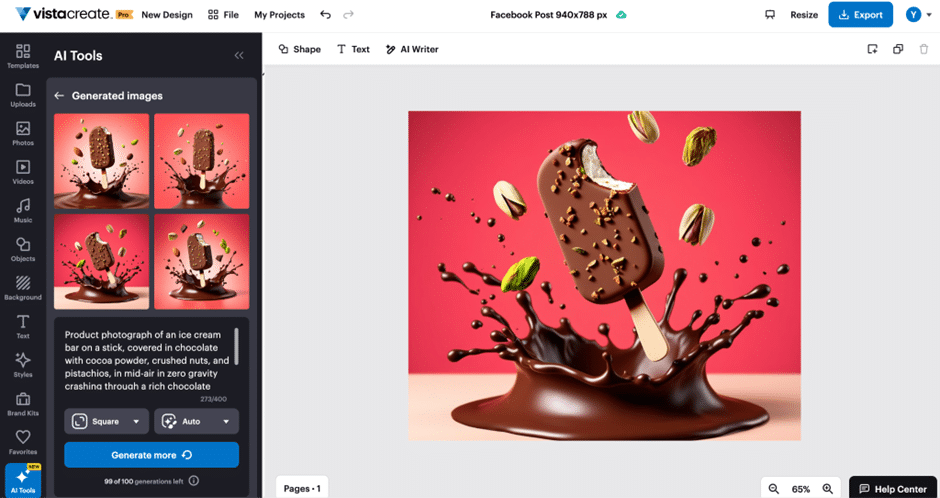
On top of that, you get access to a vast library of creative resources, including photos, vectors, and videos. If you need a custom image, you can produce one with VistaCreate’s AI Image Generator and fine-tune it using AI-powered object or background removal tools.
Last but not least, VistaCreate simplifies brand design. With its Brand Kits feature, you can upload your company’s logo, colors, and fonts to build consistent designs quickly. Best of all, VistaCreate lets you assemble as many kits as you need.
2. Figma AI
Figma needs no introduction—it’s a well-known tool in the design community. What many creators may not realize is that the platform expanded with Figma AI, introducing AI-powered features that help streamline everyday design tasks.
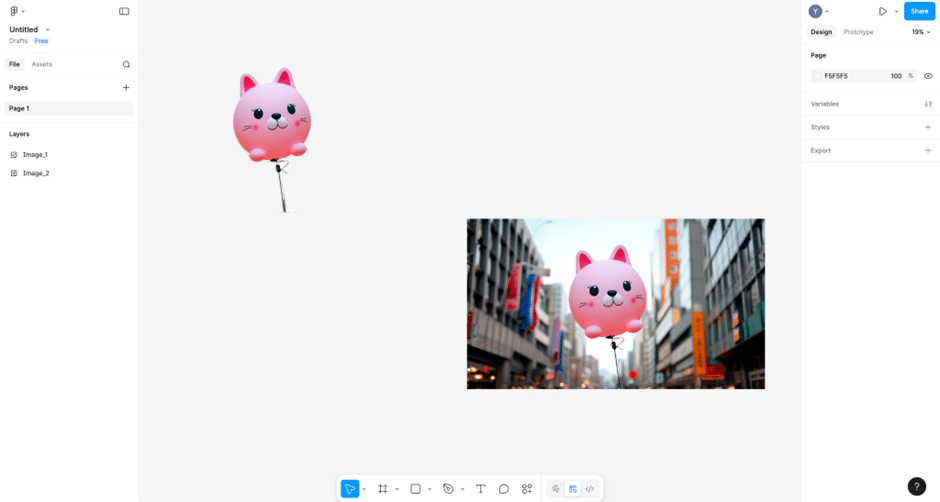
The platform’s AI offers designers automatic layer renaming, instant background removal, and improved visual and asset search. If you can’t locate a specific design or element, you can upload an image or enter a text query, and Figma will quickly find a match.
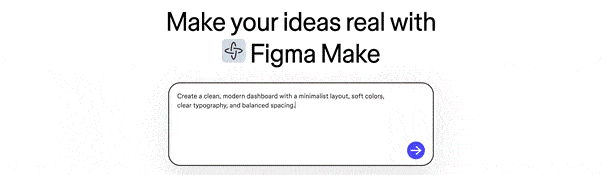
If asset search doesn’t deliver the result you need, you can generate an entirely new design or even a functional prototype. Figma AI can populate it with realistic copy and images and translate it into other languages.
3. Khroma
Khroma is a simple tool for discovering effective color combinations. It uses AI to learn which hues you prefer and then generates endless palettes based on your selections. All you need to do is choose around 50 colors you like and let the tool handle the rest.
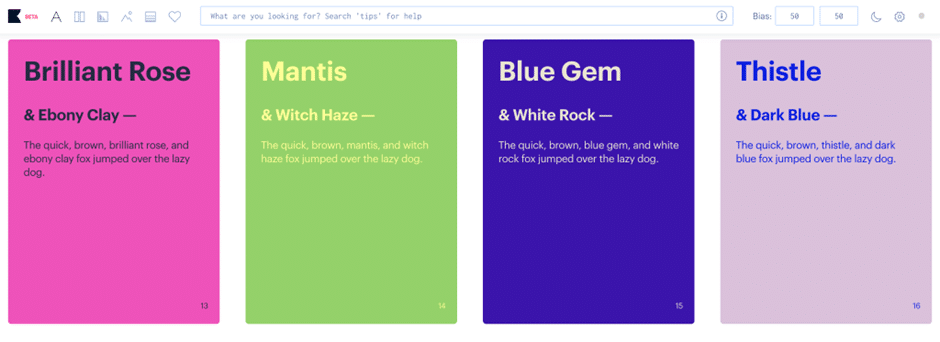
Once you get started, you can easily download color codes for each palette and apply them to your design projects. You can also save your favorite combinations or share them using color names, hex codes, RGB values, or CSS code.
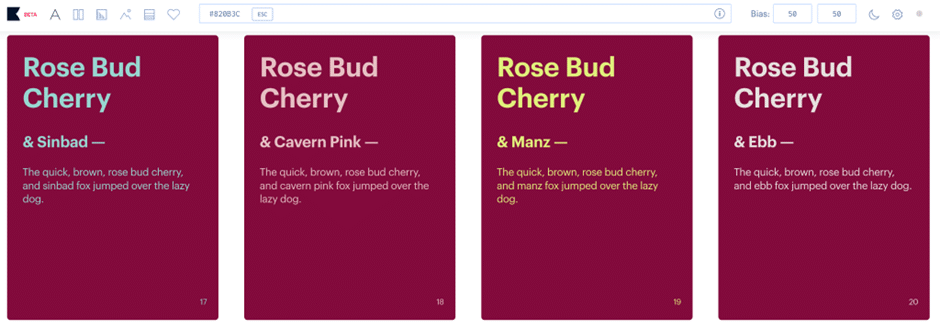
If you have a specific shade in mind, Khroma lets you search by type, hue, name, hex code, or RGB value. For example, you can use keywords like muted, neon violet, #820B3C, or rgb(0,200,155).
4. Fontjoy
Fontjoy is a popular AI design tool that helps creators visualize and pair fonts. It uses artificial intelligence to suggest typeface combinations, ranging from subtle and balanced to bold and high-contrast.
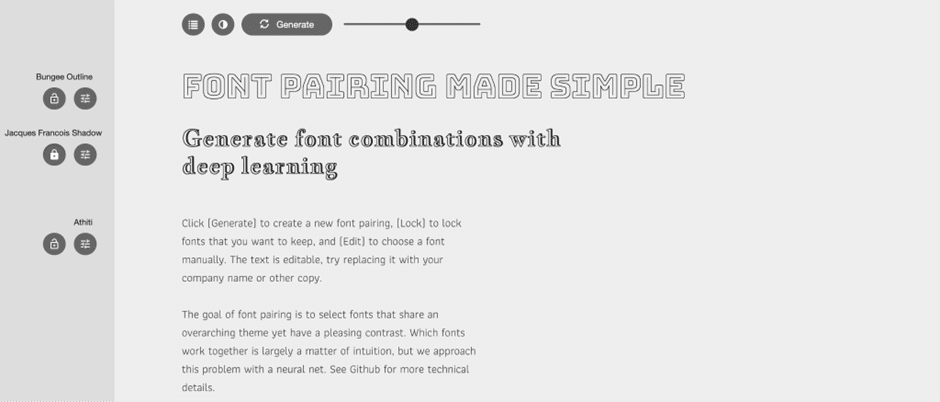
With a single click, you can compare three fonts for headings and body text to see how well they work together. Once you find a font you like, you can lock it in and continue exploring complementary options.
This is one of those design AI tools that saves you from tedious font searching when time is tight. Fontjoy generates cohesive typography quickly, allowing you to focus on other aspects of your design project.
Support AI tools for designing
5. Notion AI
Beyond graphic design tools, creators also need ways to store information and collaborate effectively. Notion brings everything together in one workspace, making it easier to manage projects and share ideas.
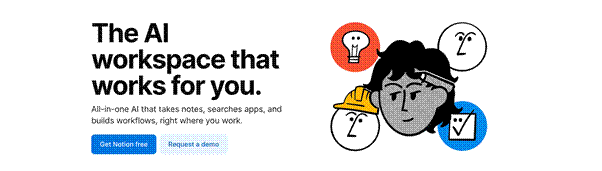
Notion is a platform where teams can store design projects, prototypes, and documentation in a single location. It supports real-time collaboration, allowing team members to contribute, make updates, and stay informed about ongoing work.

Notion’s AI features are particularly useful for designers, helping them brainstorm ideas, refine content, and structure project information. With enterprise-wide search, it’s easy to find files and notes across your entire workspace.
6. DepositPhotos Background Remover
Not all design tools have to be multi-functional. Solutions like DepositPhotos Background Remover are built to excel at a single task, replacing hours of manual editing in complex software.
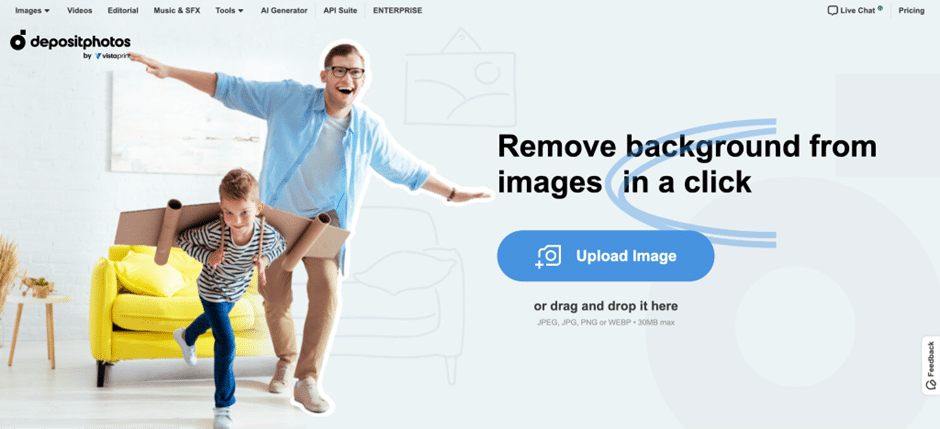
In just a few clicks, you can remove the background from almost any image—whether it’s a complex photo or a detailed illustration. Simply upload your image, and the AI handles the rest, delivering a clean, professional result within seconds.
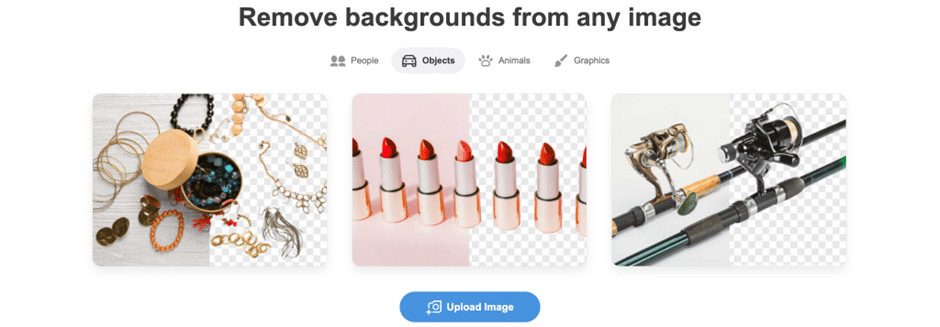
DepositPhotos Background Remover supports JPEG, JPG, PNG, and WEBP files up to 30 MB. Best of all, it’s free to use, with no registration required—ideal for designers who need fast, professional results.
7. Grammarly
Grammarly isn’t a traditional designer AI tool, but it can be extremely helpful in design workflows. It detects grammar, punctuation, and spelling errors while offering suggestions for improvement.
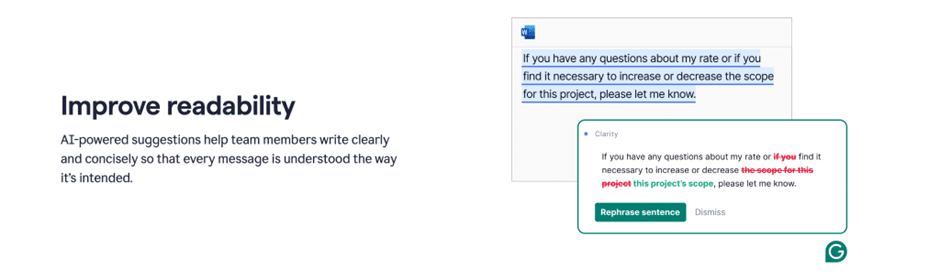
Since designers often work with text in prototypes and layouts, ensuring written content is clear and error-free is essential. Grammarly makes it easy to proofread copy in designs and project documentation, allowing creators to focus more on the visual execution.
Bottom line
Now that you know which AI tools are shaping real-world design workflows, it’s time to upgrade your creative toolkit. By using these AI tools, designers can stay ahead of trends and gain a competitive edge.
