
Top 8 Common SEO Tools & Useful URLs Every Marketer Should Bookmark
SEO can feel like a giant arcade game. There are buttons, scores, secret tunnels, and a boss called Google. The good news is simple. You do not need a magic wand. You need the right bookmarks, a clear plan, and a tiny bit of patience.
TLDR: Bookmark a small set of SEO tools and use them often. Start with free tools from Google, then add helpers for keywords, speed, backlinks, and technical checks. Do not try to use every tool on Earth. Pick the ones that answer your biggest questions fast.
1. Google Search Console
Bookmark: https://search.google.com/search-console/
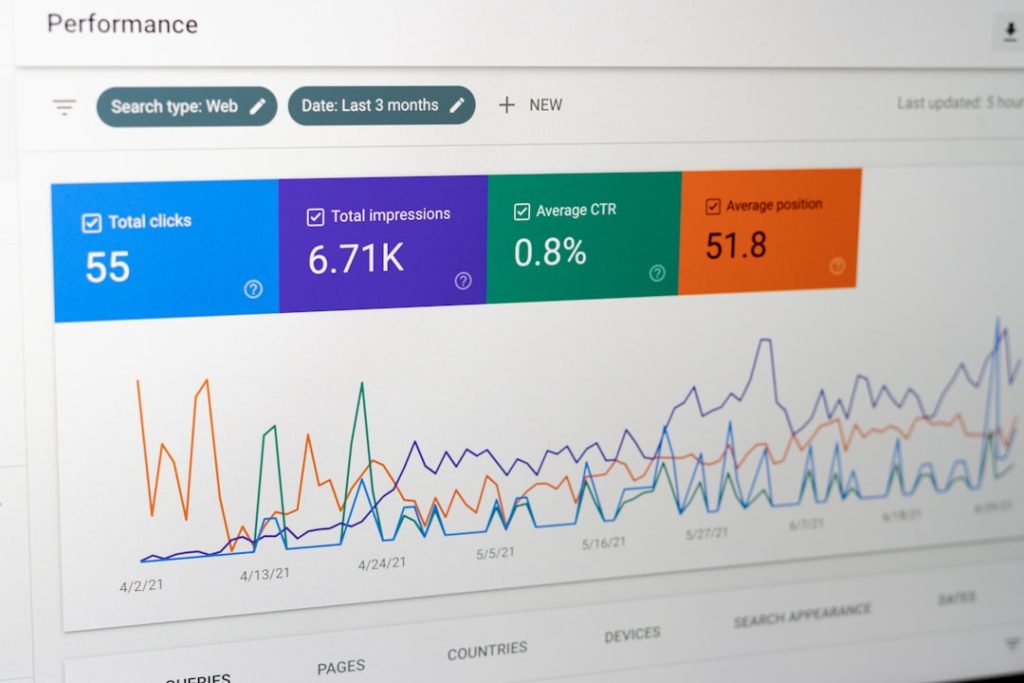
Google Search Console is your direct line to Google. It shows how your site appears in search. It tells you which pages get clicks. It also shows errors, indexing issues, and search queries.
Think of it as your SEO health monitor. If Google has trouble reading your site, this tool usually knows first.
- Check which keywords bring traffic.
- Submit sitemaps.
- Find indexing problems.
- See which pages need love.
Fun tip: Look for keywords ranking in positions 8 to 20. These are close to page one glory. A better title, deeper content, or stronger internal links may help them climb.
2. Google Analytics
Bookmark: https://analytics.google.com/
Google Analytics tells you what people do after they land on your site. Search Console says, “They clicked.” Analytics says, “Then they stayed, bounced, bought, or vanished like a ninja.”
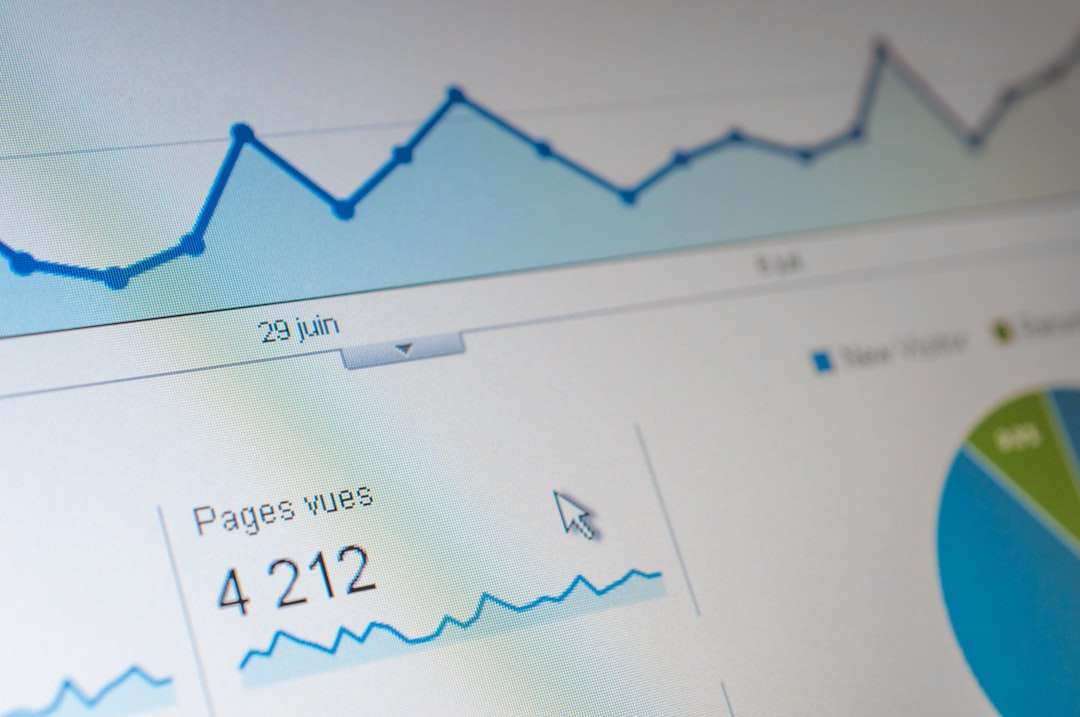
It is useful for tracking traffic, conversions, and user behavior. It helps marketers stop guessing.
- See which pages keep visitors engaged.
- Track leads, sales, and signups.
- Compare organic traffic with paid traffic.
- Find pages with weak performance.
Simple rule: Traffic is nice. Useful traffic is better. Analytics helps you find the difference.
3. Google Keyword Planner
Bookmark: https://ads.google.com/home/tools/keyword-planner/
Google Keyword Planner is built for ads, but SEO people love it too. It helps you find keyword ideas. It shows search volume ranges and competition clues.
Use it when you are planning blog posts, service pages, product pages, or content clusters. It is not perfect. No keyword tool is. But it gives a solid starting point.
- Find new content ideas.
- Compare related keywords.
- Spot seasonal demand.
- Build topic groups.
Quick win: Search a broad term. Then look for longer phrases. These are often easier to rank for and closer to buyer intent.
4. Google Trends
Bookmark: https://trends.google.com/
Google Trends shows what people are searching for over time. It is great for spotting rising topics. It is also great for avoiding fading ones.
For example, one keyword may have more searches overall. Another may be growing fast. Trends helps you see the difference.

- Compare keyword popularity.
- Find seasonal patterns.
- Spot trending questions.
- Plan content before competitors wake up.
Best use: Before writing a big article, check if interest is rising, flat, or falling. This can save hours of work.
5. PageSpeed Insights
Bookmark: https://pagespeed.web.dev/
PageSpeed Insights checks how fast your page loads. Speed matters. People do not like waiting. Search engines do not love slow pages either.
This tool gives scores for mobile and desktop. It also explains what is slowing things down. Some fixes are technical. Others are simple, like compressing images.
- Test page speed.
- Check Core Web Vitals.
- Find large images and scripts.
- Improve user experience.
Tiny warning: Do not panic over every score. Focus on real problems first. If your page takes forever to load, fix that before chasing a perfect number.
6. Ahrefs Webmaster Tools
Bookmark: https://ahrefs.com/webmaster-tools
Ahrefs Webmaster Tools gives useful SEO data for sites you own. It can show backlinks, organic keywords, and technical issues. Backlinks are still important. They are like votes, mentions, or digital high fives.
This tool is helpful when you want to know who links to you. It also helps you find broken pages that have links pointing at them.
- Review backlinks.
- Check organic keyword data.
- Find broken links.
- Audit technical SEO issues.
Smart move: If a page with backlinks is broken, redirect it to a useful live page. Do not waste link power.
7. Semrush
Bookmark: https://www.semrush.com/
Semrush is a big toolbox. It helps with keyword research, competitor analysis, rank tracking, content planning, and audits. It can feel like a spaceship at first. Start with one feature at a time.
Competitor research is where it shines. You can see what topics other sites rank for. Then you can build better, clearer, more useful content.
- Find competitor keywords.
- Track rankings.
- Audit site health.
- Discover content gaps.
Simple approach: Pick three competitors. Look at their top pages. Ask, “Can we make something more helpful?” If yes, add it to your content plan.
8. Screaming Frog SEO Spider
Bookmark: https://www.screamingfrog.co.uk/seo-spider/
Screaming Frog SEO Spider crawls your website like a search engine. The name is funny. The tool is serious. It finds missing titles, duplicate descriptions, broken links, redirect chains, large pages, and more.
It is especially useful before a site launch or migration. It helps catch problems before they become loud, expensive problems.
- Find broken internal links.
- Check page titles and meta descriptions.
- Review redirects.
- Export data for SEO audits.
Pro habit: Crawl your site once a month. Save the exports. This gives you a history of changes and issues.
Bonus URLs to Bookmark
Some URLs are not fancy tools. They are quick doors. Marketers should keep them handy.
- Your sitemap: https://yourdomain.com/sitemap.xml
- Your robots file: https://yourdomain.com/robots.txt
- Google rich results test: https://search.google.com/test/rich-results
- Google mobile friendly test: https://search.google.com/test/mobile-friendly
These bookmarks save time. They also make you look very calm during meetings. That is a hidden marketing superpower.
How to Use These Tools Without Losing Your Mind
Do not open all eight tools every morning. That way lies chaos and too much coffee. Instead, match the tool to the question.
- Need search clicks? Use Google Search Console.
- Need behavior data? Use Google Analytics.
- Need keyword ideas? Use Keyword Planner or Semrush.
- Need trend data? Use Google Trends.
- Need speed fixes? Use PageSpeed Insights.
- Need backlink data? Use Ahrefs Webmaster Tools.
- Need technical checks? Use Screaming Frog.
SEO is not about using the most tools. It is about asking better questions. The best bookmark folder is small, useful, and used often. Build that folder today. Your future self will send a thank you note, probably with snacks.
