Image to Video AI: The Smart Creator’s Guide to Animating Anything
If you’ve been watching the creative software space this year, you’ve probably noticed something interesting: text-to-video models grab all the headlines, but image-to-video is quietly doing more actual work. Marketers, ecommerce sellers, and indie creators have figured out that starting from a real image — your product, your photo, your brand asset — produces far more useful results than generating a video from scratch and hoping the AI gets it right.
In this guide, I’ll walk you through why image-to-video has become the workhorse tool of 2026, how to get reliably good results, and how to fit it into a workflow that doesn’t eat your entire afternoon.
Why Image-to-Video Is the Most Practical AI Category Right Now
The problem with pure text-to-video is control. You type a prompt, you wait, and the AI gives you something that’s roughly in the neighborhood of what you wanted. For hobby projects, that’s fine. For real client work or product marketing, “roughly” doesn’t cut it.
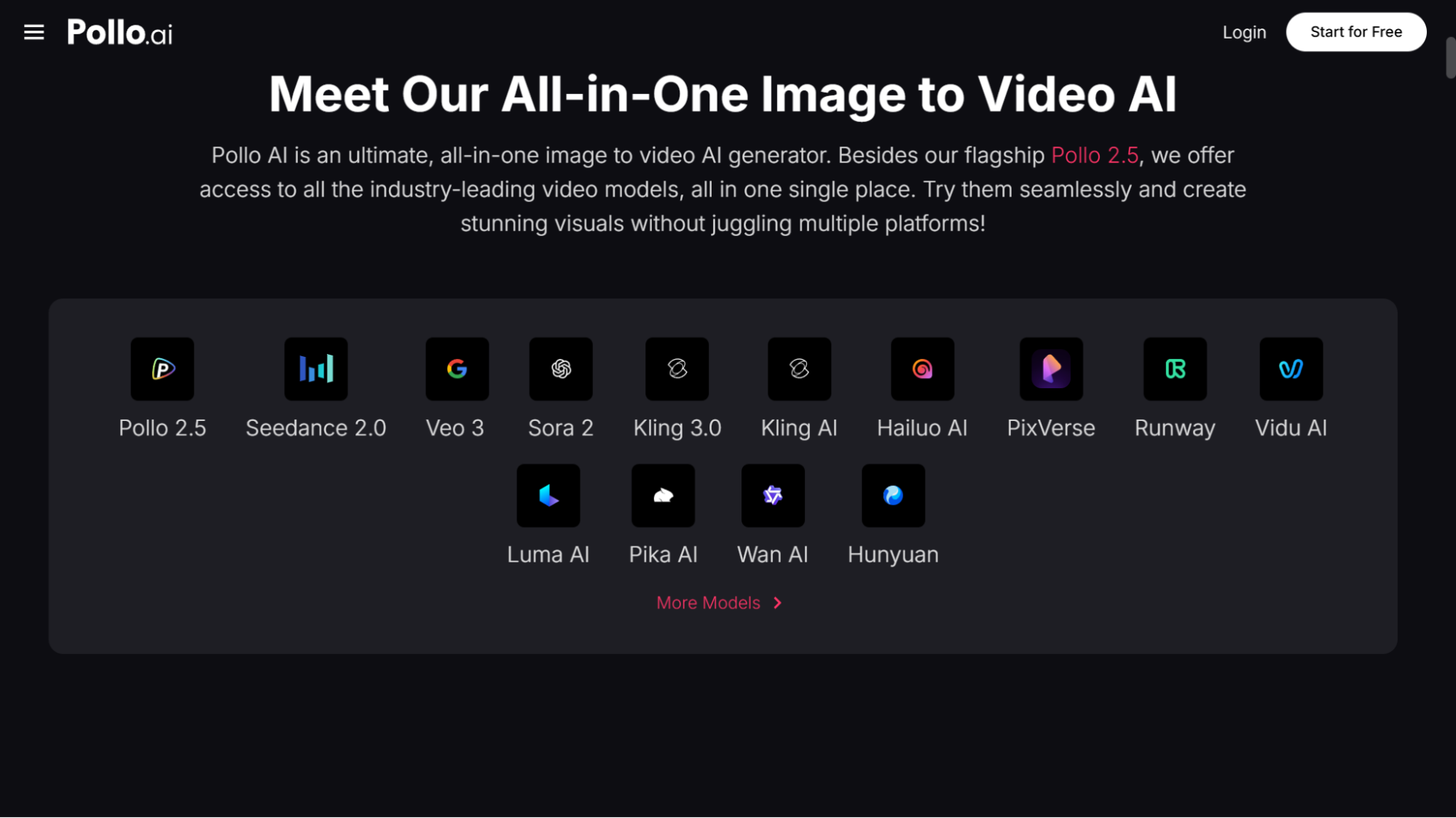
Image-to-video solves this elegantly. You start with an asset that already looks exactly the way you want — your packshot, your model photo, your hand-drawn illustration — and the AI only has to handle the motion. The composition, the colors, the branding all stay locked in. That’s why I keep recommending Pollo AI’s image to video AI tool to anyone who asks. It sits inside the Pollo AI Creative Studio and aggregates the leading video models (Veo, Kling, Runway, Sora, and others) under one interface, so you can test outputs side by side without paying for half a dozen separate subscriptions. In 2026, subscription fatigue is real, and consolidation matters more than people give it credit for.
What Separates a Great Result From a Throwaway Clip
After running thousands of generations over the past year, I’ve found that the difference between usable output and AI slop almost always comes down to four things.
Source image quality is everything. A crisp, well-lit, high-resolution image will animate beautifully. A compressed phone screenshot will produce mush no matter which model you choose. If you can only fix one thing in your workflow, fix this first.
Prompt the motion, not the content. The AI already sees what’s in your image. Your job is to describe what should move. “Slow cinematic dolly-in toward the bottle, soft steam rising from the left” works far better than “a beautiful video of a perfume.”
Keep prompts physical and concrete. Verbs and camera language outperform mood words. “Camera pans right, wind blows through the curtains” beats “dreamy ethereal vibe.”
Generate three to five variations. Even the same prompt on the same image produces different results each run. Budget for iteration — it’s part of the process, not a sign you did something wrong.
When Image-to-Video Is the Right Tool (and When It Isn’t)
Image-to-video is powerful, but it’s not the answer for every job, and picking the wrong tool is one of the fastest ways to waste an afternoon.
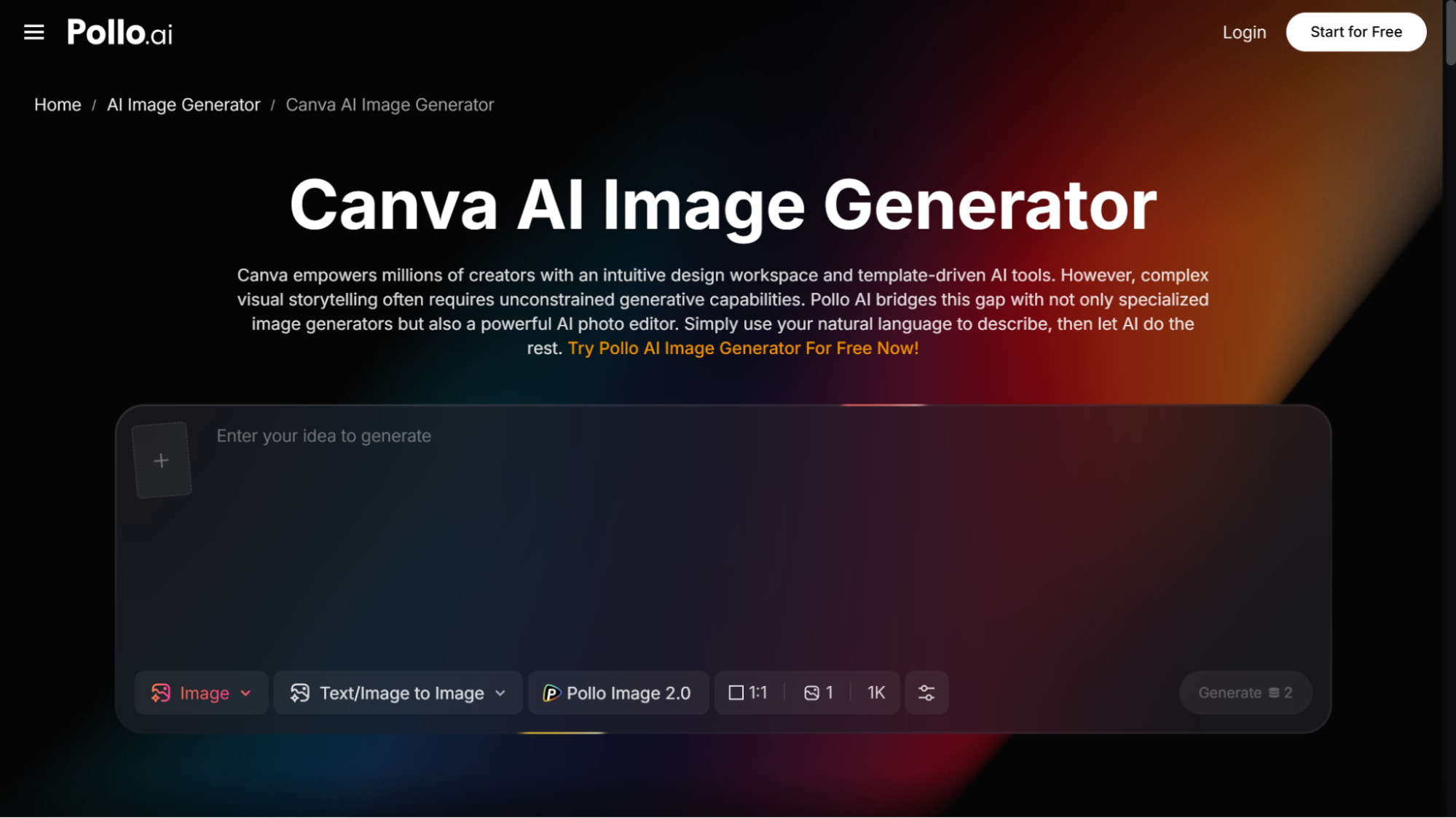
If you need a static social graphic with light animation — a sale banner, a quote card, an Instagram story template — a general design platform like Canva is still faster and simpler. Pollo AI actually integrates similar design workflows into its Design Studio, so you can shift between static layouts and motion content without changing platforms. That fluidity is what makes a real difference in day-to-day work, more than any single feature.
If you need a talking-head video or a UGC-style testimonial, you want an avatar tool, not image-to-video. Lip sync from a still image is still rough in 2026, and that’s a different model category entirely. Pollo AI’s Marketing Studio handles avatar work separately, which is the right approach.
But for product motion, lifestyle b-roll, hero shots for landing pages, paid ad creative variations, or atmospheric content for TikTok and Reels — image-to-video is unmatched. A workflow that used to require a videographer and two days of shooting now takes fifteen minutes from a single high-quality photo.
A Real Workflow: Turning Three Photos Into a Full Campaign
Let me walk through a concrete example because abstract advice never sticks. Imagine you’re launching a new candle line and you have three product photos: a clean packshot on white, a lifestyle shot on a wooden shelf, and a close-up of the wick lit and glowing.
Start with the packshot. Generate a slow 360-degree rotation or a smooth push-in. That becomes your hero video for the product page and your primary ad creative.
Move to the lifestyle shot. Animate a soft flicker on the flame, a slow shadow shift across the wall, or gentle smoke curling upward. Suddenly you have a cinematic ambient clip with zero studio time.
For the close-up, generate a tight slow-motion shot of the wick flame dancing. That’s your “moment of indulgence” cut for paid social.
Three photos. Three premium video assets. Total production time under thirty minutes. Pollo AI’s Commerce Studio is specifically tuned for this kind of ecommerce workflow, with presets for packshots, lifestyle scenes, and model photography that take a lot of the prompt-engineering guesswork out of the equation.
Common Mistakes I Still See in 2026
The biggest one: treating image-to-video like a one-shot lottery. People generate once, get a mediocre clip, and write off the whole category. Real motion designers don’t nail it on the first try either — iteration is the job.
Second: over-animating. Just because everything can move doesn’t mean it should. The best clips have one or two clear motion elements and let the rest of the frame breathe. Restraint reads as quality.
Third: forgetting sound. A silent animated clip feels half-finished. Drop in a subtle ambient track, a soft whoosh on a camera move, or a single sound effect, and the perceived production value doubles instantly.
And finally: skipping the upscale step. Most models output at 720p or 1080p, which looks fine on a phone but soft on a website hero. Run your final clips through an upscaler before shipping — it takes thirty seconds and the difference is noticeable.
Final Thoughts
Image-to-video isn’t a novelty anymore. By mid-2026, it’s a core part of how small brands and solo creators compete with budgets ten times their size. The tools have matured, the outputs are genuinely usable, and the cost has dropped to the point where there’s no reason not to experiment weekly. Platforms like Pollo AI bundle the best models under one credit system, which means you can stop chasing every new model release and focus on the part that actually matters: making things people want to watch.