Audio to Video AI: Turn Any Audio Into Polished Visuals
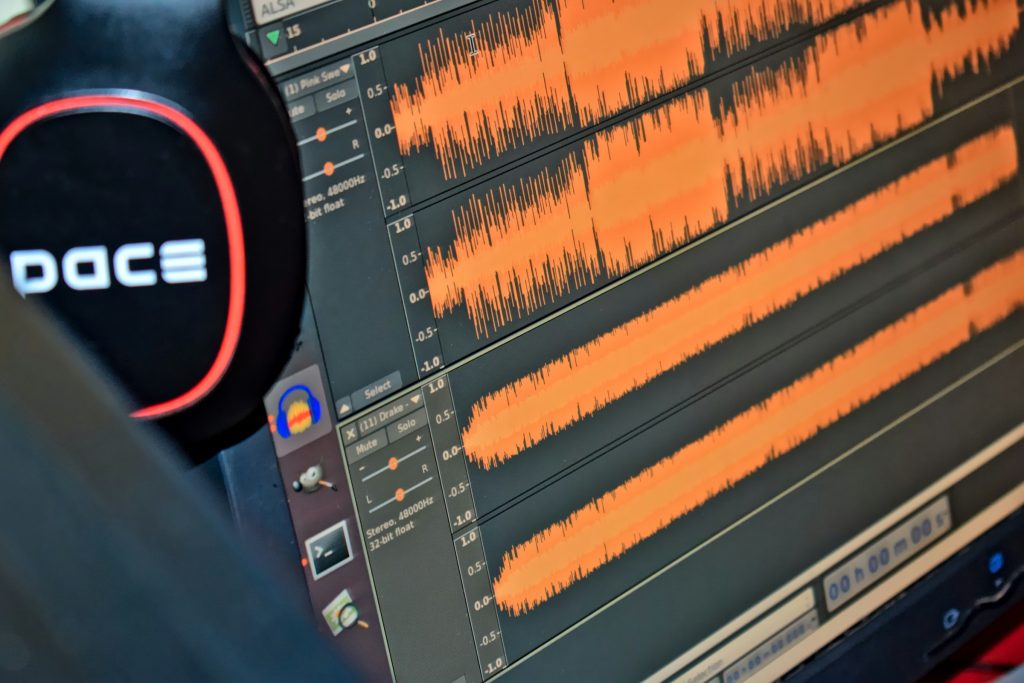
Great audio content often goes unnoticed simply because it lacks a visual component. Podcasts, voiceovers, music tracks, and recorded speeches all carry powerful messages, but they struggle to compete on platforms built for video. That is where audio to video AI comes in. This technology takes your existing audio files and transforms them into polished, shareable video clips complete with visuals, animations, and even talking avatars. If you have audio content sitting unused, turning it into video is one of the smartest moves you can make right now.
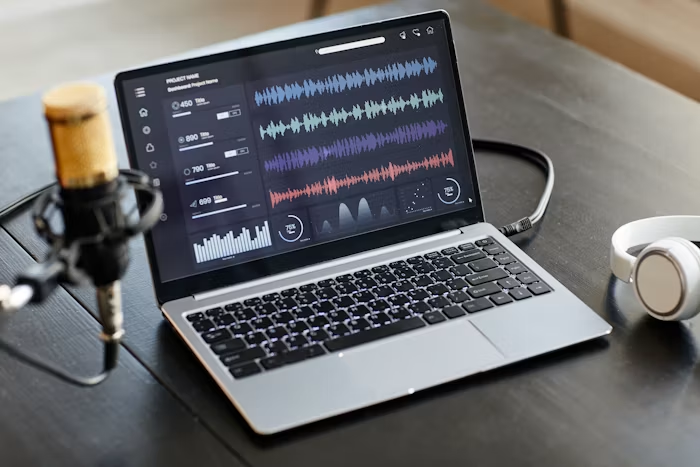
Why Audio Alone Is Not Enough Anymore
We live in a video-first world. Social media prioritize video content in their algorithms. Users scroll through feeds filled with moving visuals, and static audio posts simply cannot compete for attention in that environment.
Consider the numbers. Video posts consistently outperform other content types in terms of engagement, shares, and reach. A podcast episode might have loyal listeners, but a short video clip from that same episode can reach thousands of new people who would never have pressed play on an audio-only link.
The problem has always been production. Turning audio into video traditionally meant hiring editors, sourcing footage, syncing visuals to sound, and spending hours in post-production. For most creators and small teams, that process was too expensive and too slow to be practical.
Audio to video AI eliminates those obstacles entirely. You upload your audio, configure a few settings, and the AI handles the rest, generating a complete video ready for publishing.
How Audio to Video AI Actually Works
The technology behind audio to video conversion is straightforward in concept.
First, the AI analyzes your audio file. It listens to the speech, music, or narration and identifies key elements like tone, pacing, and content. Some tools can even interpret the meaning of spoken words to generate contextually relevant visuals.
Next, the AI creates visual elements to accompany the audio. Depending on the tool and your settings, this might include animated graphics, stock footage sequences, text overlays, or AI-generated scenes that match the subject matter of your audio.
Many modern tools also offer talking avatars. These are lifelike AI presenters that appear on screen and deliver your audio with perfectly synchronized lip movements. The effect is remarkably natural, making it look like a real person is speaking your words on camera.
Finally, the AI assembles everything into a finished video. Background music can be added or adjusted, aspect ratios can be set for different platforms, and the output is rendered as a ready-to-share video file.
The entire process takes just minutes.
The Power of Talking Avatars
One of the most compelling features in modern audio to video tools is the talking avatar. These AI-generated presenters look and move like real people. They maintain eye contact, use natural facial expressions, and lip-sync perfectly to your audio.
This is a big deal for creators who want a professional video presence without appearing on camera themselves. Whether you are camera-shy, short on time, or simply want a consistent presenter across all your content, talking avatars solve the problem. You provide the audio, choose an avatar that fits your brand, and the AI delivers a video that looks like it was filmed in a studio.
A Simple Tool That Gets It Done
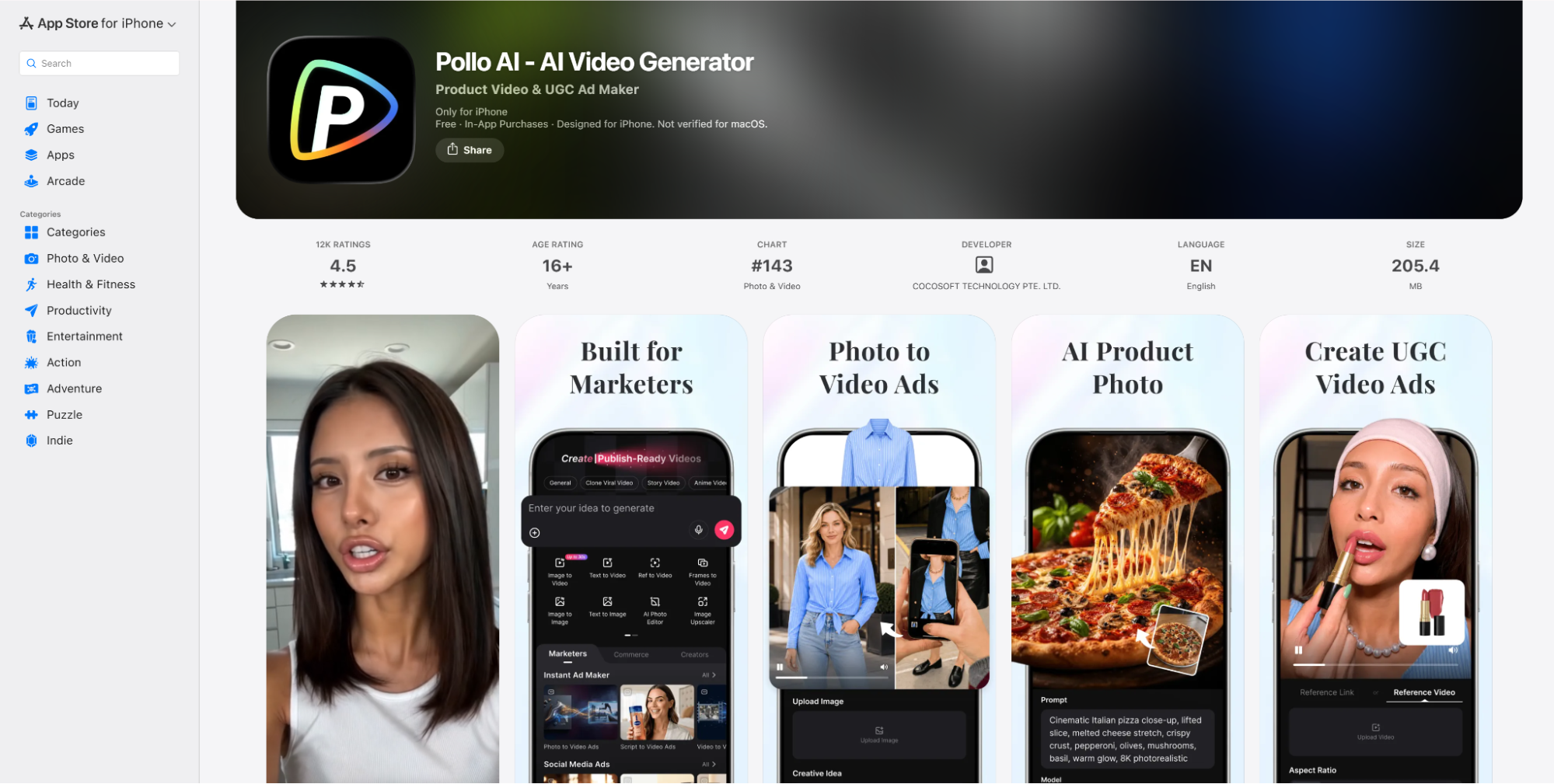
If you want to start converting audio to video without a steep learning curve, Pollo AI makes the process easy. You simply upload your audio file or paste a URL, adjust your video settings, and click create. The platform handles the rest, generating a dynamic video from your audio in minutes.
Pollo AI supports a wide range of use cases out of the box. You can create story videos, explainer videos, music videos, news videos, UGC-style ads, and more. The platform includes lifelike talking avatars with accurate lip-sync, so your audio can be delivered by a professional-looking AI presenter. You can also customize details like background music, aspect ratio, and visual style to match your brand or platform requirements.
What makes it particularly useful is that everything happens in one place. The entire workflow lives on a single platform, which saves time and keeps things simple. You can also download Pollo AI app to create publish-ready video on the go.
Who Benefits Most from Audio to Video
This technology serves a surprisingly wide range of users.
- Podcasters and radio hosts can repurpose their best audio moments into short video clips for social media. Instead of hoping listeners find their show through audio platforms alone, they can promote episodes with engaging visual teasers on TikTok, Reels, and Shorts.
- Product marketers can turn recorded product descriptions, feature walkthroughs, and customer testimonials into polished video content. A simple voiceover explaining a product becomes a professional-looking video ad without any filming required.
- Educators and trainers can convert audio lectures and course materials into narrated video lessons. Adding visuals to educational content makes complex concepts easier to understand and helps students retain information better.
- Digital advertisers can rapidly produce multiple video ad variations from a single voiceover script. This makes A/B testing different hooks and formats much faster and more cost-effective.
Practical Tips for Better Results
To get the most out of audio to video AI, keep these tips in mind.
- Start with clean audio. The better your source audio sounds, the better your final video will be. Remove background noise and ensure clear speech before uploading.
- Keep clips short for social media. Platforms like TikTok and Instagram Reels favor videos under sixty seconds. Pull out the most compelling moments from longer audio and convert those into individual clips.
- Match the format to the platform. Use vertical video for TikTok and Reels, horizontal for YouTube, and square for general social posts. Most audio to video tools let you set the aspect ratio before generating.
- Use avatars strategically. Talking avatars work best for educational content, product explanations, and any video where a human presenter adds credibility and connection.
Start Turning Your Audio Into Video
Every piece of audio you have created is a potential video waiting to happen. Podcast episodes, recorded presentations, voiceover scripts, music tracks — all of it can be repurposed into visual content that reaches new audiences and drives more engagement.
Audio to video AI has made this process fast, affordable, and accessible to everyone. You do not need a production team or editing experience. You just need your audio and a few minutes.