
Beginner-Friendly Website Builders That Require Zero Coding Skills
Want to build a website but have no idea where to start? Don’t worry—you’re not alone. The good news? You don’t need to know how to code at all. With beginner-friendly website builders, creating your online space is easier than ever!
TL;DR:
You don’t need to code to build a website anymore. Tools like Wix, Squarespace, and Shopify make it super simple with drag-and-drop features. You can create a blog, store, or portfolio in just a few clicks. These tools are perfect for beginners who want results fast.
Why Use a No-Code Website Builder?
Coding can be scary. HTML, CSS, JavaScript? Too much! Website builders do the hard work for you. Here’s why they’re awesome:
- Easy to use: Just click, drag, and drop.
- No coding needed: Not even one line.
- Quick setup: Get online in minutes.
- Customizable: Make it look how you want.
- Affordable: Many offer free or low-cost plans.
Now, let’s look at some of the best beginner-friendly website builders on the web.
1. Wix: The All-Around Favorite
Wix is the king of user-friendly design. It’s like playing with digital LEGO blocks. It has a drag-and-drop editor, stunning templates, and helpful tools.
Best for: Personal websites, portfolios, blogs.
- Pros: Free plan available, lots of templates, great flexibility.
- Cons: Ads on the free plan, hard to switch templates later.

2. Squarespace: Sleek and Stylish
If you love clean and modern design, Squarespace is your best friend. It’s perfect for creatives like artists, photographers, and bloggers.
Best for: Beautiful portfolios and blogs.
- Pros: High-quality designs, strong SEO tools, great for visuals.
- Cons: No free plan, can be a little stiff in design options.
Squarespace has award-winning templates that make your site look top-notch.
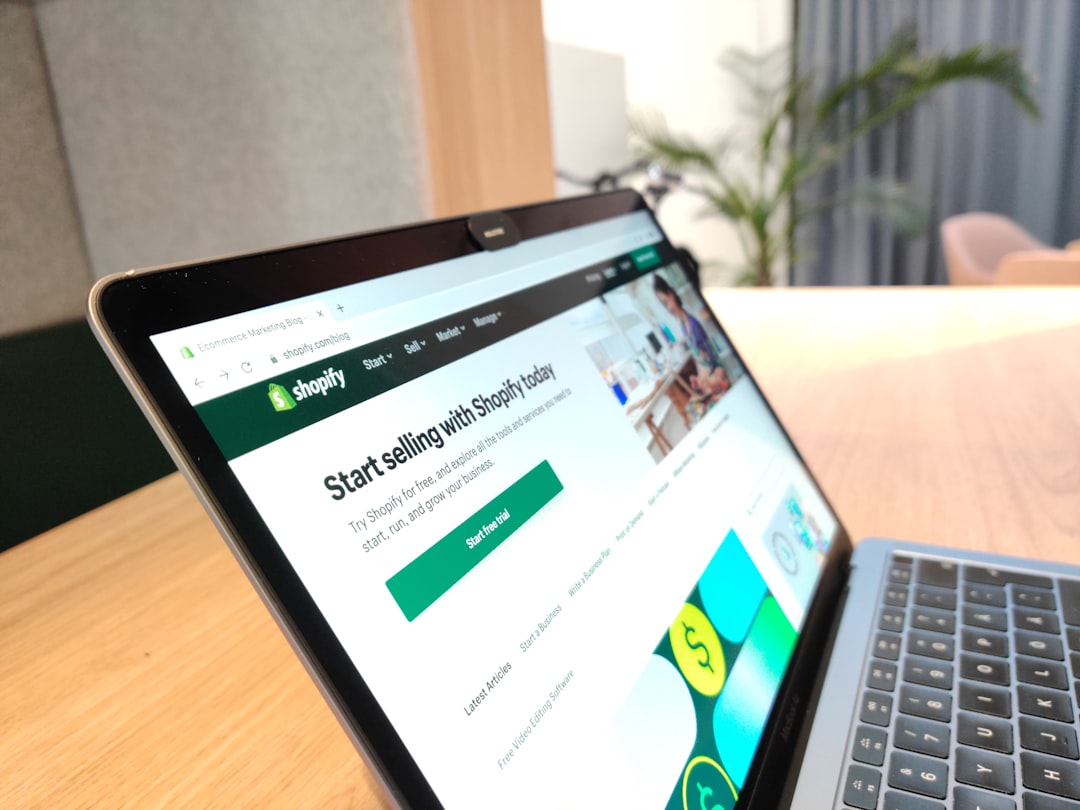
3. Shopify: Building a Store? Start Here!
Want to sell online? Shopify is made just for that. It has everything you need to set up an online shop, from product listings to money handling.
Best for: Online stores and eCommerce beginners.
- Pros: Easy to manage inventory, great support, secure payment options.
- Cons: Monthly fees add up, fewer customization options than others.
4. Weebly: Simple and Straightforward
Weebly has been around for a while and is now owned by Square. That means it’s great for small businesses. It’s not flashy, but it’s solid.
Best for: Local businesses and beginner websites.
- Pros: Free option, easy-to-use editor, built-in eCommerce features.
- Cons: Not as much design flexibility as Wix or Squarespace.
It’s perfect for someone who wants to get online fast without fuss.
5. WordPress.com: Blogging Made Easy
Don’t confuse this with WordPress.org (which needs coding knowledge). WordPress.com is super beginner-friendly and built for blogging. It also supports custom websites.
Best for: Bloggers and simple informational websites.
- Pros: Great writing tools, lots of themes, free version.
- Cons: Less visual design flexibility, ads on the free plan.
If writing is your thing, WordPress.com is hard to beat.
What Features Should You Look For?
Not all website builders are created equal. Here are some features that matter most for beginners:
- Drag-and-drop interface: For easy editing.
- Mobile-friendly design: Your site should look good on any screen.
- Built-in templates: So you don’t start from scratch.
- Customer support: Helpful when you get stuck.
- SEO tools: Help people find your site on Google.
Tips for Getting Started
Here are a few simple steps to kick off your website journey:
- Pick your builder: Choose one that fits your style and goals.
- Choose a template: Start with something close to your vision.
- Add content: Write your text, upload photos, and share your story.
- Preview and tweak: Make adjustments until it feels right.
- Publish it: Hit that live button—yay, you’re online!
Also, don’t be afraid to experiment. You can always update it later!
Things to Watch Out For
Even easy tools can have some hiccups. Here are a few warnings before you jump in:
- Free plans come with ads: Want a clean look? You may need to pay.
- Limited features: Some tools charge extra for cool features.
- Content lock-in: Moving your site later can be tricky.
Still, for beginners, these tools are a great starting point.
Final Thoughts
Building a website doesn’t need to be hard. In fact, it can be fun! With the right builder, you’ll be online in no time. Whether you want to blog, sell, or just share your passions, there’s a tool out there for you.
Choose the one that fits your vibe and dive in. No coding? No problem!
