
Browse AI Alternatives: 7 No-Code Web Scraping Tools for Website Monitoring, Data Extraction, and Automated Research
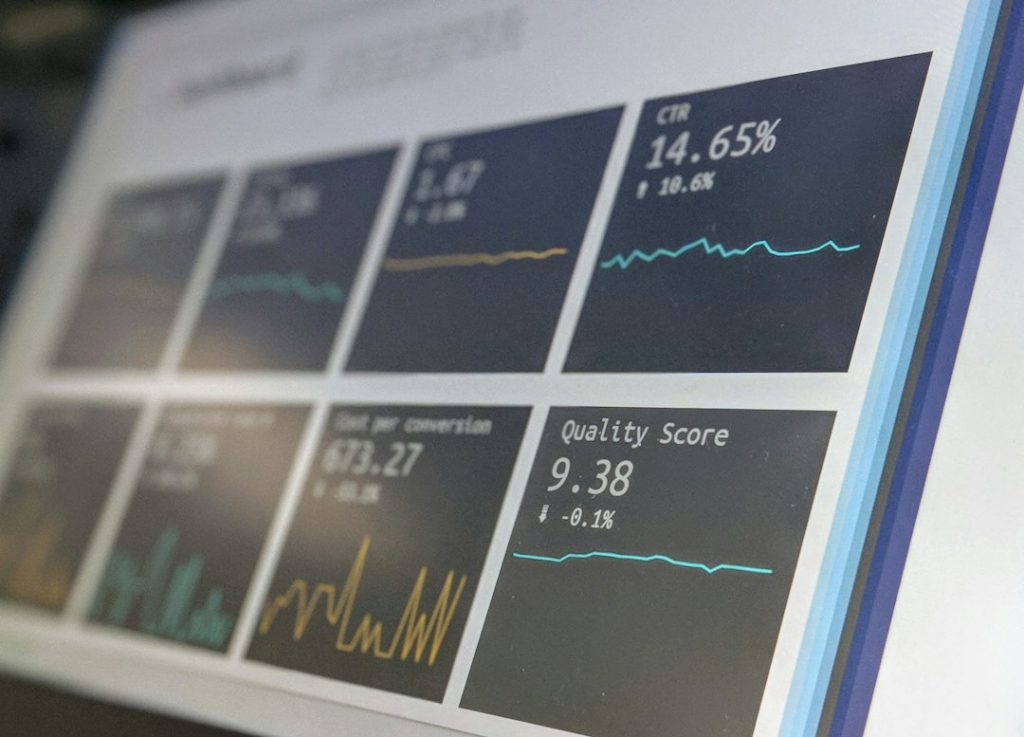
Most teams should compare Browse AI with Octoparse, ParseHub, Apify, Visualping, Diffbot, Import.io, and Hexomatic before picking a no-code web scraping tool. The best choice depends on the job: price tracking, lead research, market alerts, content checks, or bulk data extraction. The web keeps getting bigger, too. Statista estimates that the world will create 402.74 million terabytes of data per day in 2025 [source: Statista].
TLDR: Browse AI is good for simple monitoring, but several alternatives offer stronger workflows, larger extraction jobs, or better alerts. For example, an ecommerce team tracking 500 product pages may save hours each week by using a tool with scheduled runs and change detection. A research team might prefer Apify or Diffbot when it needs cleaner structured data at scale. For quick visual alerts, Visualping is often easier than a full scraper.
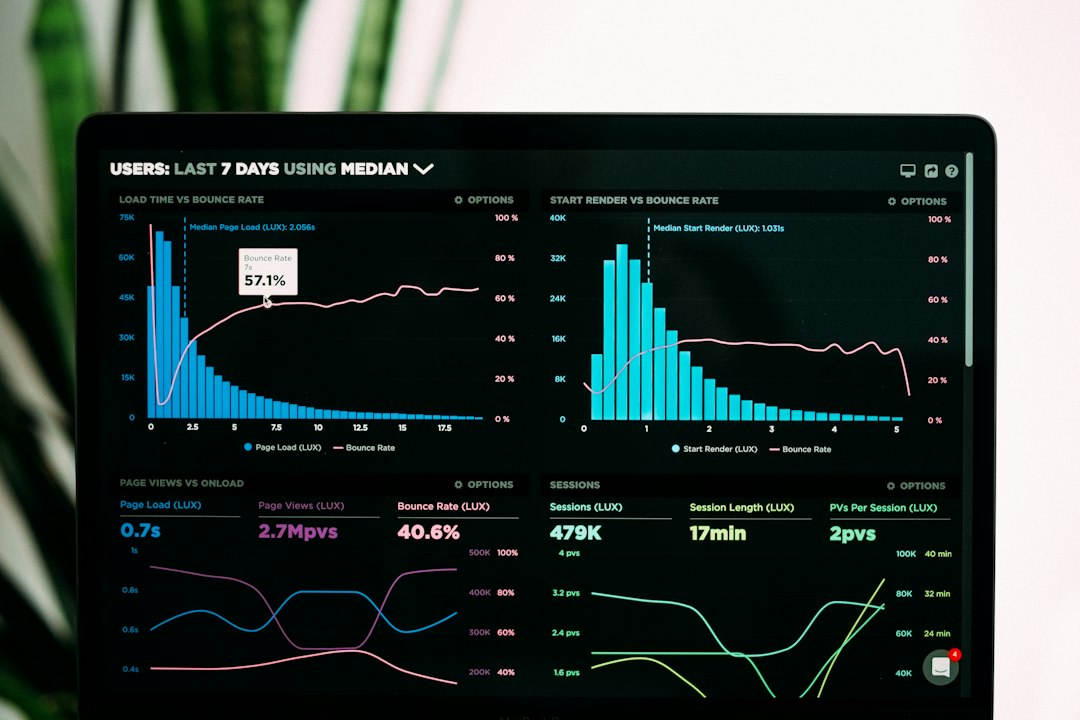
1. Octoparse
Octoparse is one of the most popular no-code scraping tools for users who want a visual point-and-click setup. It works well for ecommerce data, job listings, real estate pages, directories, and review sites.
Its biggest strength is the guided workflow. Non-technical users can select page elements, set pagination, and export data to Excel, CSV, or databases. The annoying part is that complex sites can still need trial and error. A page with popups or lazy loading may take longer to set up than expected.
- Best for: ecommerce tracking and structured listings
- Good: visual builder, cloud runs, scheduling
- Weak: messy pages may need extra setup
2. ParseHub
ParseHub is a strong Browse AI alternative for websites with search forms, tabs, maps, and interactive content. It handles JavaScript-heavy pages better than many basic scrapers.
It suits research teams that collect data from many similar pages. Users can build projects with clicks, conditions, and loops. The interface is powerful, but it can feel a bit heavy at first. Expect to waste time on the first project if the site has nested menus or odd page states.
- Best for: interactive websites and research tasks
- Good: handles JavaScript, forms, and multi-step flows
- Weak: steeper learning curve than Browse AI
3. Apify
Apify is more than a no-code scraper. It is a full automation platform with ready-made scrapers called Actors. Many teams use it for Google Maps data, social media monitoring, lead generation, and competitor tracking.
Apify is useful when a company starts small but expects to scale. A marketer can run a ready-made Actor without coding. A developer can later adjust the workflow. That mix makes it flexible.
- Best for: scaling automated research
- Good: large marketplace, APIs, scheduled runs
- Weak: costs can rise with heavy usage

4. Visualping
Visualping is ideal when the goal is not full data extraction, but change monitoring. It checks pages and sends alerts when content changes. This is useful for price drops, policy updates, product availability, and press pages.
It is simpler than most scrapers. A user selects a page area, sets a check frequency, and receives alerts. Honestly, it feels like the better option when a team only needs to know what changed, not download thousands of rows.
- Best for: alerts and page change tracking
- Good: easy setup, visual comparison, email alerts
- Weak: not built for large structured datasets
5. Diffbot
Diffbot focuses on turning web pages into clean structured data. It uses AI to identify articles, products, discussions, images, and organization data. This makes it strong for automated research and content analysis.
Diffbot works well for teams that care about data quality. It can reduce cleanup time after extraction. The tradeoff is price and setup. Smaller teams may find it too much if they only need weekly price checks.
- Best for: clean data extraction at scale
- Good: AI parsing, structured results, entity data
- Weak: often better suited to larger teams
6. Import.io
Import.io is built for business data extraction. It helps teams collect, transform, and monitor web data from many sources. It is often used for pricing intelligence, product matching, and market research.
The platform is polished and geared toward business users. It can support bigger scraping programs with support and managed services. The catch is that it may feel too formal and costly for a solo founder or small content team.
- Best for: business-grade extraction programs
- Good: managed support, data workflows, monitoring
- Weak: less casual than lighter tools
7. Hexomatic
Hexomatic combines scraping with workflow automation. It can collect data, run checks, summarize pages, capture screenshots, and send results to other apps. This makes it useful for growth teams and agencies.
It is a good fit when scraping is only one step in a wider process. For example, an agency could collect competitor headings, check page speed, grab screenshots, and send a weekly report. That saves manual work without needing code.
- Best for: scraping plus task automation
- Good: workflows, screenshots, integrations
- Weak: pure scraping depth may vary by site
How to Choose the Right Browse AI Alternative
The best tool depends on the main job. For simple web monitoring, Visualping is often enough. For ecommerce extraction, Octoparse and Import.io are strong picks. For research at scale, Apify and Diffbot stand out.
Teams should compare tools using five points:
- Setup time: Can a non-technical user build the scraper?
- Data quality: Will the export be clean?
- Monitoring: Are alerts and schedules included?
- Scale: Can it handle hundreds or thousands of pages?
- Price: Does the cost still make sense after usage grows?
FAQ
What is the best Browse AI alternative?
Octoparse is a strong general choice. Apify is better for scale. Visualping is best for simple change alerts.
Which tool is best for website monitoring?
Visualping is the easiest option for monitoring page changes. Browse AI also works well for basic monitoring tasks.
Which no-code scraper is best for ecommerce data?
Octoparse, Import.io, and Apify are good choices for product prices, stock status, reviews, and competitor pages.
Are no-code web scraping tools legal?
They can be legal, but teams must respect site terms, privacy rules, copyright, and robots.txt guidance. Sensitive personal data should be handled with care.
Can these tools replace developers?
For simple and mid-level tasks, yes. For complex sites, large pipelines, or custom data systems, developers may still be needed.
