
What Is Video Editing: A Complete Introduction to Video Editing, Cuts, Transitions, Audio, Color, Effects, and Post-Production
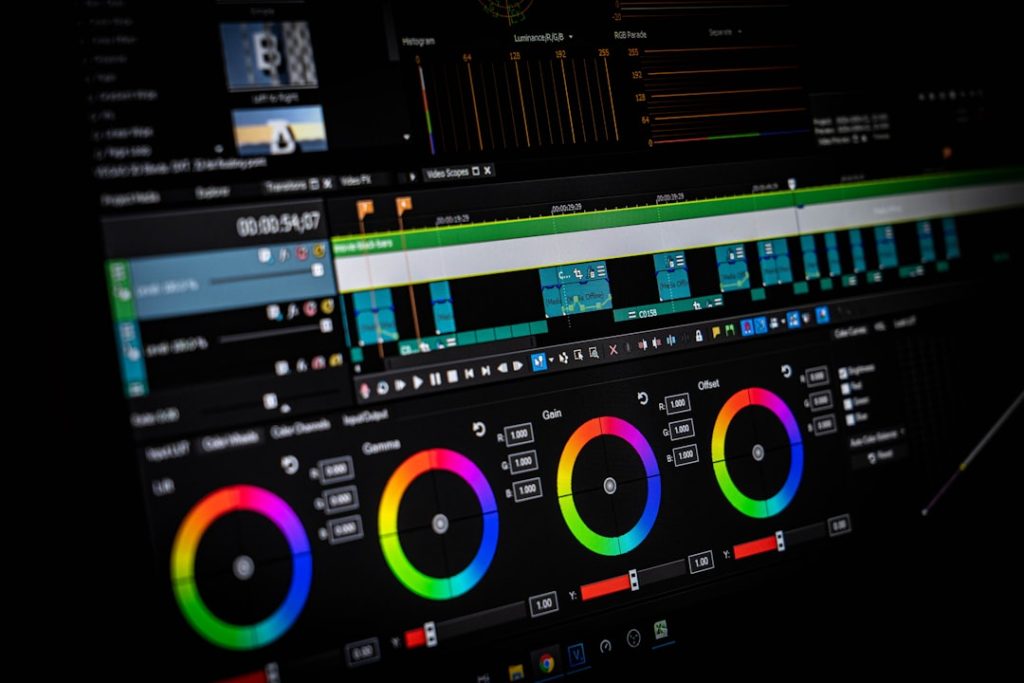
Video editing is the process of turning raw video, sound, graphics, and effects into a finished story that people can watch, understand, and enjoy. It shapes footage through cuts, transitions, audio mixing, color correction, visual effects, and final export. A good edit can make a simple phone recording feel sharp, clear, and professional.
TLDR: Video editing takes messy footage and builds it into a clear final video. For example, a creator may record 45 minutes of cooking footage and cut it into a 3 minute recipe video with music, captions, close ups, and color fixes. In many social campaigns, trimming the first 5 seconds can improve watch time by 20% or more because viewers get to the point faster. The best edits serve the story, not the software.
What Video Editing Actually Means
Video editing is not just cutting clips. It is a full post-production process. The editor reviews footage, selects the best moments, arranges them in order, fixes sound, adjusts color, adds graphics, and exports the final file.
Most editing happens inside software such as Adobe Premiere Pro, DaVinci Resolve, Final Cut Pro, CapCut, or similar tools. Honestly, it feels like every program hides one simple setting three menus deep. Still, the core ideas stay the same across platforms.
An editor usually works on a timeline. Video clips sit on tracks. Audio clips sit below them. Text, images, effects, and music can be stacked above or below the main footage. The timeline is where the video becomes a finished piece.
The Main Goals of Editing
Editing gives structure to footage. It removes boring parts, fixes mistakes, and helps the audience focus. A strong edit answers three basic questions:
- What should the viewer see first?
- What information can be removed?
- What emotion should each moment create?
A business video may need trust. A music video may need rhythm. A tutorial may need clarity above all else. The edit should match the purpose.
Cuts: The Foundation of Editing
A cut is the point where one shot ends and another begins. It is the most basic and most used editing tool. Clean cuts keep a video moving without calling attention to themselves.
Common cut types include:
- Standard cut: One clip changes directly to the next.
- Jump cut: Time skips forward within the same shot. It is common in vlogs and interviews.
- Match cut: Two shots connect through similar motion, shape, or action.
- J cut: Audio from the next scene starts before the picture changes.
- L cut: Audio from the first scene continues after the picture changes.
Good cutting is often invisible. The viewer should feel the pace, not the edit button.
Transitions: Moving Between Scenes
A transition changes one shot into another. The simplest transition is the cut. Others include fades, dissolves, wipes, zooms, and motion transitions.
Transitions can help show a change in time, place, or mood. A fade to black can suggest an ending. A dissolve can suggest memory or softness. A fast wipe may fit sports, travel, or short social videos.
The catch is that many beginner edits use too many flashy transitions. A spinning cube effect rarely saves weak footage. Most professional edits use simple cuts and only add stronger transitions when they support the story.
Audio Editing and Sound Mixing
Bad audio ruins good video. Viewers may forgive a slightly soft image, but they usually leave when speech is hard to hear.
Audio editing includes cleaning dialogue, removing background noise, balancing volume, adding music, and placing sound effects. Editors may also use room tone, which is the natural sound of a location, to smooth gaps between clips.
A basic audio mix often includes:
- Dialogue: The main voice or speech track.
- Music: A background track that sets mood and pace.
- Sound effects: Extra sounds such as clicks, impacts, doors, wind, or movement.
- Ambience: Environmental sound that makes a scene feel real.
Clear dialogue should usually sit above music. If music competes with speech, the edit will feel amateur fast.
Color Correction and Color Grading
Color correction fixes technical problems. It balances exposure, contrast, white balance, and skin tones. The goal is to make footage look natural and consistent.
Color grading adds style. It creates the final mood. A warm grade may feel friendly. A cool grade may feel tense. A high contrast grade may feel bold.
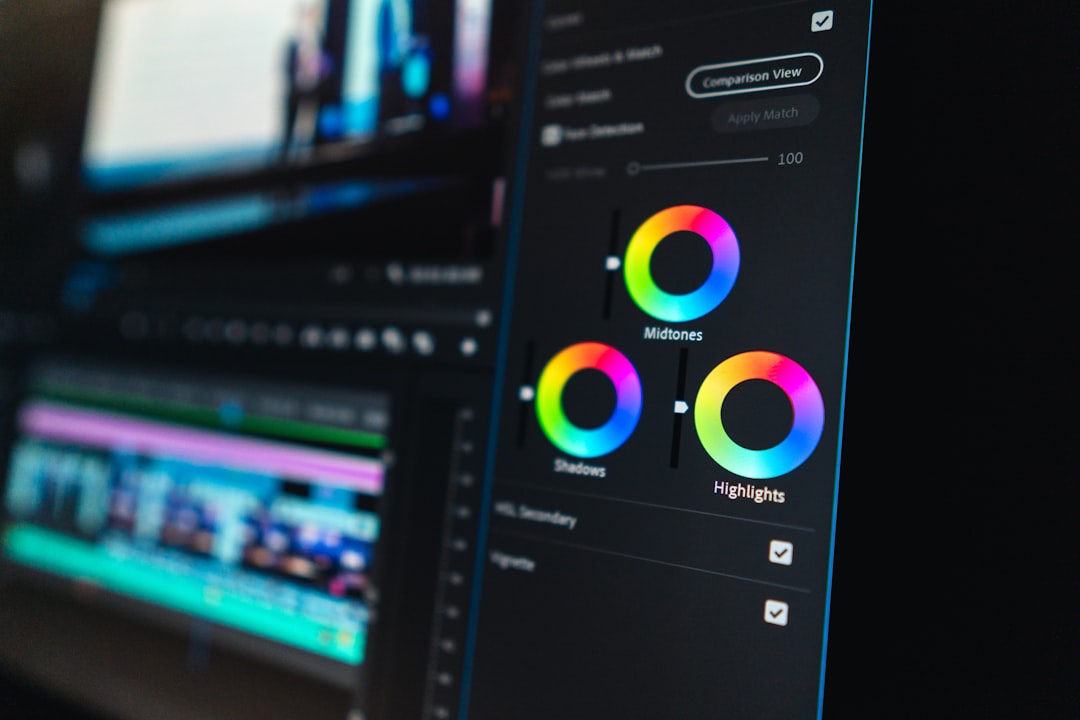
Color work matters because cameras often record clips with different lighting. A scene shot near a window may look blue. Another shot under indoor lights may look yellow. Correction helps them feel like part of the same video.
Effects, Titles, and Graphics
Effects can improve a video when used with care. They include stabilization, speed changes, blur, green screen removal, tracking, and visual overlays. Titles and lower thirds identify people, places, products, or key points.
Motion graphics can also explain complex ideas. For example, a finance video may use animated charts. A fitness video may show timer graphics. A product video may highlight features with arrows and labels.
Effects should solve a problem or support the message. Random glow, shake, and glitch effects can make a video feel noisy. It drives editors crazy when a simple text label takes 30 seconds longer than expected because the font panel lags.
Post-Production Workflow
Post-production is the full stage after filming. It starts when footage is copied, organized, and backed up. Then the editor builds the project step by step.
- Import media: Footage, audio, images, music, and graphics enter the project.
- Organize files: Clips are sorted by scene, date, camera, or topic.
- Create a rough cut: The editor builds the basic structure.
- Refine the edit: Timing, pacing, and scene order are improved.
- Edit audio: Dialogue, music, and effects are balanced.
- Correct color: Shots are matched and polished.
- Add titles and effects: Graphics, captions, and visual fixes are placed.
- Export: The final video is rendered in the right format.
File Formats and Export Settings
Export settings control how the finished video plays. Common formats include MP4, MOV, and AVI. For web use, MP4 with H.264 compression is common because it gives good quality with a smaller file size.
Resolution also matters. A full HD video is 1920 by 1080 pixels. A 4K video is 3840 by 2160 pixels. Social platforms may need vertical, square, or widescreen versions.
Frame rate affects motion. Common frame rates include 24, 25, 30, and 60 frames per second. Films often use 24 fps. Online videos often use 30 fps. Sports and action clips may use 60 fps for smoother motion.
Why Video Editing Matters
Editing changes how people feel and react. A slow edit can make a scene calm. A fast edit can create pressure. A quiet pause can add weight. A music hit can make a product reveal feel bigger.
For brands, educators, filmmakers, and creators, editing is where raw material becomes communication. It decides what stays, what goes, and what the audience remembers.
FAQ
What is video editing in simple terms?
Video editing is the act of arranging video clips, sound, text, color, and effects into a finished video.
Is video editing hard to learn?
Basic editing is easy to start. Professional editing takes practice because pacing, audio, color, and story choices all matter.
What is the difference between cutting and trimming?
Cutting splits or changes clips. Trimming adjusts the start or end of a clip to improve timing.
Do all videos need transitions?
No. Many strong videos use simple cuts. Transitions should help the story, not decorate every clip.
Why is audio so important in video editing?
Audio carries speech, mood, and realism. Clear sound often matters more than perfect image quality.
What is post-production?
Post-production is everything after filming, including editing, sound work, color correction, effects, graphics, and export.
What software is best for beginners?
Beginner-friendly options include CapCut, iMovie, and DaVinci Resolve. The best choice depends on the project, device, and comfort level.
