
From Drafts to Done: AI WordPress Plugins That Speed Up the Entire Content Creation Process
Content production inside WordPress has evolved from a slow, manual workflow into a more streamlined process supported by artificial intelligence. For publishers, marketers, bloggers, agencies, and ecommerce teams, AI WordPress plugins can help move an idea from a rough draft to a polished, optimized, and published post with far less friction.
TLDR: AI WordPress plugins can speed up nearly every stage of content creation, including ideation, outlining, drafting, editing, SEO optimization, image generation, internal linking, and publishing. These tools do not replace strategy, brand judgment, or editorial review, but they help teams remove repetitive tasks and reduce production bottlenecks. The best results come when AI plugins are used as assistants within a clear workflow rather than as fully autonomous content creators.
Why AI WordPress Plugins Matter for Modern Content Teams
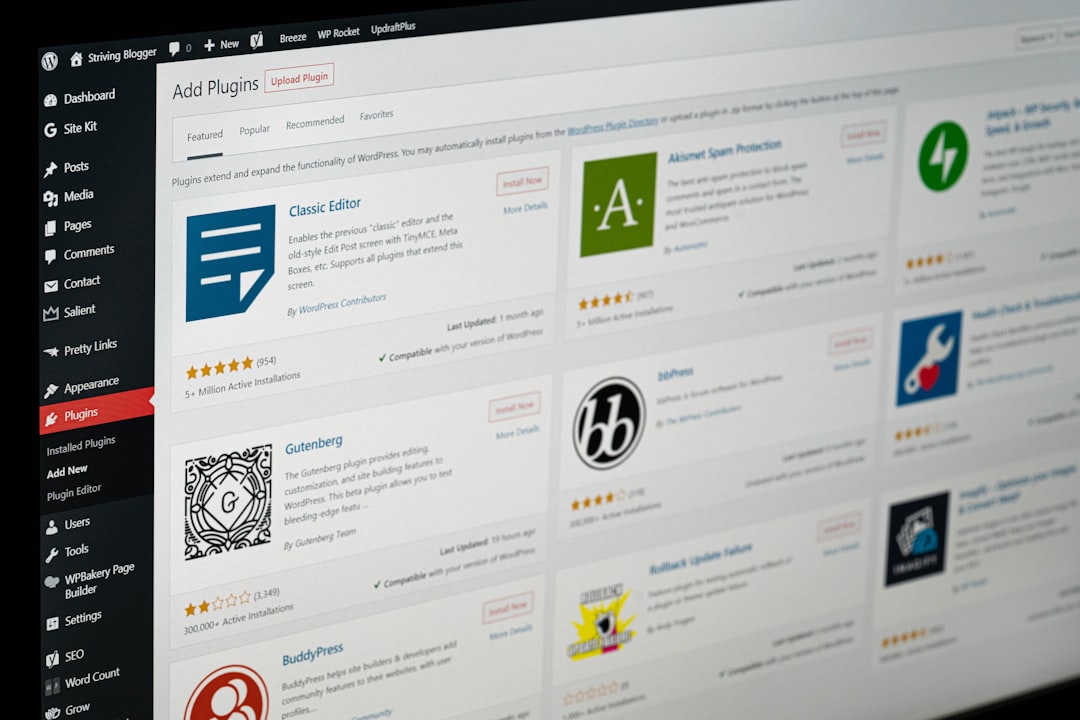
WordPress remains one of the most widely used content management systems in the world, and its plugin ecosystem has always been a major reason for that success. As AI tools have become more accessible, WordPress plugins have started to integrate machine learning, natural language processing, image generation, and automation directly into the publishing dashboard.
This matters because content creation is rarely a single task. A finished article may require keyword research, topic planning, competitor review, outline development, draft writing, editing, formatting, metadata, images, links, schema, and final publishing checks. Without automation, these steps can consume hours or even days. With the right AI plugins, a content team can reduce repetitive labor while maintaining a consistent publishing schedule.
The real advantage is not simply faster writing. The bigger benefit is a smoother end-to-end workflow. AI can help teams think faster, test angles, improve readability, prepare search-friendly structures, and identify missing elements before publication.
Turning Ideas Into Content Plans
Every finished post begins with an idea, but idea generation can become difficult when a website needs consistent content. AI WordPress plugins can help by suggesting blog topics based on keywords, existing posts, audience questions, seasonal trends, or product categories.
For example, a travel website may use AI to generate topic clusters around family vacations, budget itineraries, packing guides, and destination comparisons. A software company may use AI to identify educational topics connected to customer pain points. Instead of starting with a blank page, the editor receives a list of possible angles that can be reviewed, refined, and prioritized.
Some AI plugins can also analyze published content and suggest gaps. This is especially useful for websites that already have a large archive. The plugin may identify outdated posts, missing supporting articles, or opportunities to expand a topic cluster. As a result, the content strategy becomes more organized and less dependent on guesswork.
Building Better Outlines Before Drafting
A strong outline often determines whether an article will be useful or unfocused. AI WordPress plugins can generate structured outlines with headings, subheadings, key points, frequently asked questions, and suggested calls to action. This gives writers a practical starting point and helps editors confirm that the article has a logical flow before drafting begins.
Good outlines also reduce revision time. When the structure is clear from the beginning, there is less need to reorganize the article after the first draft. AI can propose sections that address search intent, compare related concepts, and include important supporting details. Human editors can then adjust the outline to fit the brand voice, audience knowledge level, and business goal.
For agencies managing many clients, outline generation can be especially valuable. It helps standardize the planning stage without making every article sound the same. The AI provides structure, while the strategist adds insight, originality, and context.
Generating First Drafts Faster
Draft writing is one of the most visible uses of AI in WordPress. Many plugins allow users to create paragraphs, introductions, product descriptions, landing page copy, email snippets, and blog sections directly inside the WordPress editor. This reduces the time spent staring at a blank screen and gives writers material to shape.
However, an AI-generated draft should rarely be treated as final. The strongest workflows use AI to create a foundation, not a finished article. A writer or editor still needs to verify facts, improve examples, remove generic phrasing, and add the brand’s unique perspective.
AI is most effective when it accelerates the rough draft stage. It can produce a starting version quickly, allowing the human team to spend more time on quality, accuracy, storytelling, and conversion goals. This shift can make the entire content process more efficient because editorial energy is focused on improvement rather than initial assembly.
Improving Editing, Grammar, and Readability
After a draft is created, AI WordPress plugins can assist with editing and readability improvements. These tools may identify long sentences, passive constructions, awkward phrasing, grammar issues, spelling mistakes, and inconsistent tone. Some can also suggest simpler alternatives for complex words or rewrite sections for clarity.
This is useful for teams that publish frequently or work with multiple contributors. A plugin can act as a first-pass editor, catching basic issues before the draft reaches a human reviewer. It can also help maintain consistency across posts by recommending tone adjustments that match a selected style, such as professional, conversational, educational, or persuasive.
- Grammar checks help reduce common writing errors.
- Readability suggestions make articles easier for visitors to scan.
- Tone adjustments support a more consistent brand presence.
- Rewrite options help improve weak or repetitive sections.
While AI editing is helpful, it should not remove the need for a final human review. Automated suggestions can occasionally flatten personality or change meaning. Editorial judgment remains essential.
Optimizing Content for SEO
Search engine optimization is another area where AI WordPress plugins can save significant time. Many plugins can suggest SEO titles, meta descriptions, focus keywords, related terms, heading improvements, internal links, and schema markup. Some can compare the draft against competitor content or search intent patterns and recommend additions.
For example, an AI SEO plugin may notice that a post about “beginner gardening tips” lacks sections on soil preparation, watering schedules, or common mistakes. It may also recommend adding a concise answer near the top of the article to improve clarity for readers and search engines.
SEO automation is not about keyword stuffing. Modern AI-assisted optimization works best when it helps content become more complete, better organized, and easier to understand. Search visibility improves when the article genuinely answers the visitor’s question.
Creating Images and Visual Assets
Visual content helps articles feel more engaging, but finding or creating suitable images can slow down publication. Some AI WordPress plugins can generate images from text prompts, recommend featured images, create alt text, or compress visuals for performance. This makes the visual production stage faster and more integrated with the writing process.
AI-generated images can be especially useful for abstract topics, technology articles, educational explainers, and conceptual blog posts. Instead of searching through stock image libraries, the content team can create a visual that matches the article’s theme. Plugins that generate alt text can also support accessibility by describing images more efficiently.
Still, visual review remains important. Images should match the brand style, avoid misleading representations, and comply with licensing or usage policies. For businesses in regulated industries, human approval may be necessary before any AI-generated asset is published.
Automating Internal Links and Content Updates
Internal linking is one of the most valuable yet overlooked parts of content management. A strong internal linking structure helps readers discover related information and helps search engines understand relationships between pages. AI WordPress plugins can scan content and recommend relevant internal links while an article is being edited.
This saves time because editors do not need to manually search the website for every related post. It also helps older articles continue to receive traffic when newer posts link back to them. Some plugins can even identify orphan pages that have few or no internal links.
AI can also support content maintenance. It may flag outdated statistics, detect broken links, recommend refresh opportunities, or identify posts that are losing traffic. This turns content management into an ongoing improvement process rather than a one-time publishing task.
Streamlining Formatting and Publishing
Even after a post is written and optimized, formatting can take time. Headings, lists, tables, callout boxes, image placements, categories, tags, excerpts, and featured images all need attention. AI WordPress plugins can help by suggesting formatting improvements, generating excerpts, assigning categories, and preparing social snippets.
For content teams working at scale, these small automations add up. A few minutes saved on each post may become hours saved across a month. The result is a smoother handoff between writing, editing, design, SEO, and publishing.
The best AI-assisted publishing process still includes a checklist. Before publication, teams should confirm factual accuracy, links, formatting, SEO elements, image quality, accessibility, and brand alignment. AI can reduce the workload, but it should not remove accountability.

Choosing the Right AI WordPress Plugins
Not every AI plugin is suitable for every website. The best choice depends on the content workflow, budget, technical requirements, and publishing goals. Some plugins focus on writing, while others specialize in SEO, automation, chatbots, images, or editorial assistance.
Before installing a plugin, a team should evaluate several factors:
- Ease of use: The plugin should fit naturally into the WordPress editor or existing workflow.
- Output quality: Generated text should be coherent, relevant, and easy to edit.
- Customization: The tool should allow tone, style, language, and prompt adjustments.
- SEO features: For content marketing, keyword and metadata support may be important.
- Data privacy: The plugin should handle content and user data responsibly.
- Performance impact: The tool should not slow down the website or admin dashboard.
- Pricing: Costs should match expected usage and team size.
It is often better to use a small set of reliable AI plugins than to overload WordPress with many overlapping tools. Too many plugins can create conflicts, increase maintenance, and complicate the editorial process.
Best Practices for AI-Assisted Content Creation
AI works best when it is guided by clear instructions. A vague prompt often produces generic content, while a detailed prompt can generate more useful results. Teams should provide information about the audience, goal, tone, format, keywords, and desired structure.
Editors should also develop standards for AI usage. These standards may include fact-checking requirements, originality checks, disclosure policies, image review rules, and approval workflows. When everyone follows the same process, AI becomes a reliable assistant rather than an unpredictable shortcut.
Another best practice is to preserve human expertise. Articles that rely entirely on AI may sound polished but lack experience, examples, and insight. The strongest content usually combines AI efficiency with human knowledge. Subject matter experts can add practical advice, real situations, original opinions, and details that generic generation cannot provide.
Common Mistakes to Avoid
One common mistake is publishing AI-generated content without review. This can lead to factual errors, repetitive language, weak arguments, or inaccurate claims. Another mistake is using AI only for volume instead of quality. Publishing more content is not helpful if the content does not satisfy readers.
Some teams also overlook brand voice. AI may default to neutral or generic phrasing unless it is trained or prompted properly. Content managers should create style guidelines and examples that help AI tools produce more suitable drafts.
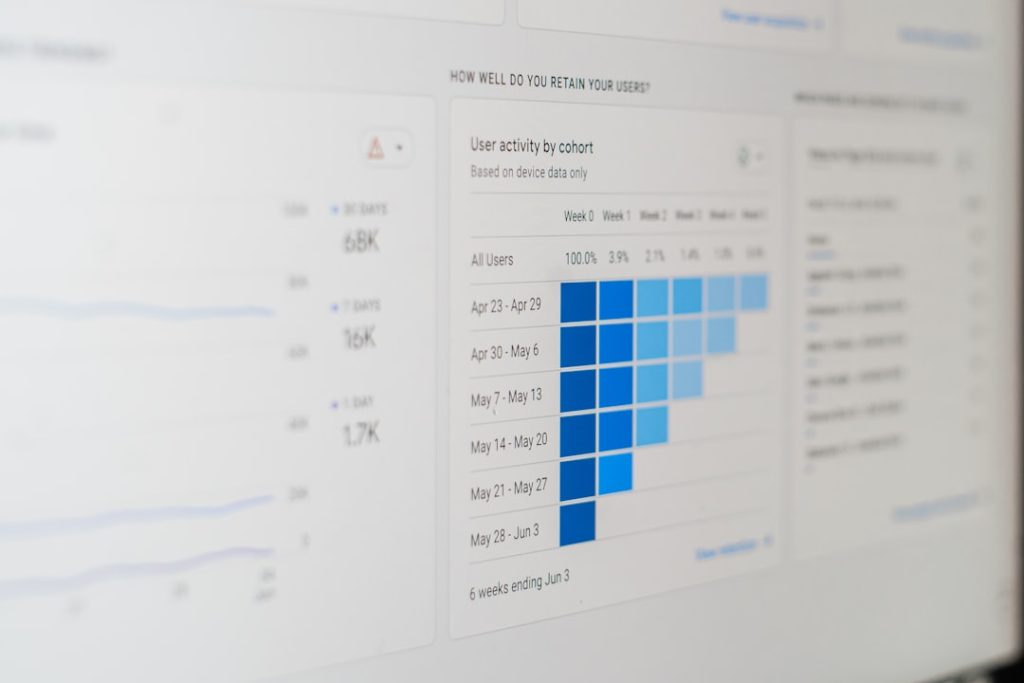
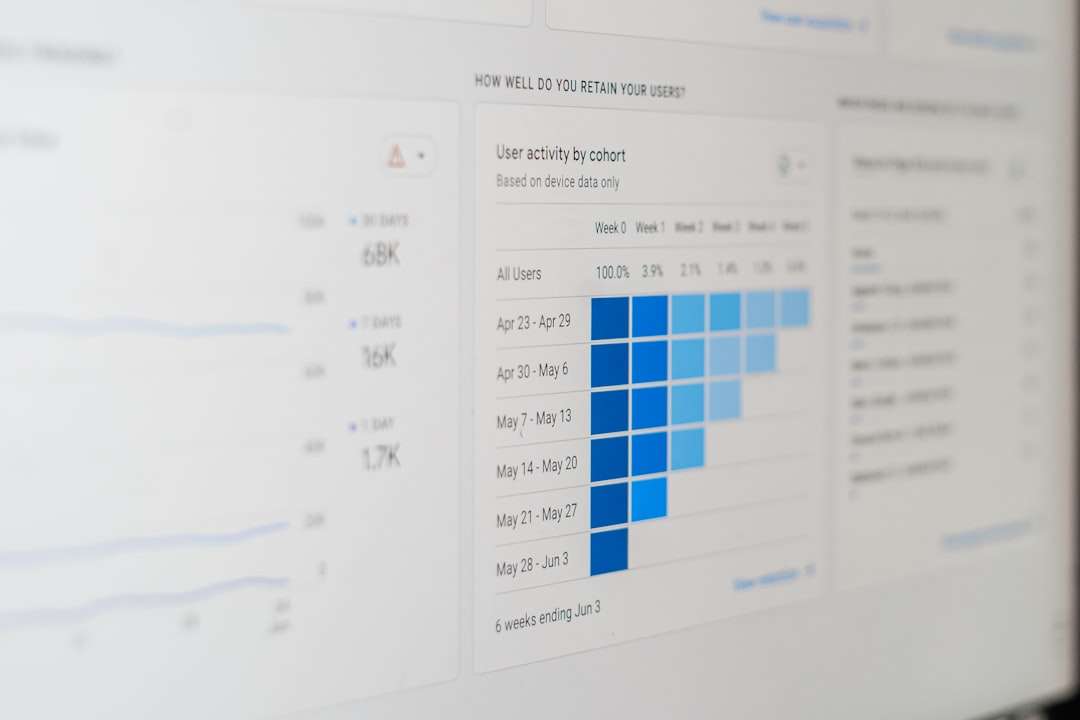
Finally, websites should avoid depending on AI plugins without monitoring performance. Content should still be measured through analytics, rankings, engagement, conversions, and reader feedback. AI can help create content, but data helps determine whether that content is working.
The Future of AI in WordPress Content Workflows
AI WordPress plugins are likely to become more deeply integrated into editorial workflows. Future tools may offer better personalization, stronger brand voice memory, more advanced content audits, and smarter collaboration features. They may also connect content planning with analytics, allowing teams to create based on performance trends and audience behavior.
Even as the technology improves, human direction will remain important. AI can process information quickly, but it does not understand a company’s mission, customer relationships, or long-term reputation the way people do. The most successful content teams will use AI to remove friction while keeping strategy and judgment in human hands.
From drafts to done, AI WordPress plugins can transform content creation into a faster, more organized, and more scalable process. They help teams move through ideation, writing, editing, optimization, visuals, and publishing with fewer delays. When paired with thoughtful oversight, these tools can support better content and a more efficient publishing operation.
FAQ
What are AI WordPress plugins?
AI WordPress plugins are tools that add artificial intelligence features to a WordPress website. They may help with writing, editing, SEO, image generation, internal linking, automation, chatbots, or content analysis.
Can AI WordPress plugins write an entire blog post?
Many AI plugins can generate a full draft, but the result should be reviewed and edited by a human. Fact-checking, brand voice, originality, and audience relevance still require editorial judgment.
Do AI plugins help with SEO?
Yes, many AI plugins can suggest keywords, meta descriptions, headings, internal links, schema, and content improvements. They are most effective when used to make content more useful and complete rather than to overuse keywords.
Are AI-generated images safe to use on WordPress?
AI-generated images can be useful, but each image should be reviewed for quality, accuracy, brand fit, and usage rights. Websites in sensitive or regulated industries may need additional approval steps.
Will AI plugins slow down a WordPress site?
Some plugins may affect performance, especially if they are poorly built or resource-heavy. Site owners should test plugins carefully, monitor speed, and avoid installing too many overlapping tools.
What is the best way to use AI in a content workflow?
The best approach is to use AI for repetitive or time-consuming tasks while keeping humans responsible for strategy, expertise, editing, and final approval. This balance improves speed without sacrificing quality.
