
These are the Best Online Business Card Generators Worth Using in 2026
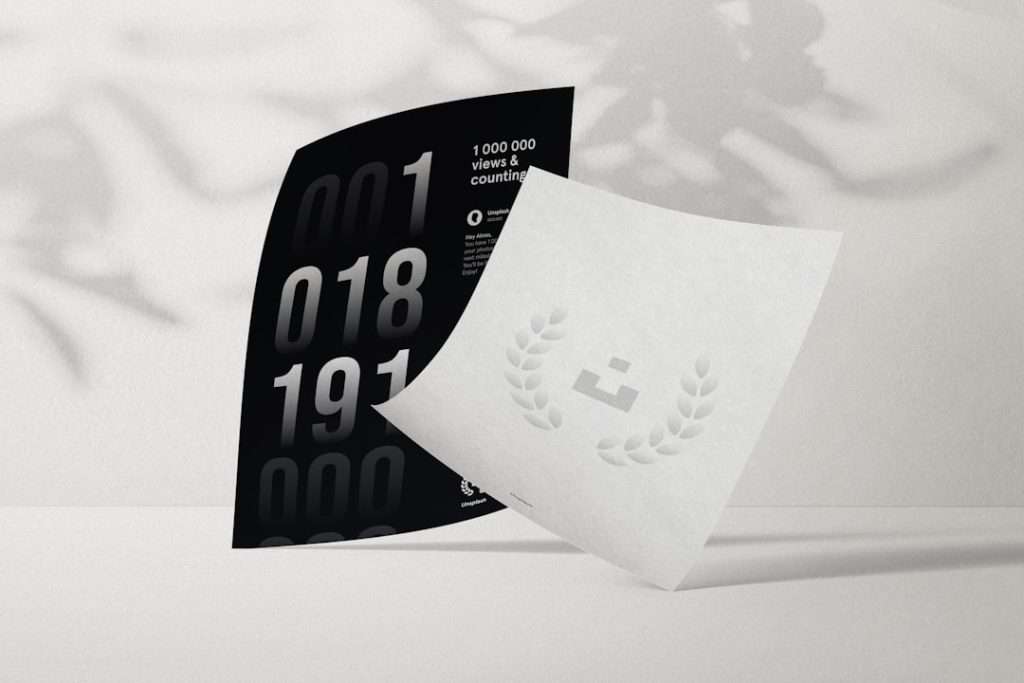
Business cards remain surprisingly important in 2026, even as networking has become more digital, remote, and mobile-first. A well-made card still gives people a physical reminder of who you are, what you do, and how to reach you. The difference today is that the best online business card generators do much more than place your name on a rectangle; they help create consistent branding, print-ready files, digital cards, QR codes, and sometimes even full identity systems.
TLDR: The best online business card generators in 2026 are the ones that combine professional templates, easy editing, reliable export options, and dependable print or digital delivery. Canva, Adobe Express, VistaPrint, MOO, Zazzle, Looka, HiHello, Blinq, Popl, Shopify’s business card maker, and Envato Elements are among the strongest options depending on your needs. Choose Canva or Adobe Express for flexibility, MOO or VistaPrint for print quality and fulfillment, and HiHello, Blinq, or Popl if you need a modern digital business card.
What Makes a Business Card Generator Worth Using in 2026?
The best platforms are not necessarily the ones with the most templates. A serious business card generator should help you create a card that looks credible, prints correctly, and supports your broader brand identity. Before choosing a tool, consider the following factors:
- Design quality: Templates should look current, professional, and suitable for real businesses, not just casual projects.
- Customization: You should be able to adjust fonts, spacing, colors, logos, icons, and layout without fighting the editor.
- File exports: Print-ready PDF, PNG, and sometimes SVG support are important for flexibility.
- Print options: If the platform offers printing, look for paper stock, finish, bleed settings, and shipping reliability.
- Digital features: QR codes, NFC compatibility, contact saving, and analytics are increasingly useful.
- Brand consistency: Strong tools let you reuse logos, colors, and typography across cards, social posts, documents, and websites.
1. Canva
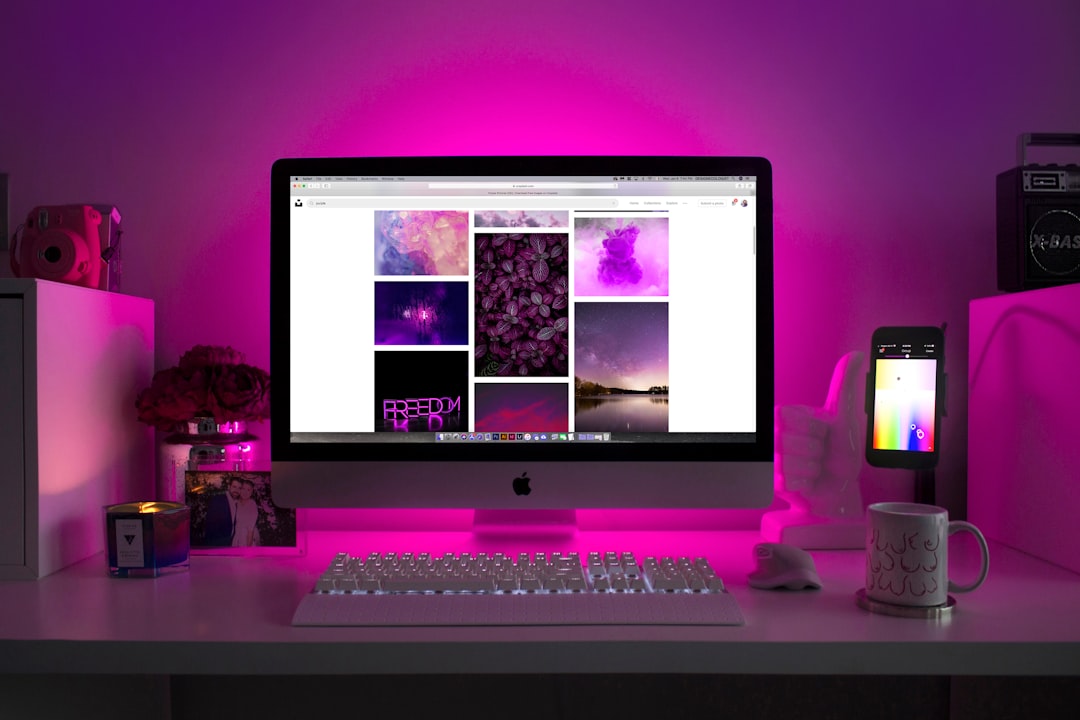
Canva remains one of the most practical business card generators for entrepreneurs, freelancers, small teams, and marketing departments. Its main strength is accessibility: users can start with thousands of templates, customize layouts quickly, upload logos, and maintain brand colors inside a simple workspace.
In 2026, Canva is especially useful for people who want more than a single card design. You can create matching letterheads, proposals, presentations, email graphics, and social media assets in the same visual style. Its print ordering is convenient, but many users also export files and send them to a preferred local or professional printer.
Best for: small businesses, freelancers, startups, and anyone who wants a flexible all-purpose design platform.
2. Adobe Express
Adobe Express is a strong choice for users who want a polished design experience without the complexity of professional Adobe applications. It offers modern templates, clean typography, brand kit features, and easy export options. For people already using Adobe Creative Cloud, it fits naturally into an existing creative workflow.
Adobe Express is particularly good for creating business cards that need to feel refined and brand-conscious. Its templates are usually less cluttered than many beginner-focused platforms, which is valuable for consultants, agencies, coaches, and professional service providers.
Best for: professionals who want a clean, serious design tool with strong brand control.
3. VistaPrint
VistaPrint is still one of the most recognizable names in online business card creation and printing. Its biggest advantage is convenience. You can design your card, review the layout, select paper type and finish, and order printed cards from the same place.
VistaPrint is a dependable option for businesses that need standard cards quickly and do not want to manage separate design and print vendors. It also offers related marketing materials, such as flyers, postcards, signs, and branded merchandise, which can help maintain consistency across offline promotions.
Best for: business owners who want straightforward design tools combined with reliable online printing.
4. MOO
MOO is widely respected for premium business card printing. While its design tool is easy to use, the real appeal is print quality. MOO offers thick paper stocks, distinctive finishes, rounded corners, special textures, and high-quality color reproduction.
This is a better choice when your business card needs to make a strong impression in person. Designers, architects, photographers, luxury service providers, boutique consultants, and creative professionals often benefit from a card that feels more substantial than standard stock.
Best for: premium printed cards, creative professionals, and businesses where tactile quality matters.
5. Zazzle
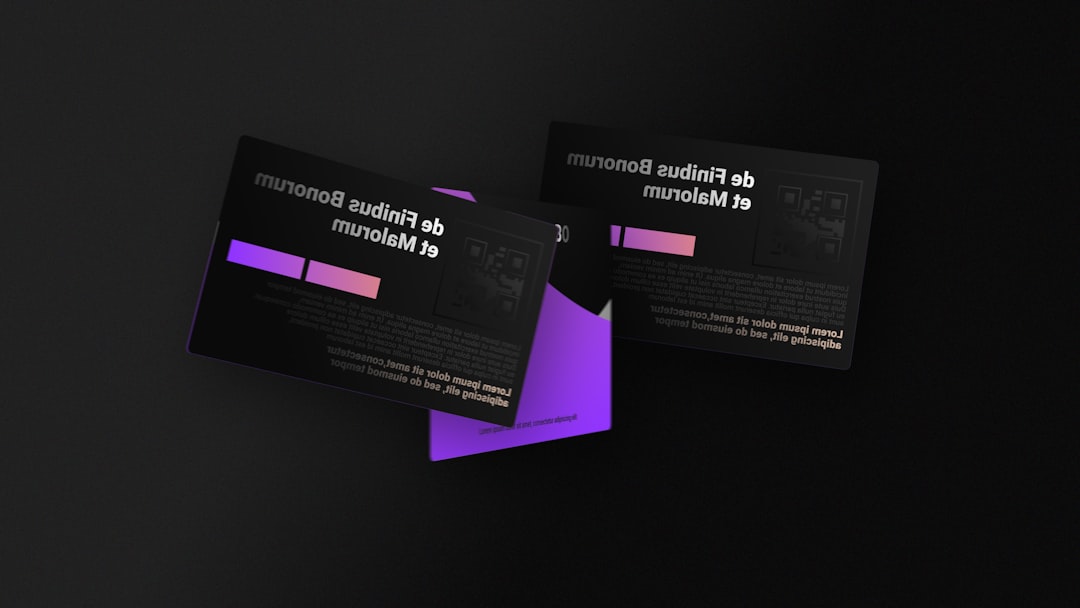
Zazzle is useful for people who want a wide variety of creative business card styles. It offers many template categories, from minimal and corporate to colorful, artistic, and industry-specific. The platform is especially good if you want to explore less conventional designs.
Zazzle’s marketplace-driven model means there are many looks to choose from, but it also means quality can vary between templates. Users should be selective and favor clean layouts with readable typography. A visually interesting card is helpful only if the recipient can quickly understand your name, role, company, and contact information.
Best for: users who want broad creative variety and industry-specific design inspiration.
6. Looka
Looka is best known as a logo and brand identity platform, but it can also be a useful option for business cards. Its value is strongest when you are creating a business identity from the beginning. After generating or refining a logo, you can apply the same visual system to cards and other brand materials.
This makes Looka practical for new businesses that need a simple brand package rather than a standalone card. It may not offer the same depth of manual design control as Canva or Adobe Express, but it can speed up the process of creating a consistent, professional-looking identity.
Best for: new businesses that need a logo, brand colors, and business card design together.
7. HiHello
HiHello is one of the most serious digital business card platforms available. Instead of focusing on printed cards, it helps users create shareable digital cards with contact details, links, QR codes, social profiles, and company branding.
Digital cards are becoming more common because they are easy to update and simple to share at events, meetings, and online calls. HiHello is particularly useful for teams because it supports centralized branding and employee card management. If your phone number, title, website, or calendar link changes, you can update the card without reprinting anything.
Best for: professionals and teams that want flexible digital business cards with strong contact-sharing features.
8. Blinq
Blinq is another strong digital business card generator, with an emphasis on quick sharing and professional simplicity. Users can share cards through QR codes, links, email signatures, Apple Wallet, Google Wallet, or NFC-compatible products.
Blinq is particularly useful for sales teams, recruiters, consultants, and event-heavy professionals who meet many people and want to reduce friction in follow-up. Its clean interface makes it easy for recipients to save your information immediately, which is often more useful than handing over a printed card that may be lost.
Best for: networking-heavy professionals who want efficient, modern contact exchange.
9. Popl
Popl combines digital business card software with NFC products such as cards, tags, badges, and phone accessories. This makes it appealing for people who want a physical networking tool but still prefer the flexibility of a digital profile.
Popl is often used by sales teams, event representatives, real estate professionals, and creators who want to share multiple links at once. A single tap or scan can send someone to a profile containing contact details, website links, booking pages, videos, social accounts, and lead capture forms.
Best for: users who want NFC-enabled networking tools and digital lead capture.
10. Shopify Business Card Maker
Shopify’s business card maker is a simple option for entrepreneurs who need a basic card quickly. It is not as design-rich as Canva, Adobe Express, or MOO, but it can be helpful for new store owners who want a fast and functional result.
The main benefit is speed. If you need a straightforward card with your name, business name, email, website, and basic branding, it can produce a usable design without much effort. However, businesses that depend heavily on visual identity may want a more advanced design platform.
Best for: ecommerce founders and small business owners who need a simple card fast.
11. Envato Elements
Envato Elements is not a typical drag-and-drop business card generator, but it deserves mention because it offers professional business card templates for users comfortable with design software. The platform includes templates for Adobe Illustrator, Photoshop, InDesign, and other formats.
This option is best when you want a highly polished template and have the ability to edit it properly. It is not ideal for complete beginners, but it can produce more sophisticated results than many browser-based editors. Agencies and designers may find it especially useful because they can download multiple template styles for different clients.
Best for: designers, agencies, and businesses with access to professional design software.
How to Choose the Right Generator
The right tool depends on how you plan to use your card. If you mainly need printed cards, prioritize paper quality, bleed settings, finishes, and delivery reliability. In that case, MOO and VistaPrint are strong candidates. If you want to design many branded materials, Canva and Adobe Express are more versatile.
If your networking is mostly digital, consider HiHello, Blinq, or Popl. These platforms make it easier to share updated information, collect leads, and connect your card to calendars, websites, portfolios, and social channels. For many professionals in 2026, the best approach is a hybrid one: a premium printed card with a QR code that points to a digital profile.
Practical Tips for a Better Business Card
- Keep the layout simple: A clean card is usually more credible than a crowded one.
- Use readable typography: Avoid tiny text, decorative fonts, and low-contrast color combinations.
- Include only essential details: Name, role, company, phone, email, website, and one strong call to action are usually enough.
- Add a QR code carefully: Make sure it leads to a useful page, not a generic homepage with no clear next step.
- Check print specifications: Confirm bleed, safe margins, resolution, and color settings before ordering.
- Order a small batch first: Test the paper, finish, and readability before committing to a large run.
Final Verdict
The best online business card generator in 2026 is not the same for every business. Canva is the most versatile everyday choice, while Adobe Express is excellent for polished brand-focused designs. MOO is the strongest option for premium print quality, and VistaPrint remains a reliable all-in-one printing solution. For digital networking, HiHello, Blinq, and Popl are among the most relevant modern tools.
Ultimately, a business card should do one thing well: make it easy for the right person to remember you and contact you. Whether you choose a printed card, a digital profile, or both, focus on clarity, professionalism, and consistency with your broader brand. A thoughtful card still has value in 2026, especially when it connects a real conversation to a credible and well-presented business identity.
