
Device Security Suites Protecting Multiple Devices With Prices Starting Under $60
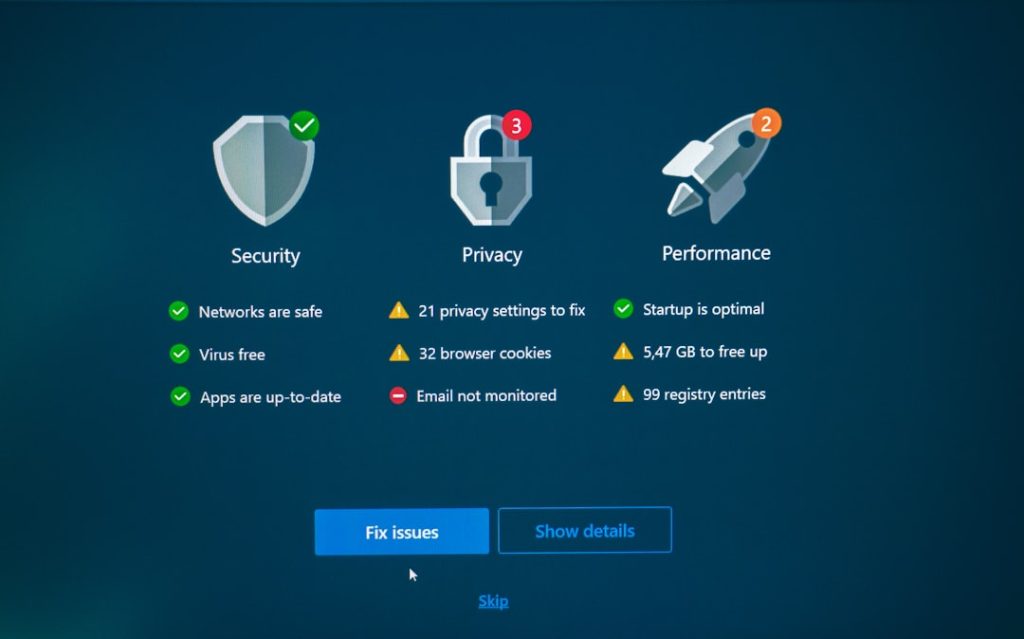
As households rely on more connected technology than ever before, protecting digital devices has become a necessity rather than a luxury. From laptops and smartphones to tablets and smart home gadgets, families and small businesses often manage multiple devices at once. Device security suites designed to cover several devices under a single subscription have emerged as an affordable and practical solution. Even better, many high-quality options now start at under $60 per year, making comprehensive protection accessible to nearly everyone.
TLDR: Device security suites under $60 can protect multiple devices—including PCs, Macs, smartphones, and tablets—under one subscription. These affordable plans often include antivirus protection, firewalls, password managers, VPN access, and parental controls. They offer strong value for families and small businesses looking to simplify security management. Choosing the right suite depends on device count, feature needs, and ease of use.
Why Multi-Device Protection Matters Today
The average household now owns multiple internet-connected devices, often spanning different operating systems. A typical family may have:
- Laptops running Windows or macOS
- Android smartphones
- iPhones and iPads
- Smart TVs and streaming devices
- Smart home products such as cameras or thermostats
Each of these devices presents a potential entry point for cyber threats. Malware, phishing attacks, ransomware, and identity theft attempts can target any connected system. Without centralized protection, managing individual security solutions becomes both expensive and complicated.
Multi-device security suites streamline protection by allowing users to secure everything under one subscription. Instead of installing different antivirus programs on each device, users gain unified management and consistent updates across the board.
What’s Typically Included in a Sub-$60 Security Suite?
Many consumers assume a lower price means fewer features. However, competition in the cybersecurity market has driven companies to offer robust packages even at entry-level pricing. A well-rounded suite priced under $60 annually often includes:
1. Antivirus and Malware Protection
This is the foundation of any suite. It detects and removes:
- Viruses
- Trojans
- Spyware
- Ransomware
- Potentially unwanted programs
Most modern solutions rely on both signature-based detection and AI-driven behavior analysis.
2. Firewall Protection
An advanced firewall monitors incoming and outgoing traffic, blocking suspicious connections before they become threats. This is particularly important for users on public or unsecured Wi-Fi networks.
3. Password Management
Password managers generate and securely store complex passwords. Instead of reusing the same password across accounts, users can rely on encrypted storage and auto-fill features.
4. VPN Access (Limited or Basic)
Some affordable suites include a VPN with limited data usage. A VPN encrypts internet traffic, especially useful on public networks such as cafes, airports, or hotels.
5. Parental Controls
Families benefit from web filtering, screen time monitoring, and app usage tracking. These features help create safer digital environments for children.
6. Identity Protection Tools
Select packages include dark web monitoring or breach alerts, notifying users if their email addresses or credentials appear in known data leaks.
How Can Prices Stay Under $60?
Consumers often question how comprehensive protection can cost less than a night out. Several factors make this pricing possible:
- Tiered features: Entry plans may limit VPN data or advanced identity tools.
- Device caps: Many plans cover 3–5 devices, which suits most households.
- Promotional pricing: First-year discounts significantly reduce initial subscription costs.
- Cloud-based technology: Modern infrastructure reduces company operational costs.
While renewal pricing may increase after the first year, users can often renew with promotional offers or switch providers to maintain savings.
Multi-Device Convenience: The Biggest Advantage
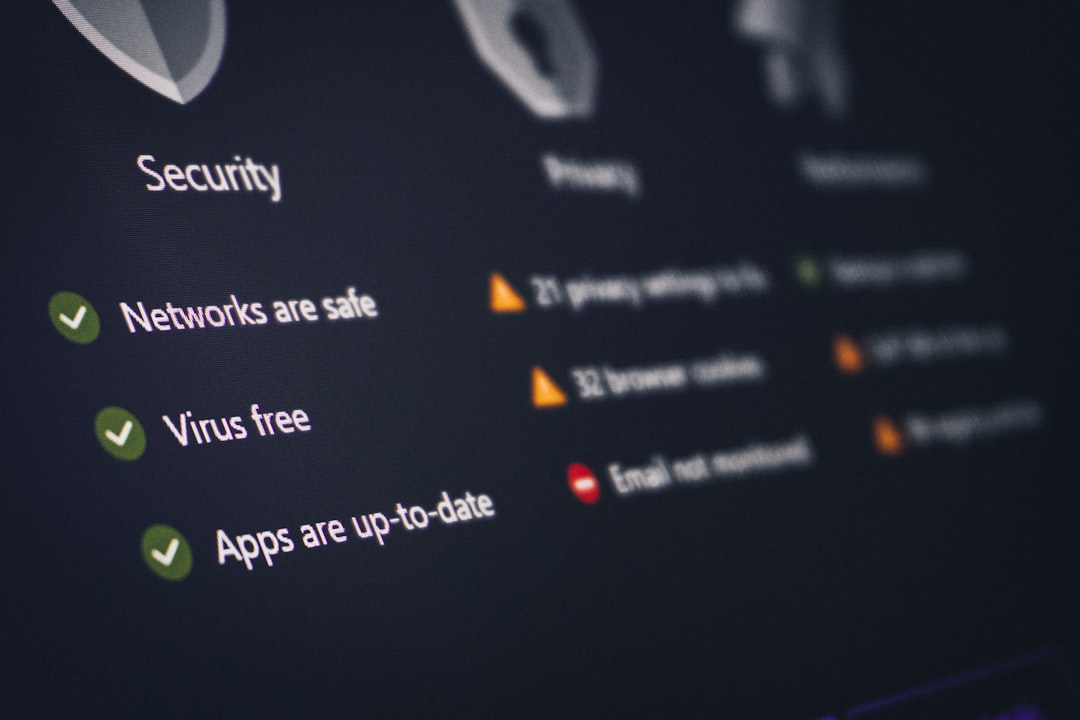
The primary appeal of these suites is centralized management. Instead of juggling multiple logins and renewal dates, users access everything through one dashboard. Benefits include:
- Central device monitoring
- Remote security scans
- License management
- Automatic updates
For small business owners and freelancers, this unified control significantly reduces IT complexity. Even non-technical users can install protection through step-by-step apps and guided setup processes.
Key Factors to Consider Before Buying
While many options fall under the $60 mark, they are not identical. Buyers should evaluate:
1. Number of Devices Covered
Some plans support three devices, others five. Larger households may require higher-tier offerings.
2. Supported Operating Systems
Ensure compatibility with:
- Windows
- macOS
- Android
- iOS
3. Performance Impact
Security software should not significantly slow down devices. Independent testing labs often evaluate system performance impact.
4. Customer Support Availability
Look for providers offering chat, email, or phone support. Response time can be crucial during a security incident.
5. Renewal Pricing Transparency
Always check renewal costs after the first promotional year.
Security Suites vs. Free Antivirus
Free antivirus tools may appear attractive, but they typically offer limited protection. Key differences include:
- Free versions: Basic malware scanning, limited features, ads.
- Paid suites under $60: Multi-device licenses, firewalls, VPNs, identity tools, and premium support.
The added layers of security provided by affordable paid solutions significantly lower exposure to advanced threats such as ransomware and phishing campaigns.

Security for Remote Work and Learning
The rise of remote work and online education has expanded the threat landscape. Employees and students connect to shared files, video conferencing systems, and cloud storage daily. A breach on one unprotected device can compromise sensitive data.
Security suites help by:
- Scanning email attachments
- Blocking malicious downloads
- Preventing access to fraudulent websites
- Securing file transfers
These safeguards are particularly important when working outside corporate office environments without dedicated IT departments.
Long-Term Value and Peace of Mind
For under $60 annually, users essentially pay less than $5 per month for protection across multiple devices. When compared to the potential costs of identity theft, ransomware recovery, or device replacement, the investment becomes minimal.
Beyond financial metrics, there is also psychological comfort. Knowing that devices are continuously monitored reduces stress and allows families and professionals to focus on productivity rather than digital threats.
Final Thoughts
Device security suites protecting multiple devices under $60 offer a compelling blend of affordability, convenience, and comprehensive defense. In a world where cyber threats continue to evolve, relying solely on basic or outdated protection is risky. Modern budget-friendly suites provide essential tools—from antivirus scanning to password management—without overwhelming users with complexity.
By carefully comparing features, device limits, and renewal pricing, consumers can secure reliable protection that fits both their digital lifestyle and their budget. Ultimately, investing in a multi-device security suite is less about spending money and more about safeguarding data, privacy, and peace of mind.
Frequently Asked Questions (FAQ)
1. Are security suites under $60 effective?
Yes. Many reputable providers offer strong antivirus engines and essential protections at this price point. Independent testing laboratories regularly confirm high detection rates among budget-friendly plans.
2. How many devices can typically be protected?
Most entry-level multi-device plans cover between 3 and 5 devices. Some promotions may temporarily offer coverage for more devices at similar prices.
3. Do these plans include mobile protection?
Many security suites support Android and iOS devices. However, features may differ between platforms, so reviewing compatibility details is important.
4. Is a VPN always included?
Not always. Some suites provide limited VPN data, while others reserve unlimited VPN access for higher-priced tiers.
5. What happens after the first year?
Renewal pricing may increase. Users should review renewal terms before purchasing and consider comparing options annually to maintain the best value.
6. Can small businesses use these suites?
Yes, small teams or freelancers often use multi-device consumer suites for cost-effective protection. Larger organizations may require enterprise-grade solutions.
7. Is a security suite necessary if built-in protection exists?
Built-in protections provide a baseline level of security, but dedicated suites often add layers such as password managers, VPNs, and enhanced firewalls for stronger overall defense.
