
Master Data Management Software That Helps You Unify Data Across Systems
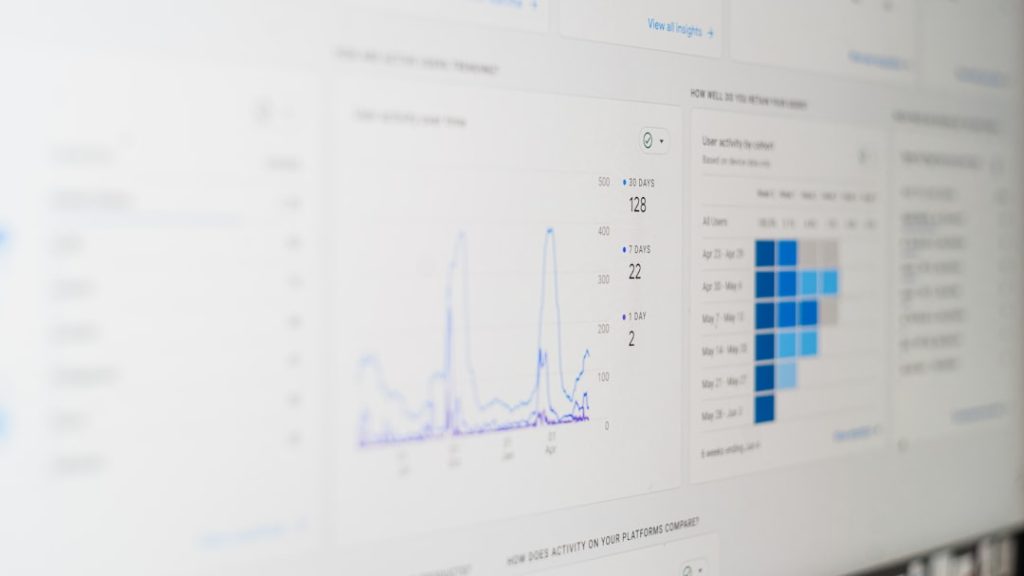
Data lives everywhere. In your CRM. In your ERP. In spreadsheets. In marketing tools. In support systems. It multiplies fast. And soon, no one knows which version is correct.
This is where Master Data Management (MDM) software steps in. It helps you bring all your important data into one trusted place. No more confusion. No more duplicate records. Just clean, connected, reliable data.
TL;DR: Master Data Management software brings your data from different systems into one clean and trusted source. It removes duplicates, fixes errors, and keeps everything in sync. This helps teams make better decisions and work faster. If your business uses multiple systems, MDM is a game changer.
What Is Master Data Management (MDM)?
Let’s keep it simple.
Master data is your business’s most important core data. Think:
- Customers
- Products
- Suppliers
- Employees
- Locations
Now imagine that customer data exists in five different systems. Each system has small differences. One spelling mistake here. One old phone number there. One missing email somewhere else.
Which one is correct?
MDM software creates a single source of truth. It collects data from all systems, cleans it, matches records, removes duplicates, and pushes the correct version back out to every system.
[p] [/p]
[/p]
Why Businesses Struggle With Data
Most companies grow fast. They add tools along the way:
- A CRM for sales
- An accounting platform
- An ecommerce system
- Marketing automation software
- Customer support software
Each tool stores data separately. They do not always talk to each other well.
This creates:
- Duplicate records
- Inconsistent information
- Reporting errors
- Poor customer experiences
- Compliance risks
When teams argue about whose data is correct, productivity drops. Decisions become slower. Trust fades.
MDM fixes this chaos.
How Master Data Management Software Works
Think of MDM as a smart control center.
Here’s what it typically does:
1. Data Integration
It connects to multiple systems. It pulls data in automatically.
2. Data Matching and Deduplication
It uses rules and AI to find matching records. Even if names are slightly different.
3. Data Cleansing
It corrects formatting. Standardizes addresses. Validates emails.
4. Data Governance
It controls who can edit what. It tracks changes. It keeps an audit history.
5. Data Distribution
It syncs the clean master record back to other systems.
The result?
Everyone works from the same, trusted data.
Key Benefits of Using MDM Software
Let’s break down the big wins.
✅ 1. Better Decision Making
Reports become accurate. Leadership trusts dashboards again.
✅ 2. Improved Customer Experience
No more calling a customer by the wrong name. No more duplicate emails.
✅ 3. Faster Operations
Less time fixing errors. More time growing the business.
✅ 4. Easier Compliance
Know exactly where personal data lives. Manage permissions properly.
✅ 5. Lower Costs
Duplicate mailings and system errors cost money. Clean data saves it.
Clean data may not sound exciting. But it drives everything.
Top Master Data Management Software Solutions
There are many MDM tools available. Some are enterprise-level. Some are more flexible and modern.
Here are a few popular options:
- Informatica MDM
- Reltio
- Profisee
- Semarchy xDM
- IBM InfoSphere MDM
Let’s compare them.
MDM Software Comparison Chart
| Software | Best For | Deployment | Strength | Ease of Use |
|---|---|---|---|---|
| Informatica MDM | Large enterprises | Cloud and on prem | Advanced data governance | Moderate |
| Reltio | Cloud focused teams | Cloud native | Real time data management | High |
| Profisee | Mid sized businesses | Cloud and on prem | Microsoft integration | High |
| Semarchy xDM | Fast deployments | Cloud and on prem | User friendly interface | High |
| IBM InfoSphere | Complex enterprises | Primarily enterprise environments | Scalability | Moderate |
Each tool has strengths. The right one depends on your size, budget, and technical setup.
Cloud vs On Premise MDM
You have two main deployment choices.
Cloud Based MDM
- Hosted online
- Faster setup
- Automatic updates
- Lower upfront costs
Great for growing companies.
On Premise MDM
- Installed on your own servers
- Maximum control
- Strong security customization
Often preferred by highly regulated industries.
Many organizations now choose hybrid models. They mix both.
What to Look for in MDM Software
Not all MDM tools are equal. Before choosing one, ask these questions:
- Does it integrate with my existing systems?
- Is it scalable for growth?
- Does it offer strong data matching capabilities?
- Is the interface user friendly?
- What governance controls are built in?
- How good is customer support?
Also consider your internal skills. Some platforms need technical teams. Others are more business-user friendly.
Common MDM Challenges (And How to Solve Them)
MDM is powerful. But implementation requires planning.
Challenge 1: Lack of Data Ownership
Solution: Assign data stewards. Make someone responsible.
Challenge 2: Poor Data Quality at the Start
Solution: Run a data audit before implementation.
Challenge 3: Employee Resistance
Solution: Train teams. Show clear benefits.
Challenge 4: Overcomplicated Setup
Solution: Start small. Focus on one data domain first, like customers.

Best Practices for a Successful MDM Strategy
Want smooth adoption? Follow these tips:
- Start with clear goals. Know what problem you are solving.
- Get executive support. Leadership buy in is critical.
- Define data standards. Decide formats and naming rules early.
- Train your team. Make learning simple and practical.
- Monitor continuously. Data management is ongoing.
MDM is not a one time project. It is a long term strategy.
Who Needs Master Data Management Software?
If your business uses only one system, you might not.
But if you:
- Operate in multiple regions
- Manage thousands of customers
- Sell across channels
- Deal with strict compliance laws
- Use many disconnected platforms
Then MDM becomes essential.
Retail. Healthcare. Banking. Manufacturing. Ecommerce. SaaS.
All benefit from unified data.
The Future of Master Data Management
MDM is becoming smarter.
Modern systems now include:
- AI driven data matching
- Real time synchronization
- Self service dashboards
- Automated quality monitoring
The goal is simple.
Less manual work. More trusted insights.
As businesses collect more data, managing it well becomes a competitive advantage.
Final Thoughts
Data chaos slows companies down. It creates confusion. It damages trust.
Master Data Management software brings clarity. It connects systems. It cleans records. It keeps everything aligned.
Instead of arguing about spreadsheets, teams focus on strategy.
Instead of fixing errors, they build customer relationships.
Instead of guessing, they decide with confidence.
Unifying your data does not just improve IT. It improves your entire business.
And in a world driven by information, that makes all the difference.
