
6 Runway AI Video Editing Alternatives for Content Creators
Creating videos today is faster, smarter, and way more fun than it was just a few years ago. Tools like Runway AI have made editing feel almost magical. But here’s the thing. Runway isn’t the only option. There are many powerful AI video editing tools out there, and some might fit your style or budget even better.
TLDR: There are several great alternatives to Runway AI for video editing. Tools like Pika, Descript, CapCut, Adobe Premiere Pro with AI, Synthesia, and Filmora offer powerful features for different types of creators. Some are great for beginners. Others are perfect for pros. The best choice depends on what you create and how you like to work.
Let’s break down six amazing Runway AI video editing alternatives you should check out.
1. Pika Labs
Pika is quickly becoming a favorite among creators who love AI-generated video. It focuses heavily on turning text into dynamic videos. Think of it as a tool that turns your ideas into moving pictures in seconds.
Why creators love Pika:
- Simple text-to-video generation
- Stylized animations
- Fast rendering
- Cloud-based and easy to access
Pika is great for storytellers, social media creators, and marketers who want eye-catching visuals. You type what you want. The AI builds it. It feels almost like brainstorming with a robot artist.
Best for: Short creative videos, social content, experimental projects.
2. Descript
If you edit a lot of talking-head videos, podcasts, or interviews, Descript might be your dream tool. It makes editing as easy as editing a Word document.
That’s not an exaggeration.
You delete a sentence from the transcript. The video deletes that part automatically. It feels like magic.
Top features:
- Text-based video editing
- Overdub AI voice cloning
- Automatic transcription
- Screen recording tools
Descript shines when content is speech-heavy. It saves hours of timeline scrubbing.
Best for: YouTubers, educators, podcasters, business presentations.
3. CapCut
CapCut has exploded in popularity, especially among TikTok and Instagram creators. It combines simplicity with powerful AI tools.
And the best part? A lot of it is free.

Cool AI features:
- Auto captions
- Background remover
- AI retouch tools
- Text-to-speech
- Trending templates
CapCut works beautifully for short-form content. It’s beginner-friendly. Yet powerful enough for serious creators.
Best for: Short-form videos, influencers, fast edits on mobile or desktop.
4. Adobe Premiere Pro (With Firefly AI)
If you want professional-level editing with AI baked in, Premiere Pro is a strong alternative. Adobe’s Firefly AI features add a new layer of intelligence.
This is where classic editing meets modern AI.
AI-powered goodies:
- Text-based editing
- Auto reframing
- Generative fill for video
- Speech enhancement
- Color matching
Premiere Pro does have a learning curve. It’s not the simplest tool on this list. But it might be the most powerful.
Professional editors love the control it offers. AI just makes things faster.
Best for: Filmmakers, agencies, advanced YouTubers, production teams.
5. Synthesia
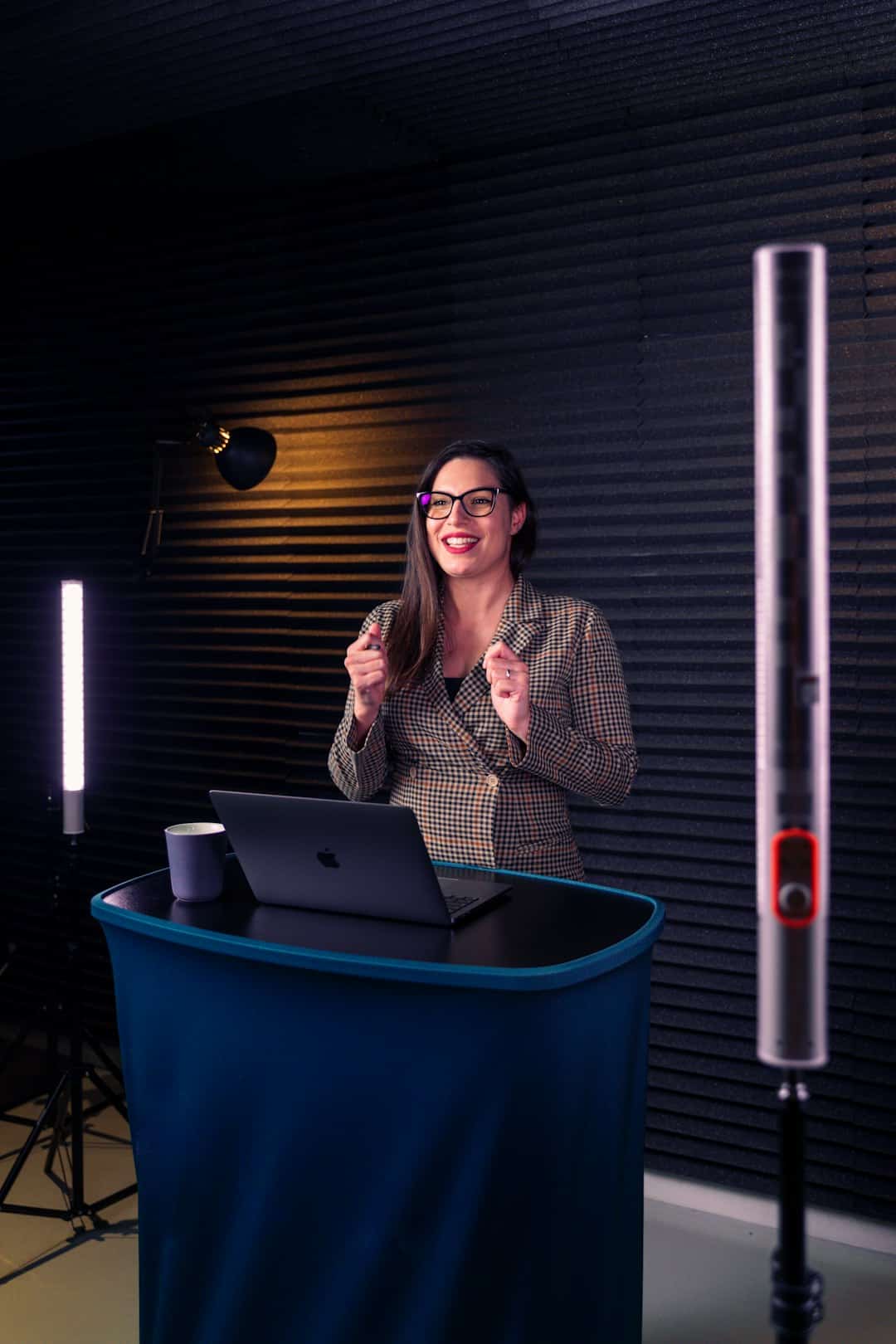
Synthesia is a bit different from Runway. It focuses on AI avatars and presentation-style videos. You type your script. A realistic AI avatar delivers it on screen.
No camera needed. No mic needed.
Why it stands out:
- AI-generated presenters
- Multiple languages
- Professional templates
- Easy script-based editing
Businesses love Synthesia for training videos and internal communications. It’s fast. Clean. Professional.
Best for: Corporate training, explainer videos, product demos.
6. Filmora
Filmora sits comfortably between beginner and pro tools. It’s simple to use but includes advanced AI features.
If Premiere feels overwhelming and CapCut feels too basic, Filmora could be your sweet spot.
AI features include:
- AI smart cutout
- Silence detection
- Motion tracking
- AI copywriting
- Audio denoise
Filmora is known for its drag-and-drop simplicity. It doesn’t try to intimidate you. It walks you through the process.
Best for: Growing YouTubers, small businesses, course creators.
Quick Comparison Chart
| Tool | Ease of Use | Best For | Standout Feature |
|---|---|---|---|
| Pika | Easy | Creative short videos | Text-to-video generation |
| Descript | Very Easy | Talking head content | Edit by editing text |
| CapCut | Very Easy | Social media videos | Auto captions and templates |
| Premiere Pro | Advanced | Professional production | Firefly AI tools |
| Synthesia | Easy | Training and presentations | AI avatars |
| Filmora | Easy to Moderate | YouTube and courses | AI smart cutout |
How to Choose the Right Alternative
Picking the right tool depends on three main things:
- Your skill level
- Your content type
- Your budget
If you’re just starting, go simple. CapCut or Descript are easy wins.
If you care about deep control and advanced effects, Premiere Pro may be worth the effort.
If you want AI avatars doing the talking, Synthesia is clearly built for you.
And if you love experimenting with AI-generated scenes, Pika is incredibly fun.
Final Thoughts
Runway AI is powerful. No doubt about it. But it’s not your only option.
The AI video editing world is expanding fast. New tools appear almost every month. And many of them are easier, cheaper, or more specialized.
The best part? You don’t have to marry one tool.
Many content creators use two or three platforms together. For example:
- Generate scenes in Pika
- Edit dialogue in Descript
- Polish everything in Premiere Pro
That’s the beauty of modern content creation. You can build your own workflow.
So experiment. Test free trials. Play with features. Break things. Create bold ideas.
The perfect AI video editor isn’t the one with the most features. It’s the one that helps you create faster, easier, and with more joy.
And now, you have six strong alternatives ready to explore.
