
Most Notable Canva Alternatives for Creating Graphics and Marketing Content
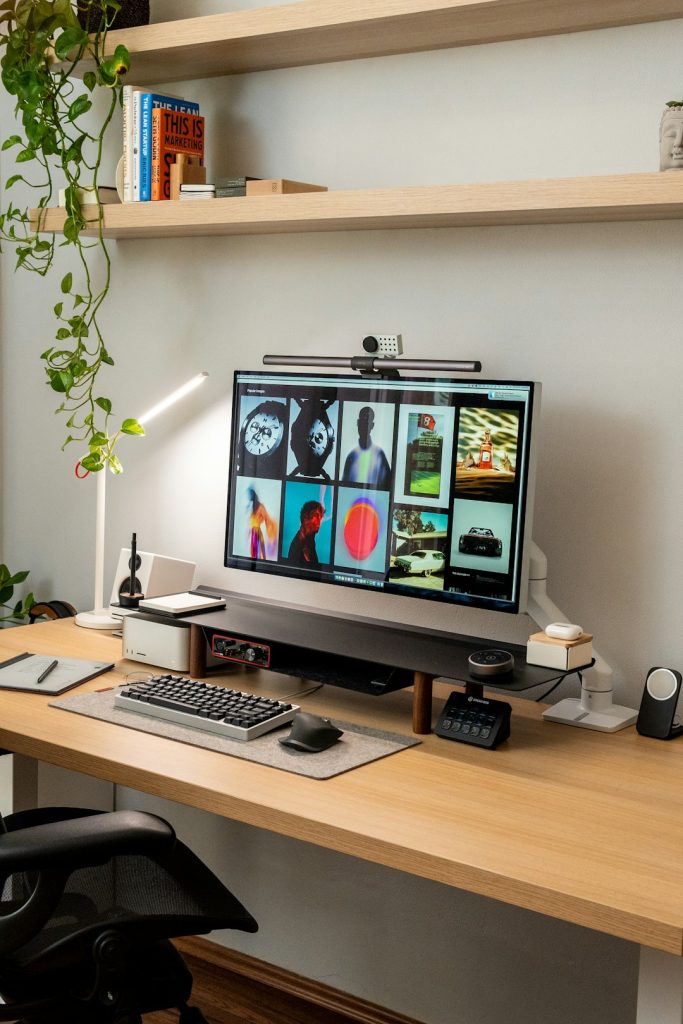
Creating eye-catching graphics used to mean learning complex software. Not anymore. Today, anyone can design social posts, flyers, presentations, or even short videos with drag-and-drop tools. Canva is one of the most popular options out there. But it is not the only one. In fact, there are many great Canva alternatives that might suit your style, budget, or business needs even better.
TLDR: There are many powerful alternatives to Canva for creating graphics and marketing content. Tools like Adobe Express, Visme, Snappa, Piktochart, and VistaCreate offer unique features and flexible pricing. Some are better for teams. Others shine in data visualization or social media content. The best choice depends on what you create and how advanced you want to go.
Let’s explore the most notable Canva alternatives. We’ll keep it simple. And fun.
1. Adobe Express
If Canva had a big creative cousin, it would be Adobe Express. It is powered by Adobe, the company behind Photoshop and Illustrator. But do not worry. You do not need to be a pro designer to use it.
Adobe Express is clean and easy to use. It offers:
- Beautiful social media templates
- Quick video creation tools
- Brand kits for consistent design
- Access to Adobe Stock photos
One big plus is integration. If you already use other Adobe tools, everything syncs smoothly. That makes it great for growing businesses.
Best for: Users who want simple design tools with room to grow into more advanced editing.

2. Visme
Visme is like Canva’s data-loving sibling. It is perfect for presentations, infographics, and reports. If you work with numbers, analytics, or business content, this tool shines.
Visme stands out because you can:
- Create interactive charts and graphs
- Build animated presentations
- Add clickable elements
- Design professional documents
The templates feel polished and corporate. That is not a bad thing. It makes them great for business use.
Best for: Marketers, consultants, and teams who create reports and data visuals.
3. Snappa
Snappa keeps things simple. Really simple. If Canva sometimes feels overwhelming, Snappa might be your breath of fresh air.
It is focused mainly on online graphics. Think:
- Facebook ads
- Instagram posts
- Blog headers
- Display ads
The interface is clean. There are fewer bells and whistles. But that is the charm. You can create something fast without distractions.
Best for: Bloggers, freelancers, and small business owners who want quick social graphics.
4. Piktochart
Piktochart is another strong option for infographic lovers. It makes complex information look friendly and easy to understand.
What makes it unique?
- Strong infographic templates
- Customizable maps and charts
- Report and presentation features
- Simple drag-and-drop interface
Teachers and educators also love it. It helps turn lessons into visual stories.
Best for: Educators, trainers, and marketers who tell stories with data.
5. VistaCreate
VistaCreate (formerly Crello) feels very close to Canva. In fact, if you switch, you will feel at home fast.
It offers:
- Thousands of templates
- Animated social media posts
- Video editing tools
- Brand kits
The animation features are impressive. You can add motion to posts without touching complicated timelines.
Best for: Social media marketers who love animated content.

6. Picsart
Picsart is where creativity gets playful. It is more than just a design tool. It blends photo editing, graphic design, AI features, and social-style creativity into one platform.
It works especially well for:
- Instagram stories
- TikTok thumbnails
- Collages
- Creative photo edits
- Marketing visuals
The interface feels modern and visual-first. You get tons of effects, stickers, filters, and AI-powered tools that make ordinary images stand out fast. It is less corporate and more creative compared to traditional design platforms.
Best for: Content creators, influencers, and small brands that want eye-catching visuals with strong photo-editing features.
7. RelayThat
RelayThat is different. It focuses heavily on brand consistency. It automatically resizes and adjusts layouts so your brand looks the same everywhere.
Here is what makes it special:
- Auto-generated layouts
- Built-in brand management
- Fast resizing for multiple platforms
You spend less time tweaking fonts and spacing. The system does it for you.
Best for: Teams and agencies managing multiple brand assets.
8. Fotor
Fotor began as a photo editing app. Over time, it evolved into a design tool as well.
It combines:
- Photo enhancement features
- Beauty retouching tools
- Graphic templates
- Collage makers
If photos are central to your content, Fotor offers more editing power than Canva in some areas.
Best for: Creators focused on photography and visual-heavy content.
Comparison Chart
Here’s a simple side-by-side comparison to help you choose.
| Tool | Best For | Ease of Use | Special Strength | Free Plan |
|---|---|---|---|---|
| Adobe Express | Growing businesses | Easy | Adobe integration | Yes |
| Visme | Reports and data | Moderate | Interactive charts | Limited |
| Snappa | Quick social posts | Very Easy | Speed and simplicity | Yes |
| Piktochart | Infographics | Easy | Data storytelling | Yes |
| VistaCreate | Animated content | Easy | Motion graphics | Yes |
| RelayThat | Brand consistency | Moderate | Auto layouts | No (trial only) |
| Fotor | Photo heavy designs | Easy | Advanced photo editing | Yes |
How to Choose the Right Canva Alternative
Not all tools fit all people. Ask yourself a few simple questions.
- What do I create most? Social posts? Reports? Videos?
- Do I work alone or with a team?
- Do I need advanced editing features?
- What is my budget?
If you run a busy social account, VistaCreate or Snappa may be perfect. If you deliver client reports, Visme or Piktochart could be better. If branding matters most, RelayThat might save you hours every week.

Free vs Paid Plans
Most Canva alternatives offer free plans. But there is a catch. Free plans often include:
- Watermarks
- Limited templates
- Restricted downloads
- Storage limits
Paid plans usually unlock:
- Premium templates
- Brand kits
- Team collaboration
- High-resolution exports
If you create content daily, upgrading often makes sense. It saves time. And time is money.
What About AI Features?
Many of these platforms now include AI tools. You can:
- Generate images from text
- Remove backgrounds instantly
- Write captions
- Resize designs automatically
Adobe Express and VistaCreate are investing heavily in AI. Fotor also offers AI photo tools. If automation excites you, check those first.
Final Thoughts
Canva is popular for a reason. It is easy. It is flexible. It works for most people.
But it is not the only game in town.
Adobe Express blends simplicity with professional power. Visme and Piktochart shine for data-driven content. Snappa keeps things lightning fast. VistaCreate makes animation easy. RelayThat protects your brand consistency. Fotor enhances photos beautifully.
The good news? You do not have to guess. Most offer free plans or trials. Test two or three. See which one feels natural. The best tool is the one you enjoy using.
Because when design feels easy, you create more. When you create more, your marketing improves. And when your marketing improves, your brand grows.
Simple tools. Clear visuals. Strong message.
That is what great design is all about.
