
7 Must-Have Features in Modern Scheduling Software

Scheduling used to mean sticky notes, whiteboards, and long email threads. Not anymore. Today’s businesses move fast. Teams work across cities. Customers book online at midnight. That is why modern scheduling software is no longer a luxury. It is a must.
TLDR: Great scheduling software saves time, reduces mistakes, and makes life easier for both teams and customers. The best tools offer automation, real-time updates, mobile access, and smart integrations. They also keep data secure and provide useful insights. If your scheduler cannot do these things, it may be time for an upgrade.
Let’s break down the 7 must-have features that make modern scheduling software truly powerful. No jargon. Just simple explanations.
1. Easy-to-Use Interface
First things first. If the software is confusing, people will not use it. It is that simple.
A great scheduling tool should feel:
- Clean
- Simple
- Fast
Users should book, edit, or cancel appointments in seconds. No hunting through menus. No long training sessions.
Look for features like:
- Drag-and-drop calendar views
- Color-coded time slots
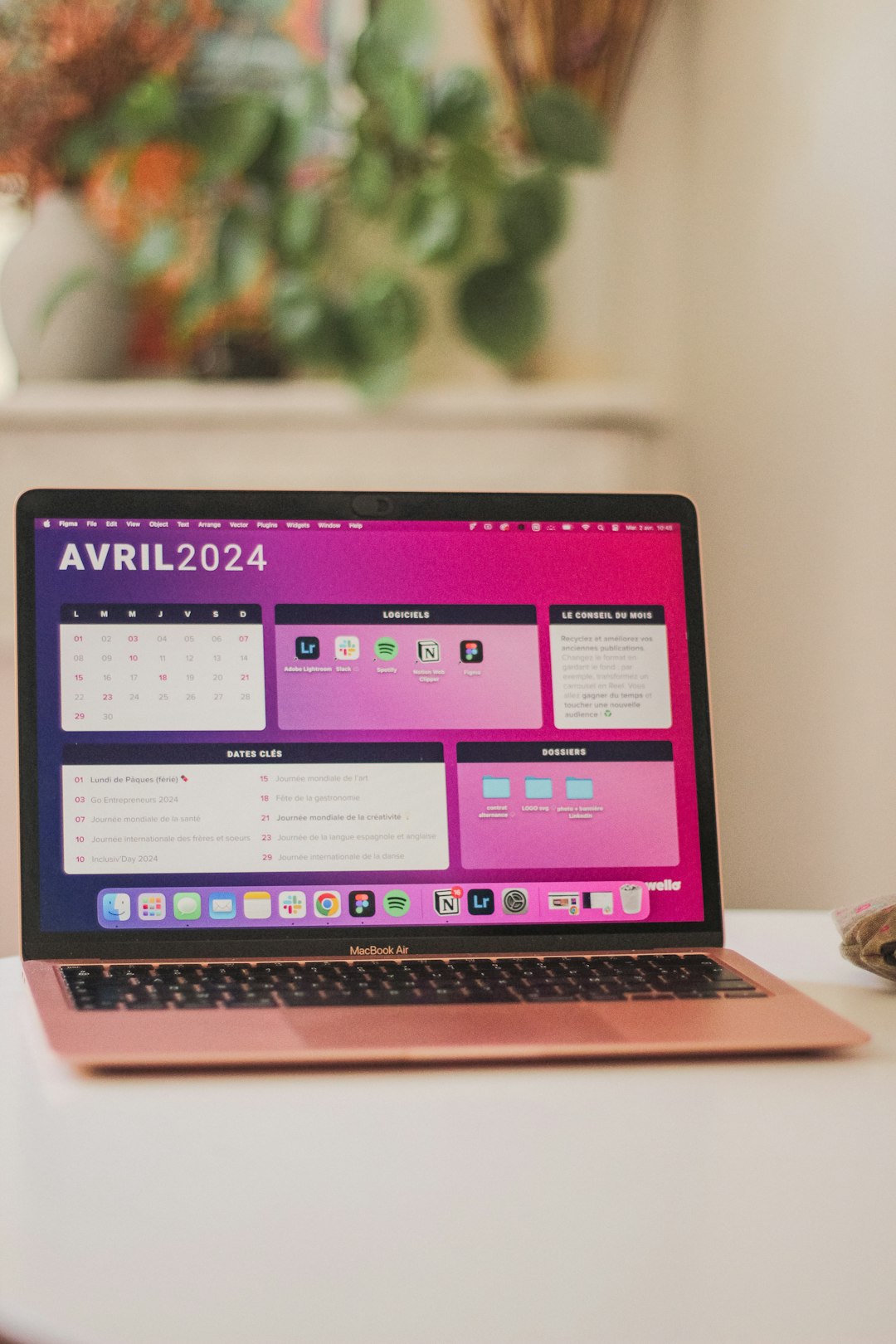
- Clear daily, weekly, and monthly layouts
When software is easy to use, your team makes fewer mistakes. Customers also feel confident booking on their own.
Simple design saves serious time.
2. Automated Scheduling and Reminders
Manual scheduling eats up hours. Emails go back and forth. Someone forgets to reply. Another double-books.
Automation fixes that.
Modern scheduling software should:
- Automatically confirm bookings
- Send reminder emails or texts
- Allow self-service rescheduling
- Sync updates instantly
Automatic reminders are a game changer. They reduce no-shows. They keep everyone informed. And they run quietly in the background.
Imagine this. A customer books an appointment. They instantly receive a confirmation. A reminder follows 24 hours before. If needed, they reschedule with one click. No calls. No stress.
That is smart scheduling.
3. Real-Time Updates and Syncing
Things change quickly. Meetings run late. Staff call in sick. Clients cancel.
If your scheduling system does not update in real time, chaos follows.
Modern tools should sync instantly across:
- Devices
- Team members
- Connected calendars
Someone books a 2 PM slot. It should disappear immediately from every calendar. No delays.
Look for two-way calendar sync with popular tools. This prevents double-booking and confusion.
Real-time syncing keeps everyone on the same page.
4. Mobile Access
Work does not happen only at desks anymore.
People schedule from airports. From coffee shops. Even from the couch.
That is why mobile access is essential.
Modern scheduling software should offer:
- A responsive mobile interface
- Dedicated mobile apps
- Push notifications
Managers can check team schedules on the go. Employees can swap shifts quickly. Customers can book appointments from their phones in seconds.
If your software only works well on a desktop, it is already outdated.
Flexibility is the new standard.

5. Integration with Other Tools
Scheduling does not live alone. It connects to everything else.
Payments. Customer data. Video meetings. Project management. Marketing emails.
Great scheduling software integrates smoothly with other systems. This creates a seamless workflow.
Common integrations include:
- Payment processors
- CRM systems
- Email marketing platforms
- Video conferencing tools
- Accounting software
Here is why this matters.
If a client books a paid consultation, payment should process automatically. A meeting link should be generated. Their details should be stored in your CRM. All without extra work.
No copying and pasting. No duplicate entries.
Integration saves time and reduces errors.
Platforms like Time Tailor demonstrate how modern scheduling software can streamline operations by connecting seamlessly with calendars, payment systems, and communication tools. By consolidating these functions in one place, businesses can reduce manual work and ensure that appointments, payments, and reminders are automatically synchronized. Such integrations help teams stay organized without adding complexity, making the overall scheduling experience smoother for both staff and customers. This kind of connectivity shows how thoughtful software design can enhance everyday workflows without creating extra steps.
6. Customization and Flexibility
No two businesses are alike.
A salon schedules differently than a hospital. A tutoring center runs differently than a corporate office.
Your scheduling software should adapt to your needs.
Look for customization options like:
- Adjustable appointment lengths
- Custom booking forms
- Buffer times between appointments
- Group bookings and classes
- Shift scheduling options
Branding matters too. You should be able to customize:
- Colors
- Logos
- Email templates
This creates a consistent and professional look.
Flexibility also helps when your business grows. You can add new team members. Expand services. Open new locations. Your scheduling system should scale with you.
Good software grows as you grow.
7. Reporting and Analytics
Data is powerful. But only if you can see it.
Modern scheduling software should not just manage appointments. It should provide insights.
Important metrics might include:
- Booking trends
- No-show rates
- Peak hours
- Staff performance
- Revenue per service
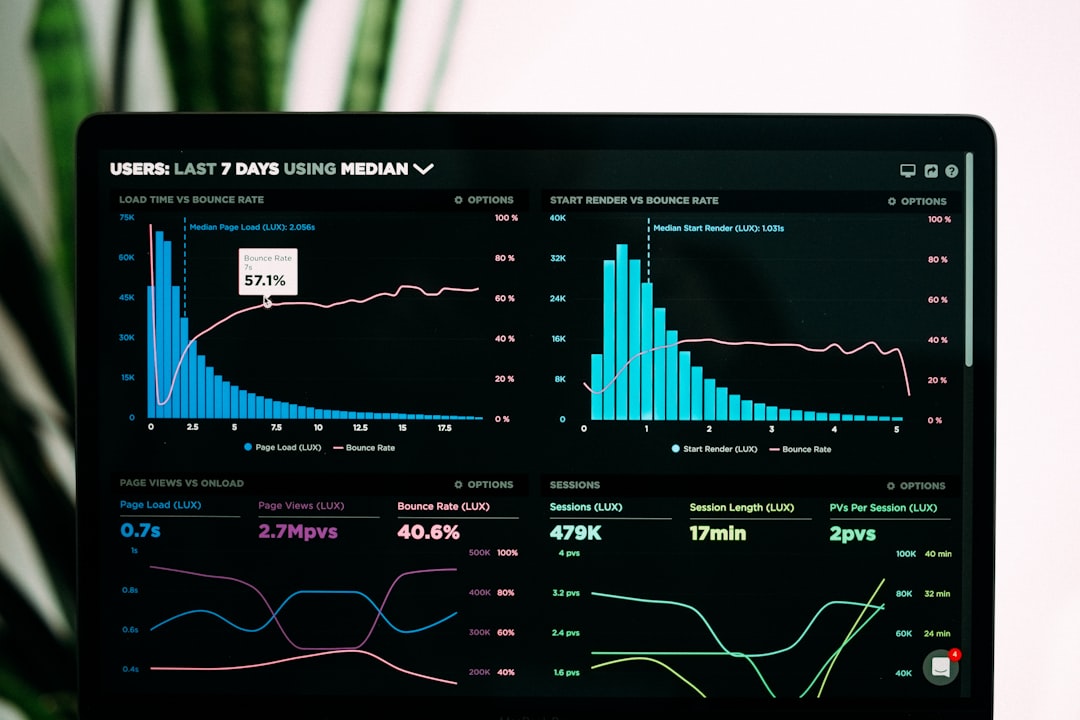
Clear dashboards make this information easy to understand. Visual charts help you spot patterns quickly.
Maybe Fridays are always fully booked. Maybe mornings are slow. Maybe one service is much more popular than others.
With this data, you can:
- Adjust staffing levels
- Create targeted promotions
- Improve time management
- Increase revenue
Smart data leads to smart decisions.
Bonus: Strong Security Features
We said seven must-haves. But security deserves a spotlight.
Scheduling systems often store sensitive data:
- Names
- Email addresses
- Phone numbers
- Payment information
Customers trust you with this information. You must protect it.
Look for:
- Data encryption
- Secure logins
- Role-based access controls
- Regular data backups
Security builds trust. And trust builds long-term relationships.
Why These Features Matter More Than Ever
Modern customers expect convenience. They want instant booking. Instant updates. Instant confirmations.
Employees expect clarity. They want accurate schedules. Easy shift changes. Clear communication.
Business owners want efficiency. They want fewer errors. Better insights. Higher productivity.
Modern scheduling software brings all of this together.
It reduces admin work. It improves customer experience. It helps teams stay organized.
And perhaps most importantly, it frees up time.
Time to focus on growth. Time to focus on service. Time to focus on what truly matters.
Final Thoughts
Choosing scheduling software is not just about picking a calendar tool. It is about investing in how your business runs every day.
Remember these seven must-have features:
- Easy-to-use interface
- Automated scheduling and reminders
- Real-time updates and syncing
- Mobile access
- Integration with other tools
- Customization and flexibility
- Reporting and analytics
When these features work together, magic happens. Schedules stay organized. Teams stay aligned. Customers stay happy.
And you? You stay ahead of the curve.
Modern scheduling software is not just about booking time.
It is about making time work for you.
