
iBooks Alternatives: 5 Digital Reading Apps for Organizing Ebooks, Annotating Documents, and Syncing Libraries
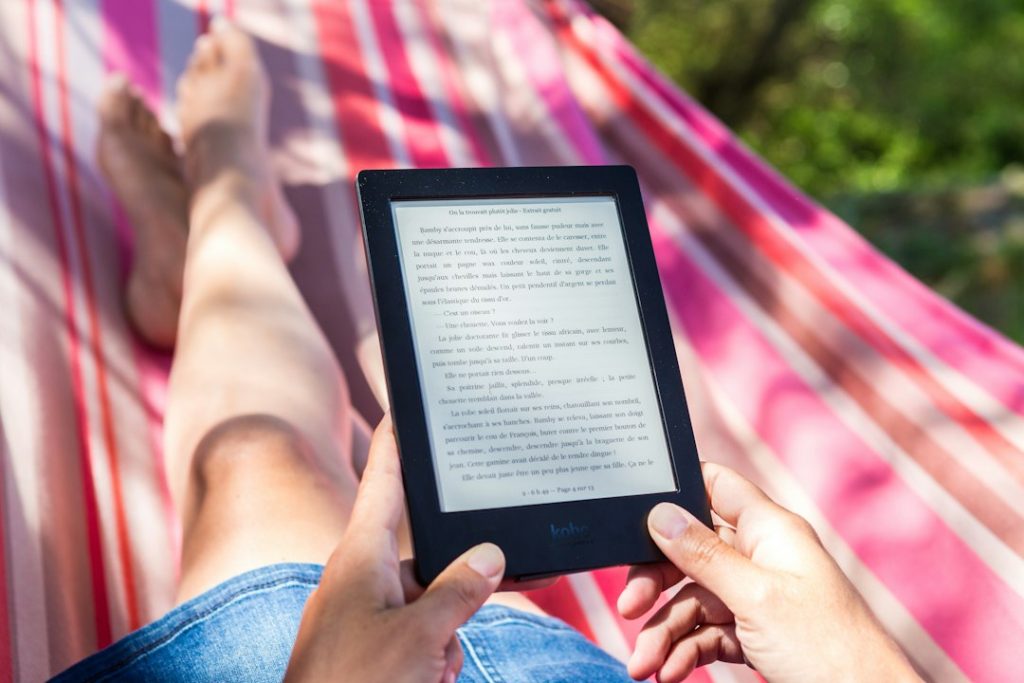
Best overall pick: BookFusion is the strongest iBooks alternative for readers who want clean ebook organization, solid annotations, and library sync without being locked into Apple devices. Apple Books works well for casual reading, but it can feel tight when a reader has EPUBs, PDFs, notes, and files from different stores. Amazon’s Send to Kindle also accepts EPUB, PDF, DOCX, and other common formats, which shows why many readers split their library across apps [source: Amazon].
TLDR: Readers who want a flexible Apple Books replacement should start with BookFusion, Kindle, or Google Play Books. For example, a student with 300 EPUB files, 40 PDFs, and notes across two devices will likely save time with an app that syncs highlights and shelves automatically. Kindle is best for store access, BookFusion is best for personal libraries, and Adobe Acrobat Reader is best for heavy PDF markup. Kobo is a strong pick for readers who buy ebooks outside Apple and Amazon.
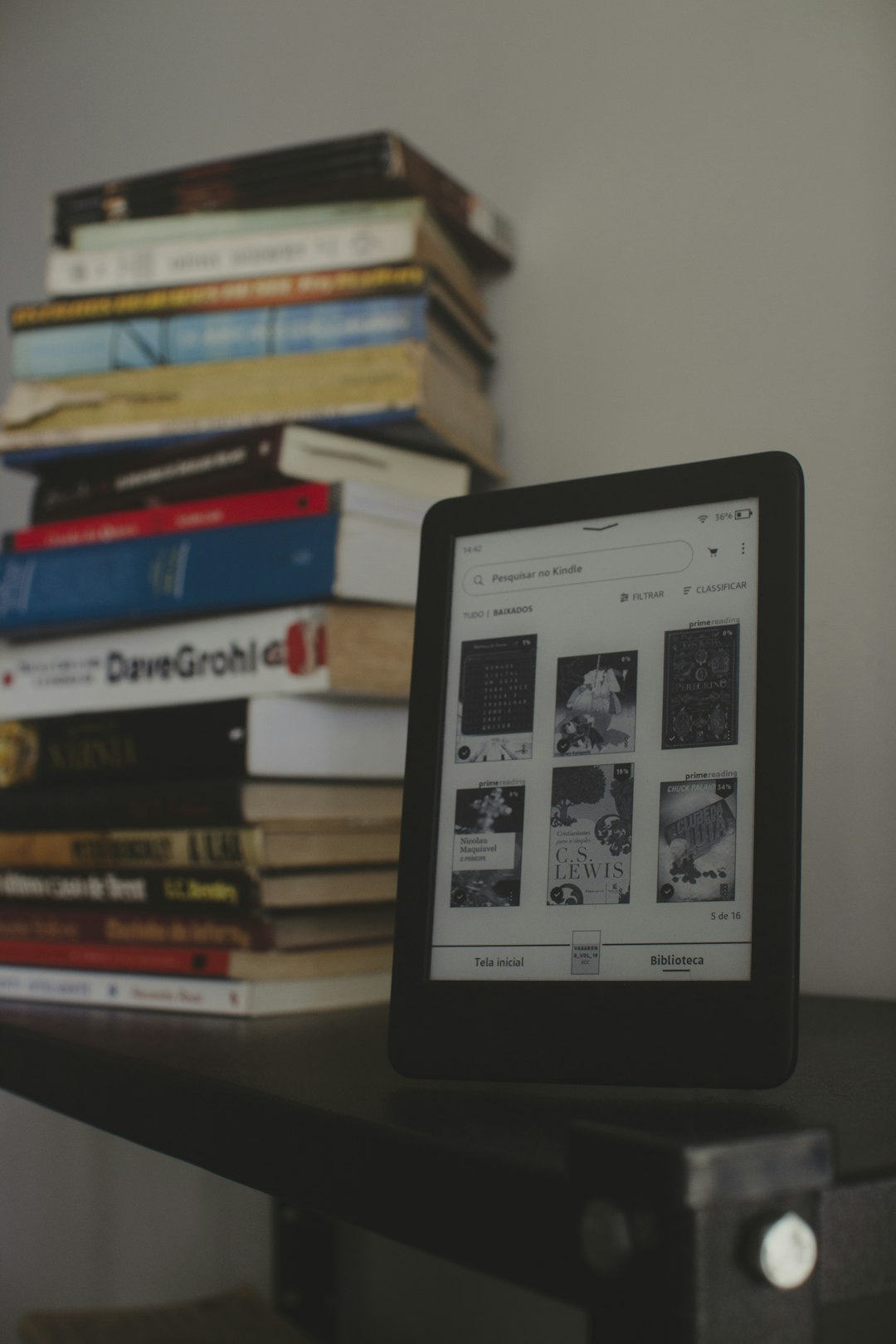
1. BookFusion: Best for serious personal ebook libraries
BookFusion is built for readers who own files, not just books from one store. It supports EPUB, PDF, MOBI, CBZ, CBR, and other formats. Readers can create shelves, add tags, sort collections, and sync progress across phones, tablets, and the web.
The annotation tools are strong. Highlights and notes stay tied to the book, and they can be reviewed later without digging through pages. That sounds basic, but many reading apps still make this oddly annoying.
- Best for: large personal ebook collections
- Useful tools: shelves, tags, highlights, cloud sync
- Main downside: the free tier may feel limited for big libraries
BookFusion suits readers who treat their ebook library like a real archive. It is less about flashy store features and more about control.
2. Kindle: Best for Amazon readers and simple syncing
The Kindle app remains one of the easiest iBooks alternatives. It syncs reading position, bookmarks, notes, and highlights across Kindle devices, iPhone, iPad, Android, Mac, and the web. That makes it useful for readers who switch devices often.
Its biggest strength is the Amazon store. Buying and reading books is smooth. The catch is that personal file handling can feel less clean than in apps made for private libraries. Send to Kindle helps, but converted files may not always look perfect.
- Best for: Amazon book buyers
- Useful tools: highlights, dictionary, cloud sync, reading progress
- Main downside: EPUB handling goes through conversion
Kindle works well for novels, nonfiction, and light research. For complex PDFs, another app may be less painful.
3. Google Play Books: Best free option for mixed devices
Google Play Books is a practical choice for readers who use both Apple and Android products. It supports uploaded EPUB and PDF files, and Google says users can upload up to 2,000 files to their library [source: Google].
That upload limit is generous for a free reading setup. A reader can upload lecture PDFs, ebooks, manuals, and public domain books, then open them on multiple devices. Notes and reading progress sync through the Google account.
Image not found in postmeta
- Best for: readers who want a free cross-device library
- Useful tools: uploads, notes, highlights, web access
- Main downside: organization tools are fairly basic
It drives some readers crazy that collection management is not richer. Still, for free EPUB and PDF syncing, it is hard to ignore.
4. Kobo Books: Best for EPUB readers and bookstore choice
Kobo Books is a good fit for readers who prefer EPUB files and want an alternative to Amazon. The app supports purchased Kobo books and personal files on Kobo devices. Its reading interface is clean, with font controls, bookmarks, and highlights.
Kobo also works well for people who borrow library ebooks in supported regions through OverDrive on Kobo devices. The app itself is simple and pleasant, though its document management is not as deep as BookFusion.
- Best for: EPUB fans and Kobo store users
- Useful tools: highlights, bookmarks, reading stats, store sync
- Main downside: weaker tools for large file archives
Kobo feels closer to Apple Books than some other options. It is polished, calm, and made for reading first.
5. Adobe Acrobat Reader: Best for PDFs and document markup
Adobe Acrobat Reader is not a classic ebook app, but it is one of the best iBooks replacements for PDFs. Readers can highlight text, add sticky notes, draw, sign forms, search documents, and store files in Adobe cloud storage.
Honestly, it feels like overkill for a novel. For contracts, academic papers, manuals, forms, and reports, though, it makes sense. Page tools are precise, and comments are easy to share.
- Best for: PDF-heavy reading and document review
- Useful tools: comments, drawing, signatures, search, cloud files
- Main downside: not ideal for EPUB libraries

Which app should different readers choose?
- For a book collector: BookFusion is the safest pick.
- For Amazon purchases: Kindle is the easiest choice.
- For free uploads: Google Play Books works well.
- For EPUB comfort: Kobo feels natural.
- For PDFs: Adobe Acrobat Reader wins.
The best setup may use two apps. A reader might keep novels in Kindle or Kobo, then use Acrobat for work PDFs. That is not perfect, but it avoids forcing every file into one tool that handles half of them badly.
FAQ
What is the best overall iBooks alternative?
BookFusion is the best overall choice for organizing personal ebooks, adding annotations, and syncing a library across devices.
Which app is best for PDFs?
Adobe Acrobat Reader is best for PDFs because it has stronger markup, comments, search, and signing tools than most ebook apps.
Can Kindle read EPUB files?
Kindle can accept EPUB files through Send to Kindle, but Amazon converts them for reading. The result is usually fine, though formatting can vary.
Which free app is best for uploading ebooks?
Google Play Books is a strong free option because it supports uploaded EPUB and PDF files and syncs them through a Google account.
Is Kobo better than Kindle?
Kobo is better for readers who prefer EPUB and want a non-Amazon store. Kindle is better for readers already buying books from Amazon.
