
Database Tracking Systems: 4 Tools for Data Lineage, Record Auditing, Change History, and Operational Reporting
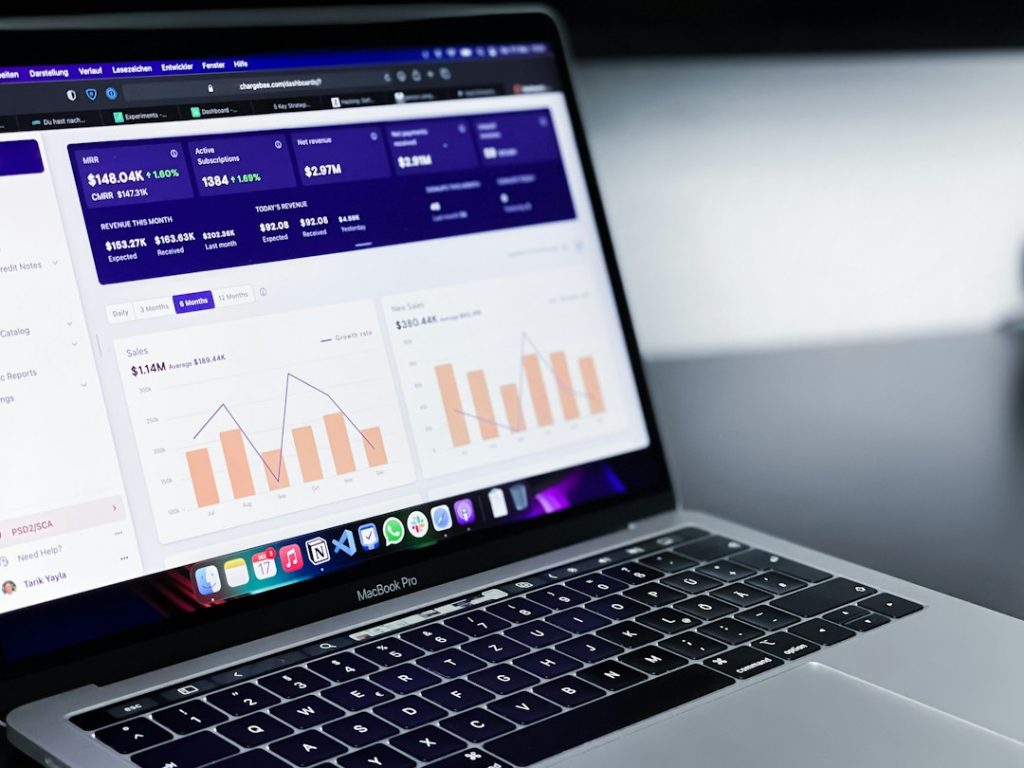
The best database tracking setup usually combines four tools: one for data lineage, one for record auditing, one for change history, and one for operational reporting. This matters because weak tracking turns simple questions into long meetings, rework, and risk. IBM reported that the global average cost of a data breach reached $4.88 million in 2024 [source: IBM]. That number makes a strong case for knowing who touched data, when it changed, where it came from, and how teams use it.
TLDR: A solid database tracking system should show data origin, user actions, record changes, and business reports in one clear process. For example, a finance team could trace a revenue field from ingestion to dashboard, confirm that only 3 users edited it, and review 180 days of change history before closing the month. In a messy setup, that same check may take hours. With the right tools, it can take minutes.
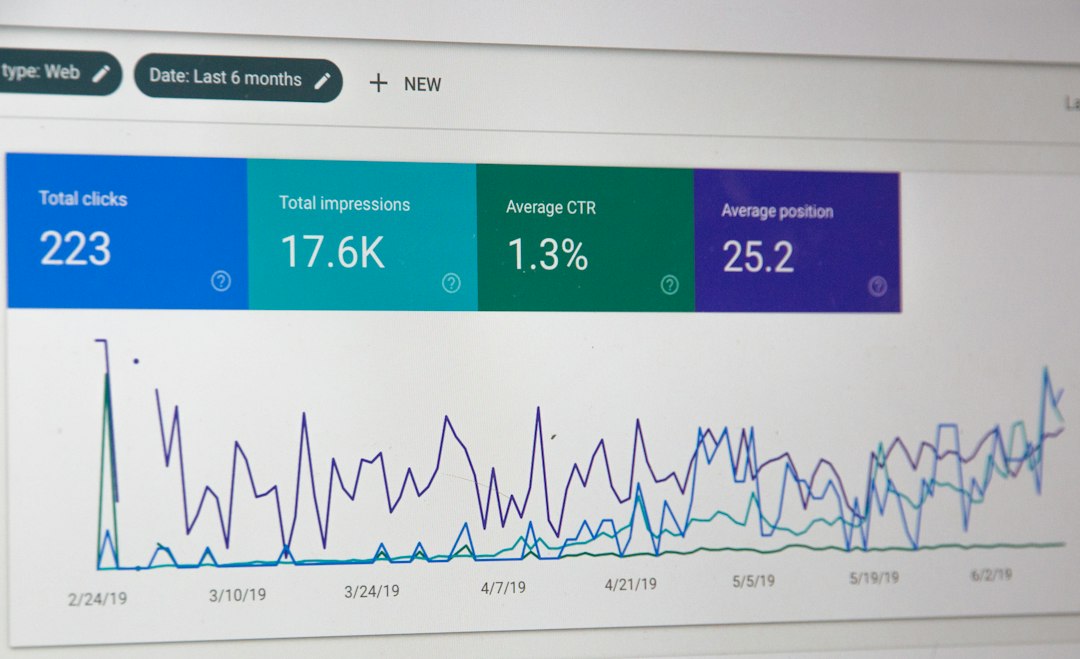
1. OpenLineage With Marquez for Data Lineage
OpenLineage, often used with Marquez, helps teams see where data comes from and where it goes. It tracks jobs, sources, outputs, and dependencies. This is useful when a report breaks and no one knows which pipeline caused it.
Data lineage is not just a “nice to have” map. It answers hard questions fast. Which table fed the dashboard? Which process changed the customer score? Which upstream job failed before the sales report went blank?
Best for: data engineering teams, analytics teams, and companies with many pipelines.
- Strength: clear visibility across data jobs and pipelines.
- Weak spot: setup can feel picky when systems are spread across many tools.
- Good use case: tracing a broken KPI from a dashboard back to a failed data job.
Honestly, it feels like lineage gets ignored until something breaks at 4:55 p.m. on a Friday. Then everyone suddenly needs it.
2. SQL Server Audit and Temporal Tables for Record Auditing
SQL Server Audit records database activity. It can track logins, permission changes, schema changes, and data access. Temporal tables store previous versions of rows, so teams can see how a record looked at a past point in time.
Together, these features help answer two simple but serious questions: who did what? and what did the record look like before?
Best for: regulated teams, finance systems, healthcare platforms, and internal business apps.
- Strength: strong native support inside Microsoft SQL Server.
- Weak spot: audit logs can grow fast if rules are too broad.
- Good use case: checking whether a user changed a vendor bank account before a payment run.
Microsoft documents temporal tables as a way to keep full row history for analysis and recovery [source: Microsoft].
3. Debezium for Change Data Capture
Debezium is a change data capture tool. It reads database logs and streams row-level changes to systems such as Kafka. That means inserts, updates, and deletes can move to other apps without heavy batch jobs.
This is useful when teams need near real-time sync. For example, an order update in PostgreSQL can flow to a search index, a fraud tool, and a customer service screen within seconds.
Best for: event-driven systems, microservices, reporting sync, and real-time data movement.
- Strength: captures changes without constant polling.
- Weak spot: schema changes can cause annoying breaks if teams do not plan them.
- Good use case: sending product inventory changes from a main database to an online store.
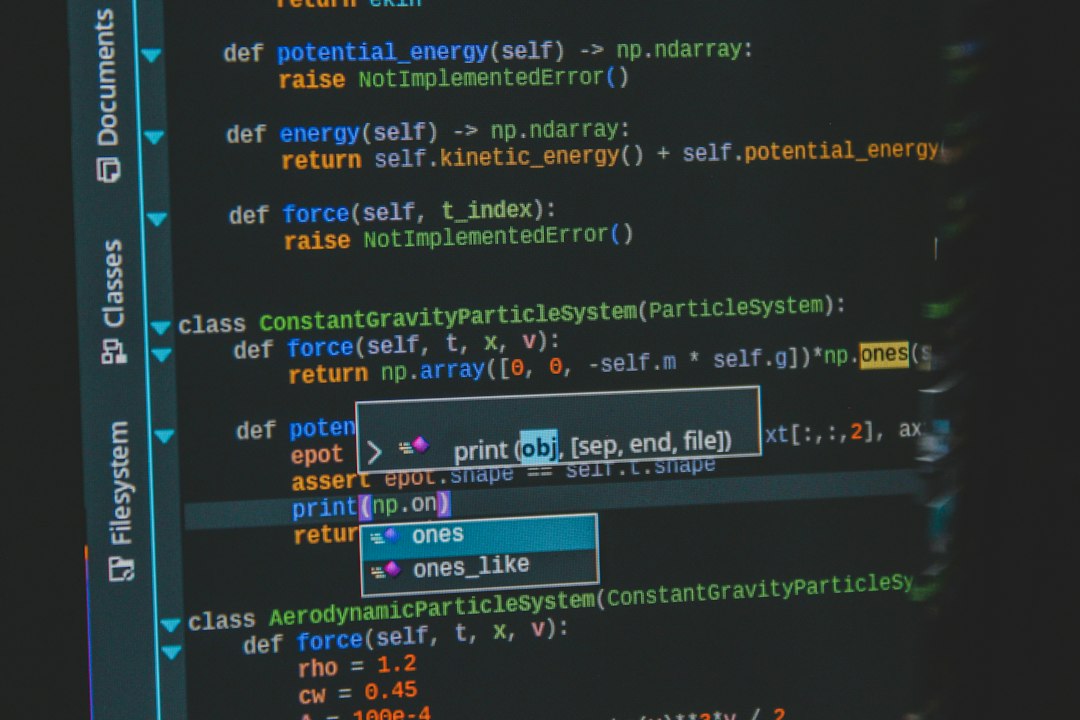
The catch is that CDC tools can make simple systems feel more complex. Teams gain speed, but they also need monitoring, error handling, and clear ownership.
4. Metabase for Operational Reporting
Metabase helps teams build dashboards and reports from database data. It is popular because non-technical users can create charts, filter results, and ask questions without writing heavy SQL every time.
Operational reporting answers daily business questions. How many failed payments happened today? Which support tickets are overdue? Which products are low in stock? These reports do not replace deep analytics. They help teams act now.
Best for: support teams, operations teams, sales managers, and small data teams.
- Strength: fast dashboard creation and simple sharing.
- Weak spot: messy database tables still create messy reports.
- Good use case: a daily operations dashboard showing new orders, refunds, delays, and open issues.
How the Four Tools Work Together
A strong tracking system does not rely on one tool to do everything. Each tool has a job.
- OpenLineage with Marquez: shows where data came from and where it moved.
- SQL Server Audit and Temporal Tables: records user activity and row history.
- Debezium: streams database changes to other systems.
- Metabase: turns tracked data into useful daily reports.
This setup gives teams a full chain of evidence. A manager sees a strange number in a dashboard. The data team checks the report in Metabase. Then it traces the field through OpenLineage. Debezium shows when the source changed. SQL Server Audit shows which account made the edit.
That is the real value. Less guessing. Fewer meetings. Faster fixes.
FAQ
What is a database tracking system?
A database tracking system records data movement, user actions, record edits, and reporting activity. It helps teams understand what changed, when it changed, and why it matters.
Is data lineage the same as auditing?
No. Data lineage shows the path of data across systems. Auditing shows user actions and security events inside a system.
Which tool is best for change history?
For row-level history, temporal tables are a strong option in SQL Server. For streaming changes to other tools, Debezium is a better fit.
Do small teams need all four tools?
Not always. A small team may start with audit logs and a reporting tool. As data grows, lineage and change capture become much more useful.
What is the biggest mistake teams make?
They collect logs but never review them. Tracking only helps when alerts, owners, and reports are part of the normal workflow.
