
How AI Is Changing Backend Development: Automation, API Design, Database Optimization, and Software Architecture
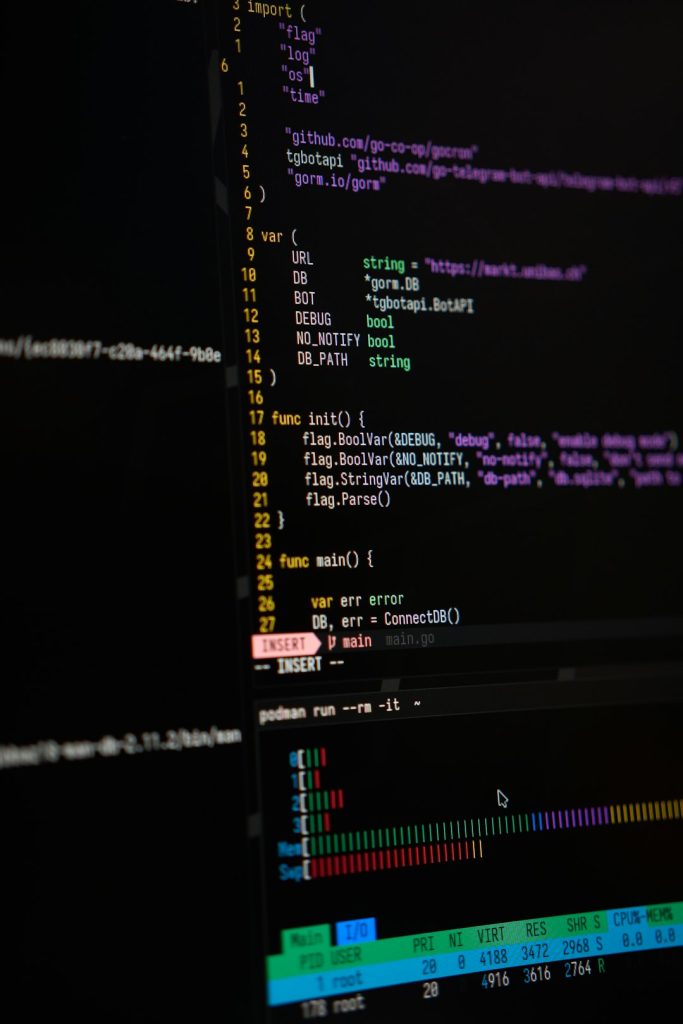
AI is changing backend development by turning slow, repeatable work into guided automation. Code generation, tests, API drafts, query tuning, and architecture checks are now faster when teams use AI with human review. McKinsey reported that generative AI can cut time on some software tasks by 20% to 50% [source: McKinsey]. That does not remove backend engineers. It shifts their time toward judgment, system design, security, and reliability.
TLDR: AI helps backend teams ship faster by writing boilerplate, suggesting API structures, tuning database queries, and reviewing architecture risks. For example, a small team building an order service might use AI to generate CRUD endpoints, add unit tests, and spot a slow SQL join before release. If that saves even 6 hours per developer each week, a five-person backend team gains about 120 extra hours per month. The best results still come from engineers who check every AI suggestion before it reaches production.
Automation Is Taking Over the Boring Parts
Backend work has many dull tasks. Models, routes, migrations, test stubs, docs, config files, and error handlers all take time. AI can create first drafts in seconds.
This matters because those tasks block real progress. A developer should not spend half a morning writing another standard pagination helper. AI can produce it, explain it, and adapt it to the project style.
- Code scaffolding: AI can generate service layers, controllers, validators, and queue workers.
- Testing: It can suggest unit tests, edge cases, mocks, and integration test flows.
- Documentation: It can turn function behavior into plain API notes.
- Refactoring: It can point out repeated logic and suggest cleaner modules.
The catch is that AI can still write code that looks right and fails quietly. That is the dangerous part. It may miss a race condition, expose too much data, or ignore a timeout. Smart teams treat AI output as a draft, not a final answer.
API Design Is Becoming Faster and More Consistent
APIs need clear names, stable contracts, safe authentication, useful errors, and strong versioning. AI can help with all of that.
For REST APIs, it can suggest endpoint names, request shapes, response formats, and status codes. For GraphQL, it can draft schemas and flag fields that may cause expensive nested calls. For internal microservices, it can help define message contracts and event names.
It also helps teams compare options. For example, AI can explain when POST /orders/{id}/cancel is clearer than updating an order status through a generic PATCH request. It can also draft OpenAPI specs from existing code. That saves time and reduces mismatch between code and docs.
Still, good API design needs product thinking. AI does not know which fields customers truly need. It does not feel the pain of breaking a mobile app with a careless response change. Engineers still need to decide what should stay stable and what can change.
Database Optimization Is Getting More Accessible
Database tuning used to depend on deep experience. AI makes the first pass easier. It can inspect slow queries, suggest indexes, explain execution plans, and warn about harmful patterns.
A common example is a query that scans 2 million rows to show one customer dashboard. AI may suggest a composite index, a filtered index, or a cached summary table. It can also explain why an N plus one query is causing 300 database calls instead of 3.
That kind of help is useful for junior developers and busy senior engineers. It speeds up diagnosis. It also teaches. A developer can ask why a query is slow and get a readable answer instead of staring at a dense query plan for 20 minutes.
Honestly, it feels like a relief when AI catches the missing index before a staging load test turns into a 12-second page load. But database changes still need care. A bad index can slow writes. A wrong migration can lock a table. AI can suggest fixes, but teams must measure results with real data.
Image not found in postmeta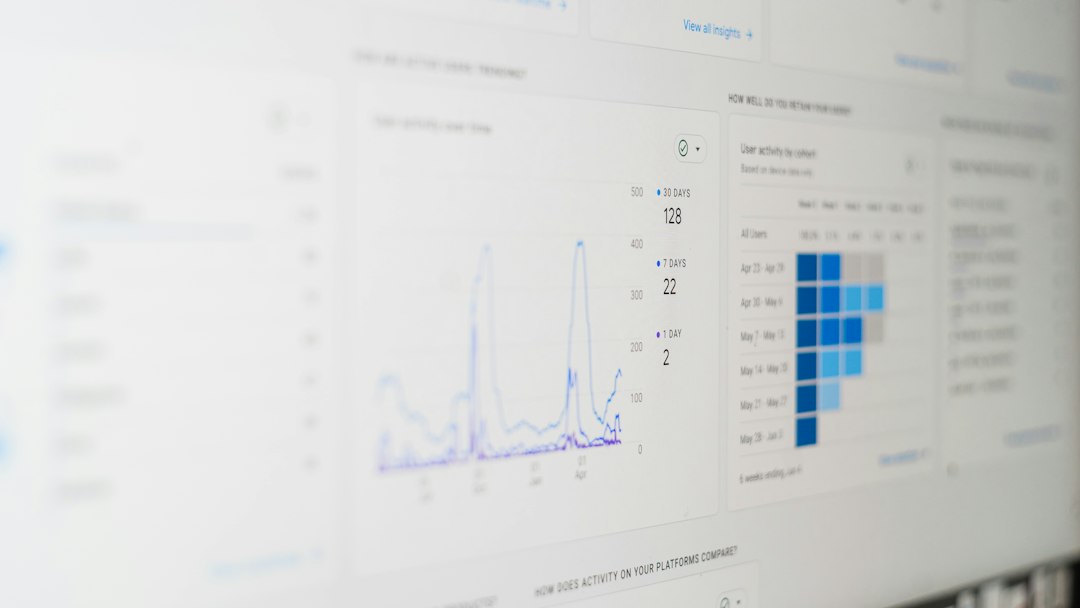
Software Architecture Is Becoming More Reviewable
AI is also changing architecture work. It can review diagrams, summarize tradeoffs, and compare patterns such as monoliths, modular monoliths, microservices, event queues, and serverless functions.
This helps teams catch weak spots early. AI can ask simple but useful questions:
- What happens if the payment provider is down?
- Which service owns customer data?
- Can two workers process the same event twice?
- Where are retries, timeouts, and dead letter queues handled?
- Does the system have clear audit logs?
These questions matter. Backend systems fail in boring ways. Timeouts pile up. Queues grow. A shared database becomes a bottleneck. A service calls five other services just to render one page. AI can expose these risks during planning rather than after launch.
It drives teams mad when a tool adds 8 seconds to every local build or suggests a cloud setup that costs more than the product earns. This is why architecture advice from AI must be filtered through budget, team size, traffic, and business risk.
Security and Reliability Still Need Human Control
AI can find common security issues. It can spot missing input validation, weak access checks, unsafe SQL strings, exposed secrets, and poor error handling. It can also suggest better logging and monitoring.
But it can also create insecure code. It may invent libraries. It may use outdated packages. It may suggest broad permissions because that makes the demo work. Backend engineers must review dependencies, secrets, authentication, data privacy, and compliance rules.
The safest pattern is simple: AI writes or reviews, humans approve, tests verify, monitoring confirms.
FAQ
Will AI replace backend developers?
No. It will replace some repetitive tasks. Backend developers are still needed for system design, debugging, security, product decisions, and production responsibility.
How does AI help with API design?
It can draft endpoints, schemas, response formats, status codes, and documentation. It can also find unclear naming and contract risks.
Can AI optimize databases safely?
It can suggest improvements, but changes must be tested. Indexes, migrations, and query rewrites should be checked with real workloads.
What is the biggest risk of AI in backend development?
The biggest risk is trusting code that only looks correct. AI output needs review, tests, security checks, and production monitoring.
What should backend teams use AI for first?
They should start with low-risk work: test generation, documentation, boilerplate, refactoring ideas, and query explanations. These areas offer quick gains with less danger.
