
AutoQuotes Review: Features, Pricing & Foodservice Equipment Software Alternatives
Buying a combi oven should not feel like solving a mystery in a smoky kitchen. Yet foodservice equipment quotes can get messy fast. Model numbers change. Freight gets weird. Spec sheets hide in folders. AutoQuotes, often called AQ, tries to turn that chaos into a clean digital workflow.
TLDR: AutoQuotes is a popular platform for foodservice equipment dealers, reps, consultants, and manufacturers who need faster quotes, product data, and project documents. It is strong when you work with many SKUs and need current specs in one place. For example, a dealer quoting 120 items for a school kitchen could cut hours of manual copying by using AQ’s catalog and quote tools. Pricing is usually quote based, so you must contact the company for a real number.
What Is AutoQuotes?
AutoQuotes is software built for the foodservice equipment and supplies world. Think restaurants, hotels, schools, hospitals, ghost kitchens, and big commercial kitchens.
It helps teams find equipment, build quotes, create submittals, and manage project details. Instead of jumping between PDFs, spreadsheets, email threads, and manufacturer sites, users can work from one platform.
AutoQuotes is now part of Revalize, a company that owns several software tools for selling and configuring complex products.
In simple words, AQ is like a giant digital equipment catalog with quoting superpowers.
Who Uses AutoQuotes?
AutoQuotes is not really made for a tiny cafe owner buying one freezer. It shines for teams that quote, specify, or sell equipment every day.
Common users include:
- Foodservice equipment dealers who sell ovens, fryers, refrigerators, dish machines, and smallwares.
- Manufacturer reps who need to support dealers and consultants.
- Kitchen consultants who design and specify large projects.
- Manufacturers who want their product data to be easy to find.
- Project managers who track quotes, revisions, and submittals.
If your team lives inside quotes and spec sheets, AQ can feel like a helpful sous chef. It keeps handing you the right thing at the right time.
Main AutoQuotes Features
1. Huge Product Database
This is the big one. AutoQuotes gives users access to a large database of foodservice equipment and supplies. You can search for products, compare models, and pull specs into a quote.
That means less hunting. Less “where did I save that PDF?” Less panic at 4:55 p.m.
The database may include product details like:
- Model numbers
- Descriptions
- List prices
- Specification sheets
- Images
- Electrical and plumbing details
- Installation notes
2. Quote Creation
AutoQuotes helps users build professional quotes from product data. You can add items, adjust margins, include accessories, and organize the quote by category or room.
This is useful for big projects. A hotel kitchen can have hundreds of line items. AQ helps keep them tidy.
3. Submittals and Project Documents
Submittals are not glamorous. But they matter. Contractors, consultants, and owners often need clean documents that show what equipment is being provided.
AQ can help generate package-style documents with product details and specs. This makes it easier to review and approve items.
4. Product Comparison
Need to compare two convection ovens? Or three undercounter dishwashers? AutoQuotes can help users review important product details side by side.
This is great when budget, size, lead time, or utility needs become part of the decision.
5. Collaboration Tools
Foodservice projects involve many people. Sales reps. Designers. Buyers. Contractors. Owners. Sometimes even someone’s cousin who “knows kitchens.”
AutoQuotes helps teams share project information and keep quote versions under control. That can reduce confusion.

What AutoQuotes Does Well
AutoQuotes is great at organizing product data. That is its biggest strength. Foodservice equipment has many tiny details. A wrong voltage or missing accessory can cause expensive headaches.
It also saves time. If a salesperson creates similar quotes every week, reusable data and templates can speed up the process.
Another plus is industry adoption. Many foodservice professionals already know AQ. That makes it easier to share files and work with partners.
Simple win: Instead of typing the same fryer description again and again, you can pull product data into the quote. Your fingers can finally rest.
Where AutoQuotes Can Be Tricky
AutoQuotes is powerful, but it may not feel simple on day one. New users may need training. There are many tools and workflows. That can be a lot for a small team.
The user experience may also feel more businesslike than playful. It is built for real work, not for pretty app screenshots.
Another common issue is pricing transparency. Public pricing is not always easy to find. You will usually need to speak with the company or a reseller to get a quote.
Also, your experience depends on your workflow. If your team already has a strong quoting process, migration may take effort. Data cleanup is never fun. It is the broccoli of software projects.
AutoQuotes Pricing
AutoQuotes pricing is generally not listed publicly in a simple monthly chart. This is common for industry-specific software.
The final cost may depend on things like:
- Number of users
- Company type
- Modules or features needed
- Database access
- Training and onboarding
- Support level
Because of this, the best move is to request a demo and ask for a custom quote. Ask direct questions. No need to be shy.
Good questions include:
- Is pricing per user or per company?
- Are setup fees included?
- Does support cost extra?
- Can we export our data?
- What happens if we reduce users later?
If you compare vendors, ask each one for the same pricing details. Apples to apples. Not apples to steam tables.
Best AutoQuotes Alternatives
AutoQuotes is a major player, but it is not the only option. The best alternative depends on what you need most. Quoting? Design? CAD blocks? Proposals? CRM? Inventory?
1. Specifi
Specifi is one of the closest alternatives. It focuses on foodservice design, specification, quoting, and project workflows. It is often used by consultants, dealers, and designers.
Specifi may be a good fit if you care about both design and specs. It can help with equipment schedules, documents, and project coordination.
2. KCL Foodservice Design Tools
KCL is well known for foodservice design content, CAD blocks, Revit families, and equipment symbols. It is useful for designers and consultants who work with kitchen layouts.
If your team spends more time drawing plans than building sales quotes, KCL-style tools may be important.
3. Bluebeam Revu
Bluebeam Revu is not foodservice-specific. But many construction and design teams use it for PDF markups, takeoffs, and document review.
It is a strong helper when you need to mark plans, track comments, and coordinate with contractors. It will not replace a foodservice product database, though.
4. Salesforce or HubSpot With Custom Setup
If your main problem is sales tracking, a CRM may help. Salesforce and HubSpot can track leads, deals, emails, and customer history.
But they do not come ready with foodservice equipment data. You may need custom fields, integrations, and setup work.
5. Spreadsheets
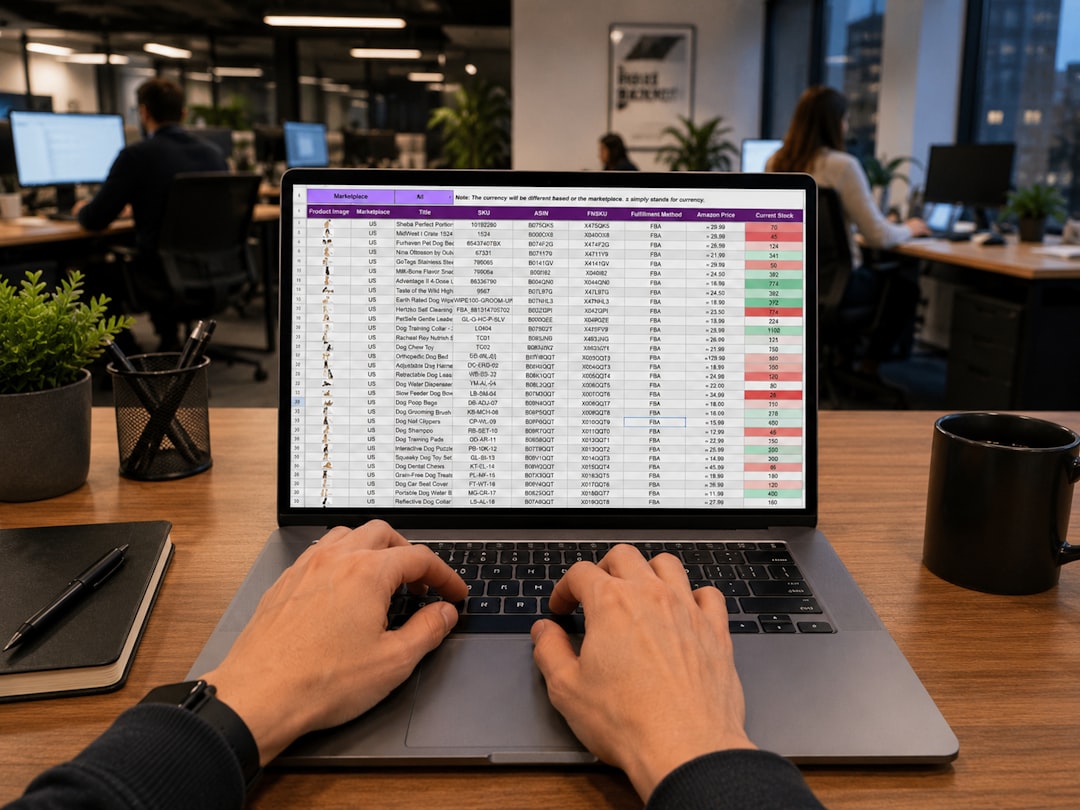
Yes, the old spreadsheet still lives. It is cheap. It is flexible. It is also dangerous when projects grow.
A spreadsheet may work for a small operation. But once you have many users, revisions, and products, things can break fast. One bad formula can ruin the soup.
AutoQuotes Pros and Cons
- Pros: Large product database, strong quoting tools, industry-specific workflows, useful project documents.
- Pros: Saves time on repeat quotes and product lookups.
- Cons: Pricing is not very transparent.
- Cons: May require training for new users.
- Cons: Smaller companies may find it more than they need.
Final Verdict
AutoQuotes is a strong choice for foodservice professionals who quote and specify equipment often. It is especially helpful when projects have many items, many revisions, and many people involved.
It may not be the cheapest or simplest tool for every business. But for dealers, reps, and consultants, it can save real time and reduce mistakes.
If you need a deep foodservice equipment database and polished quote workflows, put AutoQuotes on your shortlist. If you mainly need kitchen drawings, look at Specifi or KCL. If you only need sales tracking, a CRM may be enough.
Best advice: book a demo, bring a real project, and test the workflow. A good software demo should survive real-world mess. Just like a good kitchen floor.
