
Does CVS Accept Apple Pay?

For shoppers who prefer fast, contactless checkout, payment compatibility matters. CVS is one of the largest pharmacy chains in the United States, and many customers want to know whether they can leave their physical wallet at home and pay with an iPhone or Apple Watch instead.
TLDR: Yes, CVS accepts Apple Pay at most physical CVS Pharmacy locations, including many front registers, pharmacy counters, and self-checkout stations where contactless payment is enabled. For example, a customer buying a $12.99 prescription copay item and a $6.49 pack of vitamins can usually scan their ExtraCare card first, then pay with Apple Pay in less than a minute. However, Apple Pay availability may vary for online orders, app purchases, prescription delivery, and certain restricted transactions. If you are shopping digitally, check the payment options at checkout before assuming Apple Pay is available.
Does CVS Take Apple Pay In Stores?
Yes, CVS generally accepts Apple Pay in store. If you are shopping at a CVS Pharmacy location, you can typically use Apple Pay anywhere the card reader supports contactless payments. This includes regular checkout lanes and, in many stores, self-checkout kiosks.
The process is straightforward: when the terminal prompts you for payment, you hold your iPhone or Apple Watch near the contactless symbol and authorize the transaction using Face ID, Touch ID, or your passcode. If the terminal is working properly and the location supports contactless payments, the transaction should process like a standard card payment.
CVS began supporting Apple Pay after expanding contactless payment options in its stores, and it is now a common payment method for everyday purchases such as over-the-counter medicine, snacks, household products, personal care items, and prescription-related payments made in person.

Can You Use Apple Pay At The CVS Pharmacy Counter?
In most cases, yes. CVS pharmacy counters usually use payment terminals that can process major credit and debit cards, and many support contactless payments, including Apple Pay. This means you may be able to use Apple Pay when paying for prescriptions, copays, immunization-related charges, or other pharmacy purchases made at the register.
That said, pharmacy transactions can sometimes involve insurance billing, health savings accounts, flexible spending accounts, or special payment rules. If your prescription payment requires a specific card, such as an HSA or FSA card, make sure that card is properly added to Apple Wallet and accepted by the terminal. Not all HSA or FSA cards work the same way through mobile wallets.
How To Use Apple Pay At CVS
Using Apple Pay at CVS is similar to using it at other retailers. Before you get to the register, make sure your preferred credit or debit card is already added to the Apple Wallet app.
- Shop as usual and bring your items to the register or self-checkout.
- Scan your ExtraCare card or enter your phone number if you want rewards, coupons, or sale pricing applied.
- Wait for the payment prompt on the card terminal.
- Open Apple Pay by double-clicking the side button on your iPhone or Apple Watch.
- Authenticate using Face ID, Touch ID, or your passcode.
- Hold the device near the reader until you see a confirmation message.
It is best to scan your CVS ExtraCare card before paying. Apple Pay handles the payment itself, but it does not automatically guarantee that your CVS coupons, rewards, or member pricing will be applied unless your ExtraCare account is presented during checkout.
Does CVS Accept Apple Pay At Self Checkout?
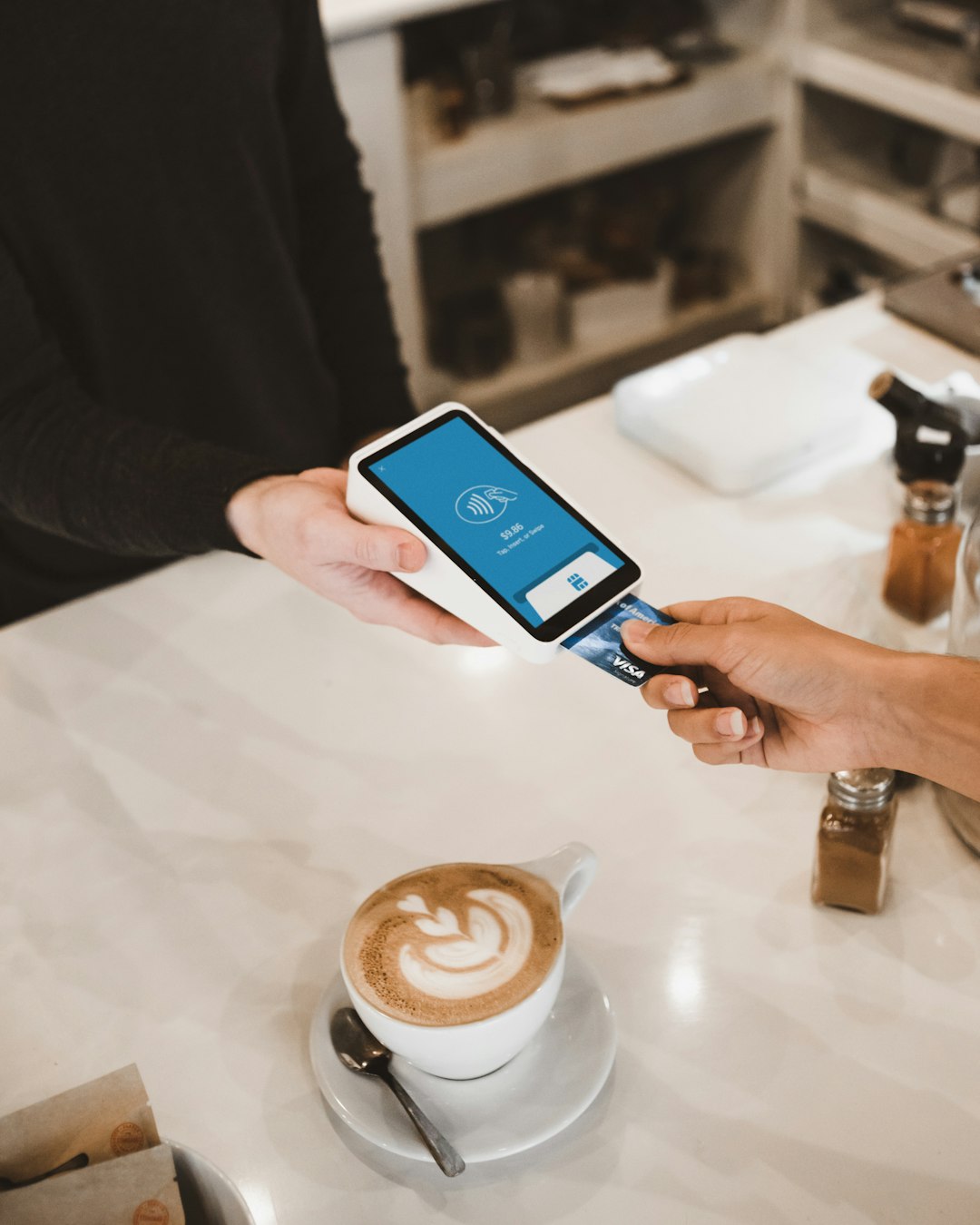
Many CVS self-checkout machines accept Apple Pay, provided the terminal has contactless functionality turned on. Look for the contactless payment symbol on the card reader. If you see it, Apple Pay will usually work.
If the machine does not respond, the issue may be temporary. The contactless reader may be disabled, the terminal may require a card insertion for that specific transaction, or the store may be experiencing a network problem. In that situation, ask a CVS employee for help or move to a staffed register.
Does CVS Accept Apple Pay Online Or In The CVS App?
This is where the answer becomes more cautious. CVS accepts Apple Pay reliably in many physical stores, but Apple Pay may not always be available for CVS.com or CVS app purchases. Digital checkout options can vary depending on the type of order, delivery method, prescription status, and account settings.
For example, a standard retail order may show different payment choices than a prescription delivery order. Some customers may see credit cards, debit cards, PayPal, gift cards, or other options, while Apple Pay may not appear. The safest approach is to proceed to the payment screen and confirm whether Apple Pay is listed before relying on it.
If Apple Pay is not offered online, you can still use the same underlying card by entering the card details directly, assuming CVS accepts that card type for the transaction.
Can You Use Apple Pay With CVS ExtraCare?
Yes, Apple Pay and CVS ExtraCare can be used in the same purchase, but they serve different purposes. ExtraCare is CVS’s rewards and savings program, while Apple Pay is a payment method.
To receive member pricing and rewards, scan your ExtraCare card, enter your phone number, or use the CVS app before paying. Then complete the transaction with Apple Pay. If you forget to identify your ExtraCare account first, your digital coupons or rewards may not apply automatically.
What Cards Work Through Apple Pay At CVS?
Apple Pay at CVS generally works with cards supported by Apple Wallet and accepted by CVS, including many major credit and debit cards. Common examples include:
- Visa
- Mastercard
- American Express
- Discover
- Apple Card
- Some eligible HSA and FSA cards
Acceptance may depend on the card issuer and the transaction type. If a card is declined through Apple Pay, it does not always mean CVS rejects Apple Pay. It could be an issuer issue, card restriction, spending limit, or verification problem.
Are There CVS Purchases Where Apple Pay May Not Work?
Yes. Even when Apple Pay is accepted at a store, some transactions may have restrictions. For example, certain financial services, prepaid card reloads, money services, or age-restricted purchases may require additional verification or a different payment method. Store policy and legal requirements can affect how these transactions are processed.
Additionally, if the register requires chip insertion or manual card handling for a specific payment, Apple Pay may not be allowed for that transaction. This is not unique to CVS; it can happen at many retailers depending on the purchase type.
Is Apple Pay Safe To Use At CVS?
Apple Pay is generally considered a secure payment method. When you pay with Apple Pay, your actual card number is not shared with the merchant in the same way it is when you swipe or insert a physical card. Instead, Apple Pay uses tokenization, meaning a device-specific account number and transaction code are used to help protect your card details.
This does not eliminate every possible risk, but it does reduce exposure of your physical card number. It can also be more convenient because you do not need to handle a card terminal as much, which many customers prefer in pharmacy and healthcare-adjacent settings.

What To Do If Apple Pay Does Not Work At CVS
If Apple Pay fails at CVS, try a practical troubleshooting approach before assuming the store does not accept it.
- Confirm the terminal supports contactless payments. Look for the contactless symbol.
- Try another card in Apple Wallet. The issue may be with the selected card.
- Make sure your device is unlocked and authenticated.
- Ask the cashier to restart or reselect the payment option.
- Use a backup card if the transaction is urgent.
Network outages, terminal errors, or card issuer declines can happen. Keeping a backup payment method is sensible, especially if you are picking up medication or buying essential health items.
Bottom Line
CVS does accept Apple Pay at most in-store checkout locations, making it a convenient option for customers who prefer contactless payments. You can usually use it at the front register, many self-checkout stations, and pharmacy counters where contactless terminals are available.
However, Apple Pay is not guaranteed for every CVS transaction, especially online, in the CVS app, or for certain restricted services. For the smoothest experience, scan your ExtraCare account first, confirm the terminal is ready for contactless payment, and keep a backup card available. In everyday CVS shopping, Apple Pay is a practical, secure, and widely accepted way to pay.
