
Does CVS Offer Cash Back?
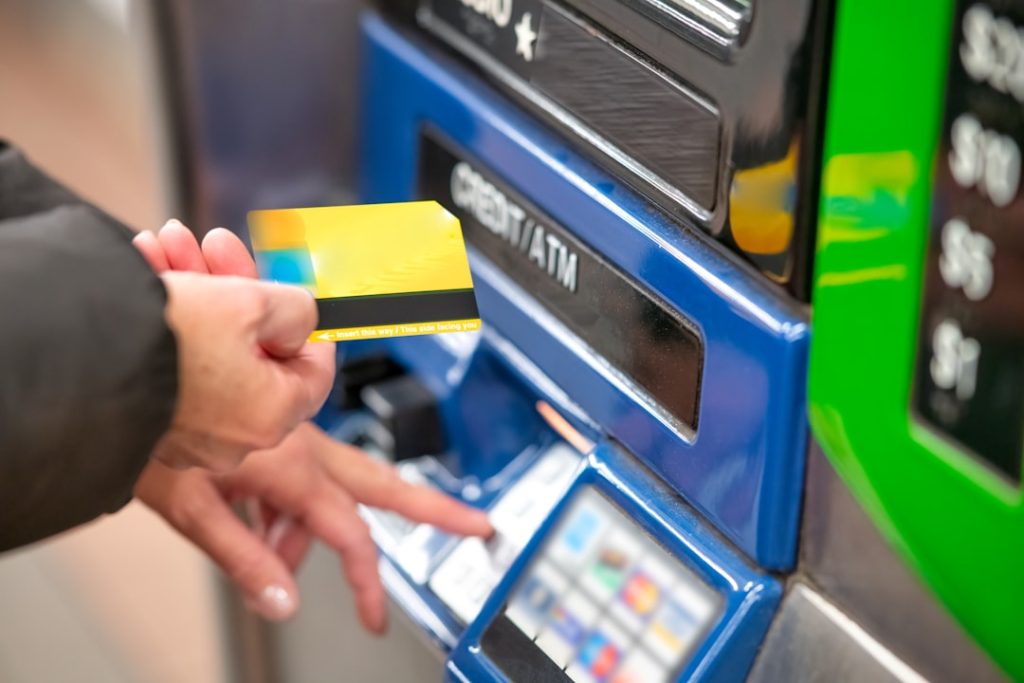
For shoppers who want to avoid an extra trip to the bank or ATM, CVS can be a convenient place to pick up a prescription, buy household essentials, and get cash during the same checkout. Because CVS has thousands of stores across the United States and many locations stay open late, its cash back option is useful for people who need a small amount of cash quickly.
TLDR: CVS generally offers cash back on debit card purchases, with a common limit of up to $35 per transaction. A shopper could buy a $2 bottle of water, choose $20 cash back at checkout, and have a total debit card charge of $22 plus any applicable tax. CVS typically does not charge a cash back fee, which can make it cheaper than using an out-of-network ATM that may cost $3 to $5. Availability can vary by store, register, and payment type, so customers should confirm at checkout.
Does CVS Offer Cash Back?
Yes, CVS does offer cash back at many of its stores when a customer makes a purchase using a debit card. This means the customer can add a cash back amount to the transaction and receive that money from the cashier after the purchase is approved. The cash back is withdrawn from the same checking account linked to the debit card.
The service is designed for convenience rather than large withdrawals. CVS is not a bank, so the amount available is usually limited. For many shoppers, however, the limit is enough for everyday needs such as tipping, parking, lunch money, or small cash-only purchases.

How Much Cash Back Can a Customer Get at CVS?
The most commonly reported CVS cash back limit is $35 per transaction. In many stores, customers may be offered preset cash back options at the card terminal, such as $5, $10, $20, or $35. The exact amounts may depend on the store’s register system and how much cash is available in the drawer.
If a customer needs more than the maximum amount, they may need to make more than one purchase. However, this is not always guaranteed. A cashier or manager may limit repeated transactions if the register does not have enough cash, especially during busy hours or early in the morning before cash drawers have been replenished.
Is There a Fee for Cash Back at CVS?
CVS typically does not charge a separate fee for cash back when it is added to a debit card purchase. This is one of the main reasons shoppers may prefer cash back at CVS over using an ATM.
For example, if an out-of-network ATM charges a $3.50 operator fee and the customer’s bank charges another $2.50, a simple withdrawal could cost $6. By contrast, a CVS shopper may be able to buy a low-cost item and request cash back without paying a cash back fee. The customer still pays for the item purchased, but the cash back itself is usually free.
What Payment Methods Work for CVS Cash Back?
CVS cash back is most commonly available with a PIN-based debit card transaction. The customer usually inserts, swipes, or taps the debit card, enters the PIN, and selects the cash back amount on the payment terminal.
Other payment methods are more limited:
- Credit cards: Standard credit cards usually do not qualify for regular cash back at CVS. A credit card cash advance is different and normally must be done through a bank or ATM, often with fees and interest.
- Gift cards: CVS gift cards and prepaid store cards generally cannot be used to receive cash back.
- Checks: CVS policies may vary, but checks are not a reliable method for getting cash back.
- EBT: Food benefit purchases generally do not provide cash back. Cash benefit programs may work differently depending on the card, state, and store system.
- Mobile wallets: If a debit card is linked to a mobile wallet, cash back may depend on whether the transaction is processed as debit and allows PIN entry.
Is a Purchase Required?
Yes, a purchase is generally required to get cash back at CVS. The customer cannot usually walk up to the register and withdraw cash without buying something. However, the purchase can often be small. Many shoppers choose an inexpensive item such as gum, a drink, travel tissues, or a snack.
This makes CVS useful for quick cash access. A shopper who needs $10 for a parking garage, for example, may be able to buy a $1.99 item and request $10 cash back during checkout. The total card charge would include the item price, tax if applicable, and the cash back amount.

How to Get Cash Back at CVS
The cash back process at CVS is usually simple. A customer can follow these steps:
- Choose an item to purchase. Any eligible item should work, although age-restricted or pharmacy transactions may have special rules.
- Go to the checkout register. Cash back is often easiest at a staffed register, though some self-checkout machines may also support it.
- Pay with a debit card. The transaction should be processed as debit, not credit.
- Select cash back. The terminal may ask whether cash back is desired and show available amounts.
- Enter the PIN. A PIN is usually required for the bank to approve the debit transaction.
- Collect the cash and receipt. The receipt should show the purchase total and cash back amount.
Can Customers Get Cash Back at CVS Self-Checkout?
Some CVS self-checkout machines may support cash back, while others may not. It depends on the store, the machine, and whether the unit has enough cash available. If cash back is important, the customer should look for the prompt on the payment screen or ask an employee before completing the transaction.
Staffed registers are often the better choice when cash back is needed. A cashier can confirm the limit, explain payment requirements, and provide the correct bills if the register has enough cash.
When CVS Cash Back May Not Be Available
Even when a CVS location normally offers cash back, there are situations where it may not be available. A register may have limited cash, a store may be using a temporary payment system, or the customer’s card may not support the transaction type. Cash back may also be unavailable during certain self-checkout transactions or if the customer chooses “credit” instead of “debit.”
Customers should also remember that individual store practices can vary. A busy urban CVS may handle cash differently from a smaller suburban store. If the customer needs cash for something time-sensitive, it is sensible to have a backup option, such as a nearby bank ATM.
CVS Cash Back Compared With an ATM
CVS cash back can be a good alternative to an ATM for small withdrawals. The main advantage is cost: CVS usually does not charge a cash back fee, while many ATMs charge fees for noncustomers. The main disadvantage is the lower withdrawal limit. An ATM may allow $100, $200, or more, depending on the bank and account limits, while CVS cash back is generally much smaller.
For everyday cash needs, CVS can be practical. For larger withdrawals, a bank branch or in-network ATM is usually better.
Tips for Getting Cash Back Smoothly
- Use a debit card with a PIN. This is the most reliable method.
- Ask before checkout. If the store is low on cash, the cashier can say so before the transaction begins.
- Choose a small purchase. This keeps the total cost low while still qualifying for cash back.
- Check the receipt. The cash back amount should appear clearly on the receipt.
- Do not rely on it for large withdrawals. CVS is best for small cash needs.
FAQ
Does CVS give cash back?
Yes. Many CVS stores offer cash back when a customer makes a purchase with a debit card.
What is the CVS cash back limit?
The common limit is up to $35 per transaction, though availability and preset amounts may vary by store.
Does CVS charge a fee for cash back?
CVS generally does not charge a separate cash back fee for debit card transactions.
Can a customer get cash back with a credit card at CVS?
Usually no. CVS cash back is primarily for debit card purchases. Credit card cash advances are separate transactions and may involve bank fees.
Is a purchase required to get cash back?
Yes. A customer typically must buy an item to request cash back at CVS.
Can a customer get cash back at CVS self-checkout?
Sometimes. Some self-checkout machines may offer cash back, but a staffed register is often more reliable.
What should a customer do if CVS cannot provide cash back?
The customer can try another register, visit a different CVS location, or use an in-network ATM for a larger or guaranteed withdrawal.
