
MacBook Air Midnight Review: Style Meets Portability
Apple’s MacBook Air has always been the laptop people recommend when someone asks for a lightweight, dependable, everyday computer. With the Midnight finish, the MacBook Air adds a more striking personality to that familiar formula. It is slim, quiet, fast enough for most users, and stylish in a way that feels modern without being flashy.
TLDR: The MacBook Air in Midnight is a beautiful, highly portable laptop that blends premium design with excellent everyday performance. Its dark blue-black finish looks elegant, though it does show fingerprints more than lighter colors. Battery life, portability, and silent operation are major strengths, while limited ports and upgrade constraints remain worth considering. For students, remote workers, writers, and casual creators, it is one of the most polished ultraportable laptops available.
A First Look at the Midnight Finish
The first thing most people notice about this MacBook Air is the color. Midnight is not simply black, and it is not exactly navy either. Depending on the light, it shifts between deep blue, charcoal, and near-black. That subtle color movement gives it a more distinctive look than the classic silver or space gray models.
On a desk, in a coffee shop, or tucked under your arm, the Midnight MacBook Air feels refined. It has a sleek, understated presence that suits both professional and casual environments. If you like tech that looks sophisticated but not overly loud, this finish is one of Apple’s most appealing choices.
There is one catch: fingerprints. The Midnight finish tends to show smudges more noticeably than the Starlight or Silver models. Apple has improved the coating on newer versions, but oils from your hands can still leave marks around the palm rest, lid, and keyboard area. A quick wipe with a microfiber cloth solves the problem, but if you want a laptop that always looks spotless with little effort, this is something to keep in mind.
Design: Thin, Light, and Effortlessly Portable
The MacBook Air has long been associated with portability, and this model continues that tradition beautifully. The chassis is thin, light, and easy to carry in a backpack, tote, or sleeve. Whether you are commuting to work, moving between classes, or traveling frequently, it feels like a laptop designed to disappear into your routine rather than weigh it down.
The flat-edged design looks more modern than the older wedge-shaped Air. It gives the laptop a clean, balanced profile and makes it feel more stable on a table. The aluminum body is sturdy, with the kind of build quality Apple is known for. There is minimal flex, the hinge feels smooth, and the overall construction gives you the confidence that this machine is built to last.
For portability, the MacBook Air is hard to fault. It is light enough to carry all day but still large enough to offer a comfortable typing and viewing experience. That balance is one of the biggest reasons it remains such a popular choice.
Display Quality: Bright, Sharp, and Pleasant
The display is one of the MacBook Air’s strongest everyday features. Text looks sharp, colors appear vibrant, and brightness is strong enough for most indoor and some outdoor environments. Whether you are writing documents, editing photos, watching videos, or browsing the web, the screen delivers a clean and enjoyable experience.
The thin bezels help the laptop feel modern, and the taller display ratio gives you a little more vertical space than older models. That extra room is useful when reading articles, working in spreadsheets, or editing long documents. The notch at the top of the display may be noticeable at first, but in daily use it quickly fades into the background, especially because the menu bar wraps around it.
It is not a professional-grade display like the mini LED screens on the MacBook Pro models, but for the majority of users, it is more than good enough. Movies look crisp, photos have pleasing color, and everyday work feels comfortable.
Performance: Smooth for Everyday Work
The MacBook Air is powered by Apple silicon, and that is a major reason it feels so responsive. Apps open quickly, multitasking is smooth, and the laptop handles everyday tasks without frustration. Web browsing with many tabs, video calls, email, word processing, streaming, light photo editing, and productivity apps all run very well.
One of the best things about this laptop is how quiet it is. The MacBook Air has a fanless design, which means the machine operates silently. There is no fan noise during meetings, studying, or late-night writing sessions. That silence makes the laptop feel calm and refined in a way many Windows ultrabooks struggle to match.
However, fanless design also means there are limits. If you regularly edit large 4K video projects, render complex 3D scenes, or run demanding professional workloads for long periods, a MacBook Pro will perform better. The Air can handle occasional creative tasks, but it is not built to be a workstation.
For most buyers, though, performance is exactly where it needs to be: fast, efficient, and reliable.
Keyboard and Trackpad: Still Among the Best
The keyboard is comfortable, responsive, and easy to adjust to. Key travel is not deep, but the typing feel is crisp and stable. If you write essays, reports, emails, code, or long notes, the MacBook Air’s keyboard is excellent for extended use.
The backlighting is subtle and useful in dim environments, and the full-height function row is especially practical. You get dedicated keys for brightness, volume, media playback, dictation, Spotlight, and more. The Touch ID sensor is built into the power button, making login and payment authentication fast and convenient.
The trackpad remains one of Apple’s best features. It is large, accurate, and smooth, with excellent palm rejection and gesture support. Scrolling, swiping between desktops, zooming, and dragging items all feel natural. If you often work without a mouse, this trackpad makes that experience much easier.
Battery Life: A Major Selling Point
Battery life is one of the most impressive aspects of the MacBook Air. Depending on your usage, it can comfortably last through a full workday or school day. Light tasks such as writing, browsing, and streaming music use very little power, while heavier tasks like video calls and photo editing drain the battery faster but still remain efficient.
The freedom from constantly searching for an outlet is a big part of the Air’s appeal. You can take it to a library, café, airport, classroom, or meeting room and trust that it will keep going. Standby time is also excellent. Close the lid, leave it overnight, and it is usually ready to continue with minimal battery loss.

Ports and Connectivity: Minimal but Manageable
The MacBook Air keeps things simple when it comes to ports. You typically get MagSafe charging, two Thunderbolt USB C ports, and a headphone jack. MagSafe is a welcome addition because it frees up the USB C ports while charging and adds protection if someone trips over the cable.
Still, the limited port selection may be a downside for some users. If you connect external monitors, SD cards, USB A accessories, Ethernet cables, or multiple peripherals, you will probably need a hub or dock. This is not unusual for thin laptops, but it is worth factoring into your purchase.
For wireless connectivity, the Air performs well. Wi Fi and Bluetooth are reliable, and pairing with AirPods, iPhones, iPads, and other Apple devices is seamless. If you are already in the Apple ecosystem, the MacBook Air becomes even more convenient thanks to features like AirDrop, Universal Clipboard, iMessage, FaceTime, and iCloud syncing.
Speakers, Camera, and Video Calls
The speakers are surprisingly good for such a thin laptop. They offer clear sound, decent volume, and enough fullness for casual music, podcasts, movies, and video calls. They will not replace dedicated speakers or quality headphones, but they are better than what many ultraportable laptops provide.
The webcam is suitable for remote meetings, online classes, and calls with family or friends. It performs best in good lighting, as most laptop cameras do. Combined with the built-in microphones, the overall video call experience is strong enough for hybrid work and virtual learning.
Who Is the Midnight MacBook Air Best For?
The MacBook Air in Midnight is a great fit for users who want a laptop that is stylish, portable, and dependable. It is not just about looks; it is about having a machine that feels easy to use every day.
- Students: Lightweight design, long battery life, and strong performance make it ideal for classes, notes, research, and assignments.
- Remote workers: The quiet operation, excellent keyboard, and reliable webcam support daily productivity and meetings.
- Writers and bloggers: The comfortable keyboard and distraction-free portability make it a great writing companion.
- Casual creators: It can handle light photo editing, simple video projects, and content planning with ease.
- Frequent travelers: Its slim build and strong battery life make it easy to carry and use on the go.
If your workflow involves heavy video editing, software development with demanding tools, large data processing, or advanced design work, you may want more memory, more storage, or a MacBook Pro. But for general use, the Air hits a very sweet spot.
What Configuration Should You Choose?
Choosing the right configuration depends on how long you plan to keep the laptop and what you do with it. The base model is fine for simple tasks, but upgrading memory can make the laptop more future-proof. Since Apple’s memory and storage are not user-upgradable later, it is important to think ahead.
For many people, a practical configuration would include 16GB of memory if the budget allows. This helps with multitasking and gives the laptop more breathing room over time. Storage depends on your habits. If you mostly use cloud services, 256GB may be enough. If you store photos, videos, large apps, or offline files, 512GB is a safer choice.
The Fingerprint Question
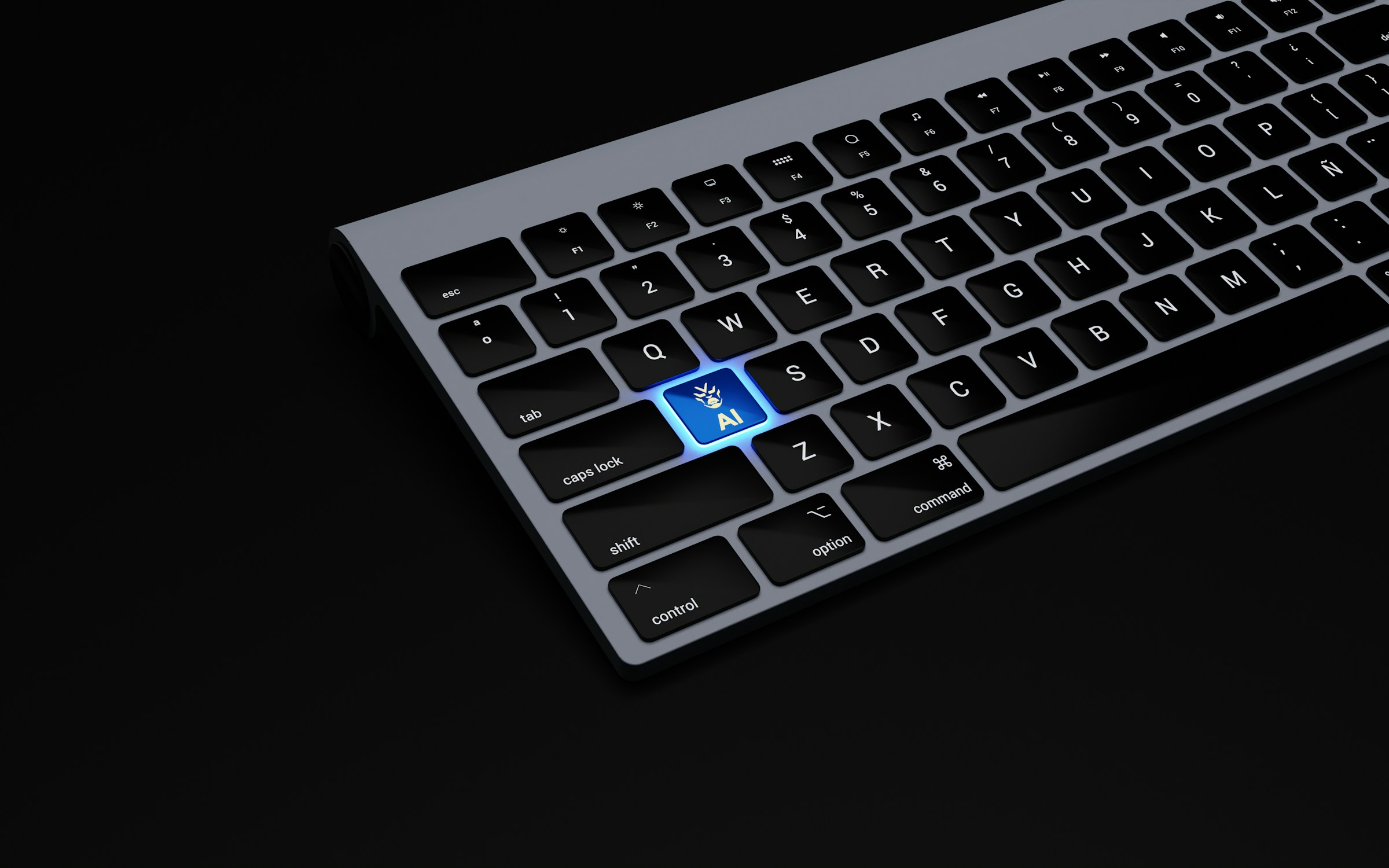
No review of the Midnight MacBook Air would be complete without discussing fingerprints again. This finish is gorgeous, but it asks for a little maintenance. Smudges are most visible on the lid and palm rests, especially in bright light. Some users will not care at all, while others may find themselves wiping it down frequently.
If you are very sensitive to visible marks, Silver or Starlight may be better options. But if you love the deep, dramatic look of Midnight, the trade-off is manageable. The laptop still looks premium, and a microfiber cloth keeps it looking sharp.
Final Verdict: Style Meets Portability
The MacBook Air in Midnight is one of Apple’s most attractive laptops, but its appeal goes far beyond color. It delivers the core qualities people expect from the Air: lightweight design, excellent battery life, silent performance, a great keyboard, and a beautiful display. It is easy to carry, enjoyable to use, and powerful enough for the everyday needs of most people.
Its limitations are worth noting. The port selection is minimal, the Midnight finish shows fingerprints, and demanding professional users may need more power. But these drawbacks do not take away from what the laptop does best. It is a polished ultraportable that feels premium from the moment you open the lid.
If you want a laptop that looks elegant, travels easily, and handles daily tasks with confidence, the MacBook Air Midnight is a compelling choice. It is not the cheapest laptop available, but it offers a refined experience that makes work, study, and casual creativity feel effortless. In a crowded market of thin and light machines, the Midnight MacBook Air stands out by combining practical portability with unmistakable style.
