
12 Powerful QR Code Generators You Need in Your Toolkit
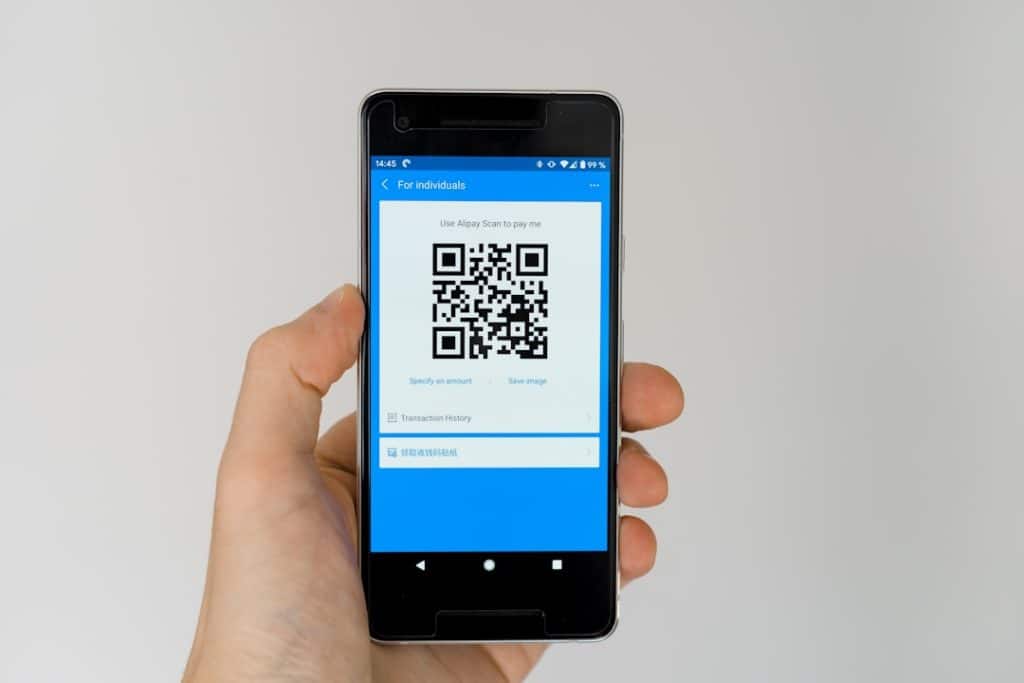
QR codes are everywhere. On menus. On posters. On business cards. Even on billboards speeding past you on the highway. They are tiny squares with big power. And if you are not using them yet, you are missing out.
TLDR: QR codes make it easy to share links, files, contact details, and more in seconds. The right generator saves you time and adds style and tracking features. Some tools are simple and free. Others are powerful and packed with analytics. Below are 12 powerful QR code generators worth adding to your toolkit.
Let’s break it down in a fun and simple way. No tech jargon. Just tools that work.
Why You Should Care About QR Codes
Before we jump into the tools, let’s talk about why these little squares matter.
- They are fast. Scan. Done.
- They are contactless. No typing needed.
- They track engagement. Know who scanned and when.
- They look cool. Yes, design matters.
Businesses use them for marketing. Creators use them for sharing portfolios. Restaurants use them for menus. You can even use them for WiFi access.

Comparison Chart: 12 QR Code Generators at a Glance
| Tool | Free Plan | Dynamic QR Codes | Analytics | Custom Design | Best For |
|---|---|---|---|---|---|
| The QR Code Generator | Yes | Yes (Paid) | Yes | High | Marketing campaigns |
| QR Code Monkey | Yes | No | Limited | High | Custom designs |
| Beaconstac | Trial | Yes | Yes | High | Enterprises |
| QRStuff | Yes | Yes (Paid) | Yes | Medium | Versatile uses |
| Scanova | Trial | Yes | Yes | Medium | Campaign tracking |
| Flowcode | Yes | Yes | Yes | High | Creators |
| QRCode Tiger | Yes | Yes | Yes | High | Brand marketing |
| Unitag | Trial | Yes | Yes | Very High | Visual branding |
| GoQR | Yes | No | No | Low | Quick free codes |
| QR.io | Trial | Yes | Yes | Medium | Business use |
| Visualead | Trial | Yes | Yes | Very High | Creative visuals |
| Kaywa | Trial | Yes | Yes | Medium | Secure campaigns |
1. The QR Code Generator
This one keeps things simple. It is user-friendly. Clean layout. Easy setup.
You can create static QR codes for free. Need tracking? Upgrade to dynamic codes.
Why it’s powerful:
- Real-time analytics
- Custom colors and logos
- Supports URLs, PDFs, vCards, and more
Great for marketers who love data.
2. QR Code Monkey
Fun name. Serious features.
This tool shines in customization. You can change colors, shapes, and add your logo.
Best part? It’s free for static QR codes.
If design matters to you, this one belongs in your toolkit.
3. Beaconstac
This one is built for bigger teams. Think agencies. Think enterprises.
It offers strong analytics and campaign management tools.
- Bulk QR code generation
- API access
- Advanced tracking
If you run multiple campaigns, Beaconstac is a smart pick.
4. QRStuff
QRStuff offers a long list of data types. Want to link a YouTube video? Easy. A PayPal payment? Done.
It is simple but flexible.
Perfect if you need variety without complexity.
5. Scanova
Scanova focuses heavily on marketing and tracking.
You can edit your destination URL without changing the code. That’s the magic of dynamic QR codes.
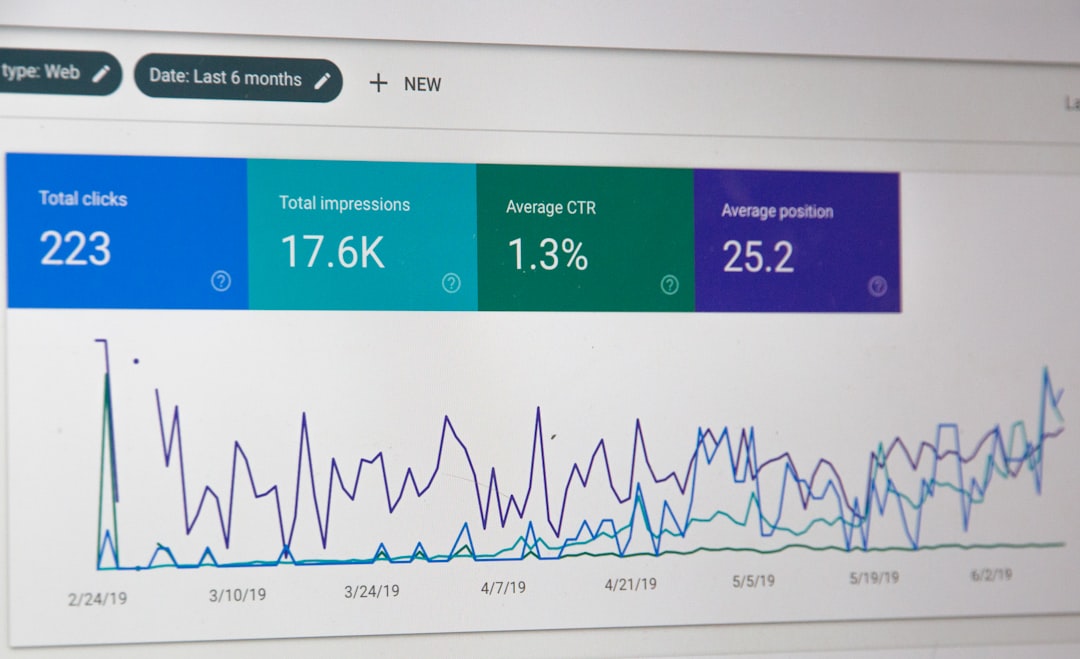
This makes it ideal for long-term campaigns.
6. Flowcode
Flowcode is modern and sleek. Very popular with creators.
It gives you:
- Strong analytics
- Custom branded codes
- Easy social media linking
Artists. Influencers. Small brands. This one’s for you.
7. QRCode Tiger
Don’t let the fierce name scare you. It’s easy to use.
QRCode Tiger is packed with features:
- Dynamic QR codes
- Retargeting tools
- Bulk generation
It also lets you add frames and call-to-action text. Like “Scan Me.” Simple but effective.
8. Unitag
If you want beautiful QR codes, check out Unitag.
You can tweak:
- Eyes
- Patterns
- Colors
- Gradients
The design options are impressive. Great for brands that care about visual identity.
9. GoQR
Need a QR code right now? No signup. No hassle.
GoQR is as straightforward as it gets.
It does not offer fancy analytics. But it is fast and free.
Sometimes that’s all you need.
10. QR.io
QR.io is built with business users in mind.
It supports:
- Dynamic QR codes
- Scan statistics
- File uploads
The dashboard is clean and helpful. Great for managing multiple codes in one place.
11. Visualead
This one takes QR design to the next level.
Visualead allows you to blend QR codes into images. Think creative ads where the code becomes part of a photo.
It is eye-catching. And that means more scans.
If creativity is your superpower, you’ll love this tool.
12. Kaywa
Kaywa focuses on security and reliability.
It offers:
- Password-protected QR codes
- Expiration dates
- Access control
Ideal for corporate or high-security environments.
What Makes a QR Code Generator Powerful?
Not all generators are the same. The best ones offer more than just code creation.
Here’s what to look for:
- Dynamic codes. Edit content anytime.
- Analytics. Track performance.
- Customization. Match your brand.
- Bulk creation. Save time.
- Security features. Protect your data.
If you are running campaigns, analytics are critical. If you are a designer, customization matters most. Choose what fits your goals.
Pro Tips for Using QR Codes
Even the best generator won’t help if you use QR codes the wrong way.
- Make them big enough. Tiny codes are hard to scan.
- Test before printing. Always scan it first.
- Add a call to action. Tell people what they get.
- Use contrast. Dark code. Light background.
And remember. Just because you can put a QR code everywhere does not mean you should.
Final Thoughts
QR codes are simple. But powerful.
They connect offline and online worlds in one scan. They save time. They track results. They boost engagement.
The 12 tools above offer something for everyone. Free options for beginners. Advanced platforms for marketers. Creative tools for designers.
Start small. Test one. Experiment. Then build your QR code toolkit from there.
Because in today’s fast world, one quick scan can make all the difference.
