
8 3D Modeling Tools That Let You Design With Precision
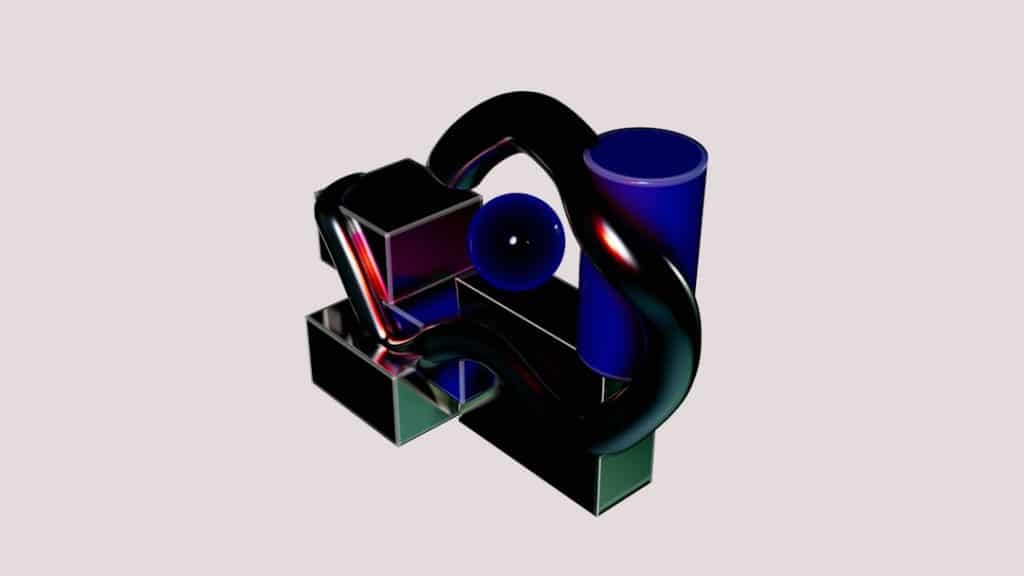
Precision in 3D modeling is no longer a luxury reserved for engineers and industrial designers—it is a necessity across architecture, product development, animation, manufacturing, and even healthcare. The right modeling tool can mean the difference between an idea that looks good on screen and a design that performs reliably in the real world. Today’s leading software platforms combine accuracy, flexibility, and advanced visualization to empower professionals to turn complex concepts into measurable, buildable outcomes.
TLDR: Precision 3D modeling demands tools that balance accuracy, usability, and technical depth. Software such as SolidWorks, Autodesk Fusion, Blender, Rhino, and others offer specialized strengths, from parametric engineering to organic sculpting. Choosing the right platform depends on your workflow, industry requirements, and collaboration needs. Below is a detailed comparison and breakdown of eight powerful 3D modeling tools designed for exact, professional-grade results.
1. SolidWorks
Best for: Mechanical engineering, manufacturing, product design
SolidWorks has long been considered an industry benchmark for parametric, feature-based solid modeling. Built with precision engineering at its core, it allows users to define dimensions, constraints, and relationships that automatically update across assemblies.
Its strengths include:
- Parametric modeling for design revisions without rebuilding models
- Assembly management with motion analysis
- Simulation tools for stress, thermal, and fluid analysis
- Detailed manufacturing drawings with GD&T support
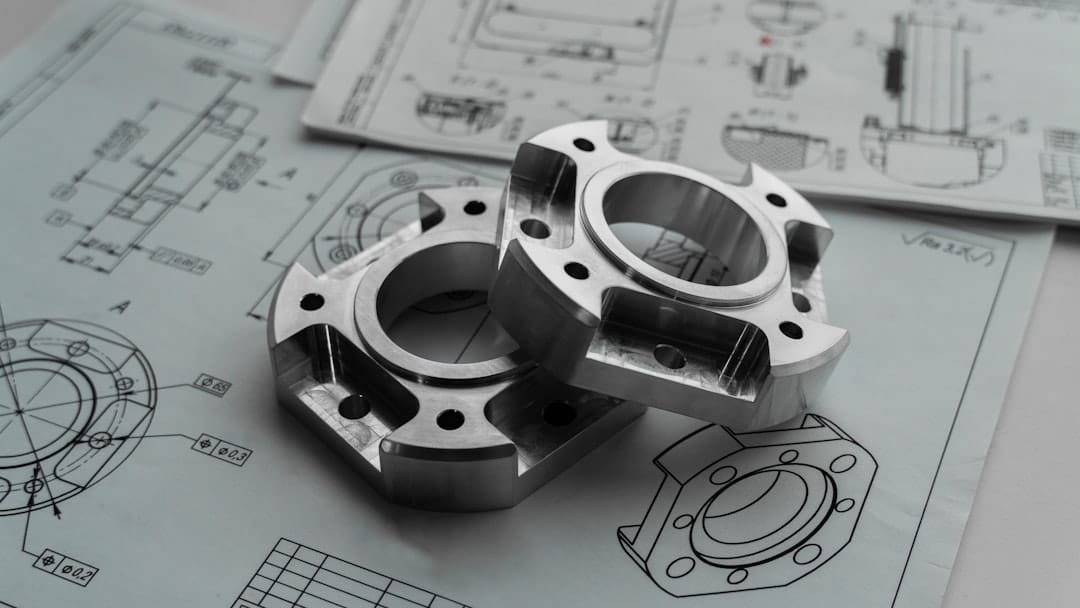
For teams involved in product development cycles, SolidWorks offers stability, scalability, and rigorous engineering accuracy.
2. Autodesk Fusion
Best for: Integrated CAD, CAM, and CAE workflows
Autodesk Fusion combines modeling, simulation, and manufacturing preparation within a single cloud-based environment. Its parametric and direct modeling hybrid approach allows for both controlled precision and flexible design exploration.
Notable capabilities include:
- Cloud collaboration and version management
- Integrated CAM for CNC machining
- Generative design powered by AI algorithms
- Electronics and PCB integration
Fusion is particularly effective for startups and cross-functional teams that require centralized control over the entire design-to-production pipeline.
3. Blender
Best for: Creative modeling, animation, and sculpting
Blender is open-source and widely respected for its versatility. While it is often associated with animation and visual effects, it has evolved significantly as a precise modeling tool.
Key strengths:
- Non-destructive modifier stack
- Advanced sculpting brushes
- Geometry nodes for procedural modeling
- High-resolution rendering engine
Blender may not be a traditional engineering CAD system, but for artists and designers needing geometric control alongside visual realism, it provides remarkable depth.
4. Rhino (Rhinoceros 3D)
Best for: Industrial design, architecture, complex surfaces
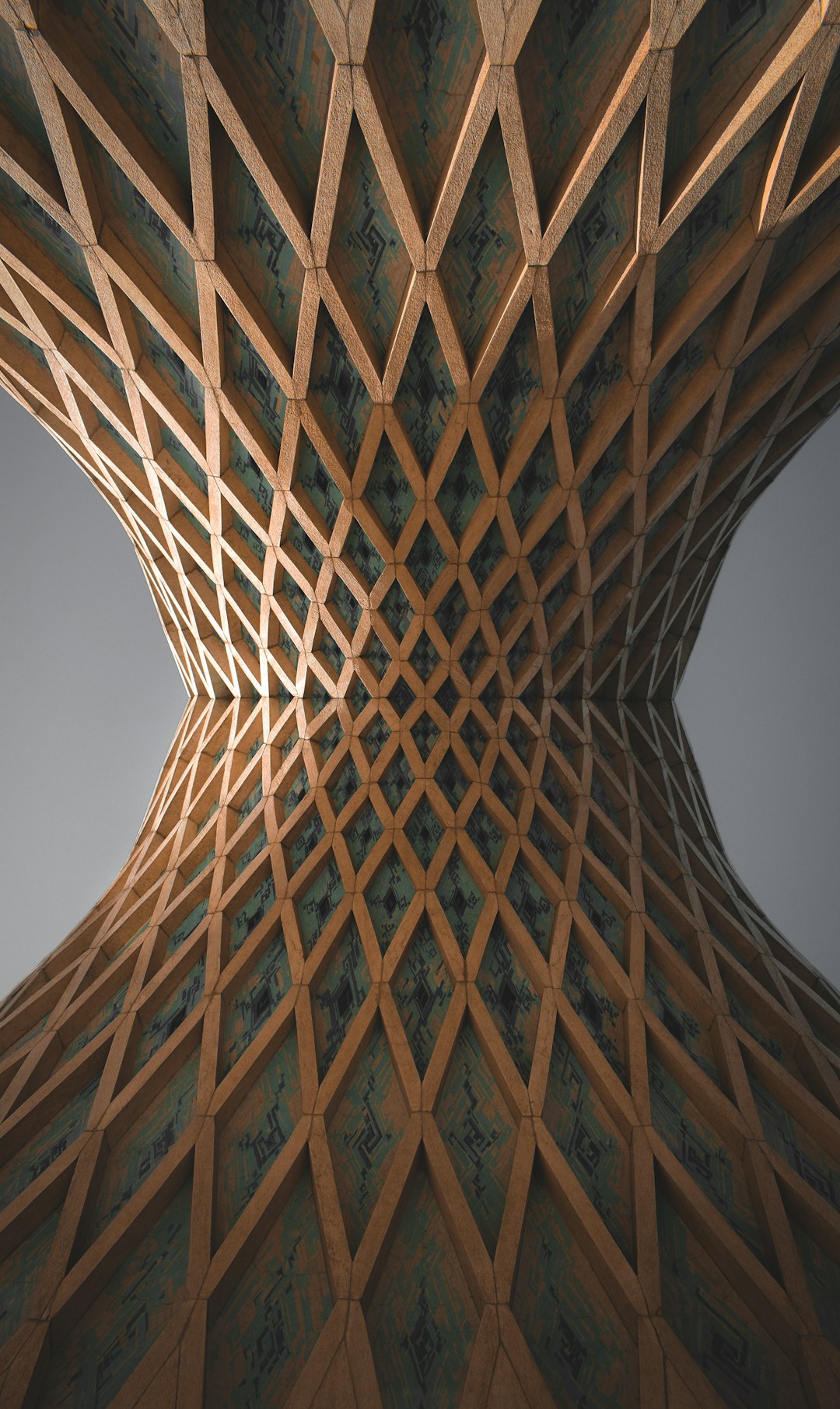
Rhino specializes in NURBS (Non-Uniform Rational B-Splines) modeling, making it ideal for projects requiring mathematically exact curves and organic surfaces.
Its precision is especially valuable for:
- Jewelry design
- Automotive surfaces
- Architectural façades
- Boat and marine design
The addition of Grasshopper, Rhino’s visual programming environment, enables algorithmic modeling and parametric design control.
5. Autodesk Inventor
Best for: Mechanical design and toolmaking
Autodesk Inventor offers powerful parametric solid modeling tailored for mechanical engineers. It emphasizes reliability in part design, sheet metal modeling, and tooling workflows.
Main advantages include:
- Rule-based design automation
- Comprehensive assembly tools
- Simulation and stress analysis integration
- Compatibility with AutoCAD workflows
Inventor is suitable for organizations that already operate within Autodesk’s ecosystem and require production-scale precision.
6. CATIA
Best for: Aerospace, automotive, and enterprise engineering
CATIA is widely used in high-performance industries where absolute precision and lifecycle management are critical. Its functionality extends far beyond modeling into product lifecycle management (PLM).
Highlights include:
- Advanced surface modeling
- Large-scale assembly management
- Systems engineering integration
- Aerospace-grade design validation tools
While complex and resource-intensive, CATIA remains a top-tier solution for mission-critical engineering projects.
7. SketchUp
Best for: Architectural modeling and conceptual design
SketchUp is known for its intuitive interface, but it also supports accurate, dimension-based modeling. With the addition of extensions and plugins, SketchUp can become a robust precision tool.
Benefits include:
- User-friendly drawing tools
- Extensive plugin ecosystem
- Integration with architectural workflows
- Fast concept-to-model process
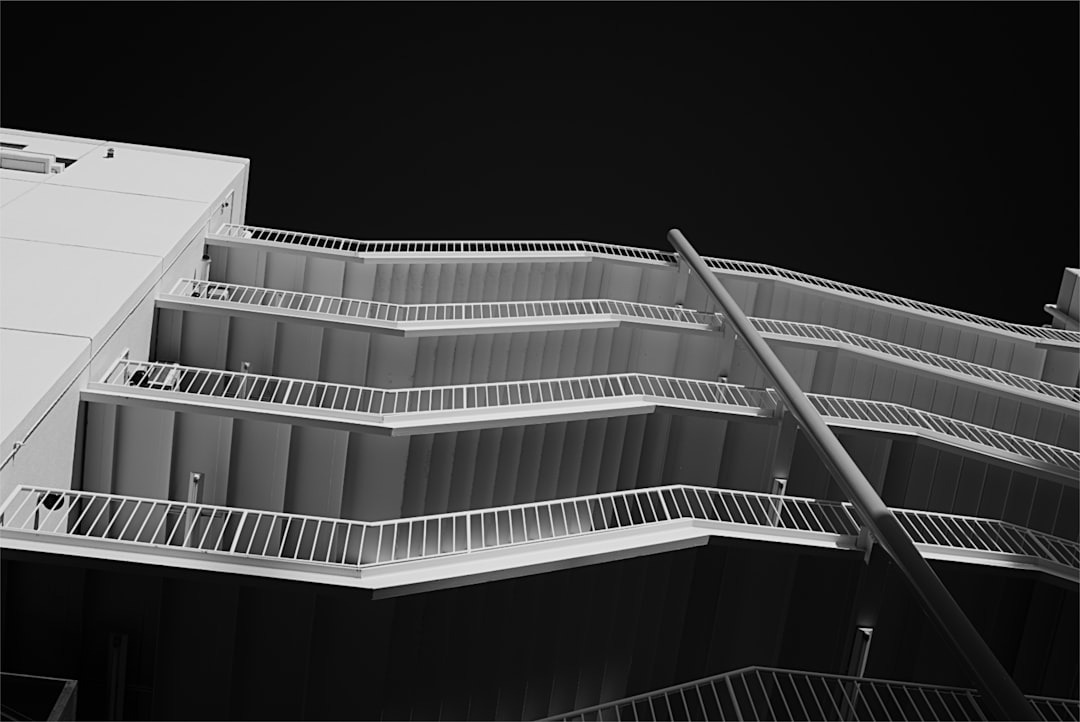
Although not as engineering-focused as SolidWorks or CATIA, SketchUp excels in early-stage architectural precision and visualization.
8. Siemens NX
Best for: Advanced product development and manufacturing
Siemens NX combines CAD, CAM, and CAE in a comprehensive solution aimed at engineering-intensive industries. It supports highly complex assemblies and simulation-based design.
Core features:
- Integrated digital twin capabilities
- Multi-physics simulation
- Automated toolpath programming
- High-end surface and solid modeling
NX is particularly suited for large enterprises that require end-to-end digital manufacturing precision.
Comparison Chart
| Tool | Best Use Case | Modeling Type | Simulation Support | Difficulty Level |
|---|---|---|---|---|
| SolidWorks | Mechanical engineering | Parametric solid | Advanced | Moderate |
| Autodesk Fusion | Product development | Hybrid parametric/direct | Integrated | Moderate |
| Blender | Creative projects | Mesh & sculpting | Basic via add-ons | Moderate |
| Rhino | Complex surfaces | NURBS | Limited native | Moderate |
| Inventor | Mechanical manufacturing | Parametric solid | Advanced | Moderate |
| CATIA | Aerospace/automotive | Advanced parametric | Enterprise-grade | High |
| SketchUp | Architecture concepts | Surface/solid hybrid | Plugin-based | Low to Moderate |
| Siemens NX | Enterprise engineering | Advanced parametric | High-end integrated | High |
How to Choose the Right Tool
When selecting a 3D modeling platform, consider the following factors:
- Industry Requirements: Aerospace and automotive projects demand higher compliance standards.
- Model Complexity: Surface-heavy designs benefit from NURBS modeling.
- Simulation Needs: Engineering validation requires integrated analysis tools.
- Collaboration: Cloud-based solutions can streamline team workflows.
- Learning Curve: Some enterprise tools require extensive training investments.
Precision is not only about numerical accuracy—it also involves workflow efficiency, revision control, and compatibility with manufacturing processes.
Final Thoughts
The evolution of 3D modeling software has created an environment where professionals can design with extraordinary precision. Whether you are engineering aircraft components, sculpting high-resolution characters, or drafting architectural structures, there is a tool optimized for your specific needs.
For engineering rigor, platforms like SolidWorks, Inventor, CATIA, and Siemens NX stand out. For creative and surface-driven projects, Blender and Rhino offer unmatched flexibility. For integrated, modern workflows, Autodesk Fusion delivers collaboration and production readiness in one environment.
Ultimately, precision comes from both the software and the skill of the user. Investing time in mastering the appropriate 3D modeling tool will ensure your designs are not only visually compelling but structurally sound, manufacturable, and future-ready.
