
Surface Laptop 3 Cracked Screen? Repair Costs and Fixes
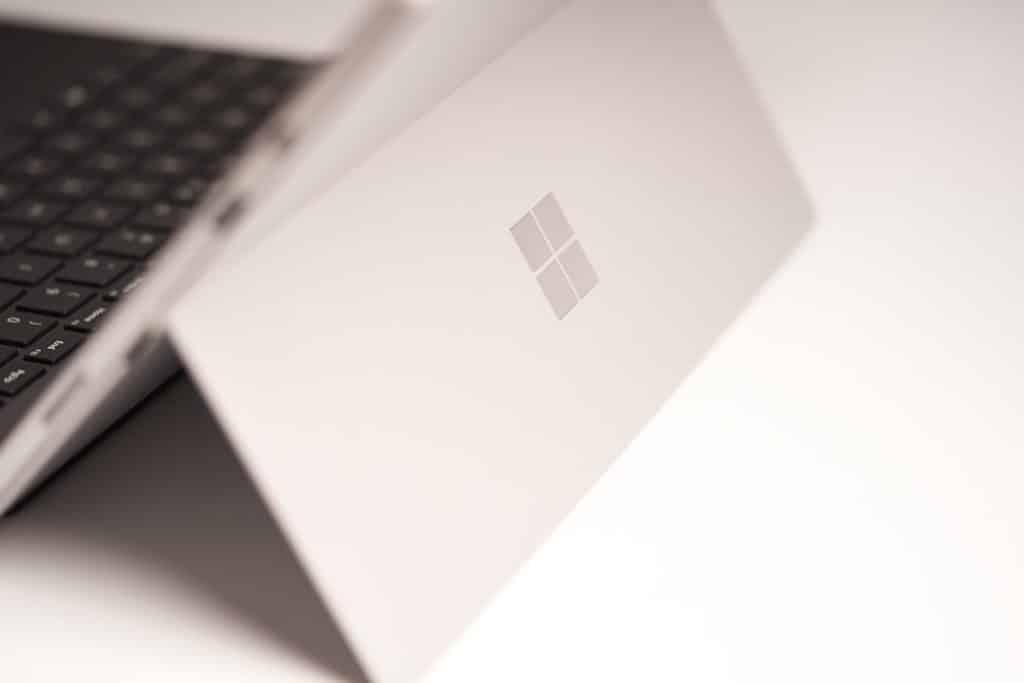
A cracked screen on a Surface Laptop 3 can turn an otherwise premium device into a frustrating daily problem. Whether the damage is a small corner crack, a web of shattered glass, a flickering display, or a completely black screen, the owner usually has one main question: how much will it cost to fix? The answer depends on the screen size, warranty status, type of damage, and whether the repair is handled through Microsoft, a third-party shop, or a do-it-yourself replacement.
TLDR: A Surface Laptop 3 cracked screen repair typically costs more than many standard laptop screen repairs because the display assembly is slim, bonded, and difficult to service. Microsoft service is usually the safest route, but it may involve a costly out-of-warranty replacement rather than a simple glass repair. Independent repair shops may offer lower prices, though quality and warranty coverage can vary. DIY repair is possible for experienced technicians, but it carries a high risk of further damage.
Why Surface Laptop 3 Screen Damage Can Be Expensive
The Surface Laptop 3 was designed to be thin, elegant, and lightweight. That sleek design is one reason many people choose it, but it also makes screen repairs more complicated. Unlike some traditional laptops, where the screen panel can be removed from a plastic bezel fairly easily, the Surface Laptop 3 uses a tightly integrated display assembly.
In many cases, the cracked glass, LCD panel, touchscreen layer, and frame are not treated as separate easy-swap parts. A repair technician may need to replace the entire display assembly rather than just the outer glass. This increases both the cost of parts and the amount of labor involved.
Another factor is the touchscreen. The Surface Laptop 3 is not just a standard laptop display; it also includes touch functionality. When the glass cracks, the touchscreen may continue to work, partially fail, register phantom touches, or stop responding entirely. If the digitizer is affected, the repair becomes more than a cosmetic fix.
Common Types of Surface Laptop 3 Screen Damage
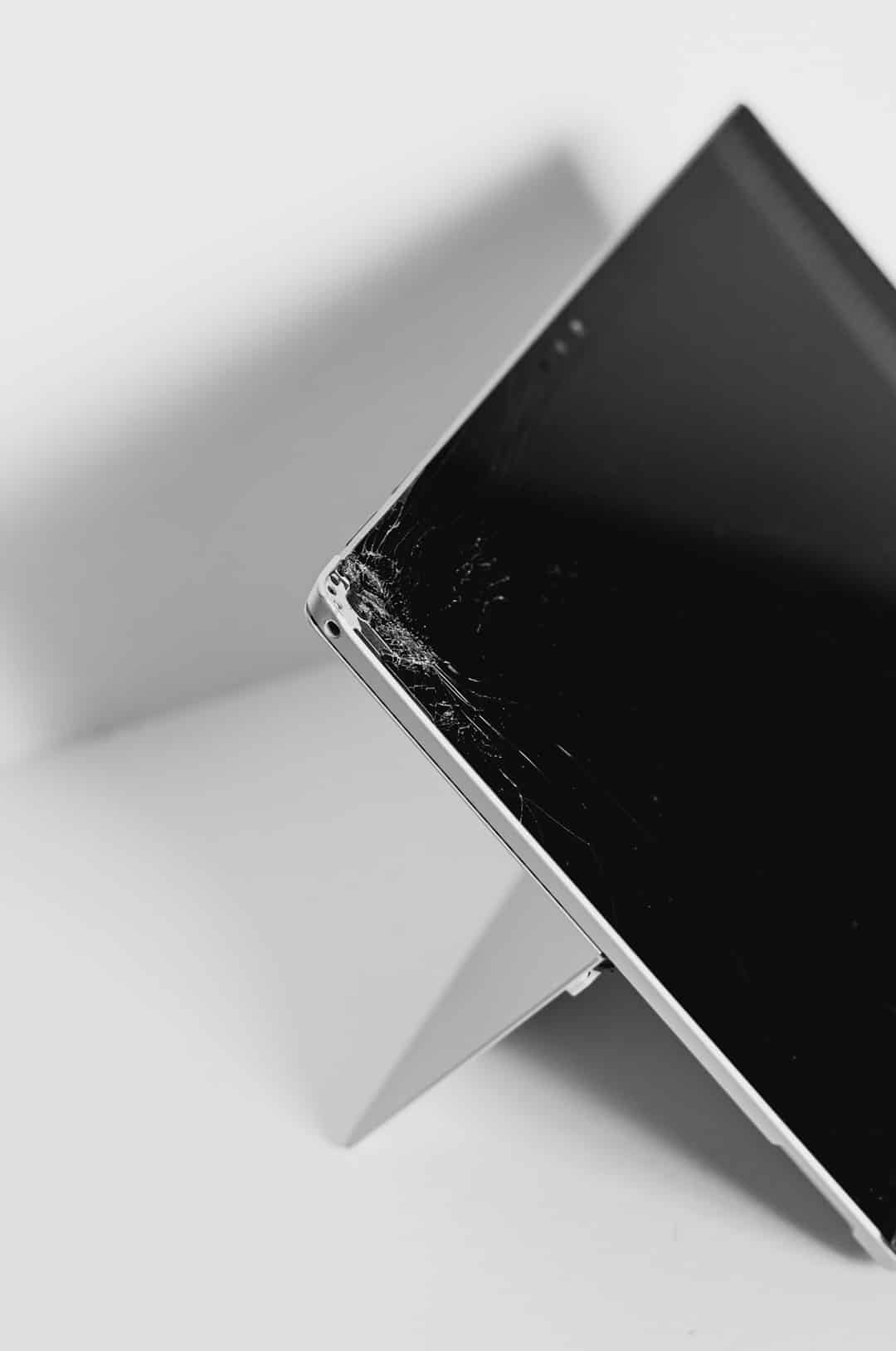
Not every cracked screen has the same repair urgency. A small crack near the corner might seem harmless, while a shattered screen with flickering lines needs immediate attention. The most common types of damage include:
- Hairline cracks: Thin cracks across the glass that may not immediately affect display quality.
- Spiderweb cracks: Multiple cracks spreading from one point of impact, often caused by pressure or a drop.
- Black spots or bleeding: Dark patches that indicate LCD damage beneath the glass.
- Vertical or horizontal lines: Colored lines may appear when the LCD or display cable is damaged.
- Touchscreen failure: The screen may no longer respond to touch, or it may respond unpredictably.
- Completely black screen: The laptop may still power on, but the display shows nothing.
If the laptop still works with an external monitor, the main system is likely functional, and the issue is limited to the display assembly. However, if the device does not power on at all, the impact may have caused additional internal damage.
Expected Repair Costs for a Surface Laptop 3 Cracked Screen
Repair costs vary widely, but Surface Laptop 3 screen repair is usually not considered cheap. The final price depends on whether the owner has coverage, whether replacement parts are available, and who performs the repair.
As a general estimate, out-of-warranty Surface Laptop 3 screen repair may range from around $250 to $600 or more. In some cases, the price can be higher if the repair involves a full device replacement or if parts are scarce. The 13.5-inch and 15-inch models may also have different part prices.
Microsoft’s official support channel may not always offer a simple screen-only repair. Instead, it may provide a service exchange or replacement option. This can be convenient and reliable, but it may cost more than an independent repair shop. The advantage is that the repair or replacement is handled by the manufacturer, reducing the risk of poor-quality parts or improper installation.
Independent shops may charge less, sometimes in the range of $250 to $450, depending on the quality of the replacement assembly and labor rates in the area. However, not every shop is comfortable working on Surface devices. Because the screen is delicate and the chassis is compact, an inexperienced repair attempt can cause additional damage.
Microsoft Repair vs. Third-Party Repair
Owners usually compare two main options: official Microsoft service and third-party laptop repair shops. Each option has benefits and drawbacks.
Microsoft Service
Microsoft service is often the best option for someone who wants the most straightforward process and is willing to pay more for peace of mind. If the Surface Laptop 3 is still under warranty, it is important to understand that accidental screen damage is usually not covered by the standard limited warranty. However, if the owner purchased Microsoft Complete or another accidental damage plan, the repair cost may be significantly reduced.
Advantages of Microsoft service include:
- Official support and professional handling
- Reduced risk of incompatible parts
- Potential replacement device options
- Better protection of remaining warranty coverage
Disadvantages may include:
- Higher out-of-warranty costs
- Possible full-unit replacement rather than screen-only repair
- Shipping time and service delays
- Limited flexibility compared with local shops
Third-Party Repair Shops
A reputable third-party repair shop may be a practical choice if Microsoft’s quote is too expensive. Many local technicians can replace laptop screens, but Surface devices require more skill than average. The owner should ask whether the shop has specific experience with Surface Laptop models, not just general laptop repairs.
Before choosing a shop, the owner should ask:
- Does the repair include the full display assembly?
- Is the replacement part original, refurbished, or aftermarket?
- How long is the repair warranty?
- Will touchscreen functionality be fully tested?
- Is there a risk of cosmetic damage during disassembly?
Can the Surface Laptop 3 Screen Be Repaired at Home?
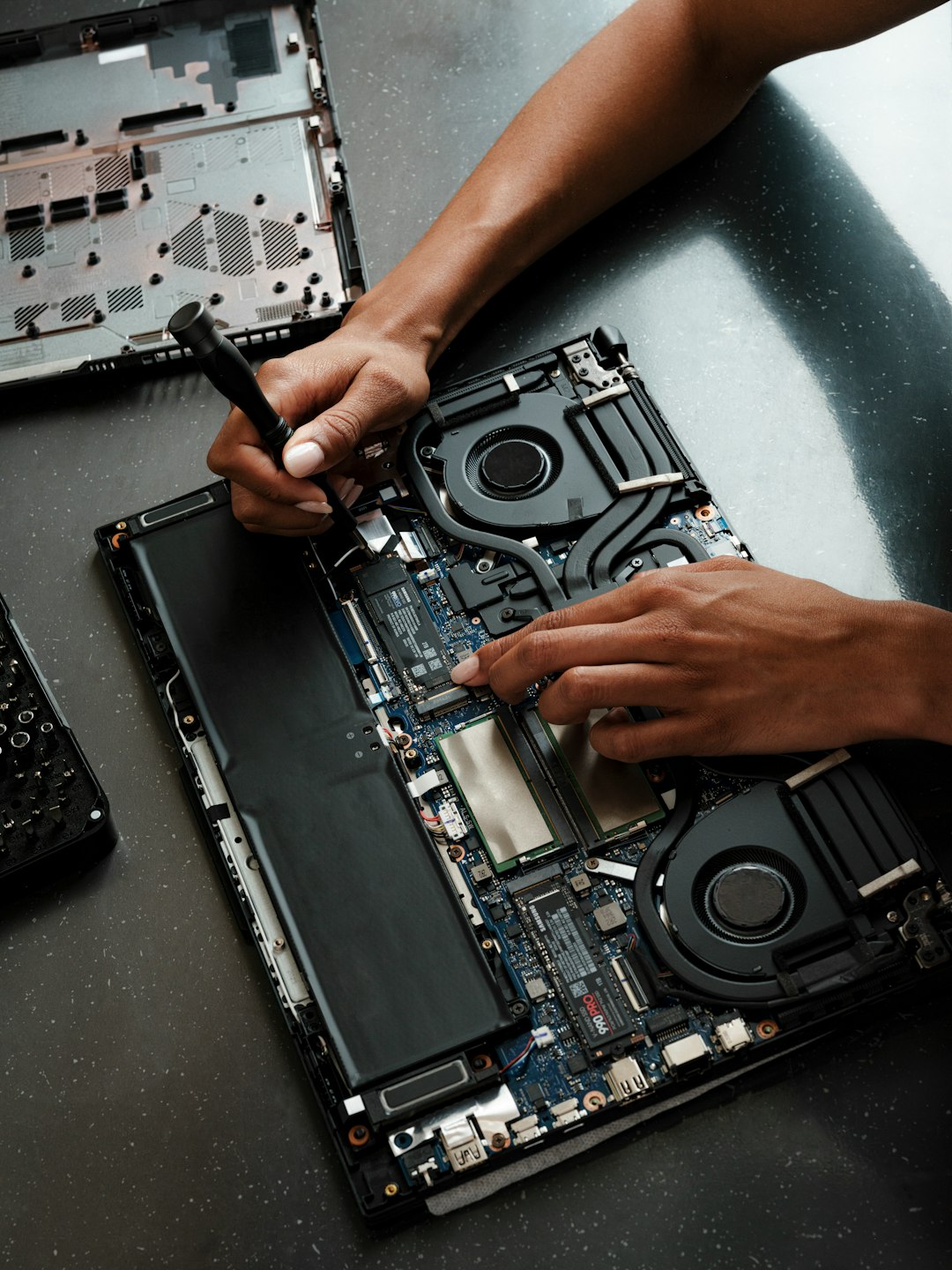
DIY repair is possible, but it is not recommended for most users. The Surface Laptop 3 is difficult to open without the right tools, patience, and experience. The screen assembly is fragile, adhesive may be involved, and internal cables can be easily damaged. A person attempting the repair may save money on labor but could accidentally damage the display cable, hinges, webcam area, keyboard deck, or motherboard.
DIY parts may be found online, but prices can still be high. A replacement display assembly may cost a significant amount before tools, adhesive, and shipping are considered. If the wrong part is ordered, the repair can become even more expensive.
DIY repair is most suitable for someone who has already repaired modern ultrabooks or tablets. For the average owner, paying a trained technician is usually safer.
Temporary Fixes for a Cracked Screen
If the Surface Laptop 3 still works and the owner cannot repair it immediately, a few temporary steps may help prevent the damage from getting worse. These are not permanent solutions, but they may make the laptop safer to use.
- Apply a screen protector: A clear protector can help hold loose glass fragments in place.
- Avoid pressing on the screen: Pressure can spread cracks or damage the LCD underneath.
- Use an external monitor: If the display is unreadable, connecting to an external monitor can keep the laptop usable.
- Disable touch input if needed: If phantom touches occur, disabling the touchscreen in Device Manager may help.
- Back up important files: Any damaged laptop should be backed up before repair or further use.
If glass is loose or sharp, the laptop should not be used directly without protection. Cracked glass can cut fingers, and continued use may push fragments deeper into the display assembly.
When Screen Replacement Is the Best Option
Screen replacement is usually the best choice when the Surface Laptop 3 is otherwise working well. If the battery, keyboard, trackpad, ports, and performance are still good, repairing the display may be cheaper than replacing the entire laptop.
However, the owner should compare the repair quote against the current market value of the device. If a Surface Laptop 3 is several years old and the repair cost is close to the price of a newer used or refurbished laptop, replacement may make more sense. This is especially true if the device also has battery wear, overheating issues, or storage limitations.
A practical rule is simple: if the repair costs more than half the value of a comparable replacement device, the owner should carefully consider upgrading instead.
How to Prevent Future Screen Cracks
Many Surface Laptop 3 screen cracks happen because of pressure rather than dramatic drops. A laptop inside a crowded backpack can be squeezed by books, chargers, or other devices. Closing the lid on a small object, such as an earbud or pen, can also crack the glass.
To reduce the risk of another cracked screen, the owner should:
- Use a padded laptop sleeve or rigid case
- Keep chargers and accessories in a separate pocket
- Never close the lid with objects on the keyboard
- Avoid lifting the laptop by the screen
- Place the laptop away from table edges
- Consider accidental damage coverage for future devices
What to Do Before Sending the Laptop for Repair
Before any repair, the owner should protect personal data. Even if the repair only involves the display, the laptop may be reset, replaced, or otherwise handled in ways that put files at risk. A full backup is strongly recommended.
The owner should also remove passwords if requested by the repair provider, sign out of sensitive accounts when possible, and document the laptop’s condition with photos. If the device is being shipped, it should be packed carefully with padding and tracking.
It is also wise to record the serial number and confirm the repair terms in writing. The owner should know whether the repair includes parts and labor, how long the warranty lasts, and whether the original device or a replacement unit will be returned.
Final Thoughts
A cracked Surface Laptop 3 screen is inconvenient, but it does not always mean the laptop is finished. In many cases, the device can be repaired and returned to normal use. The main challenge is cost, because the Surface Laptop 3 display is more complex than a basic laptop screen.
For the safest result, official Microsoft service is usually the most reliable path, especially if accidental damage coverage is available. For a lower price, a skilled independent repair shop may be worth considering. DIY repair should be approached carefully and only by those with the right experience. Ultimately, the best decision depends on the repair quote, the laptop’s condition, and whether replacing the device would be more cost-effective.
FAQ
How much does it cost to repair a Surface Laptop 3 cracked screen?
Repair costs commonly range from about $250 to $600 or more, depending on the model, part availability, warranty status, and repair provider.
Does the Surface Laptop 3 warranty cover a cracked screen?
The standard limited warranty usually does not cover accidental damage such as a cracked screen. However, Microsoft Complete or another accidental protection plan may reduce the repair cost.
Can only the glass be replaced?
In most cases, technicians replace the full display assembly rather than only the glass. The glass, digitizer, and LCD are closely integrated, making glass-only repair difficult and risky.
Is it safe to keep using a cracked Surface Laptop 3?
It may be usable if the crack is minor, but it is not ideal. Cracks can spread, glass can loosen, and touchscreen problems may develop. Backing up data immediately is recommended.
Can an external monitor be used instead of repairing the screen?
Yes. If the laptop still powers on, an external monitor can be used as a temporary workaround. This does not fix the cracked screen, but it may keep the device functional.
Is DIY Surface Laptop 3 screen replacement worth it?
DIY repair is generally only worth considering for experienced repairers. The device is difficult to service, and mistakes can cause costly additional damage.
Should the owner repair or replace the laptop?
If the repair cost is low compared with the laptop’s value, repair may be worthwhile. If the cost approaches the price of a newer refurbished or used laptop, replacement may be the smarter choice.
