
How to Choose the Best Handwriting OCR Tool for Your Needs

Handwriting OCR (Optical Character Recognition) tools have transformed the way we digitize notes, historical archives, meeting minutes, and handwritten forms. Whether you are a student scanning lecture notes, a business processing forms, or a researcher working with archival manuscripts, the right handwriting OCR solution can save countless hours and dramatically improve productivity. However, with so many tools on the market—each offering different levels of accuracy, language support, integrations, and pricing—choosing the best one for your needs can feel overwhelming.
TLDR: The best handwriting OCR tool depends on your specific use case, such as personal notes, business documents, or historical archives. Focus on accuracy, language support, ease of use, integration options, and data privacy. Test multiple tools with real samples before committing. Choosing wisely can significantly boost efficiency and reduce manual work.
Understand What Handwriting OCR Really Does
Before selecting a solution, it is important to understand how handwriting OCR differs from standard printed text OCR. Traditional OCR works best with clean, printed fonts. Handwriting OCR, on the other hand, must interpret variable letter shapes, inconsistent spacing, and sometimes messy scripts.
Modern tools use artificial intelligence and machine learning to recognize patterns in handwriting and continuously improve their accuracy. However, results can vary greatly depending on:
- The clarity of the handwriting
- The quality of the scanned image
- The language being processed
- The type of document (notes, forms, manuscripts)
Knowing this helps set realistic expectations. No tool is perfect—but some are far better suited to specific scenarios than others.
Identify Your Primary Use Case
The first step in choosing the right handwriting OCR tool is defining why you need it.
1. Personal Productivity
If you want to digitize your own handwritten notes, look for tools that:
- Integrate with note-taking apps
- Work well with mobile cameras
- Offer cloud synchronization
2. Business Document Processing
For businesses handling forms, invoices, or surveys, prioritize:
- High batch processing capabilities
- API integrations
- Structured data extraction
- Security compliance
3. Academic or Historical Research
If you are working with old manuscripts or historical records, you’ll need:
- Support for older scripts and languages
- High tolerance for irregular handwriting
- Custom training options
Clearly defining your main goal will narrow down your options quickly.
Evaluate Accuracy and Performance
Accuracy is arguably the most critical factor. Even small recognition errors can create major problems when processing sensitive information.
When evaluating accuracy:
- Request a free trial or demo version.
- Upload real samples of your own handwriting.
- Test both neat and messy examples.
- Measure how much manual correction is required afterward.
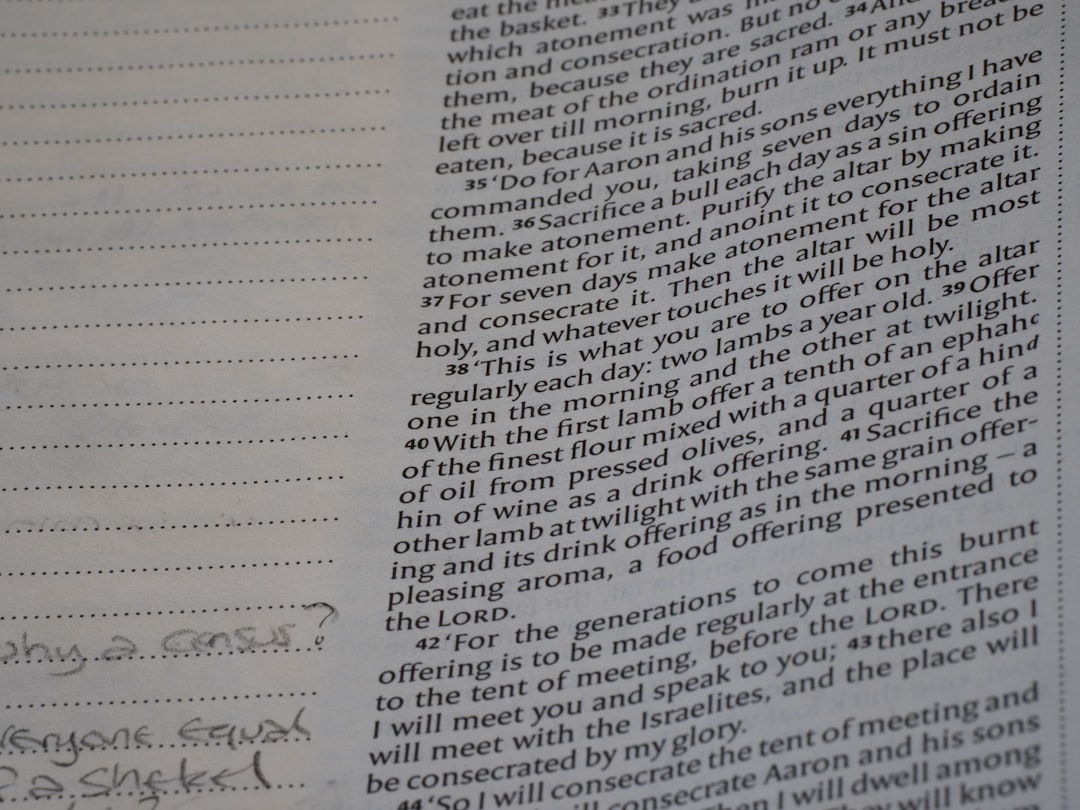
Keep in mind that accuracy percentages advertised on websites often reflect optimal conditions. Your real-world results may differ. The most reliable test is hands-on experimentation.
Consider Ease of Use and Interface Design
An advanced tool with a complicated interface can quickly become frustrating. The best handwriting OCR solution should feel intuitive, even if you are not technically inclined.
Ask yourself:
- Is the upload process simple?
- Is editing recognized text easy?
- Are results clearly displayed?
- Does it support drag-and-drop functionality?
A clean dashboard and straightforward workflow can significantly reduce the time you spend correcting and exporting files.
Check Language and Script Support
If you work in multiple languages—or with non-Latin scripts—language support becomes crucial. Some tools only handle English handwriting well, while others support dozens of languages including cursive scripts, accented characters, and non-Western writing systems.
Verify:
- Supported languages list
- Performance in multilingual documents
- Ability to detect mixed-language text
For academic or international work, multilingual flexibility is often a deciding factor.
Look at Integration and Export Options
A handwriting OCR tool should not function in isolation. It should integrate smoothly into your existing workflow.
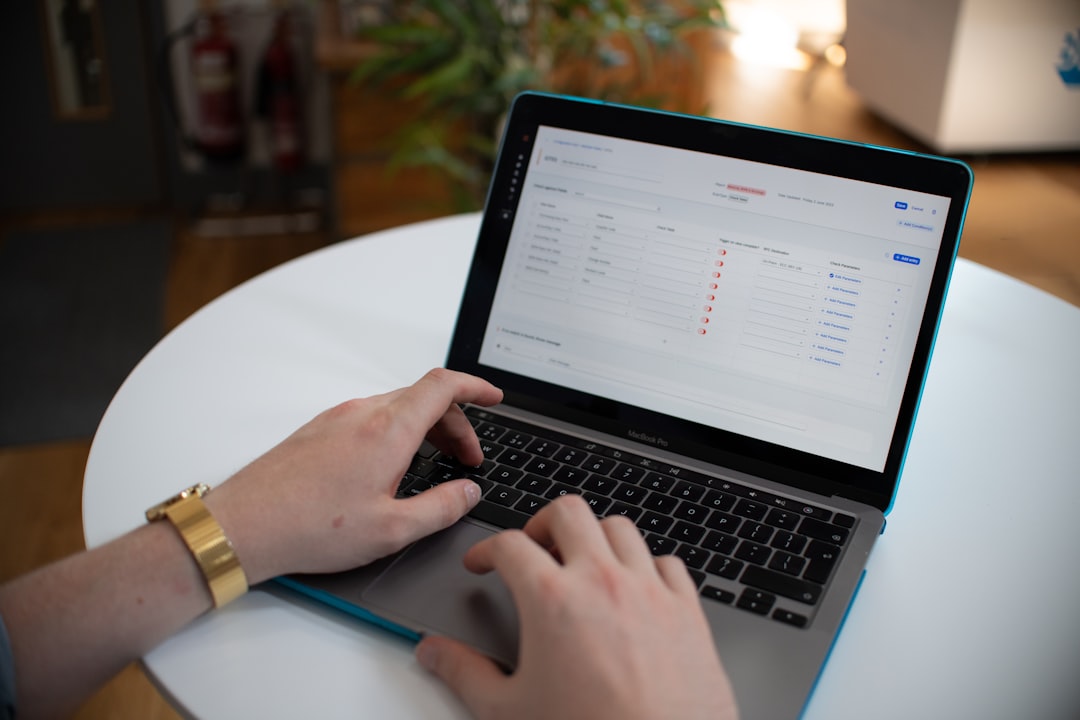
Consider whether the tool supports:
- Cloud storage platforms
- Document management systems
- Project management tools
- APIs for custom development
Additionally, check export formats. Common options include:
- Plain text (TXT)
- Word documents (DOCX)
- Searchable PDFs
- Structured formats like CSV or JSON
The right export flexibility ensures you can easily continue working with the digitized content.
Assess Security and Data Privacy
If you are processing sensitive information—legal documents, medical records, financial forms—security should be a top priority.
Key questions to ask include:
- Is data encrypted during upload and storage?
- Is the platform compliant with relevant regulations?
- Can you opt for on-premise deployment instead of cloud processing?
For businesses and institutions, reviewing security certifications and privacy policies is essential before adoption.
Understand Scalability and Pricing
Pricing models vary widely across handwriting OCR tools. Some offer subscription-based plans, while others charge per page processed.
Think about:
- How many pages you process monthly
- Whether usage fluctuates seasonally
- Hidden costs such as API calls or storage limits
If you anticipate growing demands, make sure the solution can scale without dramatically increasing costs. A tool that works well for 50 pages per month may become inefficient at 5,000 pages.
Explore Custom Training Capabilities
Advanced handwriting OCR tools offer custom model training. This allows the system to learn specific handwriting styles over time, significantly improving accuracy.
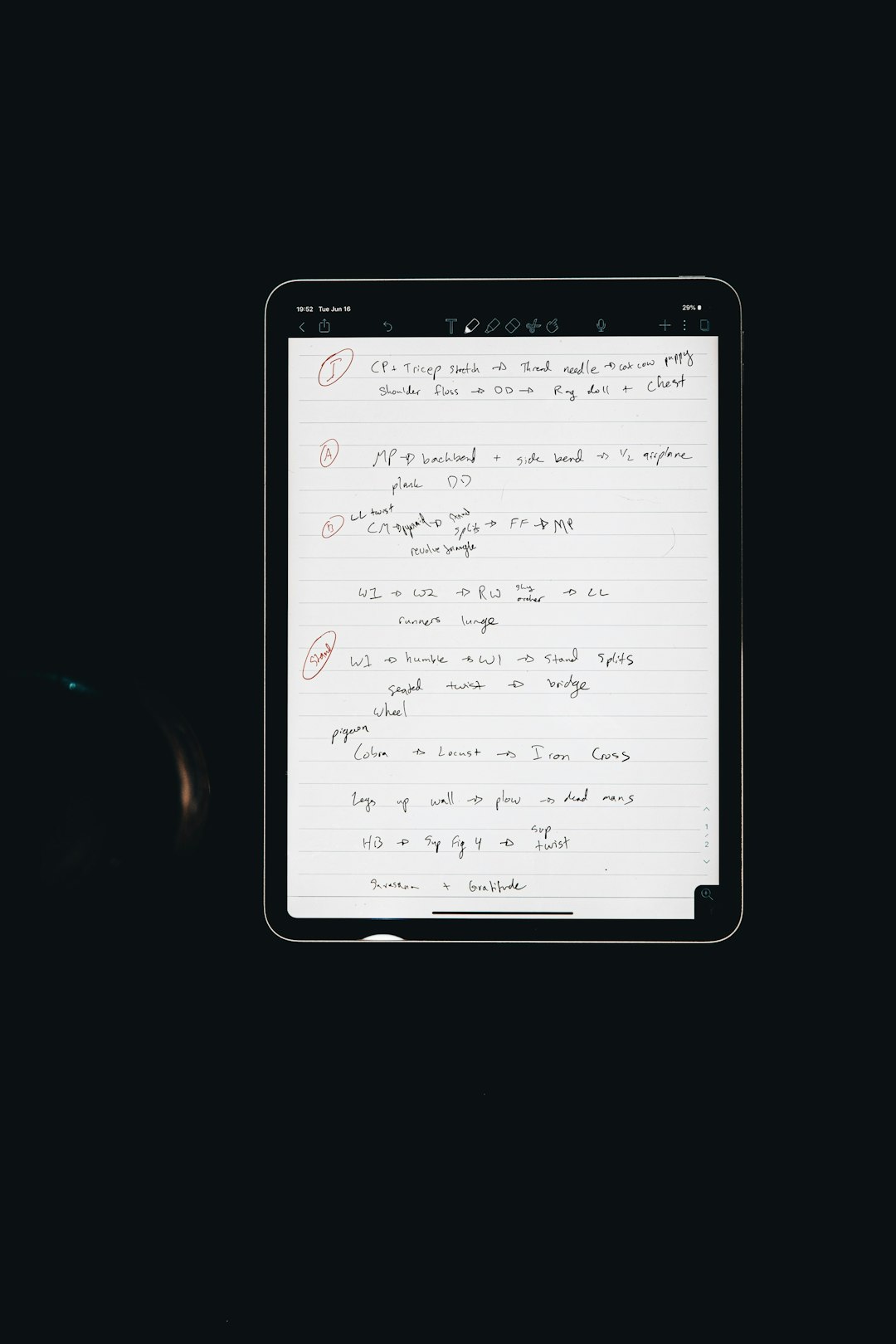
This feature is particularly valuable if:
- You consistently process documents from the same writer
- You handle standardized forms with predictable layouts
- You work with specialized terminology
Custom training may require additional setup but can dramatically enhance long-term efficiency.
Read Reviews and Case Studies
User reviews often reveal practical insights that marketing pages overlook. Look for:
- Feedback on real-world accuracy
- Comments about customer support responsiveness
- Reports of technical issues or downtime
Case studies can also help you understand how similar organizations use the tool. If a solution performs well in an industry similar to yours, it may be a strong candidate.
Test Customer Support
Even the best OCR tools occasionally require troubleshooting. Reliable customer support can make a significant difference.
During your trial period:
- Submit a question to customer service.
- Assess response speed and clarity.
- Check for documentation, tutorials, and knowledge bases.
Strong support infrastructure is especially important for enterprise-level implementations.
Balance Automation with Human Oversight
While handwriting OCR dramatically reduces manual transcription, human review is often still necessary—especially for critical documents.
The ideal tool should:
- Highlight low-confidence words
- Allow easy inline editing
- Track revision history
This balance between automation and control ensures accuracy without sacrificing efficiency.
Make a Well-Informed Decision
Choosing the best handwriting OCR tool is not about finding a universally “perfect” platform. It is about selecting the one that aligns most closely with your goals, volume requirements, budget, and technical environment.
Start by clarifying your use case. Test multiple tools with real documents. Evaluate not just recognition accuracy, but also usability, integration options, security, and scalability. Consider future growth, not just current needs.
When you take a structured approach, the decision becomes much clearer—and the benefits can be substantial. A well-chosen handwriting OCR solution can transform tedious transcription into a seamless digital workflow, allowing you to focus on analysis, creativity, and meaningful work instead of manual data entry.
In today’s increasingly digital world, the ability to bridge handwritten content and searchable text is more than a convenience—it is a strategic advantage. Choose thoughtfully, test thoroughly, and invest in a tool that truly supports the way you work.
