
Business Card Generator Showdown: Comparing the Leading Tools for Entrepreneurs and Companies

A strong business card still has a practical role in modern networking. Even when companies depend heavily on websites, email signatures, and social profiles, a well-designed card gives contacts something tangible to remember. For entrepreneurs, consultants, sales teams, and growing companies, business card generators promise a faster route from idea to print-ready design.
TLDR: The best business card generator depends on whether a business values design freedom, printing quality, speed, brand control, or budget. Canva and Adobe Express are excellent for flexible design, while Moo and VistaPrint stand out for ordering professionally printed cards. Zazzle works well for creative templates, and Figma suits teams that want precise control. Entrepreneurs often benefit from simple template-driven tools, while established companies may prefer platforms with brand consistency and collaboration features.
What Makes a Business Card Generator Worth Using?
A good business card generator does more than place a name and phone number on a rectangle. It should help a business communicate credibility, personality, and professionalism in seconds. The strongest tools combine easy customization, high-quality templates, print-ready export options, and reliable production choices.
For small businesses, speed is often the deciding factor. A founder may need cards before a trade show, investor meeting, or local networking event. Larger companies, however, may care more about brand consistency, team permissions, and repeat ordering for employees. Because of these different priorities, no single platform wins for every situation.
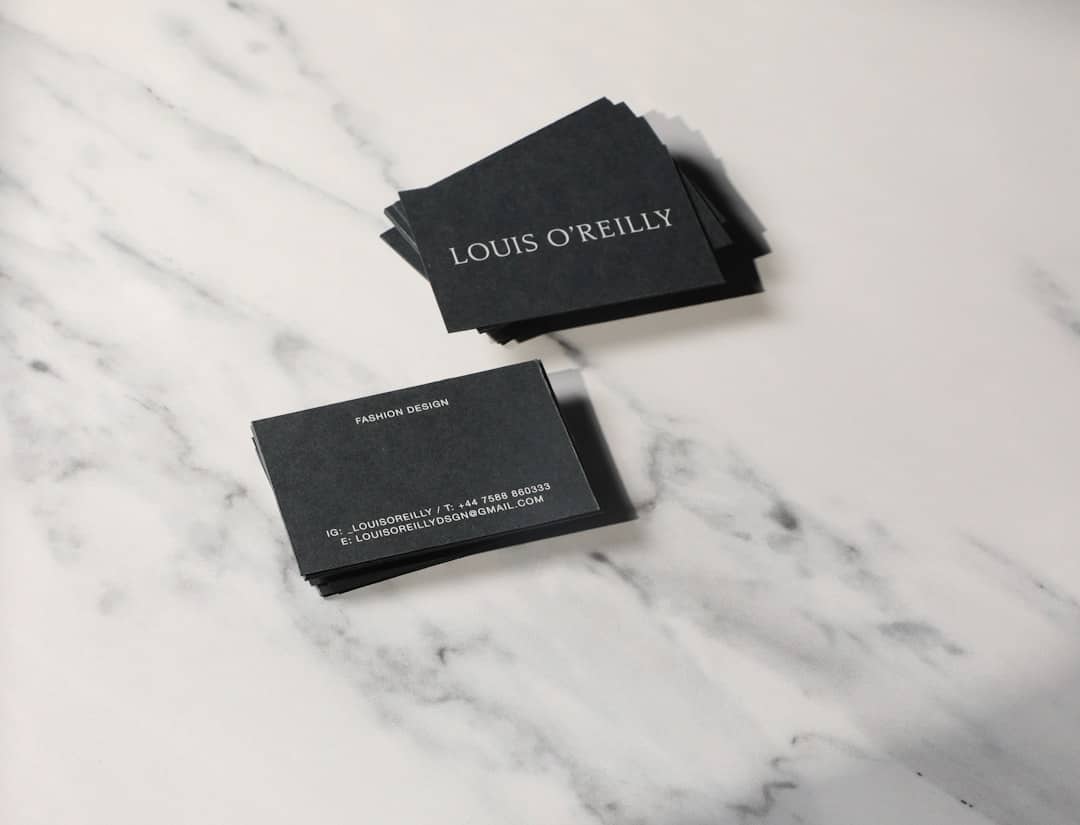
1. Canva: Best All-Around Choice for Entrepreneurs
Canva has become one of the most popular design platforms for non-designers, and its business card generator reflects that strength. It offers thousands of templates across industries such as real estate, coaching, photography, fashion, consulting, and technology. A user can choose a layout, change colors, upload a logo, edit fonts, and produce a professional card quickly.
Its biggest advantage is accessibility. Entrepreneurs without design experience can still create polished cards, while more experienced users can build custom layouts from scratch. Canva also allows designs to be downloaded as PDFs, PNGs, or JPGs, and it offers printing in many regions.
- Best for: solo entrepreneurs, freelancers, startups, and small teams.
- Strengths: large template library, simple editing, strong free plan, brand kit options.
- Limitations: popular templates can feel familiar unless customized carefully.
For a business that wants attractive cards without hiring a designer, Canva is often the safest first stop.
2. Adobe Express: Best for Brand-Forward Design
Adobe Express is a strong choice for companies that want a polished, modern look without using complex professional software. It offers stylish templates, quick resizing, Adobe Fonts integration, and easy access to design assets. Compared with some beginner-focused platforms, Adobe Express feels slightly more refined and brand-conscious.
Companies already using Adobe products may find it especially convenient. Teams can create business cards that match social graphics, flyers, presentations, and digital campaigns. This makes Adobe Express useful for organizations seeking a consistent visual identity across multiple formats.
- Best for: creative professionals, consultants, agencies, and brand-aware small businesses.
- Strengths: elegant templates, Adobe ecosystem, strong typography, polished exports.
- Limitations: some premium assets require a paid plan.
Adobe Express is not the most print-focused platform, but it excels when the priority is visual quality and brand alignment.
3. VistaPrint: Best for Fast, Practical Printing
VistaPrint is one of the most recognized names in business card printing. Its generator is built around ordering physical cards, making it ideal for companies that want to design and print in one streamlined process. The tool offers many templates, paper stocks, finishes, shapes, and quantities.
The platform is especially useful for entrepreneurs who do not want to manage separate design files and print specifications. Once a design is complete, the user can immediately choose paper thickness, coating, corners, and delivery options. This makes VistaPrint practical for businesses that need speed and reliability.
- Best for: local businesses, event exhibitors, service providers, and companies needing quick print orders.
- Strengths: easy ordering, many print options, frequent discounts, dependable production.
- Limitations: design flexibility is not as advanced as dedicated design platforms.
VistaPrint works best when the final goal is not just a digital file, but a stack of printed cards delivered with minimal friction.
4. Moo: Best for Premium Business Cards
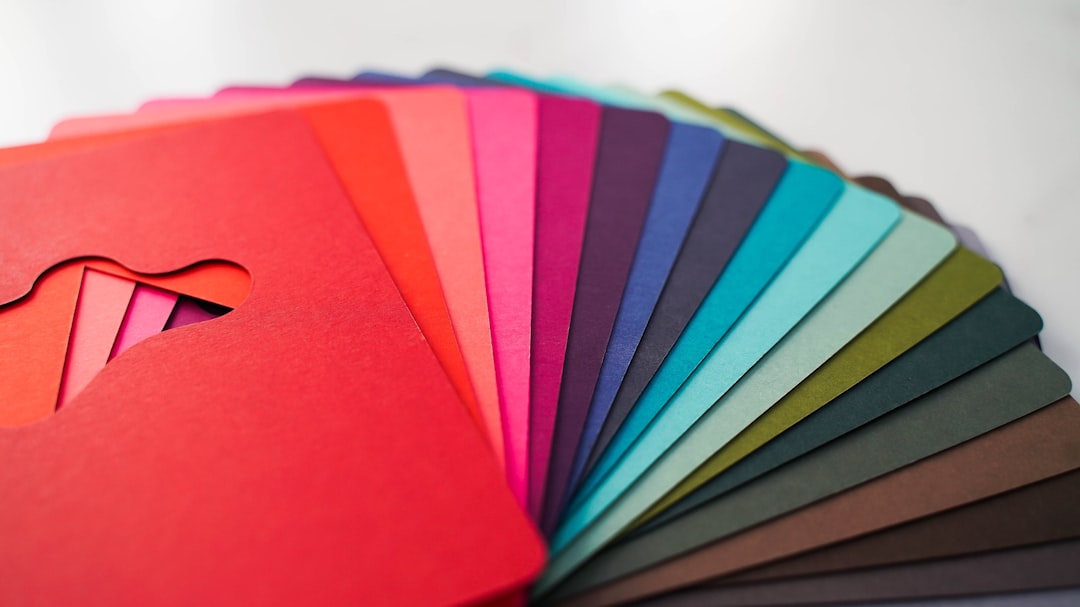
Moo is often associated with premium presentation. Its business card generator is sleek, and its print products are known for high-quality paper, strong color reproduction, and distinctive finishes. Moo also offers options such as cotton paper, luxe cards, rounded corners, and special finishes that help a card feel more memorable.
One of Moo’s standout features is the ability to print different images or designs on the backs of cards within the same pack. This is valuable for photographers, artists, product companies, and brands that want to showcase a portfolio or multiple services.
- Best for: premium brands, designers, photographers, founders, and client-facing executives.
- Strengths: beautiful print quality, upscale materials, creative back-side variations.
- Limitations: higher cost than budget-friendly alternatives.
Moo is a strong choice when a business card needs to make a tactile impression, especially in industries where presentation influences trust.
5. Zazzle: Best for Creative Template Variety
Zazzle offers a marketplace-style approach, with many designs created by independent designers. This gives companies access to a wide range of visual styles, from minimalist corporate cards to bold artistic layouts. It is useful for businesses that want something more distinctive than standard corporate templates.
The customization process is generally straightforward. Users select a design, edit text, adjust images, and order prints. Because the templates come from many creators, quality and style can vary, but the variety is a major benefit.
- Best for: boutique businesses, artists, creators, event professionals, and niche brands.
- Strengths: diverse template marketplace, creative styles, easy personalization.
- Limitations: less consistent template quality and fewer advanced brand management tools.
Zazzle suits entrepreneurs who want personality and uniqueness without designing from a blank canvas.
6. Figma: Best for Teams That Need Full Control
Figma is not a traditional business card generator, but it deserves mention because many design teams use it to create brand materials. It offers precise layout control, shared files, reusable components, and collaboration features. For companies with an in-house designer or marketing department, Figma can be more powerful than template-based tools.
A business can create a master card layout, define brand fonts and colors, and duplicate versions for different employees. This is especially valuable for growing companies that need consistency across departments and locations.
- Best for: startups with design teams, agencies, technology companies, and larger organizations.
- Strengths: precision, collaboration, brand system support, flexible exports.
- Limitations: steeper learning curve and no built-in printing workflow.
Figma is best when a company wants total design control and is comfortable sending exported files to a separate printer.
Quick Comparison of Leading Tools
| Tool | Best Use Case | Main Advantage | Potential Drawback |
|---|---|---|---|
| Canva | Fast, attractive cards for entrepreneurs | Easy editing and huge template library | Templates may need extra customization |
| Adobe Express | Brand-focused cards | Polished design and typography | Some features require payment |
| VistaPrint | Simple design-to-print workflow | Convenient ordering and print options | Less advanced design control |
| Moo | Premium printed cards | Luxury finishes and paper quality | Higher prices |
| Zazzle | Creative and niche templates | Marketplace variety | Inconsistent design quality |
| Figma | Custom team-controlled designs | Precision and collaboration | Requires design knowledge |
How Entrepreneurs Should Choose
For entrepreneurs, the right choice often comes down to time, budget, and confidence with design. A freelancer who needs cards quickly may prefer Canva or VistaPrint. A luxury consultant or boutique founder may find Moo worth the added cost. A creative professional may lean toward Zazzle for distinctive templates or Adobe Express for a more polished look.
Entrepreneurs should also consider whether the card will be used casually or strategically. A basic card works well for simple contact sharing, but a premium card can support a higher-end brand position. In fields such as consulting, real estate, design, finance, and hospitality, the feel and finish of a card can subtly influence perception.
How Companies Should Choose
Companies usually have different needs from solo professionals. They must think about repeat orders, employee card variations, brand governance, and approval workflows. For these reasons, tools with brand kits, shared templates, or centralized files become more valuable.
Canva and Adobe Express can serve small and midsize teams well, especially when brand assets are organized. Figma is stronger for companies with formal design systems. VistaPrint and Moo are appealing when printed quality and easy reordering matter most.

Design Features That Matter Most
Regardless of the tool, businesses should focus on a few essential design choices. A card should be readable, balanced, and aligned with the company’s identity. Overcrowding is one of the most common mistakes. The strongest cards often use fewer elements, better spacing, and a clear hierarchy.
- Logo placement: The logo should be visible but not overpowering.
- Typography: Fonts should be readable at small sizes.
- Color contrast: Text must stand out clearly from the background.
- Contact details: Only essential information should be included.
- Paper and finish: Materials should match the brand’s positioning.
A technology startup may prefer a clean, minimal card with a QR code, while a handmade goods company may choose warm colors and textured paper. The generator is only the tool; the strategy behind the design matters just as much.
The Final Verdict
There is no universal winner in the business card generator showdown. Canva is the best all-around option for most entrepreneurs because it balances ease, flexibility, and affordability. Adobe Express is ideal for refined brand visuals, while VistaPrint is the practical pick for fast printing. Moo wins on premium feel, Zazzle offers creative variety, and Figma gives teams the most control.
For many businesses, the smartest approach is to choose based on the intended impression. If the card must look professional quickly, a template platform is enough. If it must feel luxurious, print quality becomes the priority. If it must support a growing brand system, collaboration and consistency matter most.
FAQ
Which business card generator is best for beginners?
Canva is often the best choice for beginners because its editor is simple, its templates are abundant, and it allows quick customization without design experience.
Which tool is best for premium printed business cards?
Moo is widely favored for premium business cards because of its upscale paper options, strong print quality, and luxury finishes.
Are free business card generators good enough?
Free tools can be good enough for basic professional cards, especially when the business already has a logo and brand colors. However, paid features may provide better templates, premium assets, or higher-quality exports.
Should a company use a template or hire a designer?
A template is suitable for simple needs, fast turnaround, or limited budgets. A designer is a better choice when a company needs a unique identity, complex branding, or a highly polished executive-level card.
What information should appear on a business card?
A business card should usually include the person’s name, title, company name, logo, phone number, email address, website, and possibly a QR code or social handle. Too much information can make the card harder to read.
Which business card generator is best for teams?
Figma is strong for design-led teams that need control and collaboration, while Canva and Adobe Express are practical for teams that want reusable brand templates with easier editing.
