
How Can You Use an Audio Video Splitter for Better Media Setup?
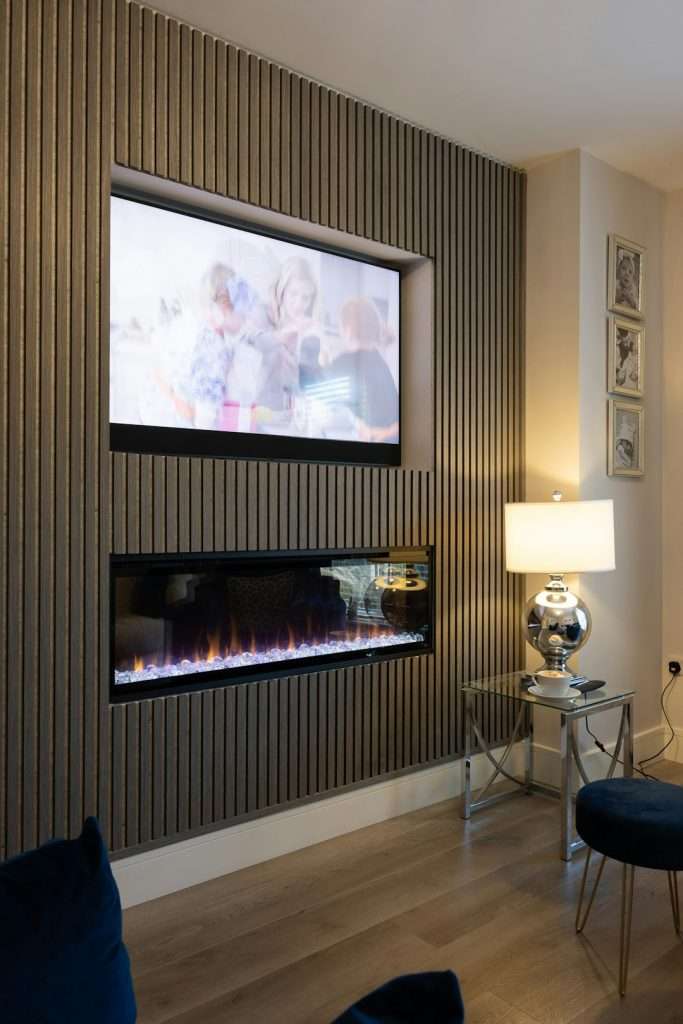
Modern media setups are more flexible than ever, but they can also become confusing quickly. Between game consoles, streaming boxes, Blu-ray players, laptops, projectors, soundbars, capture cards, and multiple screens, it is easy to run out of ports or end up swapping cables every time you want to change activities. An audio video splitter solves many of these problems by taking one signal and distributing it to two or more destinations, helping you build a cleaner, more convenient, and more powerful setup.
TLDR: An audio video splitter lets you send one audio or video source to multiple displays, speakers, recorders, or other devices at the same time. It is useful for home theaters, gaming rooms, offices, classrooms, live streaming, and retail displays. To get the best results, choose a splitter that matches your connection type, resolution, refresh rate, audio format, and cable length needs. A good splitter can reduce cable swapping, improve organization, and make your media setup much easier to use.
What Is an Audio Video Splitter?
An audio video splitter is a device that duplicates a media signal and sends it to multiple outputs. For example, an HDMI splitter can take the video and audio from a single gaming console and display it on both a TV and a projector. An audio splitter can send sound from one source to multiple speakers, headphones, amplifiers, or recording devices.
The key idea is simple: one input becomes multiple outputs. This is different from a switch, which allows you to choose between multiple inputs and send one of them to a single output. A splitter is about sharing one source across several connected devices.
Common splitter types include:
- HDMI splitters for TVs, monitors, projectors, consoles, streaming devices, and computers.
- RCA splitters for older audio and video equipment.
- Optical audio splitters for digital sound systems and soundbars.
- 3.5 mm audio splitters for headphones, speakers, and portable devices.
- VGA, DVI, or DisplayPort splitters for computer monitors and presentation setups.
Why Use an Audio Video Splitter?
The biggest advantage of using a splitter is convenience. Instead of unplugging cables and reconnecting devices, you can keep everything connected and ready. This is especially useful if you often move between watching movies, playing games, presenting slides, streaming content, or recording footage.
A splitter can also help you create a more professional and polished media environment. In a living room, it can send the same movie to a TV and a projector. In an office, it can show a presentation on two screens. In a classroom, it can distribute educational video to multiple displays. In a streaming setup, it can send gameplay to a monitor and a capture card at the same time.
Using a Splitter in a Home Theater Setup
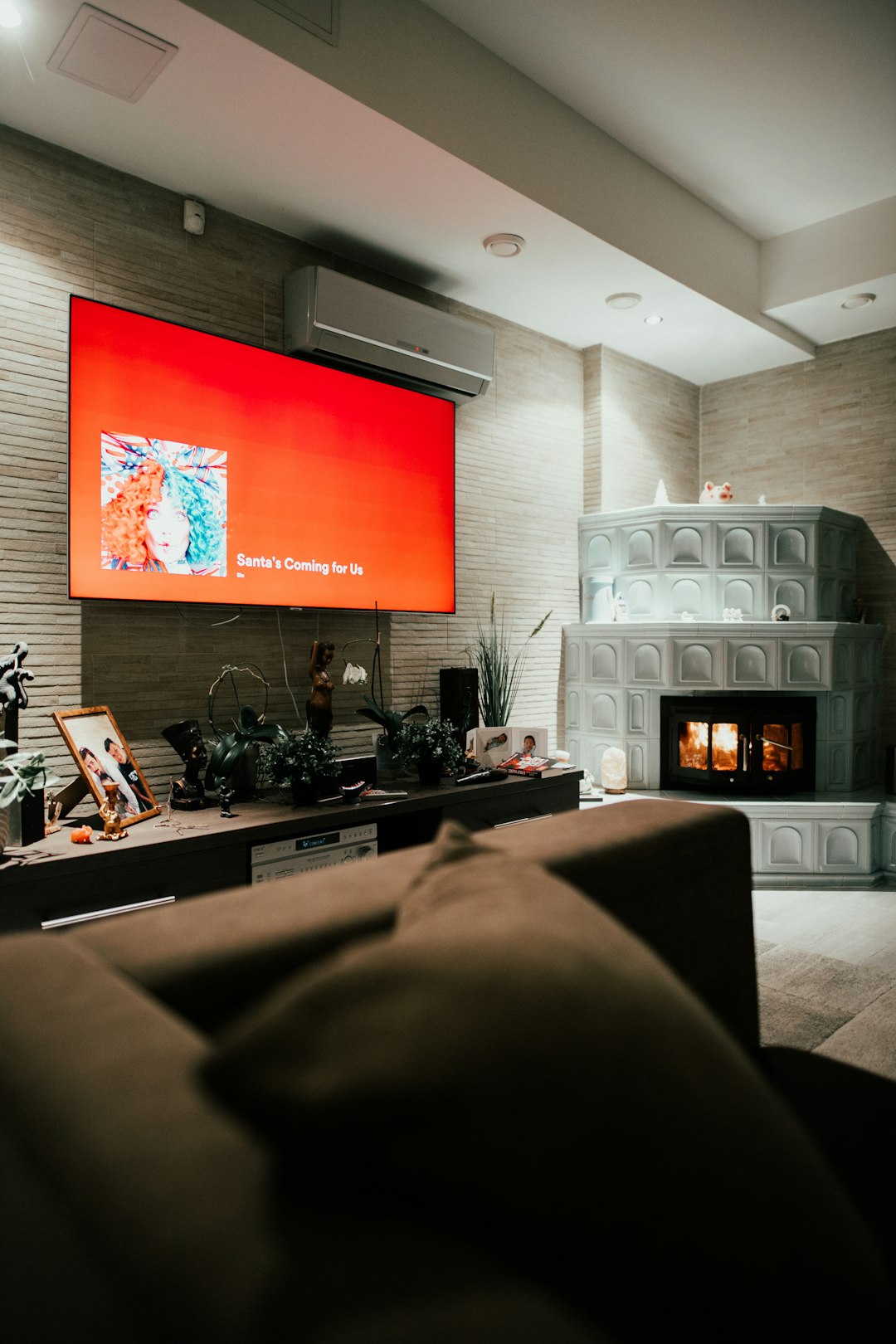
A home theater is one of the best places to use an audio video splitter. Suppose you have a streaming box, Blu-ray player, or media receiver connected to your main television, but you also want to send the same signal to a projector for movie nights. An HDMI splitter can make that possible without constantly changing cables.
You might also use a splitter to send audio separately to a soundbar or AV receiver while keeping video on the TV. Some setups require an HDMI audio extractor rather than a basic splitter, especially if you need to separate sound from the HDMI signal and send it through optical, RCA, or 3.5 mm outputs.
For best results in a home theater, make sure the splitter supports the video quality you want. If you have a 4K TV and a 4K media player, choose a splitter that supports 4K resolution, the correct refresh rate, HDR if needed, and compatible audio formats such as Dolby Digital, DTS, or Dolby Atmos passthrough.
Improving a Gaming Setup
Gamers often use splitters to send one console or PC signal to multiple devices. A common example is sending gameplay to both a monitor and a capture card. The monitor gives the player a low-latency display, while the capture card sends footage to a computer for streaming or recording.
In this case, the quality of the splitter matters. A cheap or outdated splitter may limit your resolution, reduce the refresh rate, or introduce compatibility issues. If you play at 1080p 120 Hz, 1440p, or 4K 60 Hz, check that the splitter supports those exact specifications. For newer consoles, features like HDR, variable refresh rate, and high bandwidth HDMI standards may also be important.
Tip: If responsiveness matters, avoid unnecessary signal processing. Choose a splitter known for stable passthrough and low latency, especially for competitive gaming.
Creating a Better Office or Presentation System
In offices and meeting rooms, audio video splitters are extremely practical. A presenter may need to show the same laptop screen on a conference room display and a secondary monitor. A training room may need the same content shown on multiple screens so everyone can see clearly. A video conferencing system may need to distribute audio or video to several devices at once.
An HDMI splitter can simplify this arrangement by allowing permanent connections to two or more screens. For larger spaces, you may need a powered splitter or distribution amplifier, which maintains signal strength over longer cable distances. This is especially helpful when displays are mounted far apart.
Using Splitters for Streaming and Recording
Content creators often build setups that include cameras, computers, capture cards, monitors, microphones, mixers, and lights. In this environment, routing signals cleanly is essential. A splitter can send a camera feed to both a monitor and a recorder. It can send console gameplay to a display and streaming computer. It can also distribute audio from a mixer to multiple destinations.
For video production, reliability is especially important. A signal dropout during a live stream can be frustrating and unprofessional. Look for a splitter with stable power, strong build quality, and support for the exact signal format your equipment uses. If you are working with cameras, check whether you need HDMI, SDI, or another format. For longer cable runs, SDI may be more reliable than HDMI, although HDMI is more common in consumer setups.
Audio Only: When Sound Is the Priority
Not every setup needs video splitting. Sometimes you simply want to share audio. A basic 3.5 mm splitter can let two people listen to the same tablet, phone, or laptop with separate headphones. RCA splitters can send analog audio to multiple amplifiers or powered speakers. Optical splitters can distribute digital audio from a TV to more than one sound system.
However, audio splitting has limits. Passive splitters, which do not use power, may reduce signal strength or volume when feeding multiple devices. Powered audio distribution devices are better when you need clean, consistent sound across several outputs. If audio quality matters, avoid overloading one small output with too many connected devices.
Choosing the Right Splitter
Before buying an audio video splitter, think about your entire setup rather than only the device you are connecting today. The right choice depends on compatibility, performance, and future needs.
Important factors include:
- Connection type: Match the splitter to your equipment, such as HDMI, DisplayPort, optical, RCA, or 3.5 mm.
- Number of outputs: Choose a 1×2 splitter for two displays, 1×4 for four displays, or larger if needed.
- Resolution and refresh rate: Check support for 1080p, 4K, 8K, 60 Hz, 120 Hz, or other requirements.
- Audio format support: Make sure surround sound, stereo, Dolby, DTS, or other formats pass through correctly.
- HDCP compatibility: For protected content from streaming devices or Blu-ray players, HDCP support may be required.
- Power: Powered splitters are usually better for stable performance, especially with high resolution or long cables.
- Cable length: Longer cables can weaken signals, so active splitters or signal boosters may be necessary.
Passive vs Powered Splitters
A passive splitter does not require external power. It is usually small, inexpensive, and simple. Passive audio splitters are common for headphones or basic analog audio. However, passive splitters are not always ideal for video, especially high-definition digital video, because they can weaken the signal.
A powered splitter uses external power to maintain signal strength and properly duplicate the source. For HDMI video, a powered splitter is usually the better choice. It is more reliable, supports higher resolutions more consistently, and performs better when sending signals to multiple displays.

Common Mistakes to Avoid
One common mistake is confusing a splitter with a switch. If you want to connect several devices, such as a console, laptop, and streaming box, to one TV, you need a switch. If you want one device to appear on several screens, you need a splitter.
Another mistake is overlooking the lowest capability device in the chain. If one display supports only 1080p and another supports 4K, some splitters may output 1080p to both screens. This happens because the splitter tries to find a format that all connected devices can handle. More advanced splitters may offer scaling features, allowing different outputs to receive different resolutions.
People also underestimate cable quality. A good splitter cannot fully compensate for damaged, poor quality, or excessively long cables. If you are experiencing flickering, no signal, audio dropouts, or resolution problems, test with shorter certified cables before replacing the splitter.
Practical Setup Ideas
Here are a few useful ways to include an audio video splitter in your media arrangement:
- Living room plus patio: Send one TV source to an indoor screen and an outdoor display for parties or sports events.
- TV plus projector: Keep both connected so you can switch between casual viewing and cinematic movie nights.
- Gaming and streaming: Send console output to a gaming monitor and a capture card simultaneously.
- Classroom displays: Show the same lesson content on multiple screens for better visibility.
- Retail signage: Distribute promotional videos to several displays from one media player.
- Shared listening: Use an audio splitter for two headphones on a laptop or portable player.
Final Thoughts
An audio video splitter may seem like a small accessory, but it can make a major difference in how smoothly your media setup works. It reduces cable swapping, expands your display and audio options, and helps your devices work together more efficiently. Whether you are building a home theater, upgrading a gaming station, organizing a meeting room, or improving a streaming workflow, the right splitter adds flexibility without making the system harder to use.
The best approach is to start with your goal: where does the signal need to go, and what quality do you expect from it? Once you know that, choosing the correct splitter becomes much easier. With the right device, cables, and layout, you can create a media setup that feels cleaner, smarter, and far more enjoyable to use.
