
Editor’s Picks: 12 Business Card Makers Designers Actually Use

In an increasingly digital world, business cards remain one of the most powerful physical branding assets a professional can carry. Designers, freelancers, consultants, and creative directors still rely on well-crafted cards to communicate credibility, attention to detail, and brand personality in a tangible format. While countless online tools promise quick results, only a handful consistently meet the aesthetic and technical standards professional designers demand. Below is a carefully curated list of business card makers that designers genuinely use—and trust.
TLDR: Professional designers prioritize precision, print quality, customization, and file control when choosing business card makers. The best tools combine ease of use with advanced layout features, paper and finish options, and export flexibility. This list highlights 12 platforms that strike the right balance between design control and production quality. A comparison chart is included to help you quickly evaluate the best option for your workflow.
What Designers Actually Care About
Before exploring the tools, it’s important to understand what separates professional-grade business card makers from consumer-level templates:
- High-resolution export (300 DPI or higher)
- CMYK color control
- Bleed and margin settings
- Custom typography options
- Premium paper and finish choices
- Reliable print fulfillment
With those standards in mind, here are 12 business card makers designers consistently use.
1. Adobe Express
Adobe Express offers streamlined card creation with access to Adobe’s typography ecosystem and brand kits. While it’s simpler than Illustrator, it provides enough design freedom for clean, professional layouts.
Best for: Designers who want quick production while staying in Adobe’s ecosystem.
2. Canva Pro
Canva Pro has evolved into a serious option for designers managing multiple brands. Custom fonts, brand kits, and advanced layout control make it useful for fast turnaround projects.
Best for: Agencies and social media professionals creating consistent brand collateral.
3. Moo
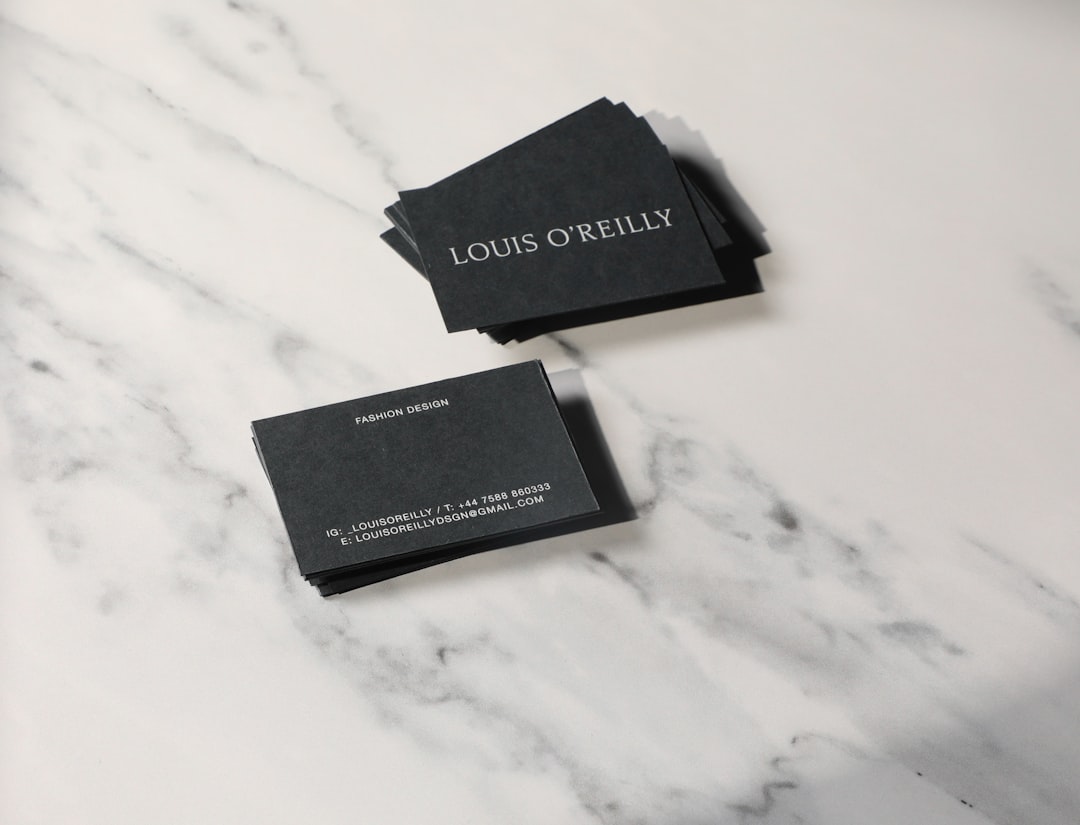
Moo stands out for its premium print quality and distinctive finishes such as letterpress, foil accents, and ultra-thick stock. Designers value Moo for client-facing work where tactile impact matters.
Best for: High-end branding projects and creative professionals.
4. Vistaprint
Long considered a mainstream platform, Vistaprint has refined its professional offerings in recent years. With expanded customization features and solid print reliability, it’s often used for corporate rollouts.
Best for: Bulk corporate orders and cost-effective production.
5. Adobe Illustrator + Local Print Shop
Many seasoned designers bypass templates entirely and design in Illustrator before exporting print-ready files for local or specialty printers. This route offers maximum control over color management, die cuts, and specialty finishes.
Best for: Complete creative and print control.
6. Jukebox Print
Jukebox is popular among designers who appreciate creative paper options and specialty finishes such as painted edges, recycled materials, and unique textures.
Best for: Bold, unconventional brand identities.
7. GotPrint
GotPrint is known for affordability without sacrificing basic professional standards like CMYK consistency and paper weight options. Designers often use it for internal materials or startup clients.
Best for: Budget-conscious projects.
8. Print Peppermint
This platform specializes in premium and luxury finishes including suede velvet lamination and custom foil stamping. Designers trust it when presentation quality directly reflects brand prestige.
9. Staples Print Services
While not boutique, Staples remains practical for urgent jobs. Designers working on tight deadlines use it for same-day pickups and dependable color output.
Best for: Time-sensitive projects.
10. Zazzle
Zazzle provides a marketplace-style customization system. While template-driven, it allows solid personalization and unique material options.
Best for: Entrepreneurs who need design flexibility with moderate control.
11. Blurb
Primarily known for book printing, Blurb also delivers high-end card options. Designers integrating brand storytelling into collateral often use Blurb for cohesive packages.
12. Elite Flyers
Elite Flyers appeals to designers who need specialty upgrades without boutique pricing. It offers foil, edge painting, and heavy stocks suitable for statement-making cards.
Comparison Chart
| Tool | Design Control | Print Quality | Best For | Specialty Finishes |
|---|---|---|---|---|
| Adobe Express | Moderate | High | Quick branded content | Limited |
| Canva Pro | Moderate to High | High | Agency workflows | Limited |
| Moo | Moderate | Very High | Luxury branding | Extensive |
| Vistaprint | Moderate | High | Corporate bulk | Moderate |
| Illustrator + Local Printer | Very High | Variable to Very High | Total customization | Unlimited (printer dependent) |
| Jukebox | High | Very High | Creative projects | Extensive |
| GotPrint | Basic to Moderate | High | Budget runs | Basic |
| Print Peppermint | High | Very High | Premium markets | Extensive |
| Staples | Basic | Reliable | Urgent jobs | Limited |
| Zazzle | Moderate | High | Independent creators | Moderate |
| Blurb | High | Very High | Brand packages | Moderate |
| Elite Flyers | High | Very High | Statement cards | Extensive |
Key Trends in Professional Business Card Design
Designers today are moving toward minimalist layouts, tactile finishes, and intentional typography. Overcrowded cards are increasingly replaced by generous white space, bold font selection, and strategic use of color. QR codes are being integrated more seamlessly, often printed subtly on the back.

Another growing trend is sustainable printing. Recycled paper stocks, soy-based inks, and plastic-free finishes are now common requests among environmentally conscious brands.
How to Choose the Right Tool for Your Needs
When selecting a business card maker, evaluate your priorities against the following questions:
- Do you need full creative control? Choose Illustrator with a specialty printer.
- Is premium texture crucial? Consider Moo or Print Peppermint.
- Working under budget constraints? GotPrint or Vistaprint may suffice.
- Is speed essential? Staples or a local digital printer can deliver same-day results.
- Managing multiple brand identities? Canva Pro or Adobe Express streamline consistency.
Designers often combine tools rather than relying on a single platform—creating layouts in professional software and outsourcing production to specialty printers when necessary.
Final Thoughts
Despite rapid digital transformation, the business card remains a powerful symbol of identity and professionalism. Designers who treat it as a core brand asset—not an afterthought—understand that quality, typography, paper selection, and print precision all influence perception.
The platforms listed above represent tools that professionals genuinely integrate into their workflows. Whether prioritizing creative freedom, tactile luxury, affordability, or production speed, there is a solution suited to every level of design demand.
Ultimately, the best business card maker is not simply the one with the most templates—it is the one that supports your brand vision with consistency, quality, and precision.
