
Best Website Builder for One-Page Websites
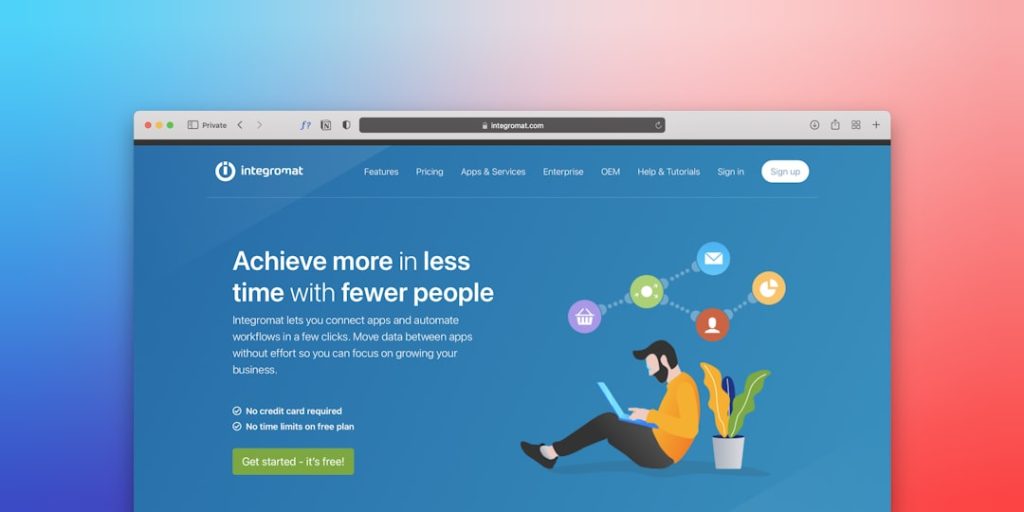
One-page websites are everywhere. They are fast. They are focused. They tell one clear story. Perfect for portfolios, products, events, and small businesses. But the big question is simple. Which website builder is best for one-page websites?
TLDR: One-page websites need speed, style, and simplicity. Builders like Wix, Squarespace, Carrd, Webflow, and Framer shine here. The best choice depends on your skill level and goals. Beginners should look for ease. Designers should look for control.
Let us break it all down. No jargon. No headaches. Just clear answers.
What Makes a Great One-Page Website Builder?
Before picking a tool, you need to know what matters.
- Ease of use. You should build fast.
- Design quality. One page must look great.
- Scrolling features. Smooth scroll is key.
- Mobile friendliness. Phones come first.
- Speed. Slow pages lose visitors.
- Price. Simple sites should not cost a fortune.
One-page websites rely on flow. Each section must lead to the next. The builder must support that rhythm.

Wix: Best All-Around for Beginners
Wix is friendly. Very friendly.
You drag. You drop. You smile.
Wix offers many one-page templates. Most look modern. Many are colorful. All are editable.
Why Wix shines:
- Very easy editor.
- Many ready-made sections.
- Great mobile controls.
- Built-in forms and buttons.
You can stack sections vertically. You can add anchors. Clicking a menu item scrolls smoothly.
Downsides? Advanced designers may feel limited. Code control is basic.
Best for: Beginners, small business owners, first-time builders.
Squarespace: Best for Stylish Simplicity
Squarespace loves beauty. Clean fonts. Big images. Calm spacing.
It is not as playful as Wix. But it is polished.
Many Squarespace templates work perfectly as one-page sites. You can hide navigation. Or turn menu items into scroll anchors.
Why people love Squarespace:
- High-end design.
- Strong typography.
- Reliable hosting.
- Built-in SEO tools.
Editing is section-based. Less freedom. More structure.
The catch? It costs more. Flexibility is lower.
Best for: Creatives, photographers, consultants.
Carrd: Best Lightweight One-Page Builder
Carrd is tiny. And powerful.
It does one thing very well. One-page websites.
No clutter. No confusion.
What makes Carrd special:
- Super fast setup.
- Very low cost.
- Clean and simple layouts.
- Perfect for landing pages.
You can create a site in minutes. Really.
Animations are smooth. Scrolling feels nice.
Limitations? Not for big content. No deep blogging. Few integrations.
Best for: Landing pages, coming soon pages, link in bio sites.
Webflow: Best for Power and Control
Webflow is serious.
It gives you designer-level tools. Without needing code. Mostly.
For one-page websites, Webflow is a dream. If you know what you are doing.
Why Webflow stands out:
- Total layout control.
- Advanced animations.
- Clean HTML and CSS output.
- Blazing fast hosting.
You can fine-tune scrolling. Parallax effects shine. Micro interactions sparkle.
The downside? A learning curve. It is not beginner friendly.
Best for: Designers, developers, creative agencies.
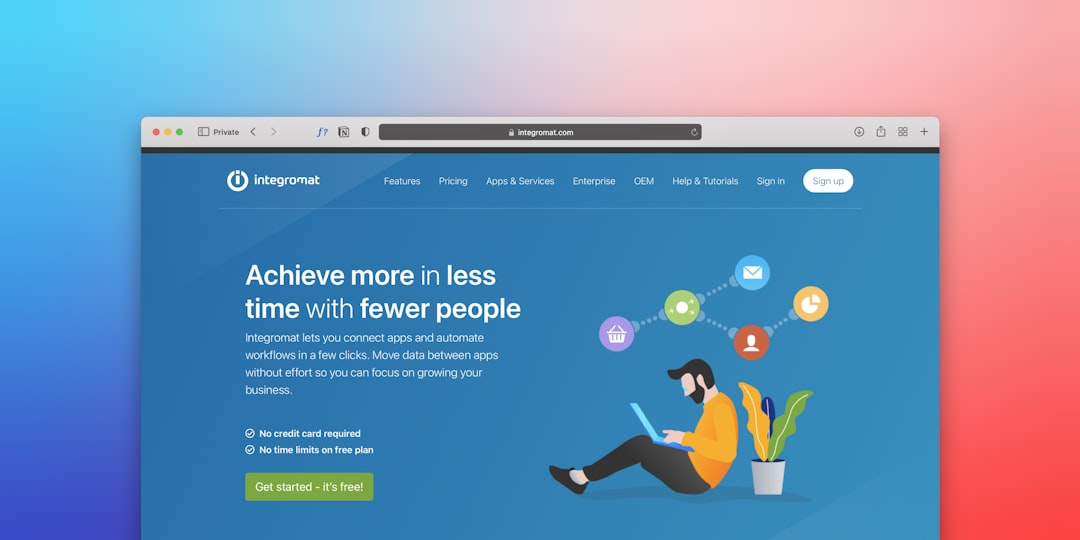
Framer: Best for Modern Interactive One-Pagers
Framer feels fresh.
It mixes design and interaction beautifully.
One-page websites in Framer feel alive. Buttons respond. Sections glide.
Reasons to choose Framer:
- Very modern templates.
- Strong animation tools.
- Great for product pages.
- Fast publishing.
It is easier than Webflow. Harder than Wix.
What to know: Fewer templates. Smaller ecosystem.
Best for: Startups, product launches, designers who love motion.
WordPress.com: Best If You Want to Grow Later
WordPress is famous. For a reason.
You can make a one-page site easily. Many themes support it.
Blocks stack well. Anchor links work fine.
Why consider WordPress.com:
- Scales well over time.
- Huge theme library.
- Strong content tools.
- Familiar interface.
You can start simple. Then expand to many pages later.
But. It may feel heavy for a simple site.
Best for: Bloggers, businesses planning growth.
Quick Comparison List
Here is the fast version.
- Wix: Easiest overall.
- Squarespace: Best visual polish.
- Carrd: Fastest and cheapest.
- Webflow: Full creative control.
- Framer: Modern and interactive.
- WordPress.com: Future-proof choice.
Tips for Building a Great One-Page Website
The tool matters. But structure matters more.
- Start with a strong hero section.
- Use clear headings.
- Keep sections short.
- Add one main call to action.
- Make navigation sticky.
- Test on mobile.
Remember. One page tells one story. Do not overload it.
Final Thoughts
The best website builder for one-page websites depends on you.
If you want easy, choose Wix. If you want beauty, choose Squarespace. If you want speed and simplicity, choose Carrd. If you want power, choose Webflow. If you want motion, choose Framer.
One-page websites are not small. They are focused.
Pick the builder that matches your skills. Then start building. Your perfect page is only one scroll away.
