
8 AI Debugging Tools For Fixing Code Issues
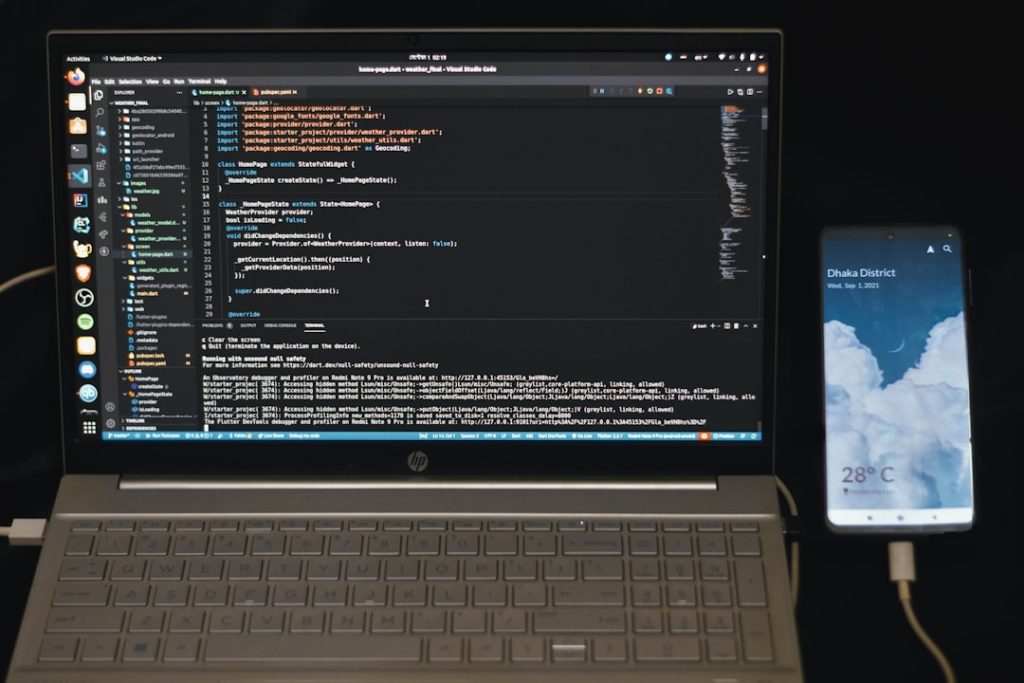
Debugging has always been one of the most time-consuming and mentally demanding parts of software development. As codebases grow more complex and development cycles accelerate, traditional debugging methods are no longer enough. Fortunately, artificial intelligence has stepped into the picture, offering powerful tools that can detect, analyze, and even fix code issues faster than ever before. From identifying subtle logic flaws to suggesting optimized fixes, AI debugging tools are transforming how developers troubleshoot their work.
TLDR: AI debugging tools use machine learning and advanced code analysis to detect bugs, suggest fixes, and improve code quality faster than manual methods. They can identify syntax errors, runtime exceptions, security vulnerabilities, and logical flaws in real time. These tools integrate directly into popular IDEs and repositories, helping developers write cleaner, more reliable software. Below are eight of the most effective AI-powered debugging tools available today.
Why AI-Powered Debugging Matters
Traditional debugging often involves manually stepping through code, setting breakpoints, analyzing stack traces, and reviewing logs. While effective, it can be slow and frustrating—especially when dealing with large distributed systems or legacy code.
AI debugging tools bring several advantages:
- Automated pattern recognition across millions of code samples
- Real-time error detection as you type
- Intelligent fix suggestions based on best practices
- Security and performance issue detection
- Context-aware debugging across entire projects
Let’s explore eight standout tools redefining the debugging workflow.
1. GitHub Copilot
While widely known as a code completion assistant, GitHub Copilot also serves as a powerful debugging companion. It analyzes surrounding code and suggests corrections when it detects logic errors, undefined variables, or misuse of APIs.
Key Debugging Features:
- Suggests fixes for syntax and logic errors
- Explains code blocks in natural language
- Helps resolve runtime errors with contextual recommendations
- Generates unit tests to catch hidden bugs
One of Copilot’s biggest strengths is its ability to understand the broader coding context rather than just individual lines.
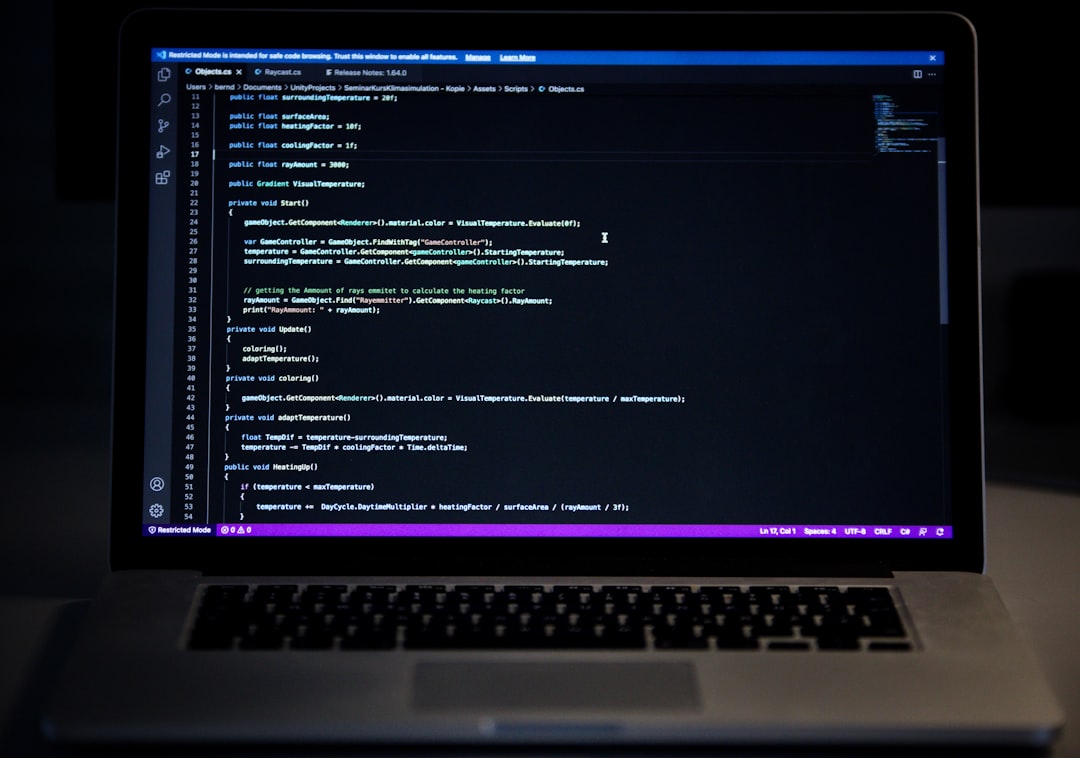
Because it integrates seamlessly into editors like VS Code, it works in real time without disrupting a developer’s workflow.
2. DeepCode (Snyk Code)
DeepCode, now part of Snyk Code, uses machine learning to scan entire repositories and detect bugs, vulnerabilities, and code quality issues.
Unlike traditional static analyzers, DeepCode has been trained on millions of open-source repositories. This allows it to identify problematic patterns that human reviewers might miss.
What Makes It Stand Out:
- AI-driven static code analysis
- Security vulnerability detection
- IDE and CI/CD integration
- Prioritized issue recommendations
It not only flags problems but also explains why they matter and suggests fixes aligned with secure coding standards.
3. Amazon CodeGuru
Amazon CodeGuru combines machine learning with cloud-based analysis to improve code quality and performance.
It offers two core services:
- CodeGuru Reviewer – identifies bugs and security flaws
- CodeGuru Profiler – detects runtime performance bottlenecks
This makes it particularly valuable for teams building cloud-native or AWS-based applications.
Debugging Benefits:
- Flags resource leaks
- Detects concurrency issues
- Suggests performance optimizations
- Learns from aggregated development data
Its ability to analyze runtime behavior sets it apart from purely static analyzers.
4. Tabnine
Tabnine is another AI coding assistant that doubles as a debugging tool. While primarily known for code completion, it also helps prevent errors before they happen.
By predicting likely code patterns, Tabnine reduces the likelihood of typos, syntax mistakes, and misused methods.
Why Developers Use It for Debugging:
- Real-time inline suggestions
- Error-reducing pattern prediction
- Team-trained AI models for consistency
- Support for multiple programming languages
Its proactive approach minimizes the number of bugs introduced during development.
5. Kite (AI Code Assistant)
Kite leverages AI models trained specifically for Python development. Though no longer as widely used as before, it introduced innovative debugging assistance features that influenced modern tools.
Core Debugging Help:
- Autocomplete with contextual awareness
- Documentation lookups
- Error-aware suggestions
- Function signature guidance
By surfacing documentation and valid argument structures instantly, Kite significantly reduced common runtime errors.
6. Visual Studio IntelliCode
IntelliCode enhances Microsoft’s Visual Studio with AI-driven code recommendations.
It goes beyond regular IntelliSense by ranking suggestions based on best practices learned from high-quality repositories.

Debugging Capabilities Include:
- Intelligent code recommendations
- Detection of inefficient patterns
- Automated refactoring suggestions
- Improved consistency across teams
Because it integrates deeply into the Visual Studio ecosystem, it feels like a natural extension rather than an external tool.
7. SonarLint with AI Enhancements
SonarLint is widely respected for static code analysis. With AI-driven enhancements, it has become even more powerful at identifying common and complex code issues.
Notable Features:
- Real-time bug detection inside IDE
- Maintainability and code smell analysis
- Security hotspot detection
- Clean code suggestions
One of SonarLint’s strengths is its emphasis on long-term code quality, not just immediate bug fixes. It encourages developers to write cleaner architecture from the start.
8. Mutable.ai
Mutable.ai focuses on automated refactoring and code transformation, making it a powerful debugging and cleanup companion.
Instead of merely highlighting issues, it can rewrite code blocks for improved clarity and correctness.
What It Brings to Debugging:
- Automated code refactoring
- Logical error detection
- Improved readability suggestions
- Assistance with large legacy codebases
This tool shines when working with inherited projects filled with hidden inefficiencies or outdated patterns.
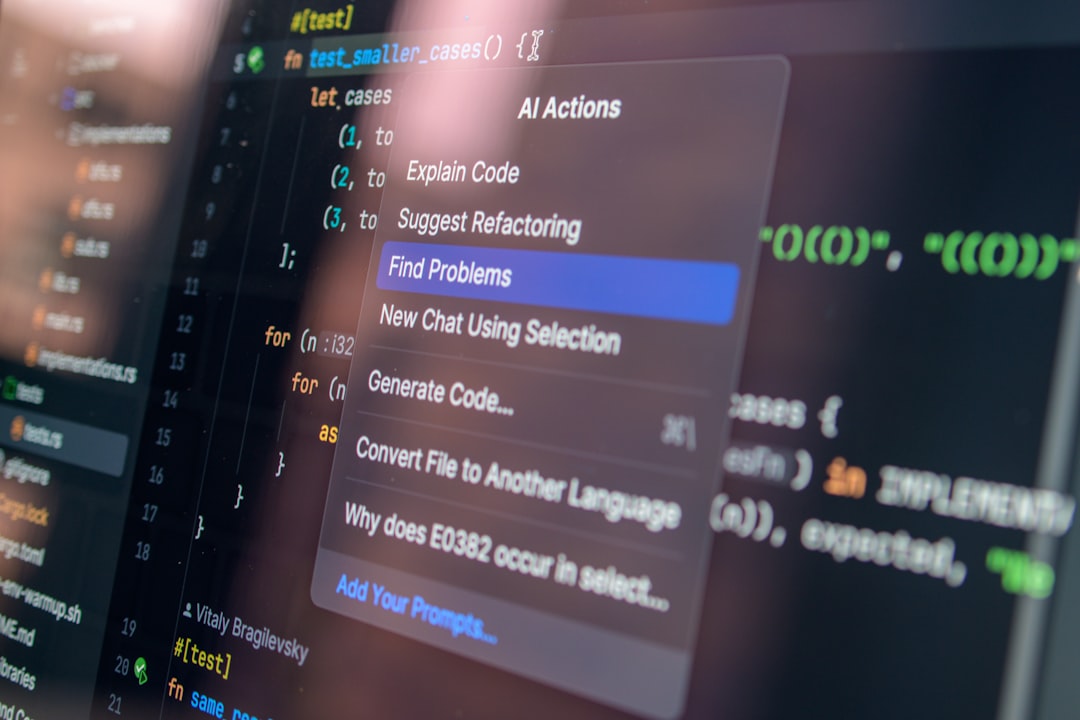
How to Choose the Right AI Debugging Tool
Not every tool fits every workflow. When selecting an AI debugging assistant, consider:
- Language support: Does it cover your tech stack?
- Integration: Does it work inside your IDE and CI pipeline?
- Security features: Does it flag vulnerabilities?
- Performance analysis: Does it detect runtime bottlenecks?
- Team compatibility: Can it scale for multiple developers?
For enterprise teams, repository-wide scanning and security scanning may be critical. For solo developers, real-time inline assistance may be the priority.
The Future of AI Debugging
AI debugging is still evolving. In the near future, we can expect tools that:
- Autonomously fix entire bug clusters
- Simulate execution paths to predict crashes
- Automatically generate comprehensive test suites
- Provide conversational debugging assistance
- Continuously monitor production systems with self-healing code
As models become more advanced, debugging may shift from reactive problem-solving to proactive prevention.
Final Thoughts
Debugging doesn’t have to be a frustrating, time-draining process. With modern AI debugging tools, developers can catch errors earlier, understand issues more clearly, and apply fixes more confidently. Whether you’re working on a small personal script or managing a complex cloud deployment, these tools provide intelligent support that enhances both speed and quality.
The eight tools highlighted above demonstrate how artificial intelligence is transforming software development. By integrating AI into your workflow, you can move from manual troubleshooting to intelligent, assisted debugging—allowing you to focus more on innovation and less on hunting down elusive bugs.
The future of coding isn’t just about writing smarter programs. It’s about building them with smarter tools.
