
How To Choose The Right Visitor Management Software For Your Organization’s Security Needs
Let’s face it—your office isn’t a party everyone should crash. You want to keep the wrong people out and welcome the right ones in. That’s where visitor management software (VMS) comes in. It’s the digital doorman to your building, and choosing the right one is crucial.
TL;DR:
Visitor management software helps keep your workplace secure by tracking who comes in and out. Choose software based on your needs: security features, ease of use, and integration with existing tools. Look out for things like badge printing, facial recognition, and real-time alerts. The goal is to protect your people and property without complicating your day.
What Is Visitor Management Software (VMS)?
It’s a sleek, digital way to log visitors. No more big books and messy signatures. A VMS records names, photos, check-in times, and more—automatically.
Think of it as a friendly bouncer. It lets in trusted guests and keeps things safe inside. You’ll find it in offices, schools, hospitals, factories—basically anywhere that cares about safety.
Why Do You Even Need It?
Because clipboards are so last decade. Here’s why VMS is a must-have:
- Better Security: Know exactly who’s in your building.
- Emergency Efficiency: Fast access to visitor data during evacuations.
- Impress Your Visitors: Modern, automated check-ins make you look good.
- Compliance: Helps meet industry safety standards.
How Do You Choose the Right One?
Glad you asked! Picking the right VMS can feel like choosing a new phone. They all look similar but come with different features. Here’s how to find the perfect fit:
1. Know Your Security Needs
Start with the basics. Ask yourself:
- How sensitive is the information in your building?
- Do you deal with high-value assets?
- Is your site a potential target for theft or breaches?
If you’re guarding gold bars, you’ll want more bells and whistles. If it’s just a co-working space, you might be okay with something simple.
2. Decide Between Cloud-Based or On-Premises
This is a biggie. A cloud-based VMS stores data online. It’s accessible from anywhere. Updates come automatically. But it needs a solid internet connection.
On-premises systems store everything locally. They give you more control but need more tech support. Choose based on your IT strengths and data privacy needs.
3. Integration is Everything
Your new VMS should play nicely with the tools you already use.
- Access control systems? Check.
- Email platforms? Sync it.
- Calendar invites? Yes, please.
If it doesn’t integrate, you’ll waste time switching between apps. Nobody wants that.
4. Watch Out for These Must-Have Features
All VMS platforms offer the basics. But the best ones go beyond. Look for these standout features:
- Touchless check-in: Guests use their phone to sign in. Fast and hygienic.
- Photo capture: Snap a pic of each visitor for extra ID verification.
- Visitor badges: Instantly print badges with names and visit dates.
- Pre-registration: Send guests a QR code ahead of their visit.
- Real-time notifications: Alert employees the moment their guest arrives.
- Legal document signing: Get NDAs signed right at check-in.

Bonus points if you get a system that supports multiple languages and accessibility features. Everyone should feel welcome.
5. Prioritize Ease of Use
If your front desk team dreads the dashboard each morning, you picked the wrong software. The interface should be clean, intuitive, and fast.
Try a demo before you commit. Ask the vendor for a free trial. Better yet, include actual reception staff in the decision-making. They’re the ones using it daily.
6. Don’t Forget Mobile Friendliness
We’re living in a mobile world. Your VMS should run smoothly on tablets and smartphones. This is especially important for remote check-ins or multiple entrances.
Pro tip: Some apps even let hosts manage guests and send invites straight from their phones.
7. Levels of Security
Security isn’t just one thing—it’s a mix. Here’s what to check for:
- Audit logs: See every change, every time, from every user.
- Role-based access: Only the right people get to view or edit information.
- Encryption: Is guest data safe in transit and at rest?
- ID verification: Match guests to government-issued IDs.
If your business handles personal data, medical info, or intellectual property, this part is critical.
8. Choose a Vendor Who Cares
Support matters. Look for companies with:
- Fast response times
- Live chat or phone support
- Clear online documentation or video tutorials
You’re not just buying software. You’re building a partnership.
9. Think About Scalability
Today it’s one office. Tomorrow? Five buildings in three countries. Make sure your VMS can grow with you.
Can you manage all locations from a single dashboard? Can it handle hundreds (or thousands) of visitors per day?
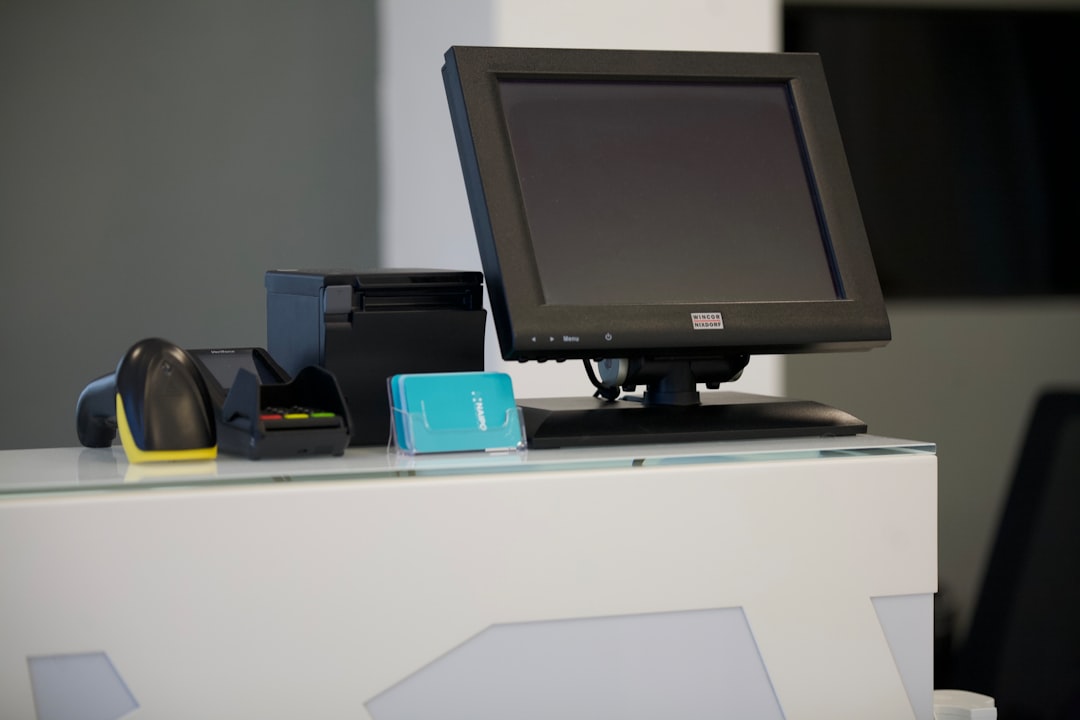
A good system adapts to your needs, not the other way around.
10. Price Isn’t Everything (But It Still Matters)
You don’t need to max out your budget to get a solid solution. But don’t skimp either. Free tools might lack what your team really needs.
Compare plans, licensing models, support levels, and update cycles. Look for hidden fees (like charging extra for every new feature).
Some tools charge per visitor, others per location, and some offer unlimited usage. Pick what makes sense financially for your setup.
A Quick Checklist for Choosing the Perfect VMS
- ✅ Matches your security policies
- ✅ Works with your current tools
- ✅ Easy for guests and staff to use
- ✅ Comes with great support
- ✅ Scales with your business
This list will save you hours. Maybe days.
Final Thoughts
Don’t let the wrong visitor walk through your front door. A powerful visitor management system doesn’t just track who came in—it helps you stay ahead of threats, protect your reputation, and create a smoother experience for everyone.
Think of it as upgrading from a “Visitors, please knock” door sign to a full-blown digital concierge. Your team, your guests, and your future self will thank you.
