
How Developers Solved Contrast Ratio Issues With Stark and Restored WCAG Compliance for Mobile Apps

Mobile apps have become a crucial part of everyday life, and with this growing reliance comes a greater need for accessibility. Developers are increasingly expected to ensure their apps are usable by all—including individuals with visual impairments. A common accessibility problem occurs when text lacks sufficient contrast against its background, making it nearly impossible to read. Addressing these contrast ratio issues is not only a matter of good user experience, but it’s also a requirement under the Web Content Accessibility Guidelines (WCAG).
TLDR: Developers faced major challenges with contrast ratio issues in mobile apps that endangered WCAG compliance. Stark, an accessibility assistant tool, streamlined the audit and correction process, helping teams fix color contrasts efficiently. This restored compliance and also enhanced usability for all users. With growing accessibility expectations, tools like Stark are becoming integral to mobile development pipelines.
Understanding the Problem: Why Contrast Ratios Matter
Contrast ratio refers to the difference in luminance, or brightness, between two colors—typically text and its background. A strong contrast ensures that users with low vision or color blindness can decipher on-screen content. According to WCAG 2.1 standards:
- Level AA requires a contrast ratio of at least 4.5:1 for normal text and 3:1 for large text.
- Level AAA ups the requirement to 7:1 for normal text and 4.5:1 for large text.
Despite being a well-documented requirement, many mobile apps fail these checks. The reason? Design decisions that prioritize aesthetics over accessibility and a lack of automated tools built into mobile development environments.
Initial Challenges Faced By Developers
Developers often inherited designs with subtle color palettes—soft grays on white backgrounds, muted blues alongside darker shades—which, although visually appealing for some, rendered important content nearly unreadable for others. Without the right tools, manually checking each screen and cross-referencing against WCAG standards was daunting and error-prone.
Moreover, testing across devices and operating systems added another level of complexity. What passed a contrast check on an iPhone 11 might fail on an Android device with different screen brightness or operating system theme.
The implications weren’t just technical—they were legal and financial. Lack of compliance exposed companies to lawsuits and caused them to alienate a significant user base.
Enter Stark: A Game-Changer for Accessibility
Stark emerged as a practical solution aimed at designers and developers seeking to bake accessibility into their workflow without toggling between tools or compromising design.
Stark functions as a plugin or extension within popular environments like:
- Figma
- Sketch
- Adobe XD
- Chrome and Edge browsers
Its strength lies in real-time feedback, highlighting elements that don’t meet contrast requirements. With a simple hover or click, Stark displays the exact contrast ratio, WCAG grade, and suggestions for compliant alternatives.
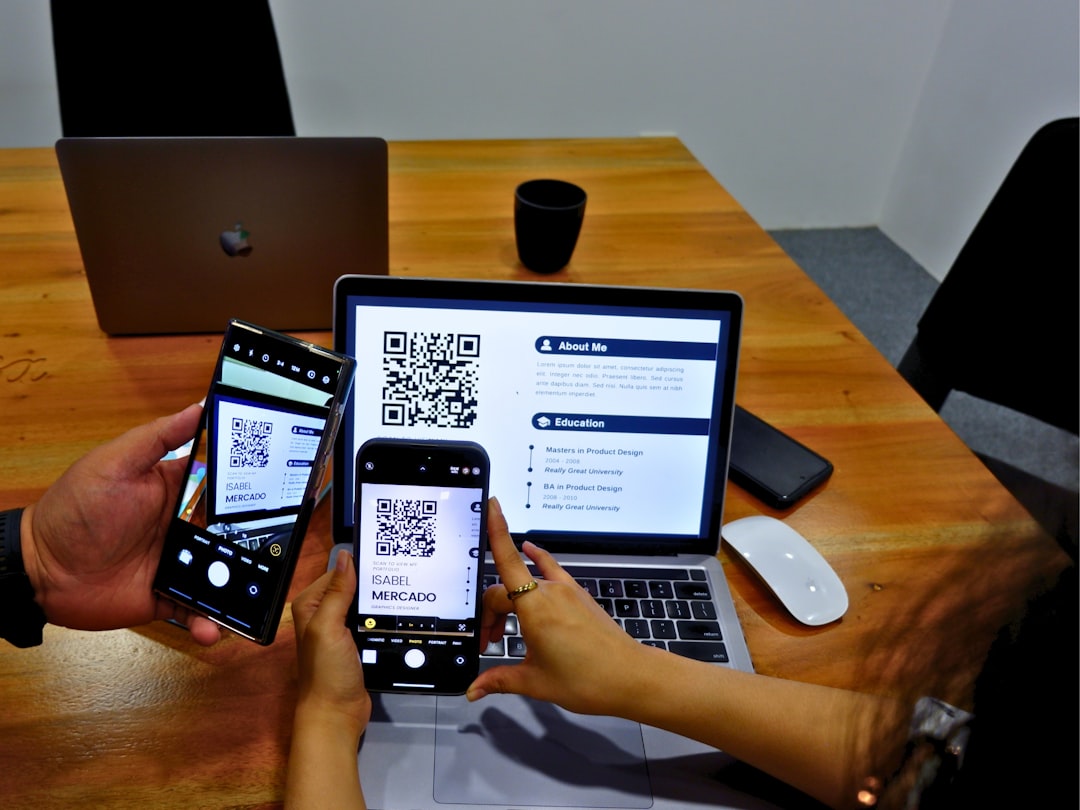
This instantaneous insight made it easy for teams to iterate quickly. Instead of sending mockups back and forth between design and QA, issues were flagged and resolved during the design stage itself, greatly accelerating the feedback cycle.
Implementation: Restoring WCAG Compliance Step by Step
One real-world case saw a leading healthcare app—critical for visually impaired users—using Stark to rectify dozens of WCAG violations during a mid-cycle update. Here’s how the development team systematically regained compliance:
- Audit Phase: Using Stark’s browser extension and plugin within Figma, they scanned all user interface elements, from login screens to appointment scheduling forms, and compiled a list of violations.
- Design Adjustment: Stark provided L*a*b* (lightness, a* and b* color axes) values and color alternatives that design teams could use to replace non-compliant elements while maintaining brand integrity.
- Collaborative Testing: Cross-functional teams (devs, designers, QA) tested updated components using actual assistive tech (screen readers, high-contrast mode, color filters).
- Deployment and Feedback: After staging rollouts, real users with visual impairments were invited to provide feedback. Stark was kept active for incremental updates.
This iterative approach ensured not just a patchwork fix but a robust accessibility foundation moving forward.
Beyond Contrast: Stark’s Broader Accessibility Features
Once developers grew familiar with Stark’s contrast features, they started leveraging its broader set of tools for mobile accessibility, such as:
- Color blindness simulators: Helping teams understand how users with different types of color vision perceive the interface.
- Accessibility annotation tools: Allowing designers to leave notes on what accessibility features are embedded.
- Focus order validation: Ensuring screen readers follow a logical UI path for efficient navigation.
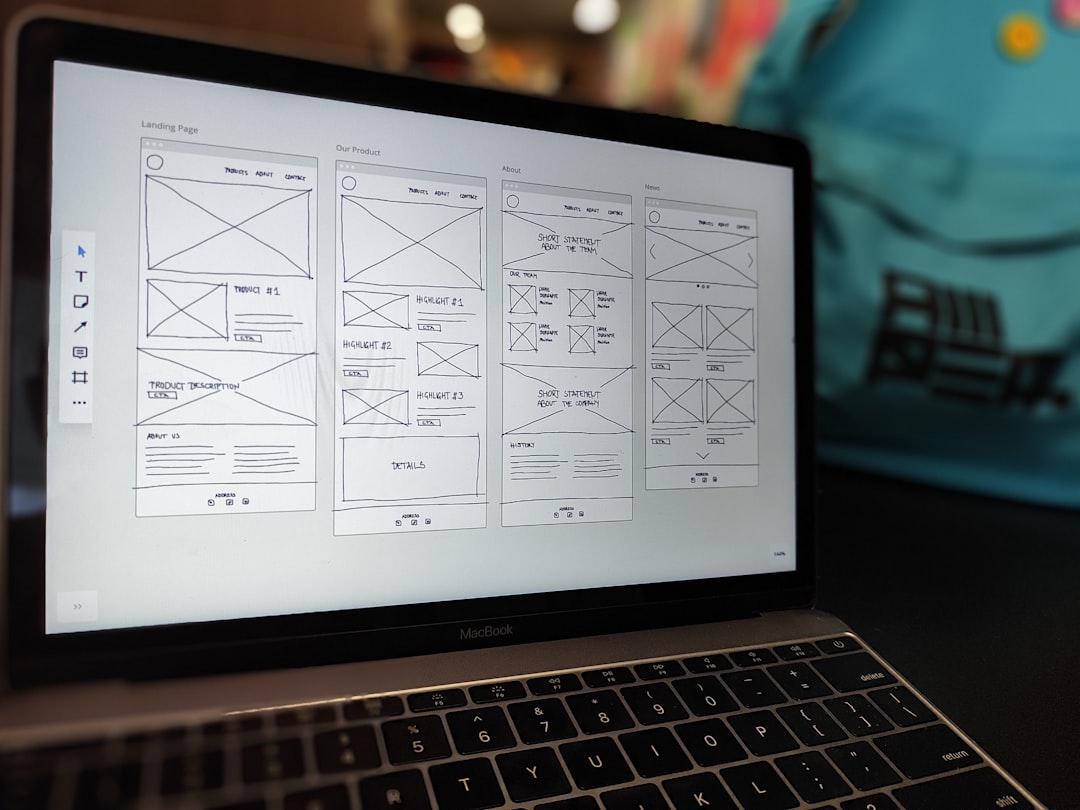
This holistic approach turned a once-reactive process (fixing after user complaints) into a proactive culture of inclusive design from the start.
Benefits Realized: From Users to Bottom Line
The initial goal for many developers was simply compliance. But the return on investment quickly became evident:
- Improved user retention among niche but loyal users who faced previous accessibility barriers.
- Positive App Store ratings and reviews highlighting accessible features.
- Reduced legal risk related to non-compliance issues under ADA and international accessibility laws.
- Organic word-of-mouth growth among networks of users who rely on compliant apps.
In diverse markets, accessibility isn’t just “nice to have”—it’s a competitive advantage.
Lessons Learned and Best Practices
For teams seeking to adopt or improve their accessibility culture, here are several key takeaways:
- Start with contrast: It’s the easiest to detect, fix, and quantify.
- Integrate accessibility tools early: Don’t wait for QA or user feedback to surface issues.
- Involve people who rely on accessibility: Their feedback is invaluable and often overlooked.
- Educate design and dev teams continuously: Accessibility guidelines evolve—so should practices.
- Leverage tools like Stark: Let automation and smart analysis handle the heavy lifting.
The Future of Mobile App Accessibility
As mobile ecosystems evolve, so too must accessibility practices. Apple’s and Google’s respective accessibility toolkits grow stronger with each update, and legislation worldwide continues to push the bar higher.
Tools like Stark are just the beginning. The future might include AI-based audits, voice-assisted development recommendations, or real-time accessibility scoring integrated into build pipelines. What’s clear is that accessibility, once a developer afterthought, is now a core developer responsibility.
And when empowered with the right tools, teams can not only meet accessibility standards but design a digital world where everyone—regardless of ability—can participate fully.
