
Best Video Makers for Professional Quality Results
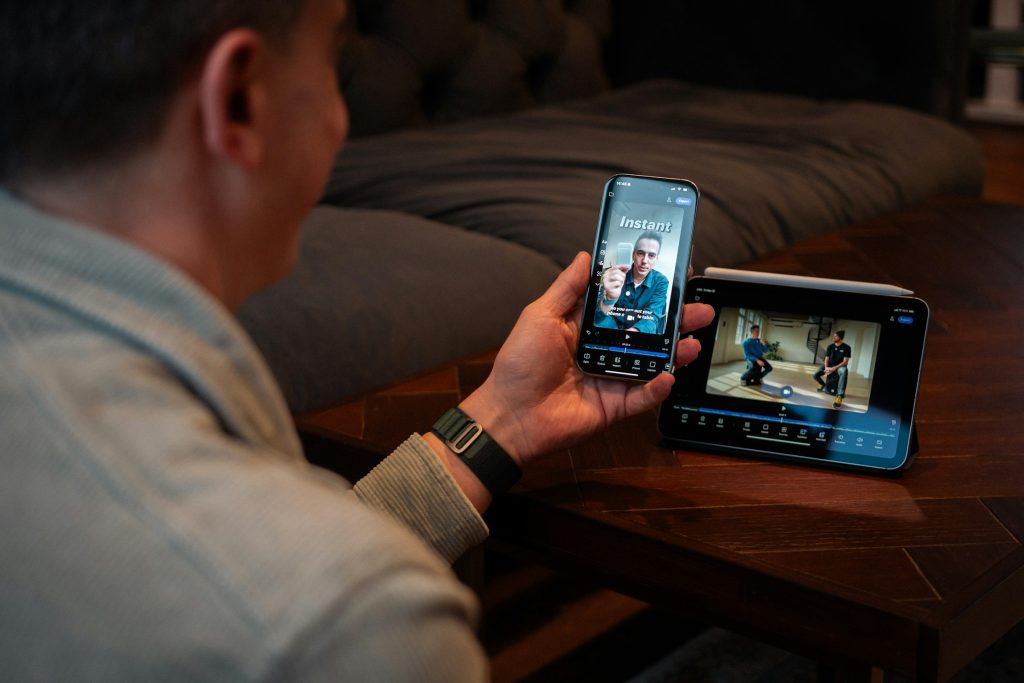
Professional video production is no longer limited to massive studios with Hollywood-sized budgets. Today, businesses, marketers, content creators, and filmmakers all rely on powerful video maker tools to produce stunning visuals, compelling stories, and polished final cuts. The right software can dramatically improve workflow efficiency, creative control, and output quality—whether producing social media content, commercials, online courses, or cinematic films.
TLDR: The market offers a wide range of professional video makers suited for different skill levels and production goals. From industry-standard software like Adobe Premiere Pro and DaVinci Resolve to user-friendly platforms like Filmora and Camtasia, there is a solution for every creator. Choosing the best tool depends on editing depth, budget, collaboration needs, and output quality expectations. This guide compares the top 15 video makers and highlights their strengths to help professionals make informed decisions.
What Makes a Professional Video Maker?
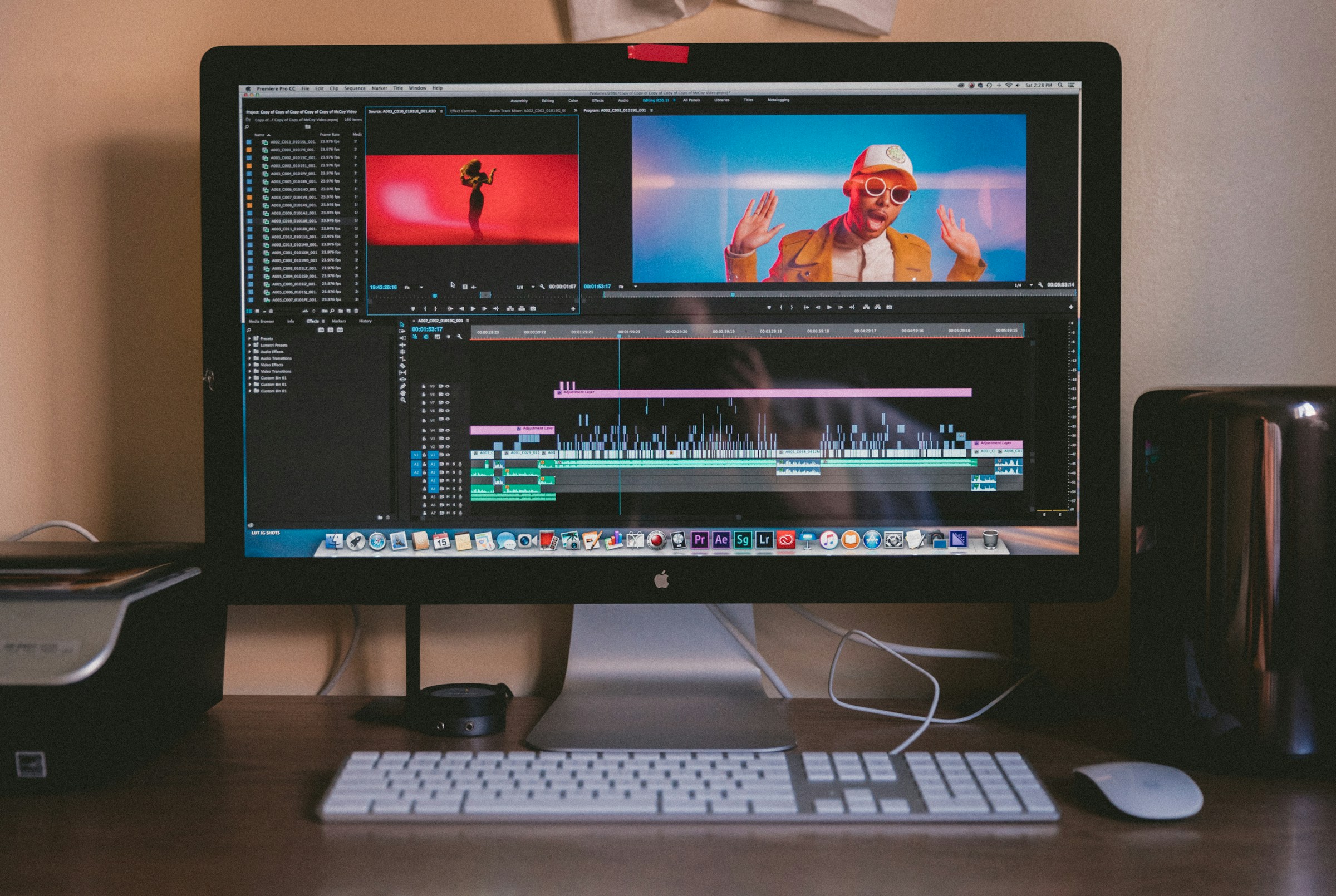
A professional video maker typically includes advanced editing timelines, color grading tools, audio mixing features, visual effects capabilities, high-resolution export options, and collaboration support. Many also integrate AI-powered automation to streamline editing workflows.
Key features to look for include:
- Multi-track timeline editing
- 4K or higher export resolution
- Advanced color correction and grading
- Audio mixing and noise reduction
- Motion graphics and visual effects integration
- Collaboration and cloud storage options
Top 15 Video Makers for Professional Quality Results
1. Adobe Premiere Pro
An industry-standard editing platform widely used in film, television, and online media. It provides seamless integration with Adobe Creative Cloud, advanced timeline editing, and exceptional flexibility.
2. Final Cut Pro
Designed exclusively for macOS, Final Cut Pro offers optimized performance, magnetic timeline editing, and powerful media organization tools ideal for professional editors.
3. DaVinci Resolve
Renowned for its superior color grading tools, DaVinci Resolve combines editing, color correction, visual effects, and audio post-production in a single platform.
4. Avid Media Composer
Trusted by Hollywood studios, Avid Media Composer excels in collaborative editing workflows and high-end film production environments.
5. Vegas Pro
A user-friendly solution packed with professional-level features such as motion tracking, HDR color support, and AI-assisted tools.
6. HitFilm Pro
Ideal for creators who want built-in visual effects capabilities, HitFilm Pro offers compositing tools alongside standard editing features.
7. Filmora
A balance between simplicity and power, Filmora is suitable for creators who need professional-looking videos without a steep learning curve.
8. Camtasia
Best known for screen recording and tutorial creation, Camtasia is widely used by educators and corporate trainers.
9. CyberLink PowerDirector
Offers fast rendering speeds and AI-driven enhancements, making it ideal for efficient professional projects.
10. Pinnacle Studio
Provides advanced editing capabilities at a more accessible price point, including multi-camera editing support.
11. Lightworks
A long-standing editing software used in feature films, known for real-time effects and advanced trimming tools.
12. Blender
While primarily known for 3D animation, Blender also features a capable video sequence editor suitable for complex creative projects.
13. iMovie
Though more basic, iMovie can still deliver high-quality outputs for smaller professional projects within Apple ecosystems.
14. Kapwing
A browser-based editor ideal for collaborative teams producing online and social media content.
15. InVideo
Geared toward marketers and businesses, InVideo offers customizable templates and AI-assisted editing tools.
Comparison Chart
| Software | Best For | Skill Level | Platform | Key Strength |
|---|---|---|---|---|
| Adobe Premiere Pro | Professional Editing | Advanced | Windows/Mac | Industry-standard integration |
| Final Cut Pro | Mac Users | Advanced | Mac | Optimized performance |
| DaVinci Resolve | Color Grading | Advanced | Windows/Mac/Linux | Superior color tools |
| Avid Media Composer | Film Studios | Advanced | Windows/Mac | Collaboration workflows |
| Filmora | Content Creators | Beginner-Intermediate | Windows/Mac | Ease of use |
| Camtasia | Tutorials | Beginner | Windows/Mac | Screen recording |
| HitFilm Pro | Visual Effects | Intermediate | Windows/Mac | Built-in VFX |
How to Choose the Right Video Maker
Selecting the ideal platform depends on production goals and workflow requirements. A filmmaker producing full-length features may prioritize high-end collaboration tools and cinematic color grading. A marketing team, on the other hand, might prioritize template libraries and speed.
- Budget: Subscription-based tools like Premiere Pro may be costlier long term.
- Hardware: High-end programs require powerful processors and ample RAM.
- Ease of Use: Simpler interfaces speed up turnaround time for smaller teams.
- Output Needs: Ensure the software supports desired formats and resolutions.
Emerging Trends in Professional Video Editing
The industry continues evolving with cutting-edge technologies. AI-assisted editing now automates repetitive tasks like scene detection, object tracking, subtitle generation, and audio syncing. Cloud-based collaboration is becoming essential for remote production teams. Additionally, virtual production and real-time rendering are reshaping film and advertising workflows.
Modern creators increasingly prioritize:
- Cloud collaboration features
- AI automation tools
- Advanced motion graphics integration
- VR and 360-degree editing capabilities
Final Thoughts
Professional-quality video production requires more than talent—it depends on powerful tools that support creativity and technical precision. Whether editing cinematic productions, marketing campaigns, or educational content, selecting the right video maker significantly impacts efficiency and final output quality. By comparing features, pricing, and workflow compatibility, creators can confidently invest in a platform that meets their professional standards.
Frequently Asked Questions (FAQ)
1. What is the best video maker for professional filmmakers?
Adobe Premiere Pro, Avid Media Composer, and DaVinci Resolve are commonly used by professional filmmakers due to their advanced editing capabilities and integration features.
2. Which video editing software is best for beginners but still professional?
Filmora and Camtasia offer user-friendly interfaces while providing enough advanced tools for high-quality output.
3. Is DaVinci Resolve really free?
Yes, there is a free version with robust features. However, the Studio version offers additional advanced tools.
4. What computer specifications are needed for professional video editing?
A powerful multi-core processor, at least 16GB of RAM (32GB preferred), a dedicated GPU, and fast SSD storage are recommended.
5. Can browser-based video makers produce professional results?
Yes, platforms like Kapwing and InVideo can produce professional content, especially for online and marketing purposes, though they may lack deep cinematic editing tools.
6. Which video editor is best for YouTube professionals?
Premiere Pro, Final Cut Pro, and DaVinci Resolve are widely used by professional YouTubers due to their flexibility and performance.
7. Are subscription-based tools better than one-time purchases?
Subscription tools offer continuous updates and cloud integration, while one-time purchases may be more cost-effective for long-term use without ongoing upgrades.
