
Time Series Forecasting Apps That Help You Predict Demand And Trends
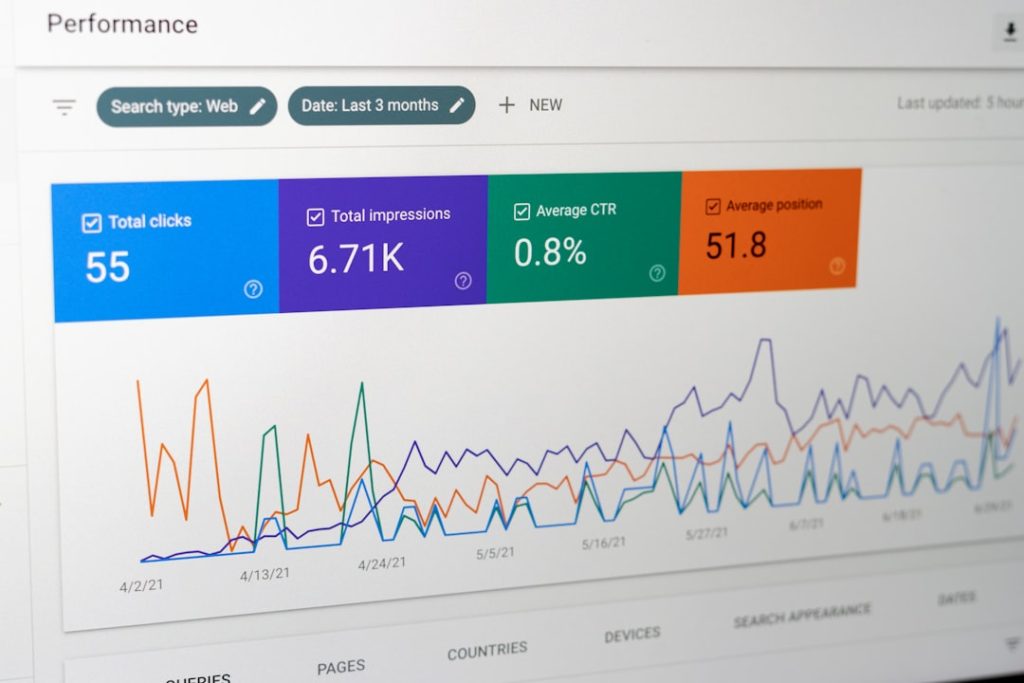
Predicting the future sounds like magic. But in business, it is often just math. Time series forecasting apps help you look at past data and spot patterns. They turn numbers into insights. And they help you make smarter decisions about demand, sales, staffing, and trends.
TLDR: Time series forecasting apps analyze past data to predict future demand and trends. They help businesses plan inventory, staffing, marketing, and budgets with more confidence. Modern tools are easy to use and often powered by AI. Even small businesses can now access powerful forecasting features without needing a data science degree.
Let’s break it down. In a simple and fun way.
What Is Time Series Forecasting?
A time series is just data collected over time.
- Daily sales numbers
- Weekly website visitors
- Monthly revenue
- Yearly temperature averages
When you arrange this data by date, you get a timeline. That timeline often shows patterns.
For example:
- Ice cream sales go up in summer.
- Retail sales spike during holidays.
- Gym memberships rise in January.
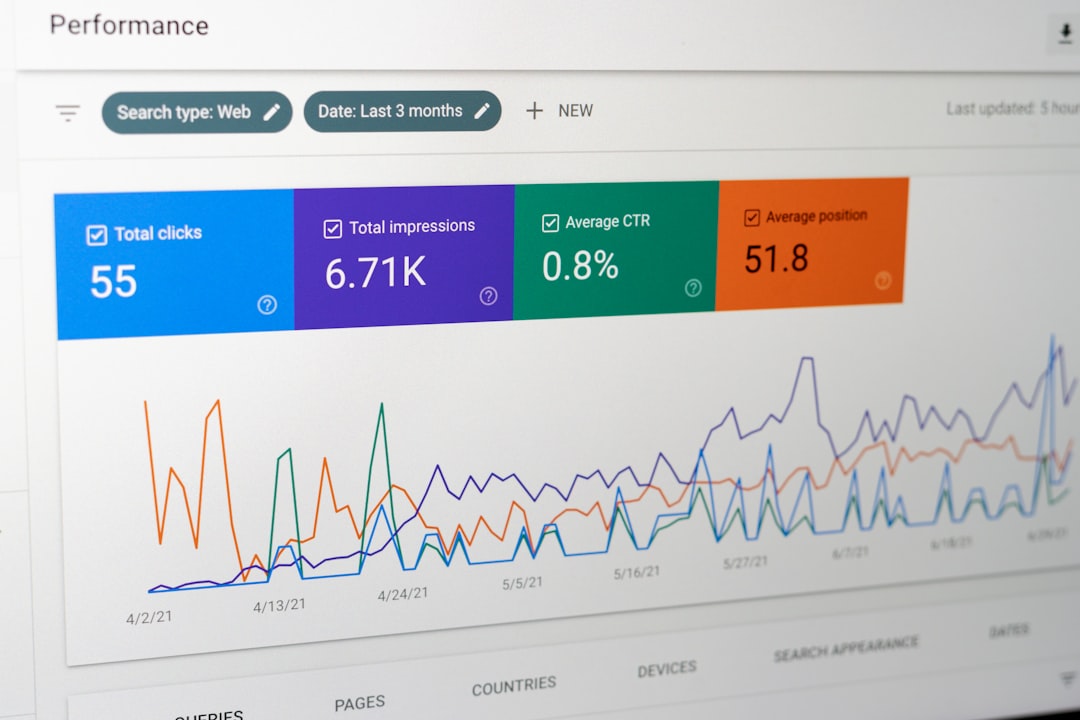
Time series forecasting apps study these patterns. Then they predict what might happen next.
It is like looking in the rearview mirror to help steer forward.
Why Demand Forecasting Matters
Imagine running a store.
If you order too much stock, you waste money. If you order too little, you lose sales.
Forecasting reduces this guessing game.
Good forecasts help you:
- Plan inventory smarter
- Avoid stockouts
- Reduce waste
- Schedule staff efficiently
- Budget more accurately
- Spot trends before competitors
It lowers stress. And increases profits.
How These Apps Actually Work
You do not need to be a statistician. But here is the simple version.
Most forecasting apps use:
- Historical data – what happened before
- Statistical models – math formulas that find patterns
- Machine learning – systems that learn and improve over time
They look for:
- Trends – long-term movement up or down
- Seasonality – repeating patterns
- Cyclical changes – longer economic swings
- Random noise – unpredictable bumps
Then they generate predictions. Sometimes with confidence ranges.
So instead of guessing next month’s sales will be “around 1,000,” you get something like:
Forecast: 1,150 units (±100 units)
That extra clarity is powerful.
Top Time Series Forecasting Apps
Now let’s explore some popular tools. These range from beginner-friendly to advanced.
1. Microsoft Power BI
Power BI is known for data visualization. But it also has built-in forecasting tools.
Best for: Businesses already using Microsoft products.
Why people like it:
- Easy integration with Excel
- Clean dashboards
- Drag-and-drop interface
- Automatic forecasting in charts
You can create a line chart. Click forecast. And see projections instantly.
2. Tableau
Tableau makes data look beautiful. It also handles forecasting well.
Best for: Visual thinkers and data teams.
- Strong visualization features
- Simple forecasting controls
- Handles large datasets
- Interactive dashboards
It uses exponential smoothing models behind the scenes. But you do not need to know the math. Just adjust sliders.
3. Forecast (by Salesforce ecosystem tools)
This type of tool connects directly to your sales pipeline.
Best for: Sales teams.
- Predicts revenue based on deals
- Tracks team performance
- Adjusts forecasts in real time
- Works well with CRM data
It is less about pure statistics. More about sales demand prediction.
4. Amazon Forecast
This is a more advanced tool.
It is powered by the same technology Amazon uses internally.
Best for: Medium to large businesses with technical teams.
- Highly accurate machine learning models
- Handles complex seasonality
- Scales easily
- API-based integration
It requires more setup. But it is powerful.
5. Anaplan
Anaplan focuses on connected planning.
Best for: Finance and supply chain teams.
- Scenario planning
- Collaborative forecasting
- Real-time updates
- Enterprise-level tools
You can model “what if” situations.
What if demand rises 20%? What if shipping delays happen?
It helps you prepare.

Quick Comparison Chart
| Tool | Best For | Ease of Use | Advanced AI | Price Level |
|---|---|---|---|---|
| Power BI | General business users | High | Medium | Low to Medium |
| Tableau | Data visualization teams | Medium | Medium | Medium to High |
| Salesforce Forecasting | Sales teams | High | Medium | High |
| Amazon Forecast | Technical teams | Low to Medium | High | Usage based |
| Anaplan | Enterprise planning | Medium | High | High |
Features To Look For
Not all forecasting apps are equal.
When choosing one, check for:
- Ease of setup
- Data integrations
- Automatic forecasting
- Scenario analysis
- Collaboration tools
- Clear visual dashboards
If you are a small business, simplicity matters most.
If you are an enterprise, scalability and accuracy matter more.
Real-World Use Cases
Let us make this practical.
Retail
A clothing store predicts winter coat demand based on:
- Last year’s sales
- Weather forecasts
- Holiday timing
This prevents overstock. And boosts profit margins.
Ecommerce
An online store forecasts traffic spikes during promotions.
It prepares:
- Extra inventory
- Customer service staff
- Server capacity
No crashes. No angry customers.
Food Industry
Restaurants forecast ingredient demand.
They reduce food waste. And save money.
Finance
Finance teams forecast cash flow.
They plan investments and expenses more confidently.

Common Mistakes To Avoid
Forecasting is powerful. But not perfect.
Here are common mistakes:
- Using too little historical data
- Ignoring sudden market changes
- Trusting forecasts blindly
- Not updating models regularly
- Forgetting external factors like weather or economy
Forecasts are guides. Not guarantees.
Think of them as weather forecasts. Often accurate. Sometimes wrong.
The Rise of AI in Forecasting
Artificial intelligence changed the game.
Traditional models required manual tuning. Experts had to adjust parameters.
Now, AI can:
- Detect hidden patterns
- Adjust automatically
- Handle massive datasets
- Improve over time
This means small businesses now access tools that were once only for big corporations.
That is exciting.
Is It Hard To Get Started?
Not anymore.
Here is a simple path:
- Collect clean historical data.
- Upload it into a forecasting app.
- Visualize trends.
- Turn on forecasting features.
- Compare predictions to real results.
- Adjust and improve.
Start small. Even forecasting weekly sales is a win.
You do not need perfect data. You just need consistent data.
The Future of Demand Prediction
Forecasting tools are getting smarter every year.
We are seeing:
- Real-time predictions
- Automated decision systems
- Integration with IoT devices
- Hyper-personalized demand predictions
Imagine software that not only predicts demand. But automatically places orders.
That future is already starting.
Final Thoughts
Time series forecasting apps turn past data into future insight.
They reduce risk. Improve planning. And increase profits.
You do not need to be a math genius. Modern tools are friendly. Visual. Smart.
Start simple. Track your numbers. Test predictions.
Because in business, the best advantage is not guessing better.
It is predicting smarter.
