
7 Replit AI Alternatives for Coding, Testing, and Prototyping Apps

Modern development teams increasingly rely on AI-assisted coding platforms to accelerate software delivery, reduce errors, and prototype ideas quickly. While Replit AI has gained popularity for its in-browser coding and collaboration features, it is far from the only serious option available. Developers, startups, and enterprises alike are exploring robust alternatives that offer enhanced code generation, integrated testing, deeper IDE support, and scalable deployment capabilities.
TLDR: There are several powerful alternatives to Replit AI that support intelligent coding, testing, and application prototyping. Tools such as GitHub Copilot, Codeium, Cursor, Tabnine, Amazon CodeWhisperer, CodeSandbox AI, and JetBrains AI Assistant offer strong capabilities across cloud development, IDE integration, and team collaboration. The best choice depends on your workflow, security requirements, supported languages, and whether you prioritize browser-based or local development environments. Evaluating these solutions carefully can significantly improve productivity and software quality.
Why Look Beyond Replit AI?
Replit AI provides convenience and accessibility, particularly for beginners and rapid prototyping. However, organizations with stricter security requirements, established workflows, or a preference for traditional IDEs often need more specialized solutions. The main criteria developers consider when evaluating alternatives include:
- IDE integration (VS Code, JetBrains, Neovim)
- AI-powered code completion and refactoring
- Automated testing assistance
- Cloud vs. local development flexibility
- Collaboration and version control compatibility
- Enterprise-grade security and compliance
Below are seven serious alternatives that stand out for coding, testing, and prototyping modern applications.
1. GitHub Copilot
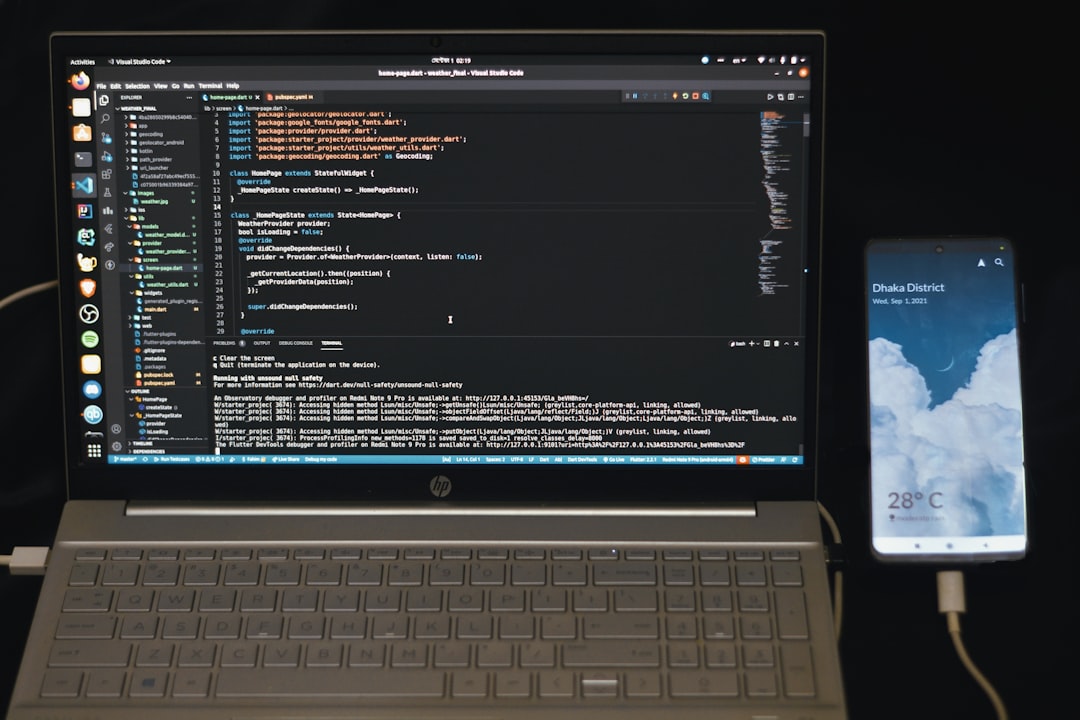
GitHub Copilot, powered by OpenAI models, is one of the most widely adopted AI coding assistants. It integrates seamlessly with Visual Studio Code, JetBrains IDEs, and Neovim.
Key strengths:
- Context-aware code completion
- Whole-function and multi-line suggestions
- Automated test generation support
- Enterprise security controls
Copilot excels in professional environments where version control, CI/CD pipelines, and large repositories are involved. It is particularly effective for generating boilerplate, documentation comments, and unit test scaffolding.
Best for: Professional developers and engineering teams deeply integrated with GitHub.
2. Codeium
Codeium is a fast-growing AI coding platform that offers free plans and wide IDE compatibility. It emphasizes speed and language coverage.
Key strengths:
- Supports 70+ programming languages
- IDE plugins for VS Code, JetBrains, and more
- Context-aware chat interface
- Free tier for individuals
Codeium stands out for accessibility without sacrificing performance. It is well suited for freelancers, startups, and developers experimenting with rapid application prototypes.
Best for: Developers who want broad language support and cost-effective AI assistance.
3. Cursor
Cursor is an AI-first code editor built around intelligent programming workflows. Unlike plugins bolted onto existing IDEs, Cursor is designed from the ground up to integrate conversational AI with editing.
Image not found in postmetaKey strengths:
- Embedded AI chat linked directly to code context
- Semantic search across entire codebases
- Refactoring suggestions
- Strong support for large projects
Cursor is attractive for developers looking to rethink how they interact with code. Its inline chat-function-edit workflow makes architectural refactoring and debugging faster than traditional environments.
Best for: Developers who want an AI-native coding experience rather than a plugin-based one.
4. Tabnine
Tabnine focuses heavily on privacy and enterprise readiness. Its AI models can be run locally or in a secure environment, which makes it attractive to regulated industries.
Key strengths:
- Private code model training
- On-premises deployment options
- Team learning capabilities
- Fast inline code suggestions
For organizations hesitant to send proprietary source code to external servers, Tabnine offers more control compared to cloud-only assistants.
Best for: Enterprises with strict data security and compliance requirements.
5. Amazon CodeWhisperer
Amazon CodeWhisperer integrates closely with AWS services and development workflows. It is optimized for generating cloud-native applications.
Key strengths:
- AWS service integration
- Security vulnerability detection
- Real-time code suggestions
- IAM-based access controls
For teams heavily invested in AWS infrastructure, CodeWhisperer can automatically generate configurations, serverless functions, and infrastructure-related code snippets.
Best for: Cloud-native development teams working within AWS ecosystems.
6. CodeSandbox AI
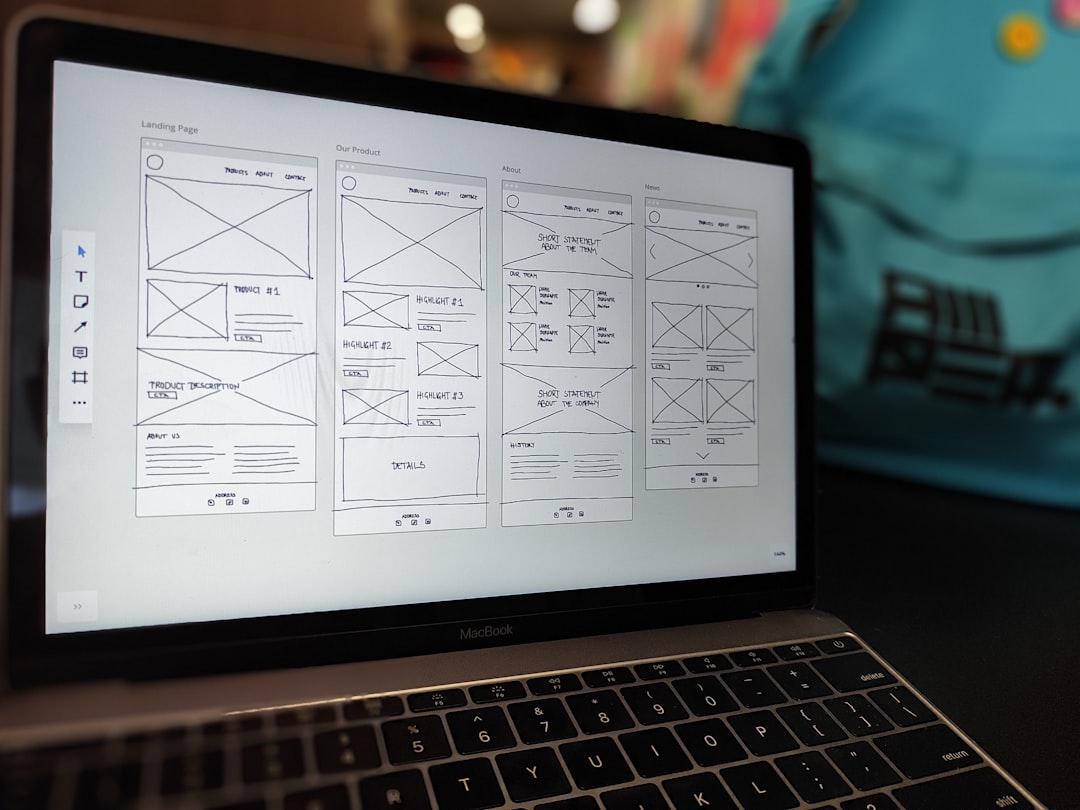
CodeSandbox AI extends the popular browser-based development platform with intelligent coding and instant preview capabilities. It is excellent for front-end frameworks and UI prototyping.
Key strengths:
- Instant deployment previews
- Collaborative browser-based editing
- Framework templates (React, Vue, Next.js)
- Fast prototyping for UI applications
Unlike traditional IDE-based assistants, CodeSandbox AI shines in collaborative environments where designers, developers, and product managers iterate rapidly.
Best for: Front-end teams and startups validating UI concepts quickly.
7. JetBrains AI Assistant
JetBrains AI Assistant integrates directly into IntelliJ IDEA, PyCharm, WebStorm, and other JetBrains IDEs. It complements the already powerful code intelligence tools built into JetBrains products.
Key strengths:
- Deep IDE integration
- Advanced refactoring support
- Automatic documentation generation
- Database query assistance
JetBrains AI Assistant benefits from the sophisticated static analysis capabilities of its host IDEs, making its insights particularly relevant and precise.
Best for: Developers already committed to JetBrains ecosystems.
Comparison Chart
| Tool | Primary Environment | Security Focus | Best For | Cloud or Local |
|---|---|---|---|---|
| GitHub Copilot | VS Code, JetBrains | Enterprise Controls | Professional teams | Cloud-based |
| Codeium | Multiple IDEs | Standard Controls | Freelancers, startups | Cloud-based |
| Cursor | Standalone Editor | Project-level Controls | AI-native workflows | Hybrid |
| Tabnine | Multiple IDEs | On-premises Options | Regulated industries | Local or Cloud |
| Amazon CodeWhisperer | AWS-integrated IDEs | IAM Security | AWS teams | Cloud-based |
| CodeSandbox AI | Browser-based | Workspace Controls | Front-end prototyping | Cloud-based |
| JetBrains AI Assistant | JetBrains IDEs | IDE-level Controls | Advanced developers | Hybrid |
How to Choose the Right Alternative
Selecting the right tool depends on your specific development context. Consider the following:
- For rapid experimentation: Browser-based solutions like CodeSandbox AI provide immediate feedback and eliminate setup friction.
- For enterprise compliance: Tabnine or GitHub Copilot Enterprise offer structured governance.
- For cloud-native applications: Amazon CodeWhisperer delivers AWS-focused optimization.
- For full IDE power: JetBrains AI Assistant or Copilot provide deeper integration.
Additionally, evaluate trial periods, enterprise pricing models, and team onboarding requirements before committing.
Final Thoughts
The market for AI-assisted development tools has matured significantly. While Replit AI remains an accessible and capable platform, especially for education and lightweight cloud development, the alternatives discussed above offer stronger specialization, scalability, and control.
Rather than selecting a tool based solely on popularity, organizations should assess long-term maintainability, compliance requirements, integration with existing workflows, and collaboration needs. When implemented thoughtfully, AI coding assistants can reduce development time, improve testing coverage, and streamline prototyping cycles.
Choosing the right alternative is not merely a productivity decision—it is a strategic technology investment.
